13 Best Sales Operations Tools in 2026 (Ranked)
Compare 13 essential sales ops tools, from CRM and automation to data platforms, to streamline your sales process and boost efficiency.
Sales operations is the engine that drives revenue, and the right tools are the fuel. In today's competitive landscape, manual processes, messy data, and disjointed workflows don't just slow you down; they actively cost you deals. An efficient sales operations tech stack automates repetitive work, provides clear visibility into the pipeline, and empowers reps to focus on what they do best: selling.
This guide cuts through the noise to showcase the essential sales operations tools that solve real-world problems. We move beyond generic feature lists to provide practical use cases, honest pros and cons, and implementation advice to help you build a high-performance sales machine.
You will find a comprehensive, categorized roundup of solutions for every stage of the sales process. We cover everything from core CRM platforms and data enrichment providers to automation and forecasting software. Each entry includes screenshots and direct links, giving you the information needed to evaluate which platforms are right for your specific needs.
Whether you're a startup founder building a stack from scratch, a RevOps administrator aiming to improve data quality, or a sales manager looking to boost rep productivity, this list is your blueprint. Discover the tools that will help you refine routing logic, clean up your CRM data, accelerate prospecting efforts, and ultimately make a tangible impact on your bottom line. We will explore how platforms like Add to CRM fit into a modern stack to eliminate manual data entry and streamline prospect management. Let's dive in.
1. Add to CRM
Add to CRM stands out as a premier sales operations tool designed to solve one of the most persistent bottlenecks in the sales process: manual data entry. It operates as a powerful Chrome extension that integrates directly with a user's workflow on professional networking sites, Gmail, or Outlook, allowing for the one-click creation of clean, enriched CRM records. This eliminates the tedious copy-paste routine that consumes hours of a sales rep's time, enabling teams to focus on revenue-generating activities instead of data administration.
The platform’s strength lies in its dual-functionality. It not only captures a prospect’s information but also enriches it with 31 distinct data points, including verified contact details sourced from a database of over 220 million professionals. Its real-time email verification boasts a ~96% accuracy rate, significantly improving outbound campaign deliverability and reducing bounce rates.
Core Features and Use Cases
- One-Click Prospecting: SDRs and AEs can instantly create a lead or contact in their CRM (from over 27 supported platforms) without leaving the prospect's profile page or email inbox. This dramatically accelerates prospecting speed and pipeline generation.
- Data Enrichment & Verification: When a contact is added, the tool automatically appends crucial firmographic and demographic data like company revenue, industry, employee count, and seniority. This provides immediate context for qualification and personalization.
- CRM Data Hygiene: A critical feature for RevOps teams is the built-in duplicate check. Before creating a new record, the extension scans your CRM to see if the contact already exists, preventing data clutter and ensuring a single source of truth. The ability to map to custom fields further enforces data consistency across the organization.
Why It's a Top Choice
Add to CRM is an essential component of a modern sales operations toolkit because it directly addresses efficiency and data quality at the top of the funnel. Its transparent, credit-based pricing model, which includes a functional Free tier (10 credits/month), makes it accessible for individuals and scalable for growing teams. The Standard plan (£12/month) offers 100 credits, while the Pro plan (£45/month) provides 500 credits and dedicated onboarding, making it a cost-effective solution for teams of all sizes.
Website: https://addtocrm.com
2. Salesforce Sales Cloud
As the dominant enterprise CRM, Salesforce Sales Cloud is often the central nervous system for a mature sales operations team. It's more than a database; it’s a platform for managing the entire sales cycle, from lead assignment and pipeline tracking to complex forecasting and revenue intelligence. Its true power lies in its deep customization capabilities, allowing sales ops to build intricate workflows, approval processes, and data validation rules that enforce business logic at scale.
For sales operations professionals, Salesforce is the foundational layer upon which other sales operations tools are built. The platform's real strength comes from its vast AppExchange ecosystem and robust APIs, enabling seamless integration with specialized tools for enrichment, engagement, and analytics. While the initial setup can be complex and requires significant expertise, the payoff is a highly tailored system that can support thousands of users across global teams.
Core Use Cases & Features
- Pipeline & Forecast Management: Granular control over sales stages, opportunity fields, and forecasting categories.
- Deep Customization: Use Process Builder and Flow to automate almost any sales process without writing code.
- Revenue Cloud: Native add-ons for CPQ (Configure, Price, Quote) and billing streamline the quote-to-cash process.
- Ecosystem Integration: Connect virtually any tool via the AppExchange, creating a unified tech stack.
Pros & Cons
| Pros | Cons |
|---|---|
| Unmatched scalability for enterprise needs. | High cost, especially with necessary add-ons. |
| The richest third-party app ecosystem. | Requires significant configuration and admin resources. |
| Advanced security and administrative controls. | User interface can feel complex for new reps. |
Pricing & Implementation
Pricing starts at $25/user/month for the Essentials edition but scales significantly. The Enterprise ($150/user/month) and Unlimited ($300/user/month) tiers unlock the advanced features most sales ops teams require. Implementation is a non-trivial project often requiring certified consultants. For those new to the platform, understanding how a CRM like this fits into your strategy is crucial; you can learn more about how to use CRMs effectively.
Website: https://www.salesforce.com/sales/pricing/
3. HubSpot Sales Hub
HubSpot Sales Hub has carved out a significant niche as the all-in-one CRM platform for SMB and mid-market teams that prioritize ease of use and rapid implementation. Where other systems require deep administrative expertise, HubSpot is designed for sales teams to manage their own processes, from building automated email sequences to tracking deal pipelines. Its user-friendly interface and integrated nature across Marketing, Sales, and Service Hubs make it a powerful, unified platform.
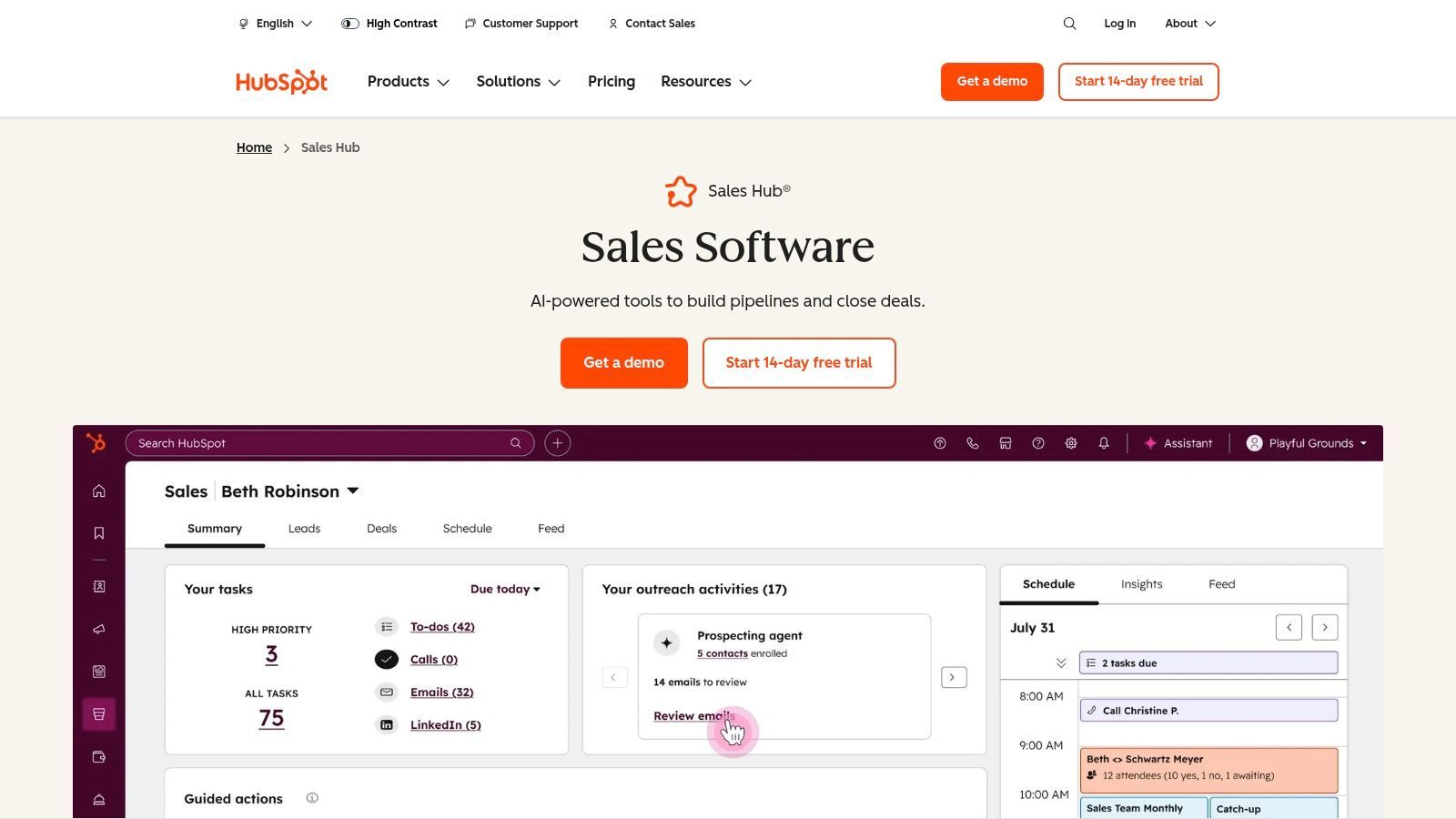
For a sales operations team looking to empower reps with self-service capabilities, HubSpot is an excellent choice. It provides a robust set of sales operations tools right out of the box, including conversation intelligence, forecasting, and reporting, reducing the need for multiple point solutions. The platform’s extensive learning resources via HubSpot Academy ensure that both reps and ops professionals can quickly get up to speed, maximizing time-to-value and adoption across the organization.
Core Use Cases & Features
- Sales Automation & Sequences: Build multi-step email and task sequences to automate prospecting and follow-up.
- Forecasting & Reporting: Create custom dashboards and reports to track pipeline health and team performance.
- Conversation Intelligence: Record, transcribe, and analyze sales calls to provide coaching and uncover insights.
- Integrated Platform: Seamlessly connects with HubSpot's Marketing, Service, and Operations Hubs for a complete view of the customer lifecycle.
Pros & Cons
| Pros | Cons |
|---|---|
| Fast time-to-value with low admin overhead. | Enterprise tier needed for complex governance. |
| Modern user interface and extensive free training. | Pricing and feature boundaries change frequently. |
| All-in-one platform reduces tool fragmentation. | Less customizable than enterprise-grade CRMs. |
Pricing & Implementation
HubSpot offers a free tier with basic tools. Paid plans start with Sales Hub Starter at $15/user/month. The Professional tier ($450/month for 5 users) and Enterprise tier ($1,500/month for 10 users) unlock the advanced automation and reporting features that most sales ops teams require. Implementation is typically faster than enterprise competitors and can often be managed in-house using HubSpot's extensive documentation and support.
Website: https://www.hubspot.com/products/sales
4. Microsoft Dynamics 365 Sales
For organizations deeply embedded in the Microsoft ecosystem, Dynamics 365 Sales presents a compelling alternative to other CRMs. It offers a familiar user experience for those accustomed to Office 365 and Teams, creating a highly integrated workflow that minimizes context switching. Its core strength lies in its native connections to Outlook, Teams, and professional networking sites, making it a powerful platform for relationship-based selling and leveraging network data directly within the CRM.
This tight integration makes it a standout choice for sales operations teams aiming to streamline workflows and drive adoption by meeting reps where they already work. The platform's embedded Copilot AI provides contextual insights, automates administrative tasks, and assists with forecasting, positioning it as a modern CRM built for AI-driven sales processes. As one of the key sales operations tools for Microsoft-centric companies, it provides a unified data and communication foundation.
Core Use Cases & Features
- Salesforce Automation (SFA): Comprehensive lead, opportunity, and account management functionalities across multiple tiers.
- Embedded Copilot AI: Delivers AI-powered insights, activity summaries, and predictive forecasting to guide sellers.
- Native Outlook & Teams Integration: Manage deals, log activities, and collaborate on opportunities without leaving core communication apps.
- Professional Network Integration: Seamless data integration for enriched lead profiles and relationship mapping (requires specific bundles).
Pros & Cons
| Pros | Cons |
|---|---|
| Competitive per-user pricing and familiar UI. | Deep customization often requires partner services. |
| Best-in-class synergy with Microsoft 365. | Advanced bundles and integrations add significant cost. |
| Strong embedded AI and analytics capabilities. | The third-party app ecosystem is smaller than Salesforce's. |
Pricing & Implementation
Pricing begins with the Professional tier at $65/user/month and scales to the Enterprise tier at $95/user/month, which includes more customization and automation features. The premium tiers and bundles that include integration with professional networking sites come at a higher cost and may have user minimums. Implementation can be straightforward for basic setups but often involves Microsoft partners for complex, enterprise-wide deployments.
Website: https://www.microsoft.com/en-us/dynamics-365/products/sales/pricing
5. Outreach
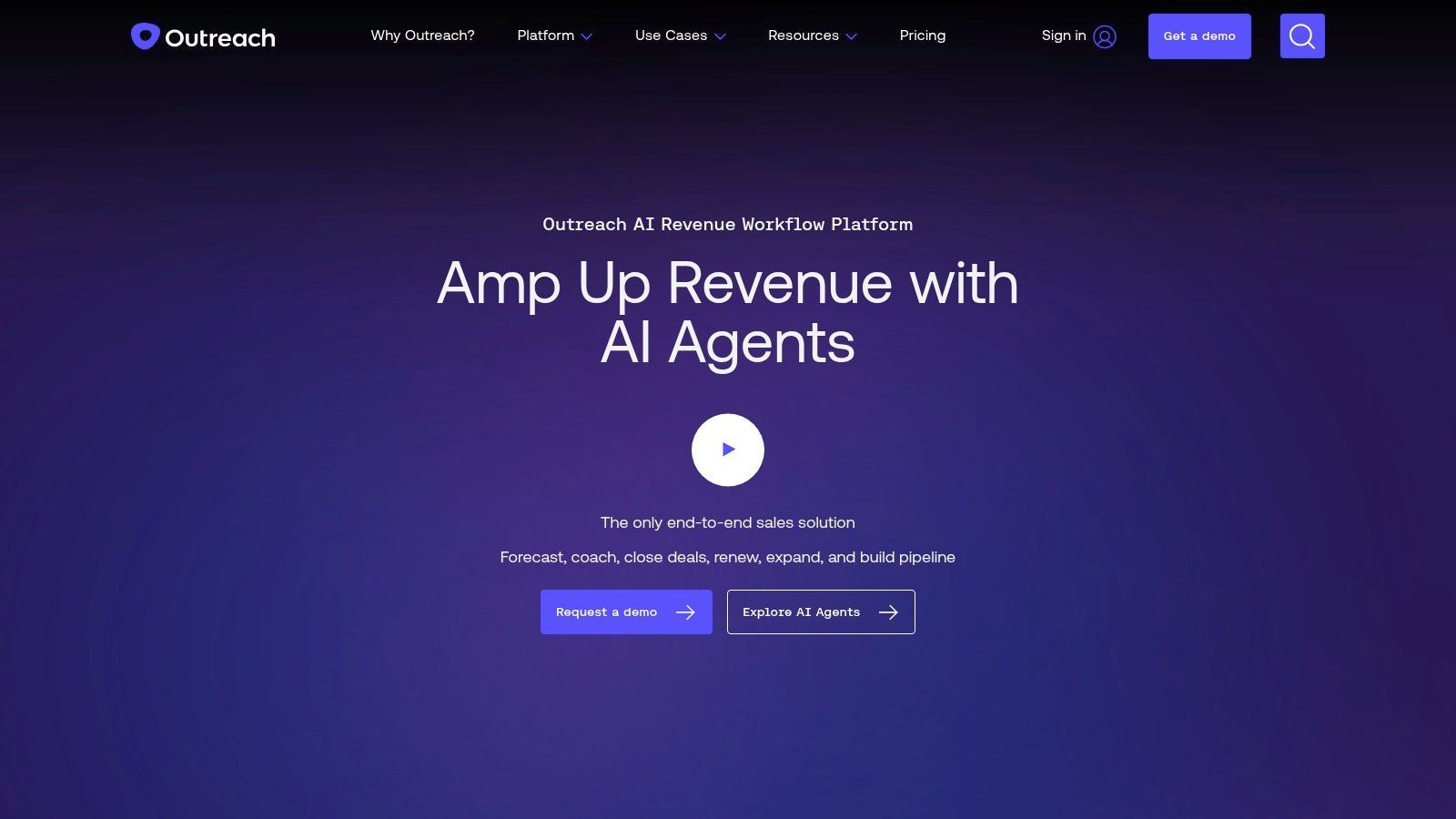
Outreach has evolved from a sales engagement tool into a comprehensive sales execution platform, unifying workflows for SDRs, AEs, and leadership. It centralizes prospecting sequences, deal management, and forecasting into a single interface, aiming to be the primary workspace for revenue teams. For sales operations, Outreach provides a powerful engine for standardizing seller activities, enforcing playbook execution, and gathering critical data on what drives results.
Its core strength is consolidating the entire sales motion, from the first cold email to the final forecast call, reducing the need for reps to toggle between different applications. This unified approach makes it one of the most impactful sales operations tools for organizations looking to scale their outbound and full-cycle sales processes with structured, data-driven cadences and deep CRM synchronization.
Core Use Cases & Features
- Engagement & Automation: Build multi-channel sequences with AI-assisted messaging to standardize prospecting.
- Deal Management: Use deal health scoring, mutual action plans, and pipeline insights to manage opportunities.
- Conversation Intelligence: Analyze sales calls to identify buyer sentiment, key topics, and coachable moments.
- Forecasting & Pipeline Analytics: Consolidate forecasting workflows and analyze pipeline health from within the platform.
Pros & Cons
| Pros | Cons |
|---|---|
| Consolidates prospecting through forecasting in one UI. | Quote-based pricing and platform fees make TCO hard to estimate. |
| Strong AI and automation features in cadences. | Bundles and add-ons can be complex to navigate. |
| Frequent product releases and innovation. | Can be an expensive option for smaller teams. |
Pricing & Implementation
Outreach uses quote-based pricing without a public price list, tailored to team size, feature bundles, and required add-ons. The total cost of ownership can be significant, often including platform fees and charges for specific modules like conversation intelligence. Implementation involves deep integration with your CRM to ensure seamless data flow and governance. Understanding its place in an outbound strategy is key; you can explore a deeper analysis of Outreach and similar outbound tools.
Website: https://www.outreach.io/
6. Clari
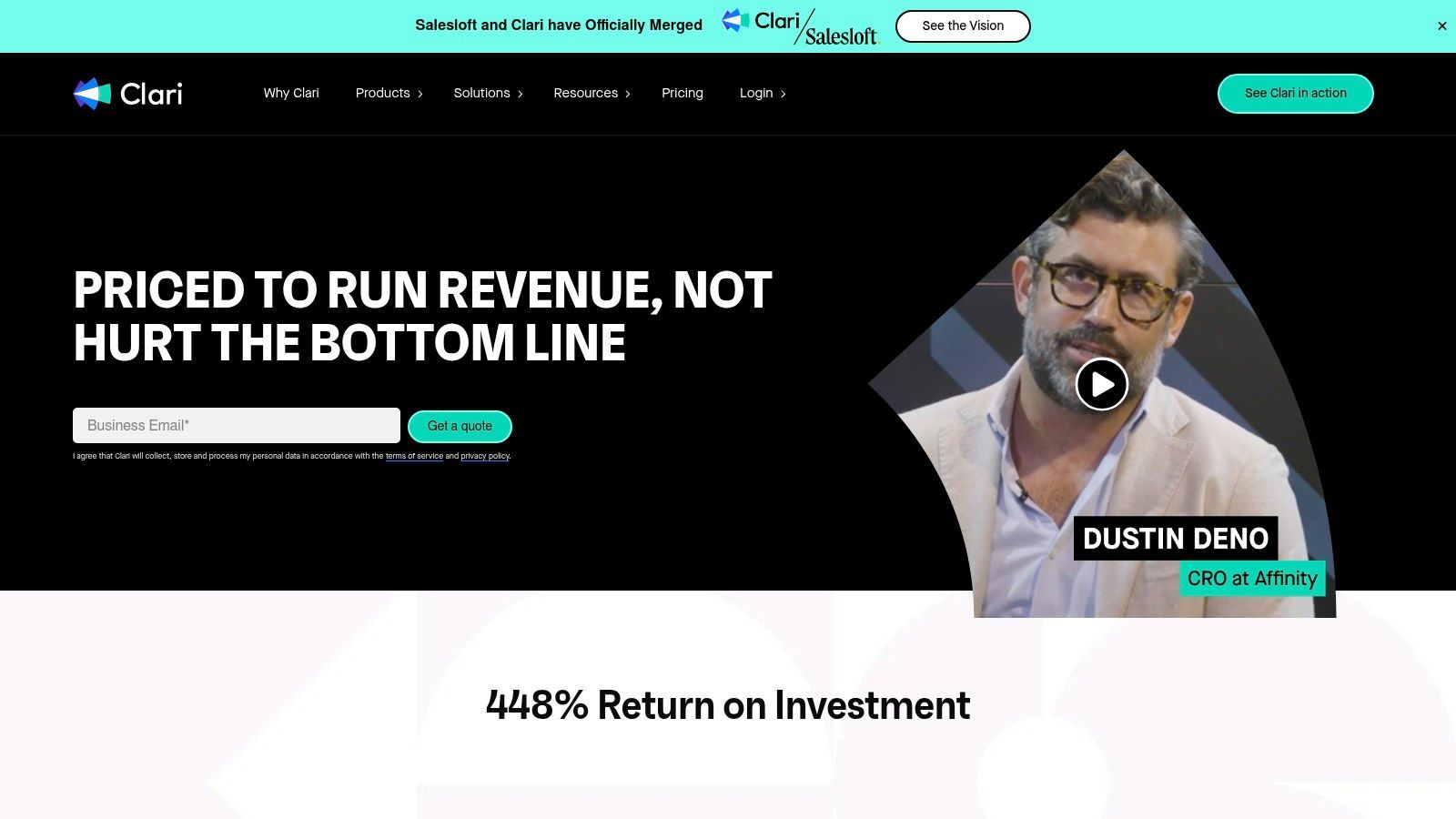
Clari is a purpose-built revenue operations platform designed to bring scientific rigor and predictability to the sales forecasting process. While CRMs hold the data, Clari provides the intelligence layer on top, analyzing pipeline health, deal momentum, and rep activity to produce highly accurate, AI-driven forecasts. It replaces unreliable spreadsheet-based rollups and subjective deal calls with a standardized, data-backed methodology.
For sales operations, Clari is the command center for pipeline inspection and forecast governance. The platform captures a time-series snapshot of your pipeline data, allowing you to see how deals have changed over the quarter and identify at-risk opportunities early. This level of visibility makes it one of the most powerful sales operations tools for instilling discipline and accountability across the entire revenue organization, from the CRO down to individual account executives.
Core Use Cases & Features
- AI-Assisted Forecasting: Utilizes RevAI to analyze historical data and current deal activity to predict revenue outcomes.
- Pipeline Inspection & Management: Provides a "time machine" view of the pipeline to track changes and identify deals that are stalled or at risk.
- Opportunity & Account Engagement: Gathers signals from emails, calendars, and other sources to score deal health automatically.
- Standardized Forecast Calls: Creates a single source of truth for weekly forecast meetings, focusing conversations on data rather than opinion.
Pros & Cons
| Pros | Cons |
|---|---|
| Brings strong discipline to forecast governance. | Quote-based pricing is typically high-end. |
| Proven ROI in forecast accuracy and revenue attainment. | Can require significant cultural change to adopt fully. |
| Excellent visibility into pipeline health and deal risk. | Positioned as a full platform, not a point solution. |
Pricing & Implementation
Clari uses quote-based pricing and is primarily targeted at mid-market and enterprise companies that have a mature sales process and a critical need for forecast accuracy. The platform is not a self-serve tool; implementation is a guided process handled by Clari's success services to ensure proper integration with your CRM and alignment with your sales methodology. The investment reflects its position as a strategic revenue platform rather than a simple add-on.
Website: https://www.clari.com/pricing/

One Chrome extension for all your CRM enrichment
Find verified emails, phone numbers, and job titles on LinkedIn®. Add contacts to any of 29+ supported CRMs in one click.
Start Free Trial


 Trusted by 2,500+ users4.5
7. Gong
Gong is the market-defining revenue intelligence platform that has fundamentally changed how sales teams analyze customer interactions. It automatically captures and transcribes every call, email, and meeting, creating what it calls the "customer reality." For sales operations, this moves performance analysis from subjective anecdotes to objective data, enabling a deep understanding of what top performers do differently and where coaching opportunities exist across the team.
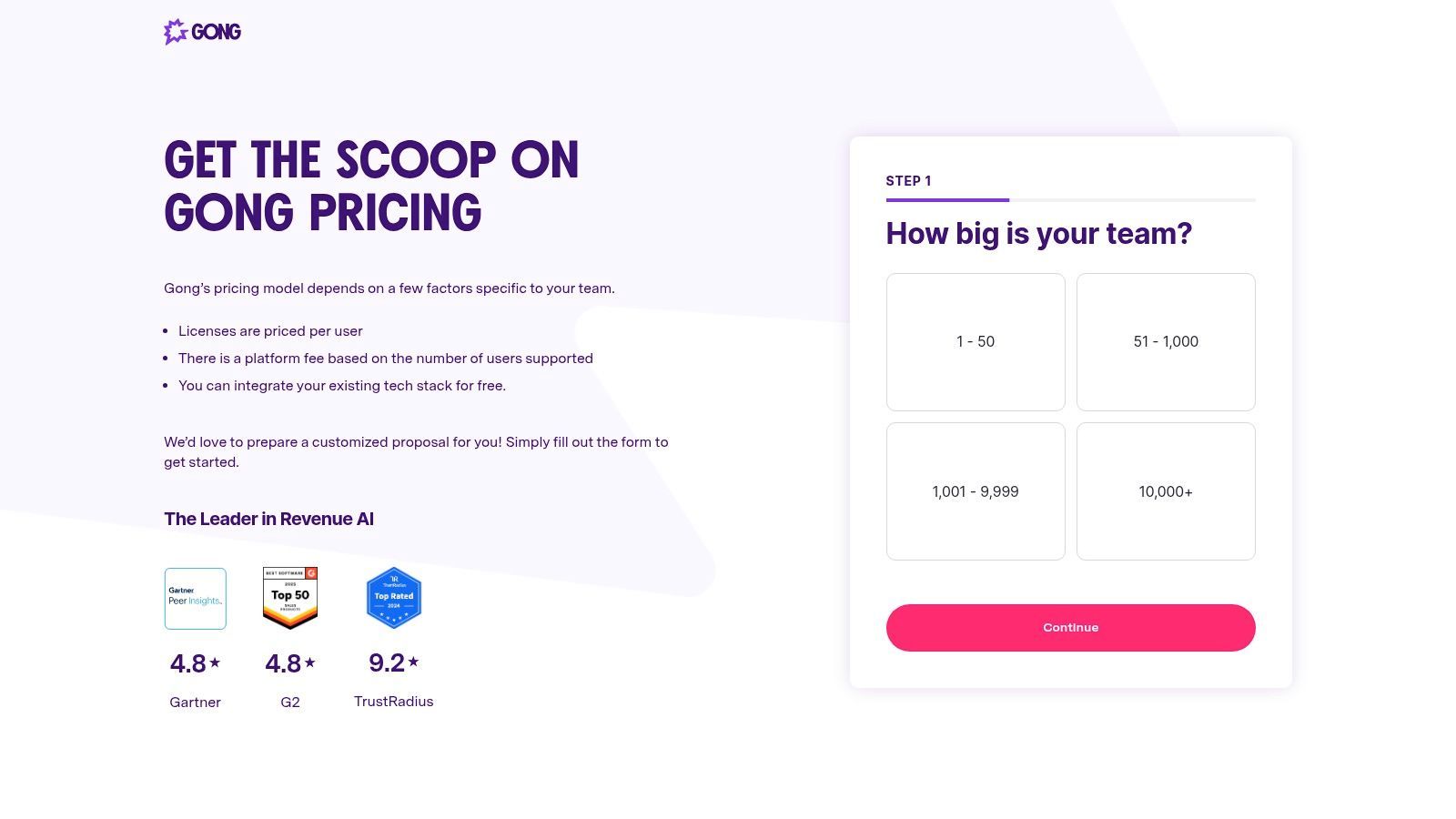
Beyond simple call recording, Gong’s AI identifies key topics, competitor mentions, and rep behaviors, correlating them directly with pipeline and deal outcomes. This allows sales ops to build data-backed coaching programs, refine playbooks based on winning language, and provide leadership with unfiltered pipeline risk insights. While other sales operations tools focus on the "what" and "when" of sales activities, Gong excels at uncovering the "how" and "why," making it indispensable for enablement and strategy.
Core Use Cases & Features
- Conversation Intelligence: AI-powered recording and analysis of all sales interactions to identify trends, topics, and key moments.
- Deal Intelligence: Aggregates all activity related to an opportunity, flags deals at risk, and provides a clear picture of pipeline health.
- People Intelligence: Provides data-driven metrics on team and individual performance for targeted coaching and skill development.
- Market Intelligence: Surfaces real-time competitor mentions and market feedback directly from customer conversations.
Pros & Cons
| Pros | Cons |
|---|---|
| Best-in-class conversation and revenue intelligence. | Enterprise-level pricing is a significant investment. |
| Deep insights for data-driven sales coaching. | Requires dedicated services and change management. |
| Strong CRM integration for a holistic view of deals. | The value depends heavily on full team adoption. |
Pricing & Implementation
Gong does not publish standard pricing, as its platform is tailored to enterprise needs. Costs typically involve a platform fee combined with per-user licenses, often requiring a significant annual commitment. Implementation and onboarding services are usually necessary to ensure proper integration with your tech stack (CRM, calendars, dialers) and to drive user adoption. The total cost of ownership is high, but the ROI for organizations committed to data-driven sales excellence is often substantial.
Website: https://www.gong.io/pricing/
8. ZoomInfo SalesOS
For sales operations, clean and accurate data is the fuel that powers every other process, from lead routing to territory planning. ZoomInfo SalesOS is a leading B2B data platform that provides the foundational contact, company, and intent data required to run an efficient go-to-market engine. Sales ops teams leverage it to enrich inbound leads, build hyper-targeted outbound lists, and provide sales development reps (SDRs) with the intelligence they need to be productive.
The platform's value extends beyond simple contact lookups; its technographic and intent signal data allows operations to orchestrate sophisticated plays. For example, a rule can be created to automatically assign leads from companies showing intent on a competitor's product to a specialized team. By integrating directly into CRM and marketing automation platforms, ZoomInfo ensures that the data driving these critical sales operations tools and processes is consistently fresh and reliable.
Core Use Cases & Features
- Data Enrichment: Automatically append firmographic, technographic, and contact data to inbound leads in real-time.
- Advanced List Building: Use granular filters like department size, job function, and buying intent signals to create precise target account lists.
- Workflow Orchestration: Trigger actions in other systems based on data changes or newly identified intent signals.
- CRM & MAP Integration: Native connectors for Salesforce, HubSpot, and others maintain data hygiene across the tech stack.
Pros & Cons
| Pros | Cons |
|---|---|
| Rich data signals can materially improve routing. | No public pricing; user reports cite a high TCO. |
| Negotiable enterprise contracts allow bundling. | Mixed user perceptions on support and data quality. |
| Strong North American data coverage. | Requires a POC to validate data fit for your ICP. |
Pricing & Implementation
ZoomInfo does not offer public pricing, operating on a custom quote model based on credits, user licenses, and feature add-ons. Contracts are typically annual, and enterprise agreements can be negotiated to bundle more services. Implementation involves connecting to your CRM and configuring enrichment and export rules, which is generally straightforward but requires careful planning to manage credit consumption effectively. To better understand its role, you can learn more about its fit in sales prospecting.
Website: https://www.zoominfo.com/
9. LeanData
For sales operations teams running on Salesforce, reliable lead routing is a non-negotiable cornerstone of efficiency. LeanData is a Salesforce-native engine designed specifically to solve this challenge, offering robust lead-to-account matching, intelligent routing, and go-to-market orchestration. It moves beyond basic assignment rules by providing a visual, drag-and-drop interface where sales ops can build and manage complex workflows for everything from territory assignment to round-robin distribution and campaign-based handoffs.
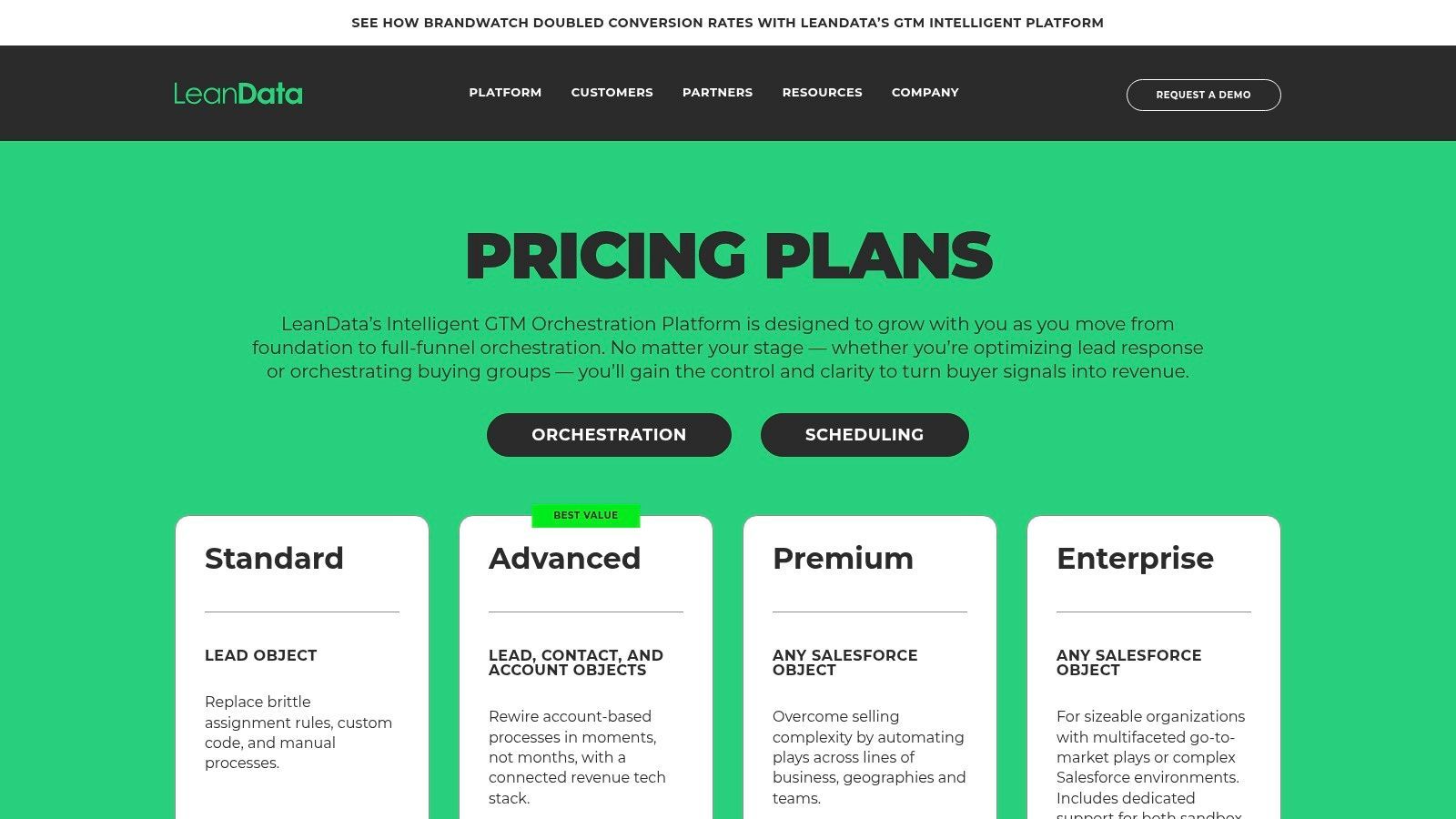
The platform’s core strength is its ability to ensure the right lead gets to the right rep instantly, which directly impacts speed-to-lead and conversion rates. By automatically matching incoming leads to existing accounts, it prevents duplicate efforts and ensures account owners are always in the loop. This level of automation makes LeanData one of the most critical sales operations tools for organizations looking to stabilize assignment processes and enforce complex business logic within their Salesforce environment.
Core Use Cases & Features
- Lead-to-Account Matching: Utilizes fuzzy logic to accurately connect new leads with existing accounts in Salesforce.
- Visual FlowBuilder: A drag-and-drop canvas for building, visualizing, and modifying complex routing rules without code.
- Time-Based & Round-Robin Routing: Automates lead distribution based on rep availability, workload, or territory rules.
- Campaign Member Routing: Directs leads from specific marketing campaigns to designated reps or teams for specialized follow-up.
Pros & Cons
| Pros | Cons |
|---|---|
| Purpose-built for Salesforce with deep admin control. | Exclusively focused on the Salesforce ecosystem. |
| Measurable impact on speed-to-lead and conversion rates. | Quote-based pricing can be opaque; no public tiers. |
| Excellent documentation and support for complex builds. | Implementation services often required and billed separately. |
Pricing & Implementation
LeanData uses a quote-based pricing model, so you must contact their sales team for a custom quote based on the size of your Salesforce org and feature needs. Implementation is a key consideration and often requires their professional services to configure the initial routing graphs correctly, which adds to the total cost of ownership. The platform is designed for teams deeply embedded in Salesforce who need to scale their inbound lead management processes.
Website: https://www.leandata.com/platform/pricing/
10. Conga CPQ
When sales quotes involve complex product configurations, multi-layered discounts, and stringent approval chains, a simple CRM opportunity object is not enough. This is where Conga CPQ (formerly Apttus CPQ) enters the picture, providing an enterprise-grade solution for automating and governing the entire quote-to-cash process. It enables sales operations to build and manage intricate pricing rules, product bundles, and guided selling flows directly within the CRM.
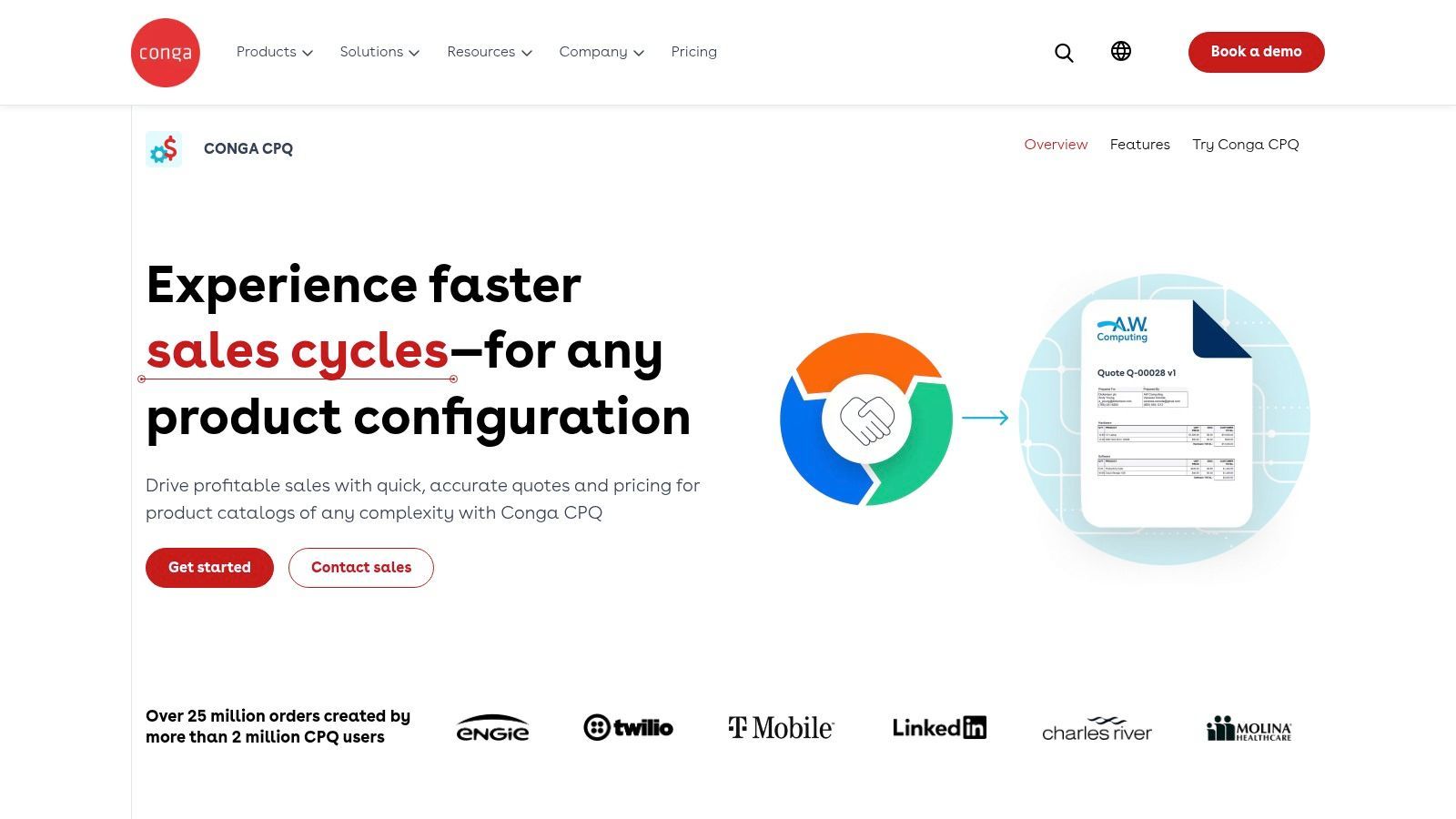
For a sales ops team, Conga CPQ is one of the most powerful sales operations tools for enforcing commercial policy and reducing revenue leakage. By standardizing the quoting process, it eliminates manual errors, ensures margin protection through automated discount controls, and speeds up deal cycles by streamlining approvals. The platform excels at managing subscription and renewal lifecycles, making it a critical component for businesses with recurring revenue models.
Core Use Cases & Features
- Advanced Pricing & Guided Selling: Implement complex pricing logic, discount waterfalls, and guided prompts to help reps build accurate quotes quickly.
- Complex Catalog Support: Manage thousands of SKUs, configurable product bundles, and nested product hierarchies with ease.
- Automated Approval Workflows: Create dynamic, multi-step approval processes based on deal size, discount levels, or product type.
- Subscription & Renewal Management: Automate the end-to-end lifecycle for recurring revenue, from initial quote to renewal and billing integration.
Pros & Cons
| Pros | Cons |
|---|---|
| Mature enterprise solution for complex pricing governance. | Implementation and administration require significant effort. |
| Supports direct, partner, and multi-channel revenue streams. | Per-user pricing is typically quote-based and can be high. |
| Deep integration with Salesforce and other Conga products. | Can be overly complex for businesses with simple quoting needs. |
Pricing & Implementation
Conga CPQ pricing is customized based on user count, specific product needs, and contract terms, so you'll need to contact their sales team for a quote. Implementation is a major project, often spanning several months and requiring specialized consultants to configure the system to meet specific business requirements. It's best suited for mature sales organizations with complex revenue models.
Website: https://conga.com/products/commerce/conga-cpq
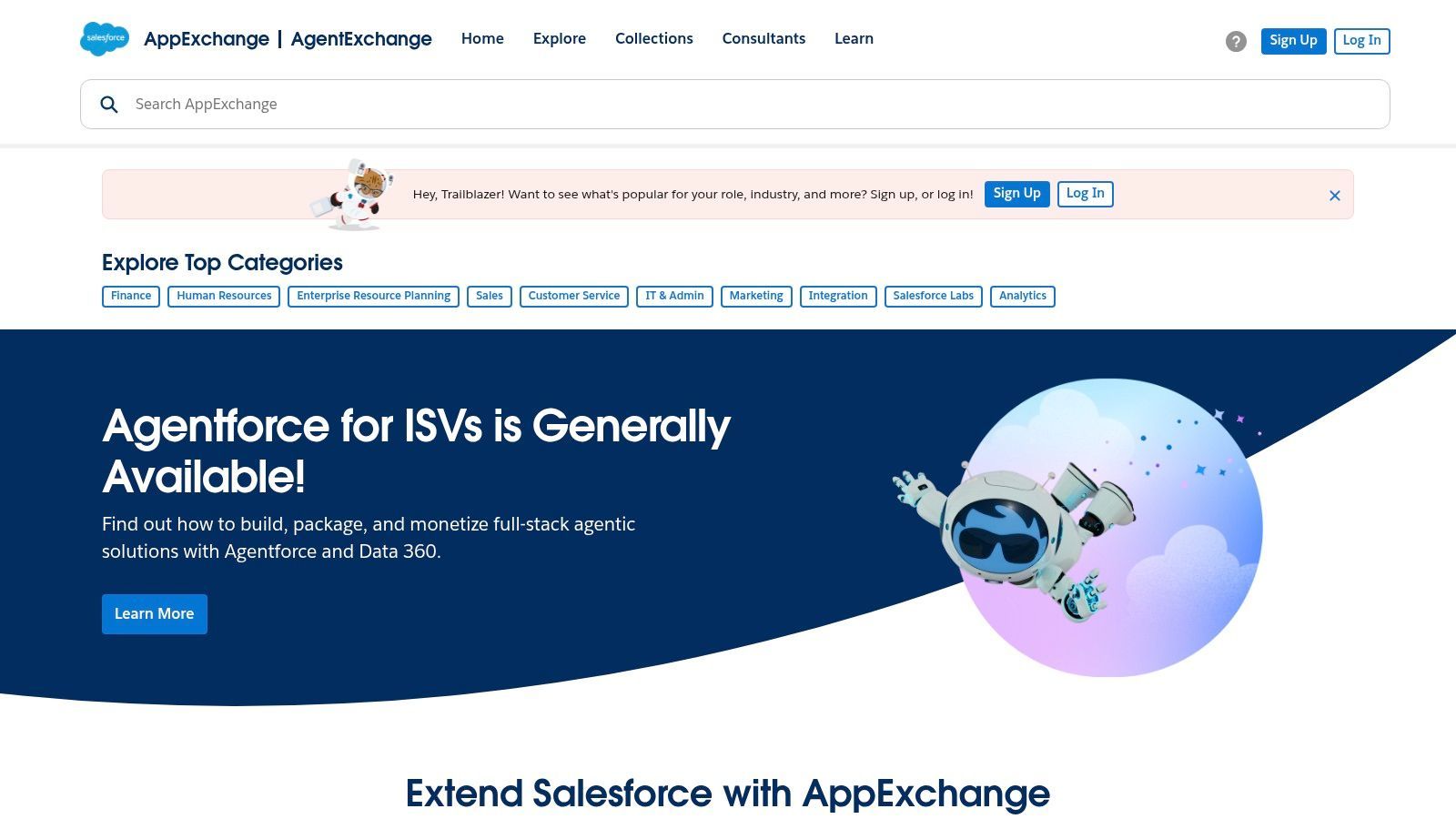
11. Salesforce AppExchange
While not a standalone tool, the Salesforce AppExchange is the essential marketplace for any sales operations team running on Salesforce. It's the central hub for discovering, vetting, and deploying thousands of pre-integrated applications that extend Salesforce's native capabilities. For sales ops, this means you can find validated solutions for nearly any specialized need, from advanced territory planning and lead routing to data enrichment and incentive compensation management.
The AppExchange’s value is its tight integration with the core platform. Apps are often installed with a few clicks, managed by standard admin tools, and operate directly on your Salesforce data, which drastically reduces implementation complexity and security risks associated with third-party tools. It allows ops leaders to assemble a best-in-class, customized tech stack using sales operations tools that are guaranteed to be compatible.
Core Use Cases & Features
- Specialized App Discovery: Find solutions for niche sales ops functions like CPQ, e-signature, or commission tracking.
- Click-to-Install Deployment: Many apps can be installed and trialed directly in a sandbox environment for safe testing.
- Peer Reviews & Ratings: Leverage community feedback to vet vendor quality and product-market fit.
- Certified Partner Ecosystem: Discover implementation partners and consultants to help with complex deployments.
Pros & Cons
| Pros | Cons |
|---|---|
| Curated ecosystem ensures compatibility with Salesforce. | Quality and support vary significantly by vendor. |
| Streamlined deployment and admin management. | Requires a Salesforce org to install and fully test many apps. |
| Broad coverage of every sales ops sub-need. | Can lead to "app bloat" if not managed strategically. |
Pricing & Implementation
Pricing is determined by individual app vendors and varies widely from free utilities to enterprise-level subscriptions costing thousands per month. Most listings offer free trials or demos. Implementation difficulty depends entirely on the app chosen; simple tools can be live in minutes, while complex systems like a CPQ may require a dedicated project. A best practice is to always install and test apps in a sandbox first.
Website: https://appexchange.salesforce.com/
Start your 7-day free trial of Standard
Find verified emails, phone numbers, and job titles on LinkedIn®. Add contacts to any of 29+ supported CRMs in one click.
Start Free TrialTrusted by 2,500+ users4.512. G2
While not a direct software tool, G2 is an indispensable resource for the sales operations professionals tasked with building and maintaining the tech stack. It's a comprehensive software marketplace and review hub that provides critical social proof and comparative data for researching new sales operations tools. From creating vendor shortlists for a new CPQ solution to validating the user experience of a revenue intelligence platform, G2 offers the unfiltered feedback needed to make informed purchasing decisions.
For sales ops, the platform's power lies in its detailed category grids and candid user reviews. These resources allow you to move beyond vendor marketing claims and understand the real-world performance, implementation challenges, and integration capabilities of a tool. By filtering reviews by company size and role, you can find feedback from peers facing similar challenges, drastically de-risking the vendor selection process and ensuring you choose solutions that truly fit your team's needs.
Core Use Cases & Features
- Vendor Discovery: Use category grids to map the entire vendor landscape for specific needs like Lead-to-Account Matching or Sales Engagement.
- Comparative Analysis: Place vendors side-by-side in comparison reports to evaluate features, satisfaction ratings, and market presence.
- User Review Validation: Access a large volume of detailed user reviews to get honest feedback on usability, support quality, and implementation.
- Market Research: Read buyer guides and "Best Of" lists to stay current on market trends and identify emerging category leaders.
Pros & Cons
| Pros | Cons |
|---|---|
| Quickest way to map a software category and shortlist vendors. | Review depth and quality can be inconsistent. |
| User reviews provide valuable implementation and pricing insights. | Serves as a starting point; doesn't replace vendor trials. |
| Grid reports offer objective, data-driven vendor comparisons. | Best-of lists can be influenced by vendor participation. |
Pricing & Implementation
G2 is free to use for software buyers and researchers. Accessing all reports, reviews, and comparison features does not require a paid subscription. The platform is a research destination, so there is no implementation. The key is to use it as a primary step in your due diligence process before engaging directly with sales teams from shortlisted vendors.
Website: https://www.g2.com/
13. Nutshell
Nutshell is a sales-focused CRM designed for small and mid-sized B2B teams that need an intuitive pipeline management system without enterprise-level complexity. As a sales operations tool, its core strength is combining straightforward deal tracking with built-in email marketing, reporting, and sales automation in a single platform. This eliminates the need for multiple point solutions and reduces the operational overhead that slows down lean sales teams.
What sets Nutshell apart for sales operations is its unlimited contacts and data storage on every plan, removing a growth barrier that plagues many competing CRMs. The platform's pipeline management is visual and customizable, allowing ops teams to define multiple pipelines with distinct stages for different sales motions. Its AI-powered timeline summarization and lead attribution features give managers quick insights into deal progression without digging through activity logs.
Core Use Cases & Features
- Pipeline Management: Create multiple customizable pipelines with drag-and-drop deal stages, automated stage advancement, and overdue task alerts to keep reps focused.
- Sales Automation: Build personal email sequences, set automated follow-up reminders, and trigger actions based on pipeline stage changes to standardize the sales process.
- Reporting & Analytics: Access pre-built and custom reports covering pipeline health, forecast summaries, activity metrics, and team performance without needing a separate BI tool.
- Built-in Email Marketing: Send branded email campaigns, drip sequences, and newsletters directly from the CRM, keeping marketing and sales data unified.
Pros & Cons
| Pros | Cons |
|---|---|
| Unlimited contacts and storage on all plans. | Advanced automation requires higher-tier plans. |
| Fast setup with free data import assistance. | Marketing features are basic compared to dedicated platforms. |
| Transparent, modular pricing with useful add-ons. | Smaller third-party integration ecosystem than larger CRMs. |
Pricing & Implementation
Nutshell starts at $16 per user/month (billed annually) for the Foundation plan, which includes unlimited contacts, pipeline management, and basic reporting. The Pro plan at $42 per user/month adds sales automation, personal email sequences, and full reporting capabilities. Add-ons for email marketing, web forms, and scheduling are available at additional cost, allowing teams to build exactly the stack they need. A 14-day free trial is offered with no credit card required. Setup is fast, supported by responsive customer service and free data migration assistance.
Website: nutshell.com
Top 13 Sales Operations Tools Comparison
| Product | Core features | Data & accuracy / UX | Value proposition | Target audience | Pricing & USP |
|---|---|---|---|---|---|
| Add to CRM | Chrome extension: 1‑click create/enrich from professional networks/Gmail/Outlook; connects to 27+ CRMs; custom field mapping; duplicate checks | 220M+ profiles, 31 data points, real‑time email verification (~96%); fast, in‑browser workflow | Eliminates copy‑paste, saves ~4+ hrs/week, speeds prospecting and keeps CRM clean | Founders, SDRs, BDRs, AEs, RevOps, small to mid teams | Free (10 credits/mo); Standard £12/mo (100 credits/yr billed); Pro £45/mo (500 credits/yr) — priority support & onboarding |
| Salesforce Sales Cloud | Pipeline, forecasting, CPQ, deep customization, AppExchange | Enterprise grade scale/security; rich admin tools but steep config | Comprehensive enterprise CRM and extensible ecosystem | Large enterprises, complex sales orgs, ops teams | Per‑user tiers; add‑ons increase cost — Enterprise value |
| HubSpot Sales Hub | Sales automation, sequences, forecasting, conversation intelligence | Low admin overhead; strong training/resources; quick time‑to‑value | All‑in‑one CRM + sales suite for SMBs; fast ramp | SMBs and mid‑market sales teams | Tiered pricing (Free → paid tiers); Enterprise for advanced governance |
| Microsoft Dynamics 365 Sales | SFA, forecasting, embedded Copilot AI, Outlook/Teams integration | Familiar MS UI; strong MS365 synergy | Best for orgs standardized on Microsoft stack | Microsoft‑centric enterprises and teams using Teams/Outlook | Per‑user pricing with Professional/Enterprise tiers; network integration add‑ons may add cost |
| Outreach | Engagement sequences, AI messaging, conversation intelligence, pipeline tools | Unified engagement → forecasting; strong automation cadence | Centralizes prospecting to forecasting workflows | SDR/AE teams focused on outbound execution | Quote‑based pricing; bundles and add‑ons vary |
| Clari | AI deal scoring, RevAI forecasting, RevDB time‑series | High forecast accuracy focus; strong pipeline governance | Improves forecast discipline and revenue ops outcomes | Revenue ops, mid‑market to enterprise | Quote‑based; positioned for mid‑market/enterprise |
| Gong | Conversation intelligence, coaching analytics, deal insights | Best‑in‑class call capture & coaching; frequent innovation | Single source of customer reality; improves rep coaching | Sales enablement, ops, CROs at mid‑large orgs | Enterprise pricing: platform fee + per‑user; onboarding services |
| ZoomInfo SalesOS | Enrichment, list building, intent, technographics, credits usage | Large B2B data coverage (esp NA); variable data/support reports | Boosts targeting, routing and SDR productivity | Sales ops, SDR teams needing high‑volume data | Negotiable enterprise contracts; no public pricing; credit models |
| LeanData | Lead‑to‑account matching, routing, visual FlowBuilder | Salesforce‑native; measurable speed‑to‑lead improvements | Stabilizes assignment logic and territory routing | Salesforce orgs needing routing/orchestration | Quote‑based; Salesforce org required |
| Conga CPQ | Configure‑price‑quote, approvals, subscriptions, billing sync | Handles complex catalogs/pricing; implementation effort | Standardizes quoting, reduces errors across revenue lifecycle | Sales ops managing complex product/pricing models | Quote‑based enterprise CPQ pricing |
| Salesforce AppExchange | Marketplace for apps, trials, reviews, click‑to‑install | Curated listings; deploys into Salesforce orgs; variable quality | One‑stop shop to extend Salesforce with vetted partners | Salesforce customers building best‑fit stacks | App pricing varies by vendor; Salesforce org required |
| Nutshell | Pipeline management, sales automation, email sequences, built-in email marketing, AI timeline summaries | Easy to use, unlimited contacts/storage, fast setup | Simple CRM with sales ops features for lean B2B teams | Small to mid B2B sales teams wanting pipeline + marketing in one tool | From $16/user/mo; unlimited contacts; modular add-ons |
| G2 | Category directories, reviews, grids, buyer guides | Large volume of user reviews; mixed depth — good for research | Fast vendor shortlisting and peer validation | Buyers researching software categories | Free to browse; vendor advertising and lead options |
Building a Tech Stack That Sells for You
Navigating the landscape of sales operations tools can feel overwhelming. With solutions ranging from foundational CRMs like Salesforce and HubSpot to specialized platforms for forecasting like Clari and conversation intelligence like Gong, the options are seemingly endless. However, the goal isn't to acquire the most tools; it's to build a cohesive, integrated ecosystem that systematically removes friction and amplifies your team's ability to sell. As we've explored, the right technology stack acts as a force multiplier, automating low-value tasks and freeing up your reps to do what they do best: build relationships and close deals.
The core takeaway is this: your tech stack is not just a collection of software subscriptions. It is the operational backbone of your revenue engine. Each tool should serve a distinct purpose, addressing a specific bottleneck in your sales process, from initial lead capture and enrichment with tools like ZoomInfo to complex routing with LeanData and accurate quoting with Conga CPQ. A poorly integrated or haphazardly chosen stack creates data silos, frustrates users, and ultimately hinders growth. A strategically assembled stack, on the other hand, provides a single source of truth, delivers actionable insights, and creates a seamless experience for both your sales team and your customers.
From Analysis to Action: How to Build Your Stack
The journey to an optimized tech stack begins with a clear-eyed assessment of your current sales process. Before you schedule a single demo, you must diagnose the primary source of inefficiency.
- Identify Your Biggest Bottleneck: Where does work slow down? Is it the manual drudgery of entering prospect data from social platforms into your CRM? Are leads languishing in an inbox because routing is slow and inconsistent? Is your forecast a work of fiction assembled from disparate spreadsheets? Pinpoint the most significant pain point that, if solved, would have the largest positive impact on revenue.
- Prioritize Integration Capabilities: A standalone tool, no matter how powerful, is a liability in a modern sales stack. When evaluating sales operations tools, their ability to connect with your existing systems, especially your CRM, should be a non-negotiable requirement. Deep, bidirectional integrations prevent data fragmentation and ensure that valuable information flows freely between platforms, enriching your central database. Look for robust native integrations and API access.
- Focus on Adoption and Usability: The most sophisticated tool is useless if your team refuses to use it. Prioritize solutions with an intuitive user interface that fits naturally into your reps' existing workflows. A tool that requires extensive training and a steep learning curve will inevitably face resistance. Involve your end-users, like SDRs and AEs, in the evaluation process to gauge usability and secure their buy-in early.
The Foundation of Every Great Sales Stack: Data Integrity
Ultimately, the effectiveness of every tool in your arsenal, from your CRM to your advanced analytics platform, depends on the quality of the data flowing into it. Inaccurate, incomplete, or outdated data leads to wasted effort, flawed reporting, and missed opportunities. This is why foundational tools that ensure data hygiene and simplify data entry are not just a nice-to-have; they are a strategic necessity.
By thoughtfully selecting and implementing the right sales operations tools, you transform your sales process from a series of disjointed, manual activities into a streamlined, data-driven engine. You empower your team with the information and automation they need to operate at peak efficiency, creating a scalable foundation for predictable revenue growth. The right stack doesn't just support your team; it actively works for you, driving momentum and helping you win.
Ready to eliminate the #1 bottleneck for most sales teams: manual CRM data entry? Add to CRM seamlessly connects your prospecting workflow on social platforms and websites directly to your CRM, saving hours each week and ensuring your data is always pristine. Start building a stronger sales foundation today by visiting Add to CRM.
Start saving time and closing more deals.
Find verified contact info for your prospects on LinkedIn®, Gmail and Outlook — and add them to your CRM with 1-click.

 Loading...Trusted by 2,500+ founders, SDRs & more