6 Best LinkMatch Alternatives in 2026 (Business Networks → CRM)
LinkMatch syncs LinkedIn and Xing profiles to your CRM — but there's no free plan after the trial, the Standard tier is light on automation, and per-CRM licensing adds up for agencies. Here are the 6 best alternatives, and who each one is for.
TL;DR: LinkMatch does one thing well — sync LinkedIn (and Xing) profiles into your CRM from a browser extension. But there's no free plan after the 14-day trial, the entry tier is light on automation, and per-CRM licensing adds up for agencies. If you want the same one-click LinkedIn→CRM workflow across far more CRMs and surfaces, Add to CRM is the most direct switch; Surfe and LeadCRM are richer for sales teams; Hublead/LinkedHub are HubSpot-focused; and LinkPort is the free-forever option.
LinkMatch's strength is simplicity: open a LinkedIn or Xing profile, match it to your CRM, and create or update the record without copy-paste. For solo reps and recruiters who live in LinkedIn, that's often enough.
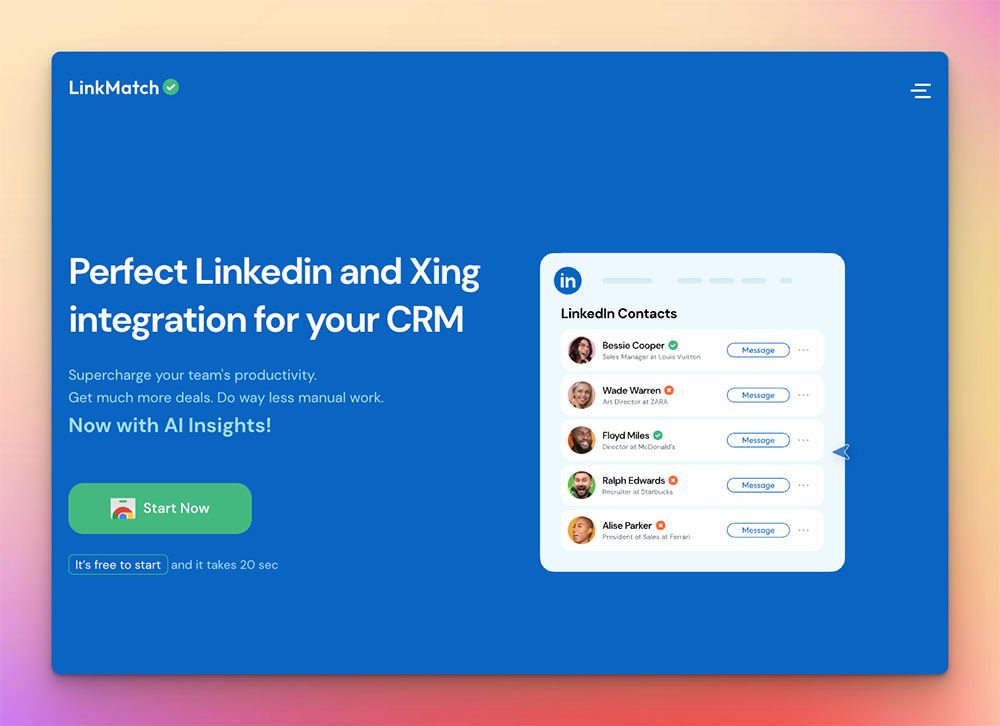
But a few recurring frictions send teams looking for an alternative:
- No free plan. After the 14-day trial, LinkMatch starts at €15.99–21.99/user/month per CRM — fine for one rep, less so for a team.
- Light automation on the entry tier. Message sync, bulk export, and AI features sit higher up.
- Per-CRM licensing. Agencies juggling multiple client CRMs pay for each, so costs climb.
- LinkedIn/Xing-bound. It's a profile-capture extension — no Gmail/Outlook capture, no standalone database.
If any of those pushed you here, "LinkMatch alternative" usually means more CRMs for the money, deeper automation, or a genuinely free option. Below are the 6 best alternatives, grouped by who they suit.
A note on pricing: figures below are 2026 entry tiers and change often. Check each vendor's pricing page before you commit.
What to look for in a LinkMatch alternative
- CRM coverage. LinkMatch supports several CRMs, but per-CRM pricing matters — check how many CRMs a tool covers and how it charges for them.
- Surfaces. Profile capture is table stakes; capturing from Gmail/Outlook too (not just LinkedIn) is a real edge.
- Automation & data. Message logging, bulk export, verified email/phone enrichment, duplicate handling.
- Pricing model. Free tier, per-seat vs per-CRM, and whether enrichment is credit-metered.
- Compliance. GDPR alignment and respect for LinkedIn's terms.
1. Add to CRM — best overall (most CRMs, beyond LinkedIn)
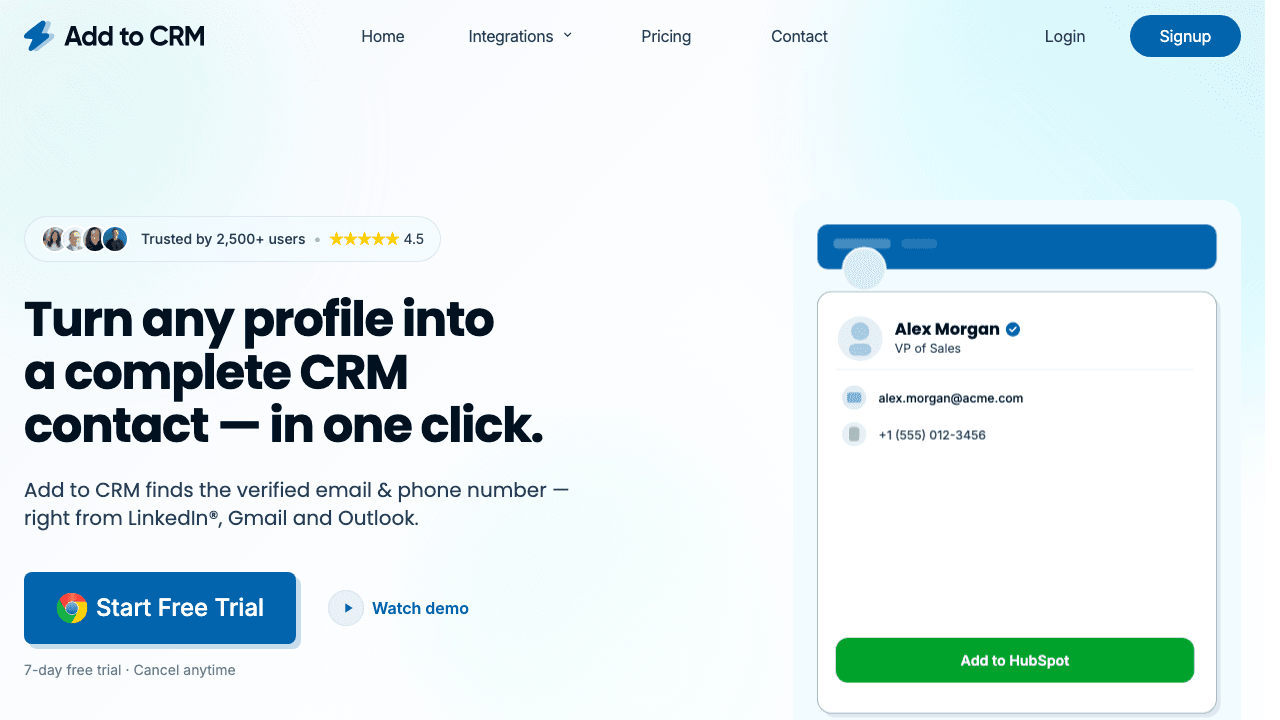
Best for: teams who want LinkMatch's one-click capture but across far more CRMs, and from Gmail and Outlook as well as LinkedIn.
Add to CRM is the most direct alternative on this list: a Chrome extension that captures the person you're viewing — with a verified email + phone and 20+ data points — and pushes them into your CRM in one click, fields mapped and duplicates handled. The difference is reach: it works across 29+ CRMs (most rivals here cover one or a handful) and on three surfaces — LinkedIn, Gmail, and Outlook — so you can capture a contact straight from an email thread.
Key strengths
- 29+ CRMs — Capsule, Pipedrive, Copper, Close, Zoho, HubSpot, Salesforce, Monday, Attio, Nutshell, Salesflare and more, from one extension (no per-CRM licence juggling).
- Three surfaces — LinkedIn, Gmail, and Outlook, not LinkedIn alone.
- Verified data — emails checked in real time (95%+ accurate, drawn from a 220M-professional database) to cut bounces; GDPR-compliant.
- One-click add with correct field mapping, tags, and activity logging.
Pricing
- 7-day free trial, then paid plans with monthly enrichment credits (see the pricing page) — no per-CRM fees, no contract.
Choose LinkMatch instead if your prospecting lives entirely in LinkedIn/Xing and you only need basic profile-to-CRM matching for a single CRM.
2. Surfe (formerly Leadjet) — best for sales teams
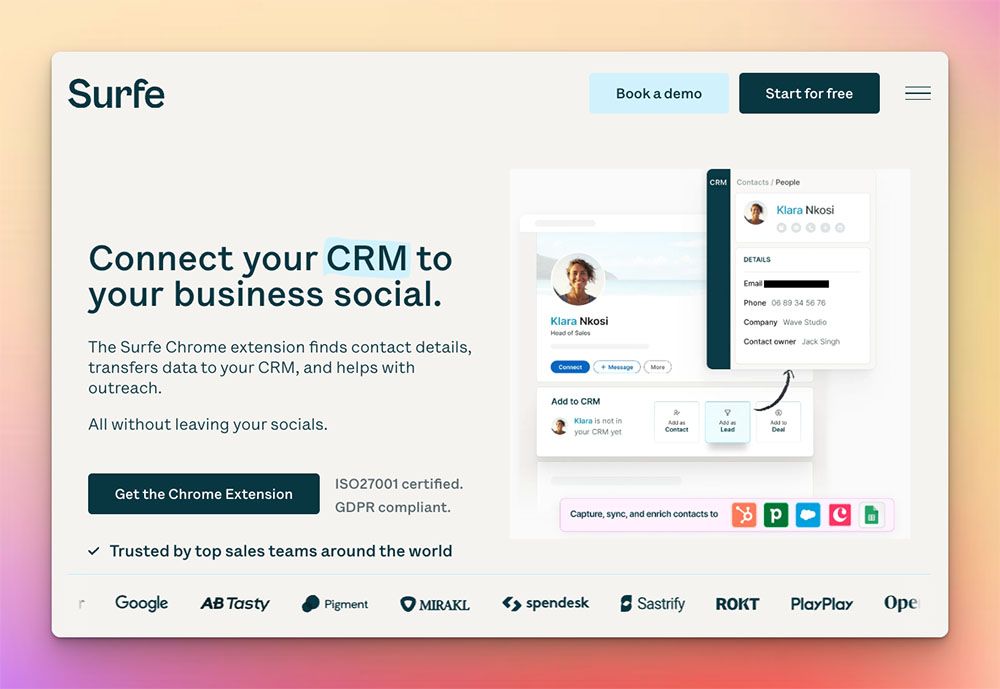
Best for: revenue teams who want a live CRM overlay on LinkedIn plus sequence integrations.
Surfe turns LinkedIn into a CRM workspace — edit fields, create deals, and push leads into outreach sequences without leaving the page.
- Strengths: CRM overlay for HubSpot, Salesforce, Pipedrive, Copper; sequence integrations (Outreach, Salesloft, Lemlist); job-change alerts; polished UI; waterfall enrichment.
- Weaknesses: higher entry price than most here; fewer CRMs than Add to CRM; no Firefox.
- Pricing: Free; Essential $39/mo; Pro $79/mo (14-day trial; annual saves ~25%).
Versus LinkMatch: a far richer sales cockpit inside LinkedIn — but pricier and still CRM-limited compared with Add to CRM's 27.
3. LeadCRM — best for AI & bulk automation
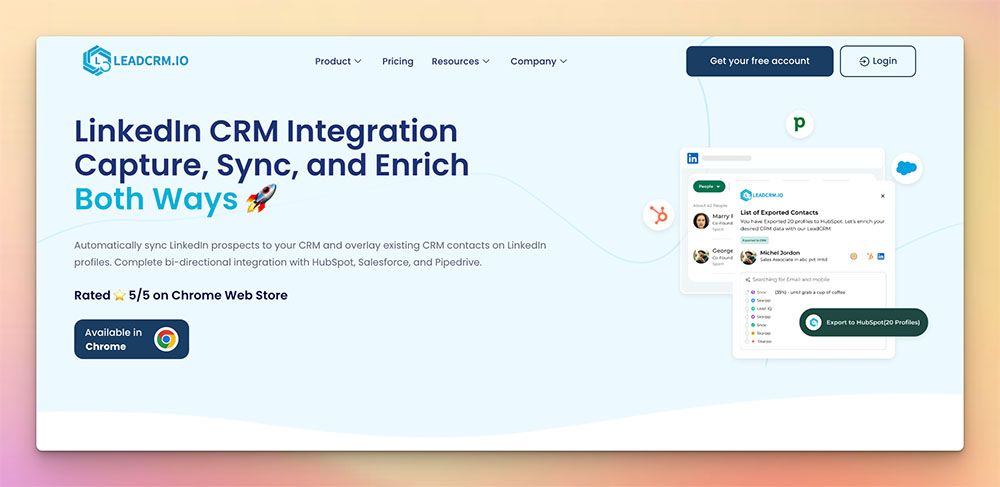
Best for: power users who want AI-assisted replies and bulk Sales Navigator exports.
LeadCRM leans into automation — AI-generated LinkedIn replies, bulk exports, and two-way sync back to major CRMs.
- Strengths: AI reply generator; bulk Sales Nav export; two-way sync with HubSpot, Pipedrive, Zoho, Salesforce, Google Sheets, Copper, GoHighLevel, Close; 700M+ prospect database; waterfall enrichment.
- Weaknesses: feature depth brings a learning curve; Chrome-first.
- Pricing: Free (30 finder credits/mo); Professional $23.96/mo; Ultimate $55.96/mo.
Versus LinkMatch: much more automation and a bigger database, with more complexity.

29+ CRMs supported with one extension
Find verified emails, phone numbers, and job titles on LinkedIn®. Add contacts to any of 29+ supported CRMs in one click.
Start Free Trial


 Trusted by 2,500+ users4.7
4. LinkedHub — best for lean HubSpot teams
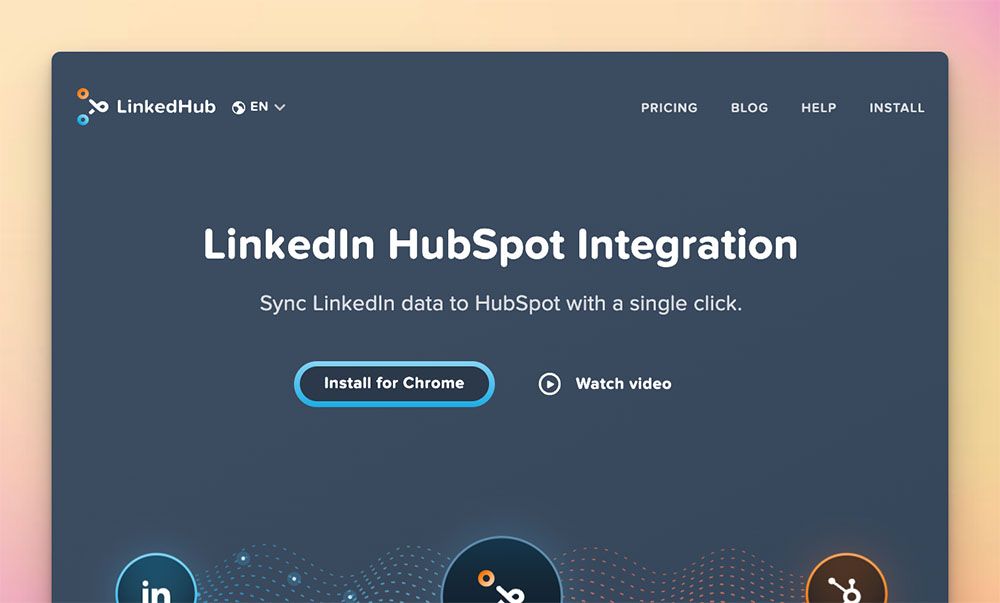
Best for: small HubSpot-only teams that just need simple contact capture.
LinkedHub is a lightweight extension that pipes LinkedIn contacts straight into HubSpot, with unlimited extension users.
- Strengths: dead-simple LinkedIn→HubSpot sync; unlimited users; clean UI.
- Weaknesses: HubSpot-only (no other CRMs); no enrichment credits; pricing is custom/quote-based beyond the free tier.
- Pricing: free (≈10 contacts/mo); paid is custom — contact sales.
Versus LinkMatch: simpler and HubSpot-native, but single-CRM and without LinkMatch's broader CRM support.
5. Hublead — best for HubSpot power users
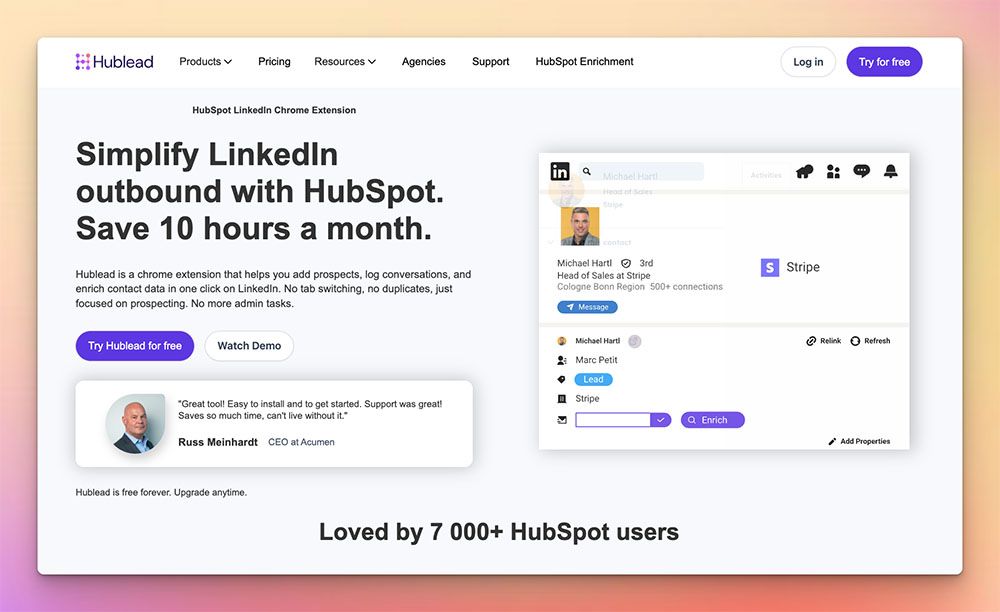
Best for: scale-ups fully invested in HubSpot who want LinkedIn messages and invites logged automatically.
Hublead is the deepest HubSpot-LinkedIn integration here — it logs messages, InMails, and connection requests to the HubSpot timeline.
- Strengths: deep HubSpot integration; tracks invites + acceptance; built-in email/phone enrichment; auto message sync (higher tiers).
- Weaknesses: HubSpot-only; per-seat pricing climbs at scale; Chrome-only.
- Pricing: Free; Professional $32/seat/mo; Business $64/seat/mo; Scale $112/seat/mo (billed yearly).
Versus LinkMatch: unbeatable if HubSpot is your hub, but single-CRM and per-seat.
6. LinkPort — best free-forever option

Best for: start-ups on a $0 tooling budget who need basic imports.
LinkPort (by Klenty) lets you import unlimited LinkedIn profiles into a handful of CRMs for free.
- Strengths: unlimited one-click imports, genuinely free; native to Klenty sequences.
- Weaknesses: light enrichment; no message logging or AI; supports only 4 CRMs (HubSpot, Salesforce, Zoho, Pipedrive).
- Pricing: free forever.
Versus LinkMatch: free and simple for basic imports, but far shallower on enrichment, automation, and CRM coverage.
LinkMatch alternatives — comparison at a glance
| Tool | Free option | Entry price (≈) | CRMs | Best for |
|---|---|---|---|---|
| Add to CRM | 7-day trial | Credit plans (see pricing) | 27 + Gmail/Outlook | One-click capture across the most CRMs & surfaces |
| Surfe | Free | $39/mo | 4 (overlay) | Sales teams wanting a CRM overlay + sequences |
| LeadCRM | Free (30 cr) | $23.96/mo | 8 (two-way) | AI automation & bulk Sales Nav export |
| LinkedHub | Free (~10) | Custom | HubSpot only | Lean HubSpot contact capture |
| Hublead | Free | $32/seat | HubSpot only | Deep HubSpot message/invite sync |
| LinkPort | Free forever | $0 | 4 | $0-budget basic imports |
Prices are 2026 entry tiers and change often — verify on each vendor's site. LinkMatch itself is ≈€15.99–21.99/user/mo per CRM after a 14-day trial (no free plan).
Try Add to CRM — 7-day free trial
Find verified emails, phone numbers, and job titles on LinkedIn®. Add contacts to any of 29+ supported CRMs in one click.
Start Free TrialTrusted by 2,500+ users4.7Which LinkMatch alternative should you choose?
- "I want the most CRMs and to capture from email too." → Add to CRM — 29+ CRMs across LinkedIn, Gmail, and Outlook, with verified data, one click.
- "I want a sales cockpit inside LinkedIn." → Surfe (overlay + sequences) or LeadCRM (AI + bulk export).
- "We're a HubSpot shop." → Hublead (deep message sync) or LinkedHub (lean and simple).
- "I need free." → LinkPort for basic imports, or Add to CRM's 7-day trial to test verified capture across your CRM.
Before you switch
- Count CRMs and the pricing model (per-seat vs per-CRM) for your setup.
- Decide whether you need Gmail/Outlook capture, not just LinkedIn.
- Test enrichment accuracy on your own ICP.
Start saving time and closing more deals
If you liked LinkMatch's one-click capture but outgrew its single-CRM, LinkedIn-only reach, switch to the tool built for the same job across far more of your stack.
Add to CRM enriches and adds contacts to 29+ CRMs in one click, straight from LinkedIn, Gmail, and Outlook. Start a 7-day free trial and add your first contact in under two minutes.
Frequently asked questions
What is the best LinkMatch alternative? For the same one-click LinkedIn→CRM workflow across far more CRMs (and from Gmail/Outlook too), Add to CRM. For a richer LinkedIn sales cockpit, Surfe or LeadCRM; for HubSpot-only teams, Hublead or LinkedHub; for a free importer, LinkPort.
Is there a free LinkMatch alternative? Yes — LinkPort is free forever, and Surfe, LeadCRM, LinkedHub, and Hublead all have free tiers. Add to CRM offers a 7-day free trial.
Why do teams leave LinkMatch? The most common reasons are no free plan after the trial, limited automation on the entry tier, per-CRM licensing costs for agencies, and that it's confined to LinkedIn/Xing.
Which LinkMatch alternative supports the most CRMs? Add to CRM supports 29+ CRMs from one extension (and works on Gmail and Outlook), where LinkMatch and most rivals focus on one or a few.
Do I need to replace LinkMatch entirely? Not necessarily — but if you've hit its single-CRM or LinkedIn-only limits, a tool like Add to CRM covers more of your stack from one extension.
Hands-on review: for LinkMatch's current pricing, credit limits, and a point-by-point comparison with Add to CRM, read our LinkMatch review.
Start saving time and closing more deals.
Find verified contact info for your prospects on LinkedIn®, Gmail and Outlook — and add them to your CRM with 1-click.

 Loading...Trusted by 2,500+ founders, SDRs & more