12 Best SalesQL Alternatives for Prospecting in 2026
Tired of manual data entry? Discover the top 12 SalesQL alternatives to find verified contact data and streamline your sales workflow.
Published on March 5, 2026
In the fast-paced world of B2B sales, speed and data accuracy are everything. While SalesQL has been a popular choice for finding contact information, many teams find themselves hitting limitations related to data verification, CRM workflow friction, and restrictive credit usage. The manual effort of copying and pasting prospect data from a social platform into a CRM wastes valuable selling time and introduces errors that can derail an entire sales cycle, undermining data integrity.
This guide is designed to help you find a better way. We are exploring 12 powerful SalesQL alternatives that solve these exact problems. Each platform is built to streamline your prospecting workflow, ensuring you spend less time on data entry and more time engaging with qualified leads. You will discover tools that offer superior data accuracy, deeper CRM integrations, and more flexible pricing structures tailored to different team sizes and needs, from solo founders to enterprise sales development teams.
We will provide a detailed breakdown of each alternative, covering:
- An honest overview of its core functionality.
- Key features, including data enrichment and CRM connectivity.
- Pricing tiers and ideal user profiles.
- A clear-eyed look at both pros and cons based on real-world use.
- Practical migration tips to make the switch seamless.
This comprehensive resource, complete with screenshots and direct links, will give you a clear path to choosing the right platform for your team's specific needs. We’ll help you identify a solution that not only provides verified contact data but also integrates perfectly into your existing sales stack, saving you hours every single week.
1. Add to CRM
Website: https://addtocrm.com
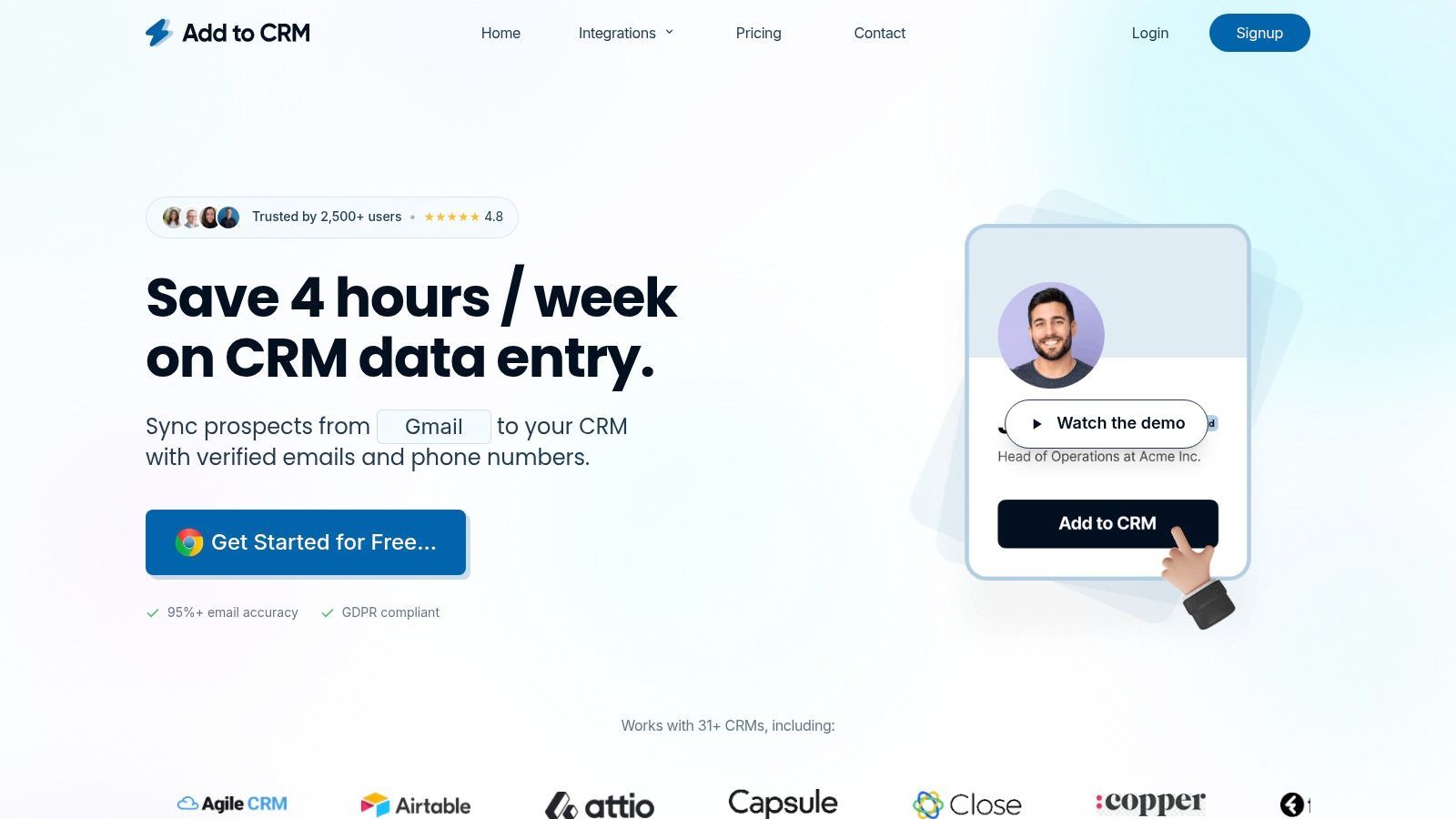
As a premier featured choice among SalesQL alternatives, Add to CRM excels at eliminating the friction between prospecting and CRM data entry. This powerful 1-click Chrome extension is engineered for efficiency, allowing sales professionals to capture and enrich contact information directly from professional social networks, Gmail, Outlook, or any company website without ever touching the copy-paste keys. It’s a comprehensive solution that transforms how founders, SDRs, and RevOps teams manage their sales pipeline, saving an average of four or more hours per week.
The platform's core strength lies in its powerful combination of workflow automation and data quality. It connects seamlessly with over 27 CRMs and productivity tools, enabling users to create clean, enriched lead records in seconds. Its smart field mapping ensures that the 31+ data points it can capture, such as seniority, company revenue, location, and social profiles, land exactly where they need to go in your CRM.
Key Features & Analysis
- Deep CRM Integration: With support for 27+ platforms, Add to CRM offers one of the broadest integration libraries available. It handles everything from duplicate detection to custom field mapping, ensuring pristine data hygiene.
- High-Accuracy Data Enrichment: The tool taps into a verified database of over 220 million professionals and provides real-time email verification with a reported accuracy of 95–96%, significantly boosting outbound campaign effectiveness.
- Streamlined Prospecting Workflow: Its ability to add contacts in bulk from platforms like Sales Navigator and refresh stale records with a single click makes it an indispensable tool for high-velocity sales teams.
- Dedicated Team Support: Paid plans include priority support and dedicated onboarding, which helps teams ramp up quickly and maximize their return on investment.
Pricing
Add to CRM uses a transparent, credit-based model suitable for various team sizes.
- Free Plan: 10 credits/month
- Standard Plan: 100 credits/month
- Pro Plan: 500 credits/month Upgraded tiers provide access to enhanced support and onboarding services.
Pros & Cons
| Pros | Cons |
|---|---|
| Excellent Data Quality: Massive database with high-accuracy, real-time email verification. | Browser Limitation: Only available as a Chrome extension, limiting users on other browsers. |
| Superior Workflow Automation: One-click adds, bulk processing, and duplicate checks save significant time. | Credit-Based Model: Heavy users will need a paid subscription as there is no unlimited usage tier. |
| Broad CRM Compatibility: Integrates with a wide range of 27+ popular CRMs. | |
| Strong User Trust: GDPR compliant with a 4.8-star rating and positive testimonials praising its ease of use. |
2. Apollo.io
Apollo.io stands out as a powerful, all-in-one sales intelligence and engagement platform, making it a comprehensive SalesQL alternative for teams wanting to consolidate their tech stack. It combines a massive B2B contact and company database with built-in tools for sequencing, dialing, and task management, effectively merging the roles of a data provider and a sales automation tool.
This integration is Apollo's core strength. Instead of just finding contact data and exporting it, users can find prospects and immediately enroll them in multi-step email and call sequences directly within the platform. Its Chrome extension is particularly robust, allowing reps to find and action contacts from professional networking sites or company websites without switching tabs.
Key Differentiators & Features
- All-in-One Functionality: Bundles a high-quality B2B database with a full-featured sales engagement suite (sequences, dialer, meeting scheduler).
- Extensive Database: Access to over 275 million contacts, complete with advanced filtering options like company size, technology used, and funding rounds.
- Integrated Chrome Extension: Find verified emails and direct dials, add contacts to sequences, and sync to your CRM directly from a prospect’s social profile or a company site.
Pricing & Ideal User
Apollo offers a generous free tier with 60 email credits per year, making it accessible for founders and freelancers. Paid plans start at $49/user/month (billed annually), scaling up to provide more credits and advanced features. It’s ideal for SMBs and startups aiming to minimize tool costs while implementing structured outbound lead generation strategies.
| Pros | Cons |
|---|---|
| Excellent value, combining multiple tools into one. | Credit system can become complex and costly at scale. |
| Strong free and entry-level plans for new teams. | Data accuracy can be inconsistent in niche industries. |
| Deep integration with Salesforce, HubSpot, and others. | The user interface can feel overwhelming for beginners. |
Website: https://apollo.io
3. Lusha
Lusha is a popular sales intelligence platform and a direct SalesQL alternative, renowned for its user-friendly interface and focus on delivering accurate direct-dial phone numbers and email addresses. It's heavily favored by sales development teams, particularly in the US, who need a simple, fast way to get contact information while prospecting on professional networks or company websites via its Chrome extension.
The platform operates on a straightforward credit-based system, which is a major part of its appeal. Credits are used to reveal contact details, and the same credits apply whether you're using the web app, browser extension, or API. This simplicity makes it easy for teams to manage usage and budget without a complex learning curve, ensuring reps can quickly find and connect with key decision-makers.
Key Differentiators & Features
- Simple Credit System: A single, unified credit system is used across the web platform, extension, and API, simplifying usage and budget management.
- High-Quality Mobile & Direct Dials: Lusha has a strong reputation for the accuracy of its phone numbers, making it a go-to for sales teams that rely heavily on cold calling.
- Team Management & CRM Integration: Higher-tier plans offer robust team credit controls and seamless integrations with CRMs like Salesforce and HubSpot, positioning it among the best data enrichment tools for maintaining data hygiene.
Pricing & Ideal User
Lusha offers a generous free plan with 5 credits per month, making it highly accessible for individual users or freelancers. Paid plans start at $29/user/month (billed annually), offering more credits and features. It’s an ideal choice for SDRs and AEs who prioritize phone outreach and require a quick, no-fuss tool for sourcing direct dials and emails directly from prospect profiles.
| Pros | Cons |
|---|---|
| Excellent accuracy for direct-dial phone numbers. | Phone numbers consume significantly more credits than emails. |
| Generous free plan is great for testing or low-volume users. | Bulk enrichment via API can consume credits very quickly. |
| Simple, intuitive user interface requires minimal training. | Can be more expensive than competitors for email-only needs. |
Website: https://www.lusha.com
4. Hunter
Hunter has established itself as a go-to tool for professionals focused on one primary goal: finding and verifying professional email addresses with high accuracy. As a SalesQL alternative, it excels in its simplicity and reliability, making it a trusted veteran in the email lookup space. Its core function, the Domain Search, allows users to find all publicly available email addresses associated with a specific company, a feature that is invaluable for account-based prospecting.
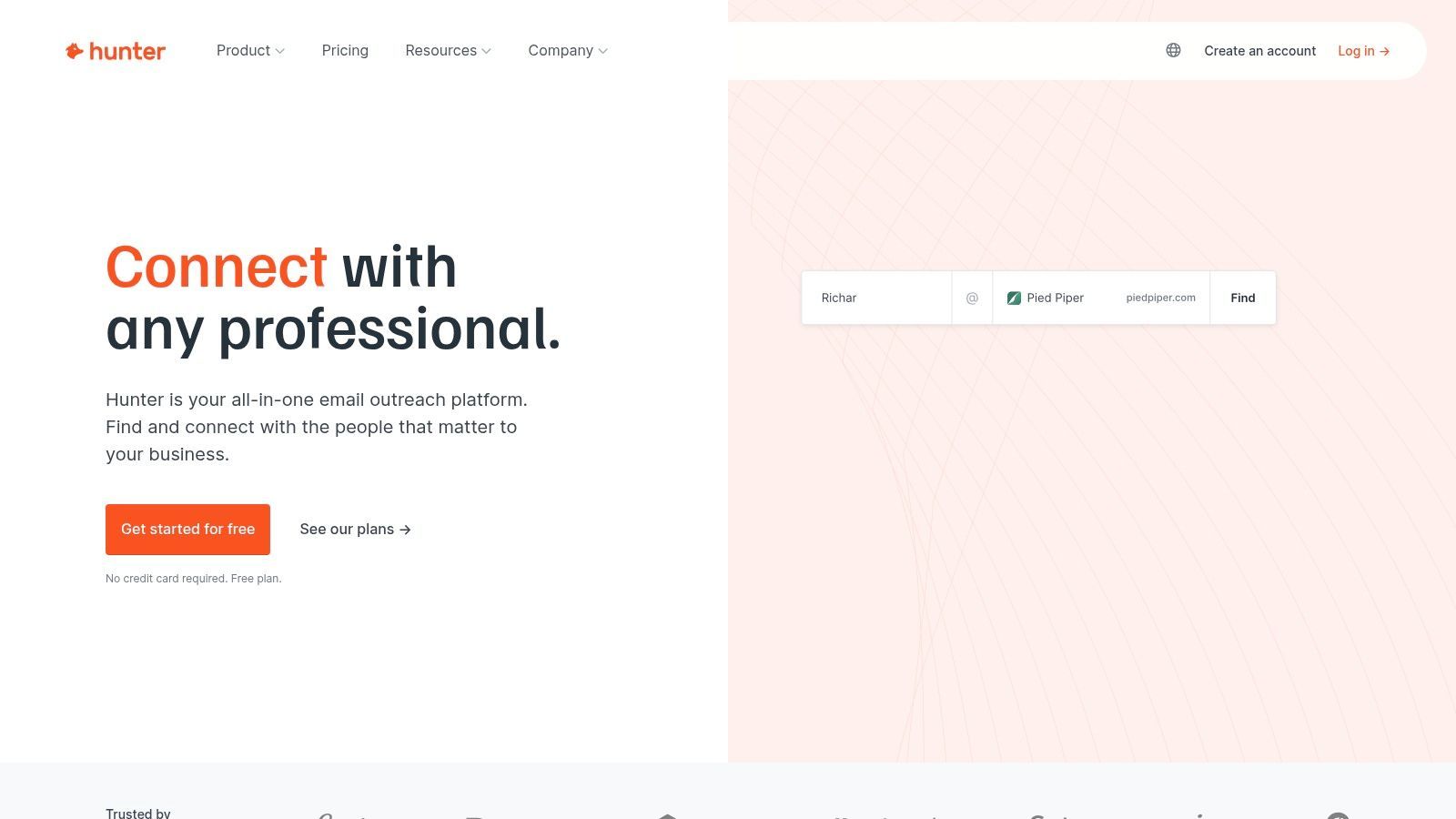
The platform’s strength lies in its straightforward credit system and powerful verification engine, which significantly reduces the risk of bounced emails. Unlike more complex platforms, Hunter's focus remains sharp. Users get a tool that does its core job exceptionally well, whether they're using the Chrome extension to find contacts on a company website or using the Google Sheets add-on for bulk enrichment tasks.
Key Differentiators & Features
- Domain Search: A powerful feature that uncovers all email patterns and known contacts associated with a specific domain, ideal for mapping out accounts.
- High-Accuracy Verification: Each email comes with a confidence score and verification status, minimizing bounce rates for outbound campaigns. Many users consider it among the best email finder tools for this reason.
- Simple Outreach Campaigns: Includes a lightweight "Campaigns" feature for sending basic cold email sequences, available even on the free plan.
Pricing & Ideal User
Hunter offers a free plan with 25 searches and 50 verifications per month. Paid plans begin at $49/month for 500 searches, making it accessible for individuals and small teams. It’s perfect for sales reps, recruiters, and marketers who prioritize email-centric outreach and need a reliable, no-frills tool for finding and validating contact information before launching campaigns.
| Pros | Cons |
|---|---|
| Excellent email verification reduces bounce risk. | Primarily email-focused; does not provide direct-dial phone numbers. |
| Simple, clear credit system across all features. | Database size is smaller than all-in-one intelligence suites. |
| Generous free plan for low-volume users. | Campaign features are basic compared to dedicated sales engagement tools. |
Website: https://hunter.io
5. Snov.io
Snov.io positions itself as a versatile and affordable SalesQL alternative, combining a B2B contact finder with a full-fledged cold outreach platform. It is particularly well-suited for scrappy sales teams and marketers who need a single tool for finding prospects, verifying their contact information, and launching automated email drip campaigns.
The platform's strength lies in its multi-tool approach under one roof. Users can find emails by name and domain, discover contacts from professional networking sites via a Chrome extension, and immediately add them to a sequence. Snov.io also includes valuable add-ons like an email verifier to clean lists and an email warm-up tool to improve deliverability, which are often separate purchases with other providers.
Key Differentiators & Features
- All-in-One Outreach Toolkit: Integrates an email finder, verifier, bulk email sender, and a technology checker into a single subscription.
- Flexible Prospecting Tools: Offers a Chrome extension for finding contacts on websites and professional networks, plus bulk domain search and social URL search features.
- Built-in Email Warm-up: Provides a dedicated feature to warm up email accounts, helping to maintain a high sender reputation and improve inbox placement for outreach campaigns.
Pricing & Ideal User
Snov.io offers a perpetual free trial with 50 monthly credits, making it accessible for individuals exploring prospecting tools. Paid plans are competitively priced, starting from $30/month (billed annually) for 1,000 credits. This makes it an excellent choice for solo entrepreneurs, small business owners, and sales teams at startups who require a comprehensive set of prospecting and outreach tools without a hefty price tag.
| Pros | Cons |
|---|---|
| Competitive entry pricing and a generous free trial. | Professional network automation is a separate, additional cost. |
| Built-in automation and email warm-up features. | The credit system can be confusing (different costs per action). |
| Strong feature set for both prospecting and outreach. | Advanced features often require upgrading to higher-tier plans. |
Website: https://snov.io
6. Wiza
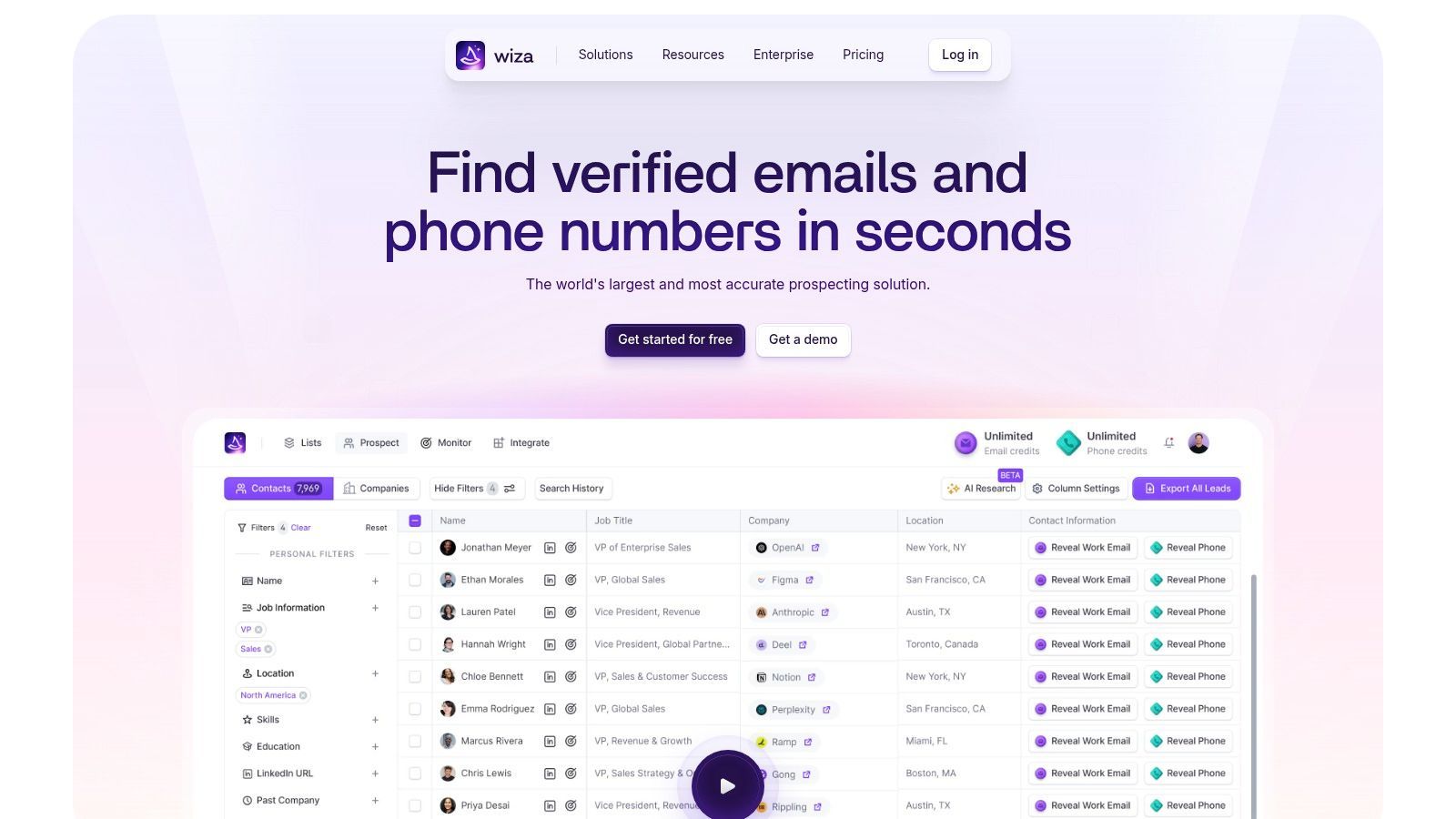
Wiza is a specialized prospecting tool designed to extract verified contact information directly from professional networking platforms. As a SalesQL alternative, its primary strength lies in its streamlined, single-purpose workflow. Sales teams that live on professional social networks for their prospecting efforts will find Wiza’s approach intuitive, allowing them to build targeted lists from searches and export them with validated B2B emails and phone numbers.
The platform focuses on simplifying the process of turning a search on a professional network into an actionable outreach list. Instead of a broad, all-in-one approach, Wiza perfects the extraction and verification process, ensuring high data accuracy for the contacts it finds. This makes it a great fit for teams that have an established prospecting motion on professional networks and just need a reliable way to get contact data into their CRM or marketing automation tool.
Key Differentiators & Features
- Professional Network Focus: Purpose-built to scrape and enrich prospect lists directly from the world's largest professional network, ensuring a seamless workflow.
- Real-Time Verification: Wiza verifies emails in real-time upon export, which helps reduce bounce rates and protect sender reputation.
- Flexible Export Options: Users can export clean lists as a CSV file or sync them directly to popular CRMs like HubSpot, Salesforce, and Outreach.
Pricing & Ideal User
Wiza offers a free trial with 20 email credits. Paid plans begin with a Micro plan at $30/user/month for 75 email credits. The popular Pro plan is $50/user/month for 250 credits, with options to add phone credits. Its best value often comes from annual "Unlimited" plans, though these have export caps. Wiza is ideal for SDRs and BDRs whose prospecting is heavily centered on major professional networking sites.
| Pros | Cons |
|---|---|
| Simple and effective for network-based prospecting. | "Unlimited" plans have export caps that can be confusing. |
| High accuracy due to its real-time email verification process. | Can be more expensive than competitors if you need significant phone data. |
| Transparent pricing structure for credits and add-ons. | Lacks the broader sales engagement features of all-in-one platforms. |
Website: https://wiza.co





23 CRMs supported with one extension
Find verified emails, phone numbers, and job titles on LinkedIn®. Add contacts to any of 23 supported CRMs in one click.
Get 5 Free Lookups7. Kaspr
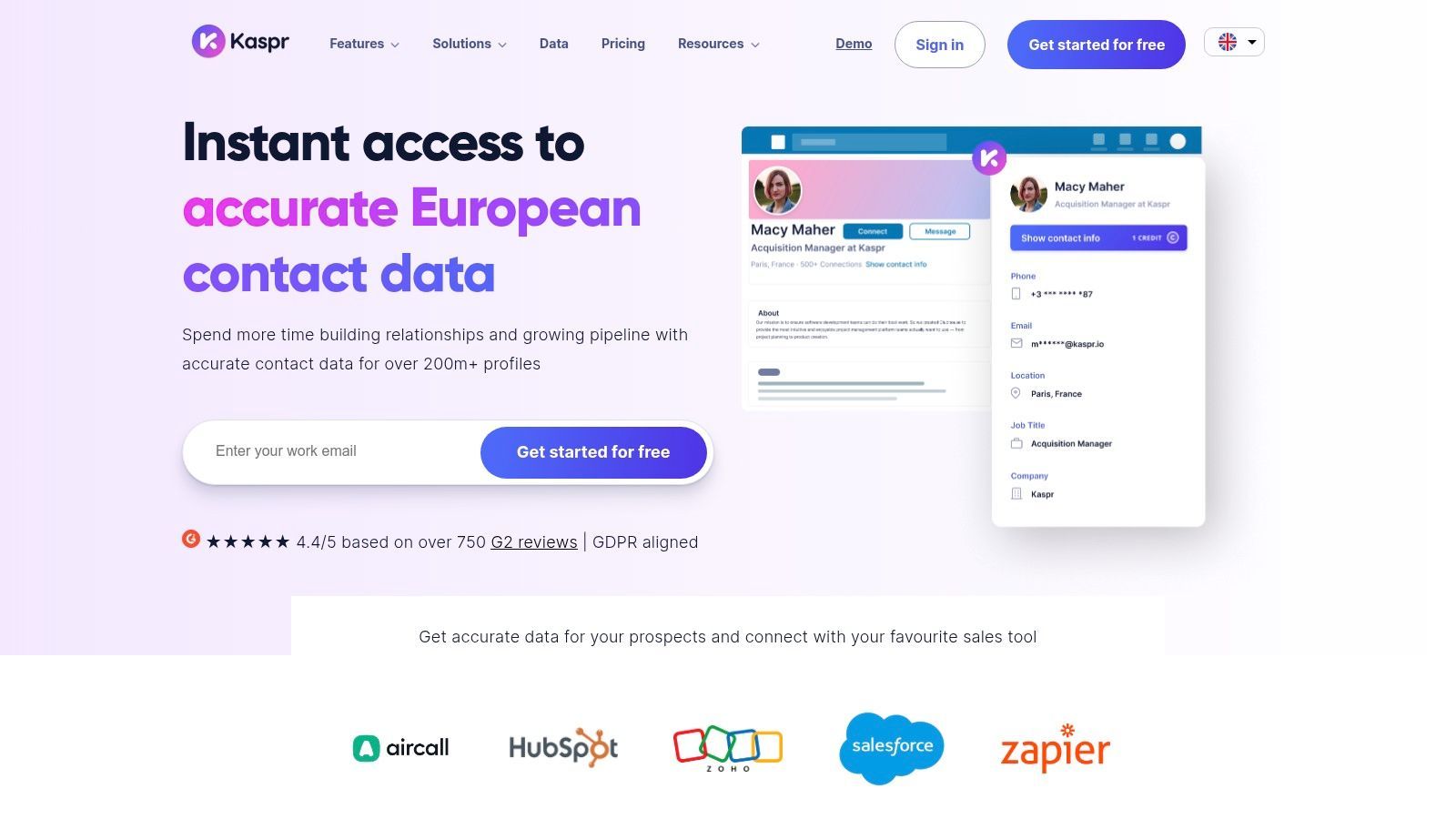
Kaspr distinguishes itself as a highly effective, professional network-centric prospecting tool, making it a strong SalesQL alternative for sales professionals who live on the platform. Its primary strength is a seamless workflow that allows users to capture accurate contact information, including emails and phone numbers, directly from profiles, groups, events, and advanced searches without leaving the site.
The platform is designed for both individual prospectors and collaborative teams. Its user-friendly Chrome extension integrates smoothly, providing instant access to contact data with a single click. This focus on a streamlined, in-browser experience helps sales reps maintain momentum and build prospect lists with remarkable efficiency.
Key Differentiators & Features
- Network-Centric Workflow: Excels at extracting contact data directly from professional profiles, Sales Navigator, Recruiter Lite, groups, and event attendee lists.
- Team Management Features: Offers shared credit pools, centralized billing, and performance analytics, making it easy to manage a team of prospectors.
- Automation & Enrichment: Provides API access and CSV enrichment capabilities to automate data collection and enhance existing contact lists.
Pricing & Ideal User
Kaspr offers a free plan with a monthly allowance of phone, direct email, and company email credits, making it accessible for individuals to test. Paid plans begin at $49/user/month and scale with higher credit limits and advanced features like team management. It is ideal for sales development representatives (SDRs), recruiters, and founders who heavily rely on major professional networks for their outbound prospecting efforts and value speed and simplicity.
| Pros | Cons |
|---|---|
| Excellent, intuitive workflow for network-based prospecting. | Requires a minimum number of connections to activate. |
| Generous free tier and affordable entry-level pricing. | Phone and direct email credits are counted and purchased separately. |
| Strong team features like credit sharing and user reports. | Credit limits on lower tiers can be restrictive for high-volume users. |
Website: https://www.kaspr.io
8. Nymeria
Nymeria presents itself as a lightweight and developer-friendly SalesQL alternative focused on simple, effective contact and company data enrichment. It is designed for startups, small businesses, and technical teams that prioritize API access and straightforward credit usage over an expansive, all-in-one sales engagement suite. The platform strips away complexity to deliver core data retrieval functionalities efficiently.
Its core value lies in a "pay for successful result" model, ensuring users are only charged for successfully found emails or phone numbers. This approach, combined with a simple credit system and unlimited team member access on paid plans, makes it an attractive option for teams that need reliable data enrichment without the overhead of more feature-heavy platforms.
Key Differentiators & Features
- Pay-on-Success Model: Credits are only consumed when the platform successfully finds an email or phone number, which minimizes wasted spend on bad data.
- API-First Approach: Offers a robust and well-documented API, making it ideal for developers looking to integrate data enrichment directly into their own applications or workflows.
- Generous Team Access: Paid plans include unlimited team members, allowing entire sales or recruiting teams to use the service under a single, affordable subscription.
Pricing & Ideal User
Nymeria provides free monthly test credits without requiring a credit card, allowing users to trial the service easily. Paid plans are competitively priced, starting from a low entry point designed for individuals and scaling up for teams. It is best suited for developers, recruiters, and SMBs who need a straightforward data enrichment tool and value API integration and cost-effective, predictable pricing over a comprehensive sales engagement platform.
| Pros | Cons |
|---|---|
| Competitive entry price points and pay-on-success charging. | Smaller brand with fewer suite features than incumbent platforms. |
| Unlimited team members on paid tiers is great for growing teams. | Limited public detail on per-plan credit counts in some sections. |
| Strong API focus for custom integrations and automated workflows. | May lack the advanced filtering and sequencing tools found in competitors. |
Website: https://www.nymeria.io
9. LeadIQ
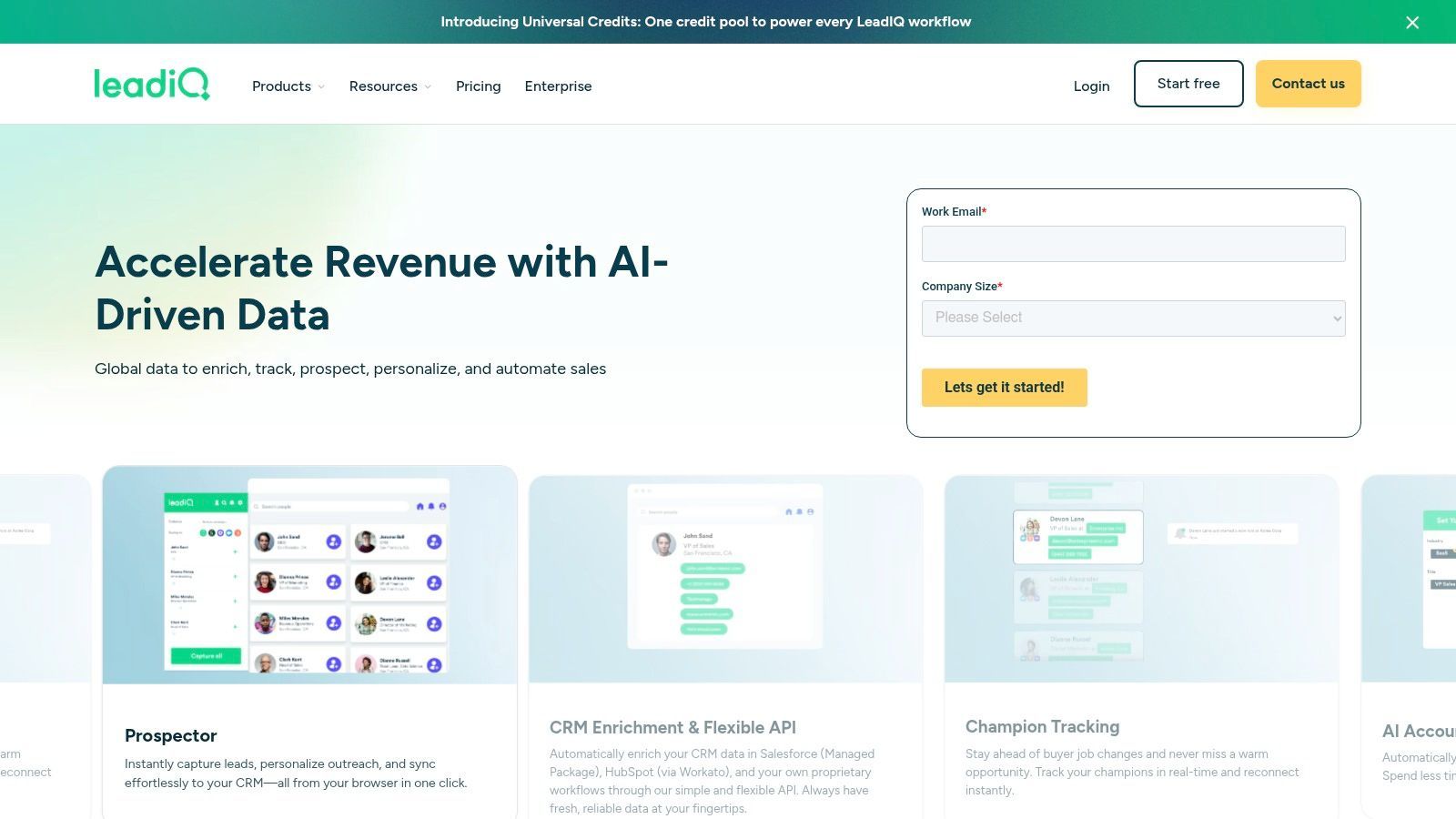
LeadIQ positions itself as a streamlined prospecting tool designed to simplify contact capture while maintaining high data quality within your CRM. It excels at finding verified email addresses and, notably, mobile phone numbers, making it a strong SalesQL alternative for teams that prioritize direct-dial outreach and need to ensure their data remains clean and duplicate-free.
The platform's primary strength lies in its meticulous focus on CRM governance. Rather than just pushing data into your system, LeadIQ actively works to prevent duplicates and allows administrators to enforce specific field mapping rules, which is a major advantage for RevOps-mature organizations using Salesforce or HubSpot. Its job-change tracking feature also gives sales teams a timely trigger for reaching out to past champions at their new roles.
Key Differentiators & Features
- CRM Governance & Deduplication: Advanced controls to prevent duplicate entries and enforce consistent data mapping directly into Salesforce and other CRMs.
- Verified Mobile Data: A strong emphasis on providing high-quality, verified mobile numbers to facilitate direct outreach.
- Job-Change Tracking: Receive timely alerts when your key contacts or past customers move to a new company, creating new sales opportunities.
Pricing & Ideal User
LeadIQ offers a free plan with a limited number of email credits. Paid plans scale with both user seats and credit requirements, with custom pricing for enterprise teams needing advanced governance and analytics. It is an excellent choice for established sales teams, particularly those with dedicated RevOps functions, who prioritize data hygiene and governance within their CRM above all else.
| Pros | Cons |
|---|---|
| Strong focus on accurate mobile data and verified emails. | Pricing can become expensive as it scales with credits and seats. |
| Excellent enterprise governance (field mapping, deduplication). | Top-tier features are locked behind enterprise-level plans. |
| Practical job-change alerts create timely outreach opportunities. | Premium phone coverage in some regions may require support. |
Website: https://leadiq.com
10. RocketReach
RocketReach is a long-standing and well-known player in the contact lookup space, positioning itself as a reliable SalesQL alternative for sales professionals and recruiters. It focuses on its core competency: providing direct email addresses and phone numbers for millions of professionals across various industries. The platform is straightforward, prioritizing speed and ease of use for individual lookups or bulk data exports.
Its Chrome extension is a central part of the user experience, allowing for quick contact discovery on professional networking sites and company web pages. Users can perform lookups, manage lists, and export data without constantly switching back to the main application, streamlining the top-of-funnel prospecting workflow.
Key Differentiators & Features
- Massive Contact Database: Claims access to over 700 million profiles and 35 million companies, providing a vast pool for prospecting.
- Bulk Lookups & Exports: Enables users to upload lists of names or company domains to find contact information in bulk, saving significant manual effort.
- API Access: Offers an API for developers to integrate RocketReach’s data enrichment capabilities directly into their own applications and workflows.
Pricing & Ideal User
RocketReach offers several paid plans, starting around $39/month (billed annually) for 125 lookups per month. Plans scale up to Pro and Ultimate tiers, offering more lookups, CRM integrations, and team features. It’s best suited for individual sales reps, recruiters, and small teams who need a dedicated tool specifically for finding contact information and aren't looking for a full-suite sales engagement platform.
| Pros | Cons |
|---|---|
| Large and established database with a strong reputation. | Pricing can be complex with different limits on lookups/exports. |
| Simple, focused user interface that is easy to learn. | The free plan is very limited, pushing users to paid tiers quickly. |
| Granular plans suitable for individuals and teams. | Some user reviews mention difficulty with customer service or refunds. |
Website: https://rocketreach.co
11. Seamless.AI
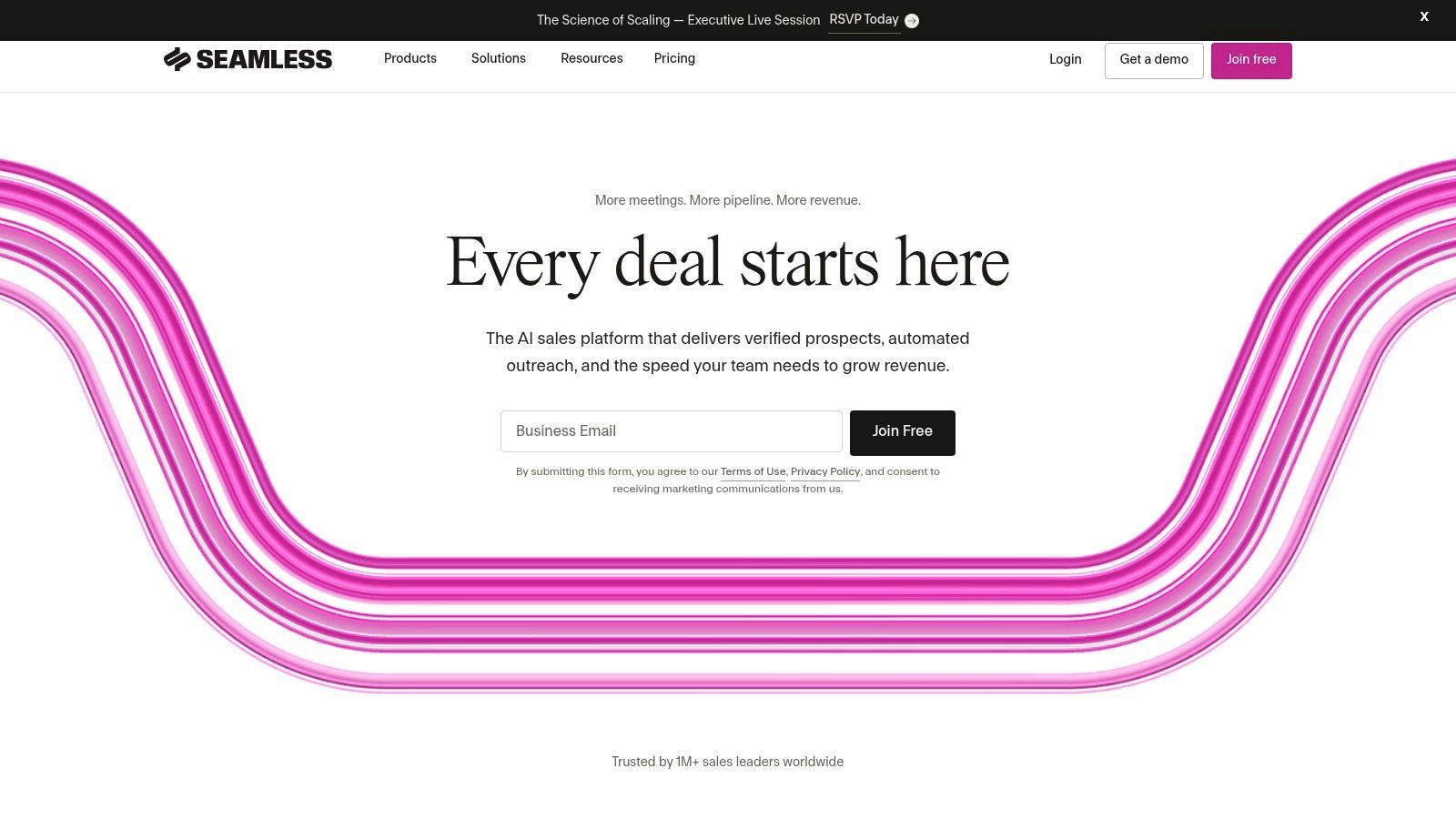
Seamless.AI positions itself as a real-time sales intelligence engine, making it a powerful SalesQL alternative for teams prioritizing fresh, accurate data and direct-dial phone numbers. Its core proposition is using artificial intelligence to verify contact information at the moment of search, aiming to reduce data decay and increase connection rates for sales reps.
The platform is designed for high-velocity sales environments where having a correct mobile number can be the difference between a conversation and a dead end. Beyond contact discovery, Seamless.AI offers add-on capabilities like buyer intent data and data enrichment, allowing organizations to scale their data operations as their needs grow more sophisticated.
Key Differentiators & Features
- Real-Time Search Engine: Leverages AI to find and validate emails and direct-dial mobile numbers in real-time, claiming higher accuracy than static databases.
- Scalable Add-Ons: Offers advanced features like Buyer Intent data, Job Changes, and Data Enrichment as separate modules to enhance its core offering.
- Enterprise-Grade Controls: Provides admin seats and organizational management tools, making it suitable for larger teams needing to manage usage and credits centrally.
Pricing & Ideal User
Seamless.AI provides a useful free plan that includes credits for finding both emails and cell phone numbers, allowing users to test its data quality effectively. Paid pricing is quote-based and requires a conversation with their sales team, with many subscriptions structured as annual commitments. It is an ideal solution for sales teams and enterprises that heavily rely on cold calling and require verified mobile numbers at scale.
| Pros | Cons |
|---|---|
| Generous free tier with credits for testing. | Paid tier pricing is opaque and requires a sales consultation. |
| Strong focus on verified mobile numbers, a key asset. | Subscriptions are often annual with strict cancellation windows. |
| Enterprise controls and add-ons available for scaling. | The user interface can have a steeper learning curve for some. |
Website: https://seamless.ai
Try AddToCRM — 7-day free trial
Find verified emails, phone numbers, and job titles on LinkedIn®. Add contacts to any of 23 supported CRMs in one click.
Get 5 Free Lookups12. GetProspect
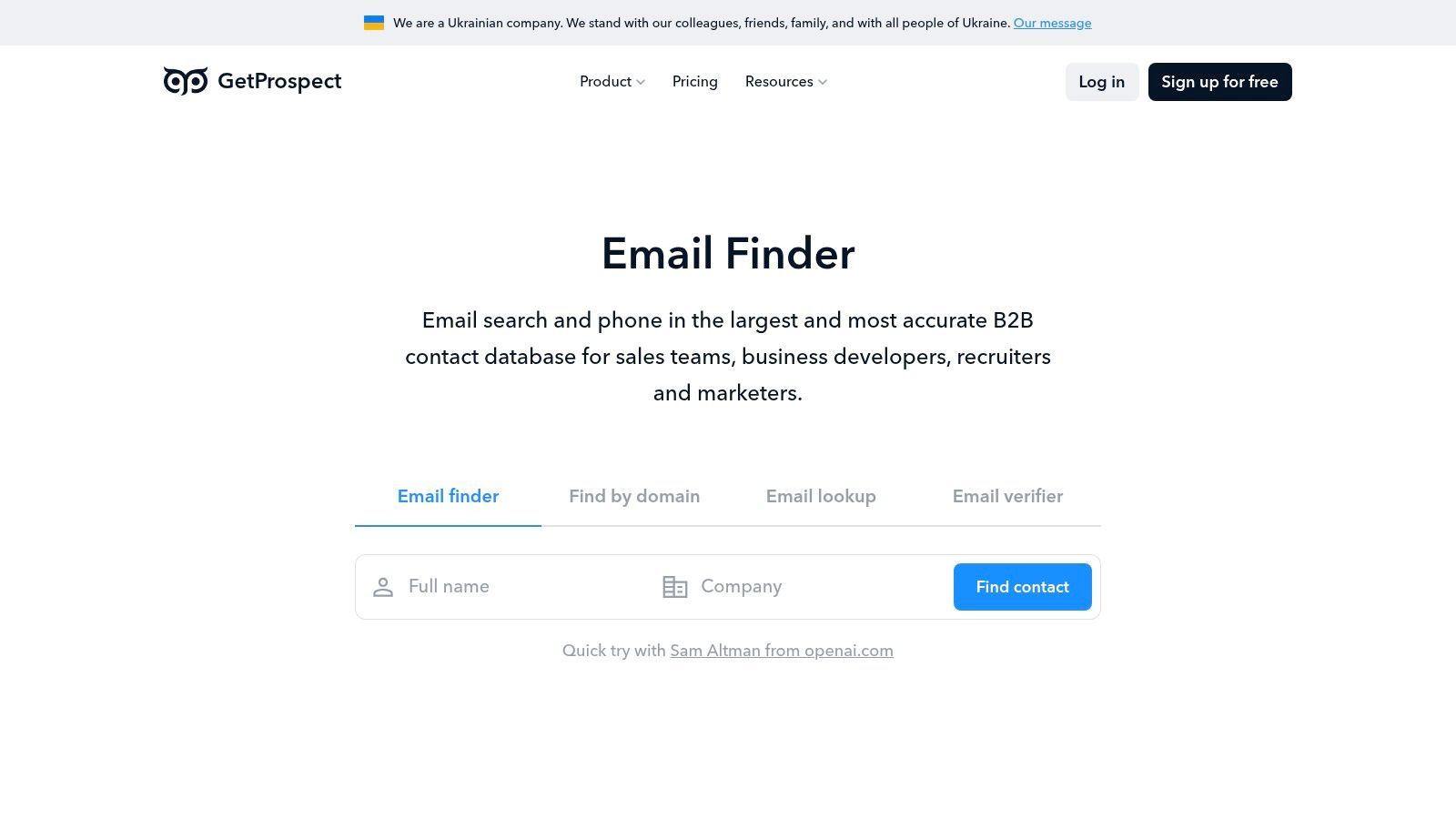
GetProspect is a highly focused email finder and verification tool, positioning itself as a cost-effective and straightforward SalesQL alternative for teams prioritizing lead discovery over complex engagement features. Its core value lies in its simple, credit-based system where users only pay for successfully verified emails, ensuring a high return on investment for data acquisition budgets.
It excels at its primary function: finding accurate email addresses via its professional network extension and bulk enrichment capabilities. Users can easily build prospect lists, verify the data, and export it for use in other systems, making it an excellent data source for teams that already have a separate sales engagement tool.
Key Differentiators & Features
- "Pay for Valid Emails Only" Model: Credits are only deducted for emails the platform successfully finds and verifies, which minimizes wasted spend on bounced data.
- Bulk Enrichment: Users can upload a CSV file of names and company domains to enrich their existing lists with verified email addresses at scale.
- Team Management & Integrations: Higher-tier plans offer workspaces for team collaboration, credit sharing, and native integrations with CRMs like HubSpot and Salesforce.
Pricing & Ideal User
GetProspect offers a free plan with 50 valid email credits per month, perfect for individual users or those with minimal needs. Paid plans start at a very accessible $49/month for 1,000 valid email credits. It’s best suited for startups, small sales teams, and recruiters who need a reliable and affordable tool for building clean prospect lists without the overhead of an all-in-one engagement suite.
| Pros | Cons |
|---|---|
| Clear, low-cost entry plans and a generous free tier. | Phone number credits are very limited or unavailable on lower tiers. |
| Unused credits can roll over to the next month. | Engagement and sequencing features are basic compared to competitors. |
| Excellent for building clean email lists for export. | Can be less effective for finding contacts outside major platforms. |
Website: https://getprospect.com
SalesQL Alternatives: CRM & Feature Comparison
| Product | Core features | Data quality & accuracy | Best for (target audience) | Pricing model | Unique selling point |
|---|---|---|---|---|---|
| Add to CRM | 1‑click Chrome capture from social networks/Gmail/Outlook; 27+ CRM integrations; bulk add, dedupe, custom field mapping | Verified database 220M+; real‑time email verification ~95–96%; 31 data points/person | Founders, SDRs, AEs, RevOps teams needing fast CRM capture | Credit‑based (Free 10 / Standard 100 / Pro 500) with paid onboarding & priority support | One‑click enrichment across prospecting sites + GDPR compliance; saves ~4+ hours/week |
| Apollo.io | B2B database + engagement (sequences, dialer, extension) | Large contact & company coverage; tiered enrichment | Startups & SMBs wanting data + outreach in one stack | Credit‑based with fair‑use governance | Combines data and outreach to reduce tool sprawl |
| Lusha | Extension, API, web app for emails & phones; CRM sync | Single credit system; transparent credit rules; generous free credits | US SDR teams and midmarket reps | Credit‑based (emails vs phones priced differently); rollover options | Clear credit rules and high free‑tier allowance |
| Hunter | Email finder, verifier, domain search, sequences | Strong email verification; lower bounce risk | Email‑first prospectors and small teams | Shared credits across tools; clear credit math | Veteran product with excellent email verification |
| Snov.io | Finder, verifier, multichannel outreach, email warm‑up | Competitive accuracy; bulk prospecting tools | Scrappy teams wanting one‑roof prospecting + automation | Credit‑based; trials and add‑ons (network automation extra) | Built‑in email warm‑up and automation features |
| Wiza | Network extraction; CSV export; CRM sync | Network-centric results; email+phone extraction | SDR teams focused on professional networks | Monthly or annual plans (Email or Email+Phone; “Unlimited” annual options) | Straightforward network-based workflows and annual “unlimited” menu |
| Kaspr | Network, Groups, Events enrichment; team features | Good network coverage; EU presence | Teams focused on professional network prospecting | Free tier + affordable USD plans; team credit sharing | Strong network-based workflow and team reporting |
| Nymeria | Email & phone enrichment; pay‑for‑successful result; API | Pay‑on‑success policy improves cost‑efficiency | Builders and SMBs wanting predictable costs | Pay‑per‑successful result; free test credits (no card) | Pay‑on‑success charging and unlimited team members on paid tiers |
| LeadIQ | Chrome capture into Salesforce; dedupe; job‑change alerts | Focus on verified mobiles and job‑change accuracy | RevOps‑mature teams and Salesforce users | Credits + seats; enterprise pricing | Strong CRM governance, field mapping, and job‑change tracking |
| RocketReach | Email/phone lookups, bulk search/export, extension | Mature database; long‑standing coverage | Sales and recruiting teams needing bulk exports | Tiered Pro/Ultimate plans; lookups/exports metered | Granular plans with robust bulk export capabilities |
| Seamless.AI | Email & mobile lookup; buyer intent & enrichment add‑ons; API | Free credits for US results; add‑on accuracy varies | Teams testing US coverage or needing intent data | Add‑ons and enterprise controls; often annual, sales‑led pricing | Buyer intent + meaningful free testing tier |
| GetProspect | Network extension, verification, CSV enrichment, basic outreach | Pay only for verified (valid) emails; verification included | Early teams on a budget | Low‑cost entry plans; free tier (50 valid emails); rollovers | Pay‑for‑verified email model with clear low‑cost entry |
Choosing Your Next Prospecting Tool
Navigating the crowded market of B2B prospecting tools can feel overwhelming, but finding the right SalesQL alternative is a critical step toward a more efficient and effective sales process. As we've explored, the "best" tool isn't a one-size-fits-all solution; it’s the one that directly solves your team’s most significant bottlenecks. Your final decision should hinge on a clear understanding of your current workflow, budget, and strategic goals.
The journey away from SalesQL often starts with a specific pain point. Are your SDRs bogged down by tedious, manual data entry? Or is your primary challenge the high cost of credits for a large, high-volume team? By identifying your core problem, you can immediately narrow down the extensive list of SalesQL alternatives to a few top contenders.
A Framework for Your Final Decision
To make a confident choice, move beyond feature lists and focus on the practical impact a new tool will have on your daily operations. Use this simple framework to guide your evaluation process:
- Workflow Integration vs. Platform Replacement: Do you need a lightweight tool that seamlessly integrates into your existing CRM and sales stack, like Add to CRM? Or are you looking for an all-in-one platform like Apollo.io or Seamless.AI that consolidates data, sequencing, and analytics? The former minimizes disruption, while the latter aims to centralize your entire outbound motion.
- Data Quality vs. Data Quantity: Evaluate what matters most to your campaigns. Tools like Lusha and LeadIQ often pride themselves on the accuracy of their mobile numbers, which is crucial for sales teams that rely heavily on cold calling. In contrast, platforms like RocketReach or Hunter offer vast databases, which may be more suitable for teams running large-scale email campaigns where a lower connect rate is acceptable.
- Pricing Model Alignment: Don't just look at the monthly subscription fee. Scrutinize the credit system. Does the tool charge a credit for every email reveal, every phone number, or only for verified contacts? A "per-seat" model might be cost-effective for a small team, but a usage-based or credit-rollover model could provide better value for teams with fluctuating prospecting needs.
- Ease of Implementation and Adoption: The most powerful tool is useless if your team doesn't adopt it. Consider the learning curve. A tool with a simple, one-click interface will see much faster adoption than a complex platform that requires extensive training and configuration. This is particularly important for startups and small businesses where resources for in-depth training are limited.
Actionable Next Steps: Test Before You Invest
The single most effective way to choose between your top two or three SalesQL alternatives is to conduct a hands-on pilot test. Almost every provider on our list offers a free trial or a freemium plan.
- Define a Small, Controlled Test: Select a list of 25-50 target prospects.
- Run a Head-to-Head Comparison: Use each tool to find contact information for the same list of prospects.
- Track Key Metrics: Document the data accuracy (bounced emails, wrong numbers), the time it takes to enrich and save the data to your CRM, and the overall user experience.
- Gather Team Feedback: Involve the end-users (your SDRs or AEs) in the evaluation. Their qualitative feedback on usability is just as important as the quantitative data.
This methodical approach removes guesswork and ensures the tool you ultimately choose is not just theoretically superior, but practically effective for your team's unique needs. By investing a little time in a structured evaluation, you can confidently select a solution that will not only replace SalesQL but significantly upgrade your entire prospecting engine, paving the way for more conversations and closed deals.
Tired of the copy-paste grind that slows down your prospecting? Add to CRM was built to solve that exact problem, offering a simple one-click workflow to get verified contact data from professional social networks directly into your CRM. If your main goal is to find a faster, more integrated, and user-friendly SalesQL alternative, start your free trial of Add to CRM today and see how much time you can save.
Start saving time and closing more deals.
Find contact info for your prospects on the #1 business social network and add them to your CRM with 1-click.

 Loading...
Trusted by 1000s of founders, SDRs & more
