Best LinkedIn Automation Tools: Top 12 for Outreach Success
Discover the best LinkedIn automation tools with reviews of 12 top platforms, covering safety, features, and pricing. Learn how to choose the right fit.
Published on December 9, 2025
LinkedIn is a powerful engine for B2B sales and networking, but manually managing prospecting, outreach, and connection requests is a significant time drain. For sales teams, founders, and marketers aiming to scale their efforts efficiently, automation isn't just a luxury; it's a necessity. This is where LinkedIn automation tools become critical, handling repetitive tasks so you can focus on building relationships and closing deals.
However, choosing the right platform can be overwhelming. The market is saturated with options, each with different features, pricing structures, and approaches to safety. Some tools are cloud-based, while others are browser extensions. Some excel at multi-channel sequencing, while others are built for simple, targeted campaigns. How do you find the best LinkedIn automation tools for your specific needs without risking your account's standing?
This comprehensive guide is designed to cut through the noise. We will analyze twelve of the top platforms available, providing a detailed breakdown of what makes each one unique. For every tool, you will find:
- A concise profile and key features.
- Ideal user personas (from SDRs to RevOps).
- Clear pricing information.
- Important notes on safety and compliance.
- Actionable pros, cons, and recommended use cases.
We'll also explore how tools like Add to CRM can complement or even replace certain automation workflows by focusing on high-intent lead capture and seamless CRM integration. Our goal is to provide a clear, actionable resource that helps you select the perfect tool to streamline your prospecting, enrich your data, and ultimately, drive more revenue.
1. Add to CRM
Best For: Streamlining CRM data entry and enriching prospect profiles without complex automation sequences.
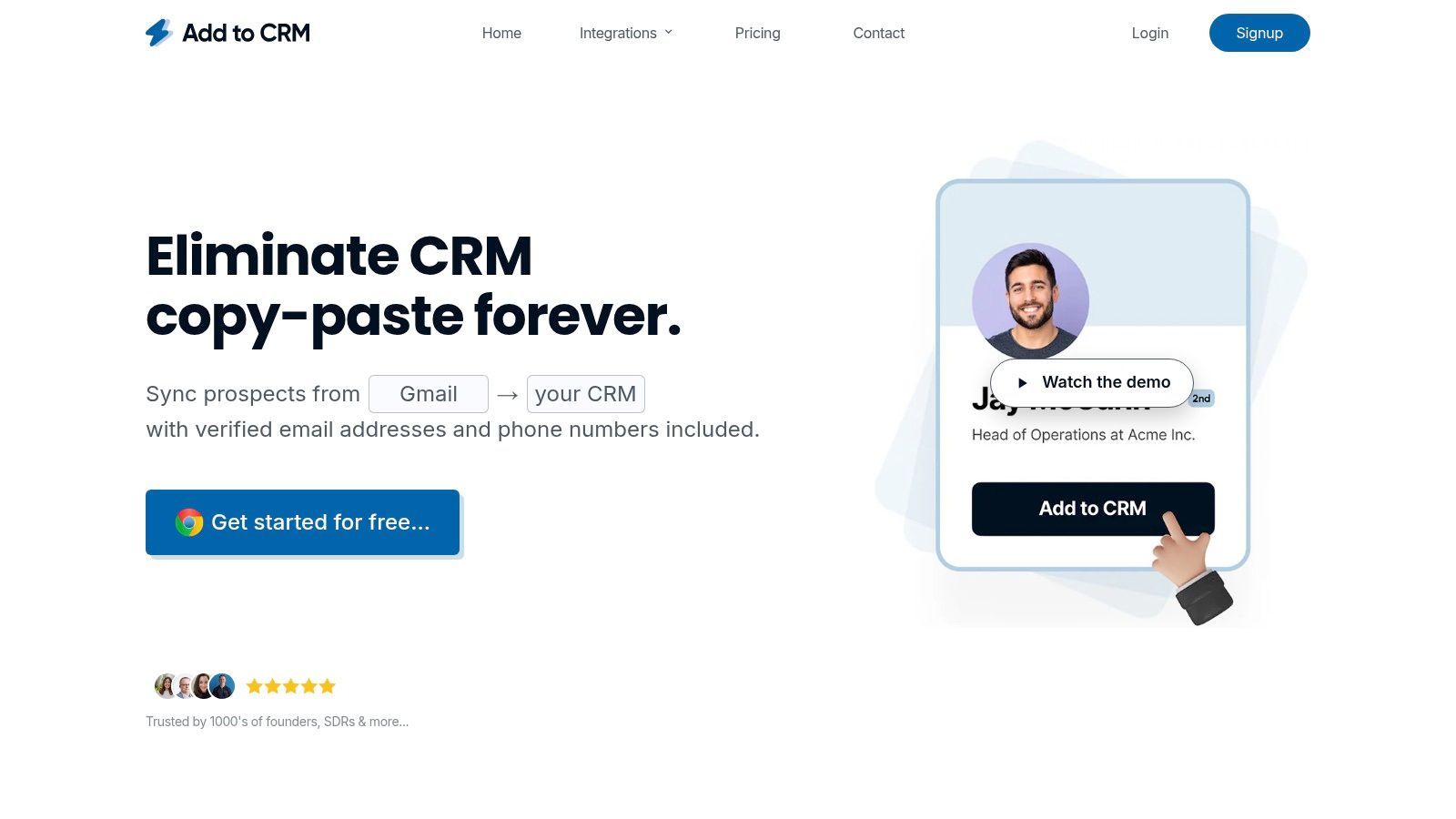
Add to CRM secures its position as a top-tier tool by focusing on a critical, often-overlooked aspect of social media outreach: foundational data quality. While not a traditional sequence automation tool, it automates the most time-consuming part of prospecting, which is manually transferring and enriching leads. This Chrome extension acts as a powerful bridge between your professional network, Gmail, Outlook, and your CRM, turning any profile into a clean, detailed record with a single click.
It’s an indispensable asset for founders, SDRs, and RevOps teams who prioritize CRM hygiene over sending mass connection requests. The platform claims users save over four hours per week, and its seamless integration with 30+ CRMs like Pipedrive, Close, and Zoho makes it a versatile choice for nearly any sales stack.
Key Features & Analysis
Add to CRM stands out by solving the data entry problem with precision and depth, making it one of the best automation tools for teams focused on quality over quantity.
- One-Click Data Capture & Enrichment: The core function allows you to instantly create a new CRM contact from a social profile. It automatically pulls and enriches 31 data points, including verified contact information (email and phone), company revenue, industry, and employee count. Its real-time email verification boasts a ~96% accuracy rate, ensuring your outreach lists are clean from the start.
- Built-in Duplicate Detection: Before syncing a new contact, the extension checks your CRM for existing records. This prevents duplicate entries and alerts you if a colleague is already working the lead, promoting better internal collaboration and a cleaner database.
- Custom Field Mapping: Align the extension with your specific CRM setup by mapping data points to custom fields. This ensures every new record is complete and consistent with your team's established processes, eliminating the need for manual cleanup later.
- Team Collaboration Features: Team-level plans allow for shared credit pools and unified settings, ensuring everyone on your sales team operates with the same data standards.
Pricing Structure
Add to CRM offers transparent, credit-based pricing suitable for individuals and growing teams. One credit is used to find and verify contact information for one prospect.
- Free Tier: 10 credits per month.
- Standard Plan: $17 per user/month (billed annually) for 100 credits/month and team features.
- Pro Plan: $59 per user/month (billed annually) for 500 credits/month, plus a dedicated account manager and priority support.
A 7-day money-back guarantee is offered on all paid plans.
Pros and Cons
| Pros | Cons |
|---|---|
| Exceptional Data Quality: Access to a 220M+ professional database with high-accuracy, real-time email verification. | Chrome-Only: The extension is limited to Chrome and Chromium-based browsers, excluding users on Firefox, Safari, etc. |
| Saves Significant Time: Automates tedious data entry, freeing up sales teams for revenue-generating activities. | Credit-Based Limits: High-volume teams may find the credit limits restrictive and need to upgrade to the Pro plan. |
| Improves CRM Hygiene: Built-in duplicate checks and custom field mapping maintain data consistency and integrity. | Not a Full-Cycle Automation Tool: It does not send automated connection requests or messages on social platforms. |
| Wide CRM Integration: Connects seamlessly with over 30 popular CRM platforms, ensuring broad compatibility. |
Website: https://addtocrm.com
2. Expandi
Expandi is a powerful cloud-based automation platform designed for safety and scale, making it a top choice for agencies and sales teams. Unlike browser-based extensions that run on your local machine, Expandi operates 24/7 from the cloud, mimicking human behavior with randomized delays to keep your account safe. This structure allows you to manage multiple social media accounts from a single dashboard, a critical feature for agencies handling client campaigns.
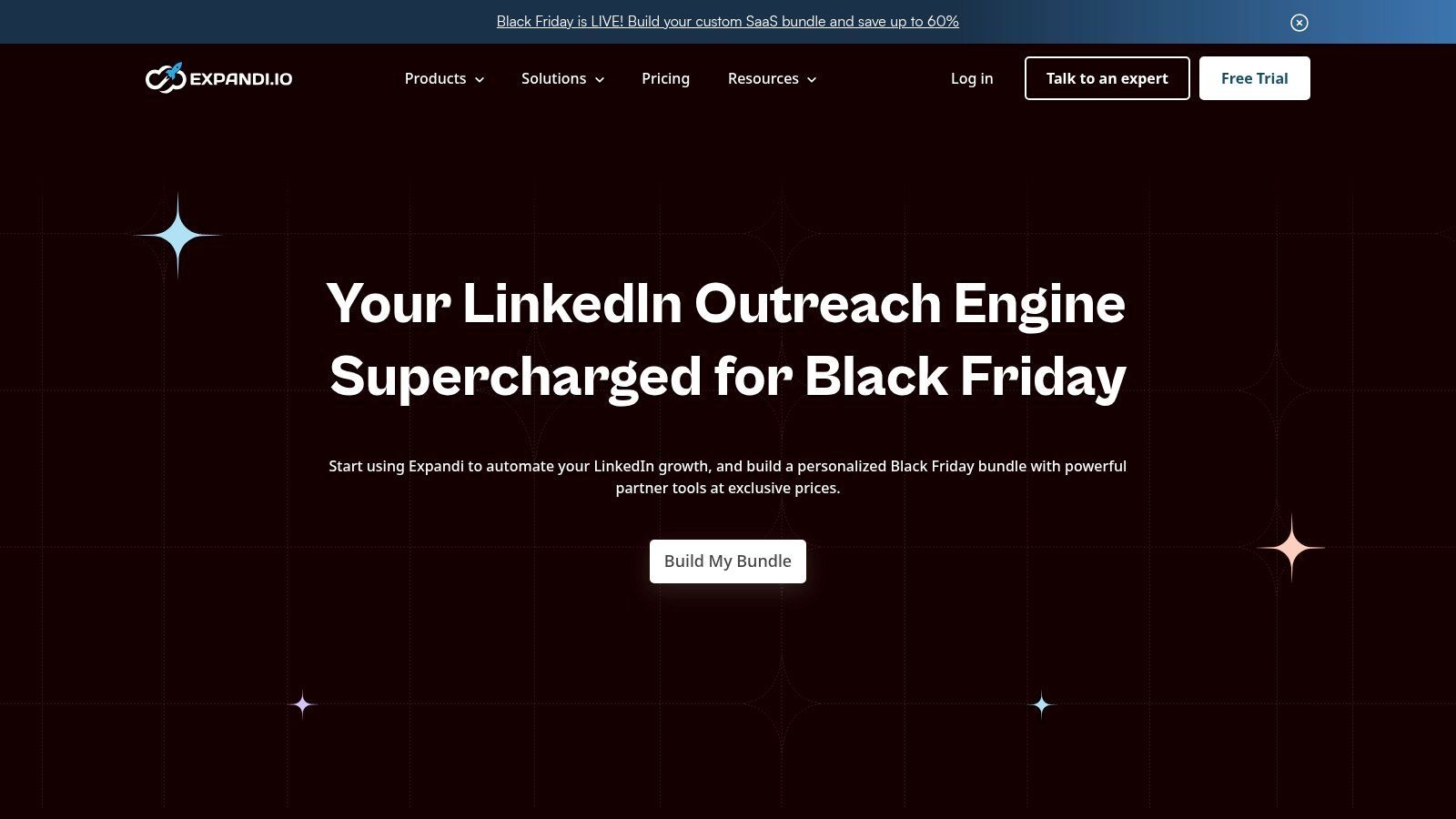
It excels at creating smart, multi-step outreach sequences. You can combine connection requests, messages, InMails, and even email follow-ups into a single cohesive campaign. Expandi’s smart features allow for dynamic personalization, pulling data from a prospect’s profile to create highly relevant messages that don't feel automated. For SDRs and founders, this means you can build sophisticated funnels that nurture prospects effectively over time. To get the most out of Expandi's targeting, you need to master your search queries first. For guidance, you can read more about how to use advanced search operators effectively.
Key Features & Pricing
- Pricing: Expandi keeps it simple with a single plan at $99 per seat/month. This includes access to all features, with no hidden paywalls.
- Best For: Agencies, B2B sales teams, and founders who need a robust, scalable, and safe cloud-based solution.
- Unique Offering: Its agency-focused features, including a centralized dashboard for managing multiple client accounts and discounted pricing for bulk seats, make it one of the best professional network automation tools for team-based outreach.
| Pros | Cons |
|---|---|
| Cloud-based for enhanced safety and 24/7 ops | Higher price point than many entry-level tools |
| Excellent for managing multiple accounts | Requires a dedicated IP address for full safety |
| Simple, all-inclusive pricing model | Account warm-up is still a necessary manual step |
| Powerful smart sequence and campaign builder |
Website: https://expandi.io
3. Dripify
Dripify stands out as a versatile automation tool that bridges the gap between professional networks and email outreach. It allows users to build sophisticated drip campaigns using a visual, drag-and-drop funnel builder. This intuitive approach makes it easy for founders and sales teams to create multi-step sequences that include actions like viewing a profile, endorsing a skill, sending a connection request, and following up via both social messages and email, all based on specific triggers and time delays.
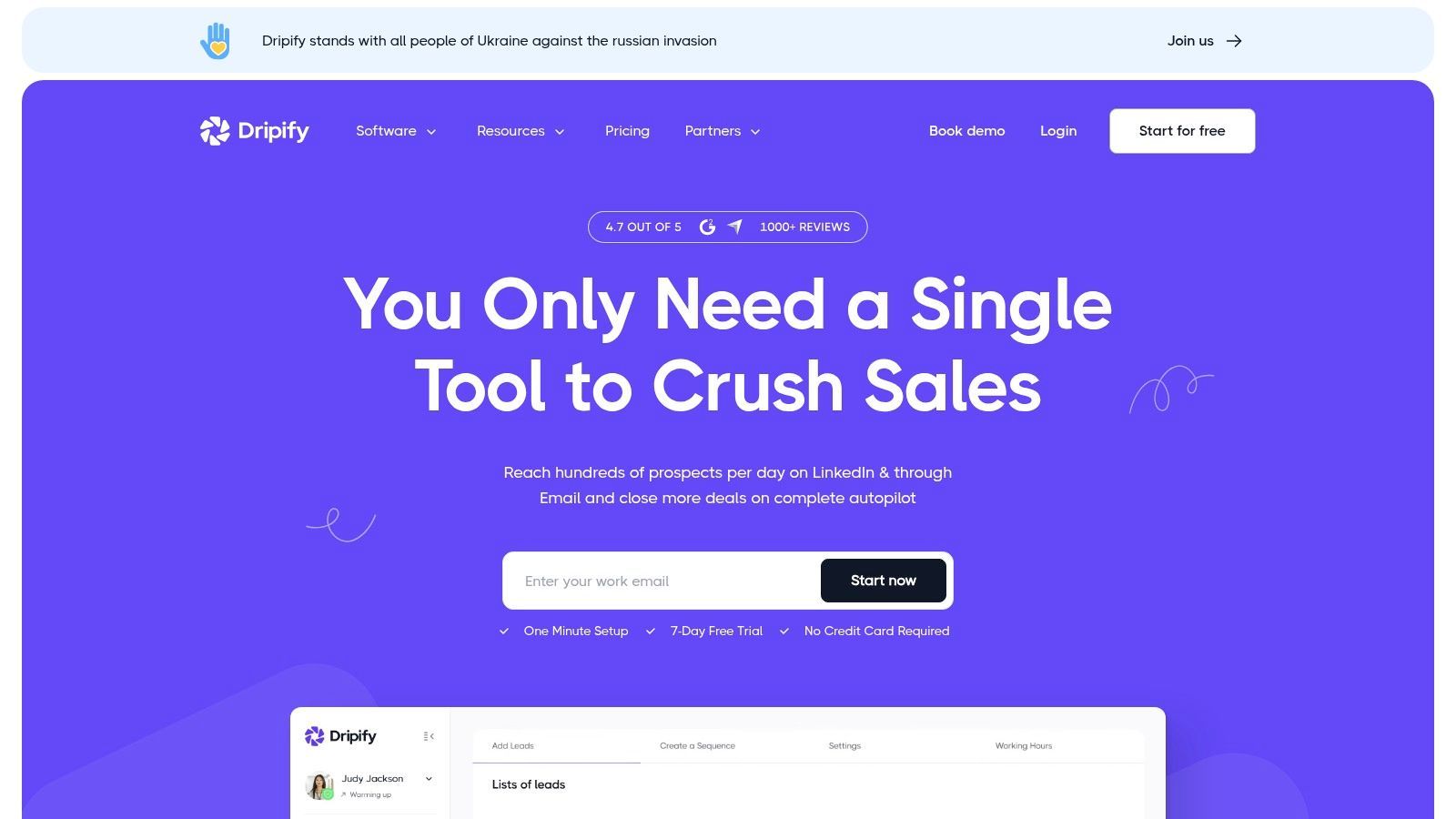
The platform is designed with teams in mind, offering features for managing multiple accounts, assigning roles and permissions, and analyzing team performance through a shared dashboard. Its built-in safety features help manage daily activity limits to protect your social media account from being flagged. Dripify's AI-powered message writer also assists in creating personalized opening lines, helping to improve response rates without manual effort. This balance of powerful automation, team management, and user-friendly design makes it one of the best professional network automation tools for growing businesses.
Key Features & Pricing
- Pricing: Dripify offers several tiers, starting with the Basic plan at $59/month, the Pro plan at $79/month, and the Advanced plan at $99/month, with discounts for annual billing.
- Best For: B2B sales teams, marketers, and agencies who want a visual campaign builder for creating multi-channel (social network + email) outreach sequences.
- Unique Offering: Its drag-and-drop visual campaign builder simplifies the process of creating complex, conditional outreach funnels, making sophisticated automation accessible even for non-technical users.
| Pros | Cons |
|---|---|
| Intuitive visual drag-and-drop builder | Email credits are an add-on and can increase cost |
| Combines social and email outreach | Being cloud-only offers less control than local apps |
| Strong team management and analytics features | Some advanced features are on higher-tier plans |
| Free trial available to test functionality |
Website: https://dripify.io
4. PhantomBuster
PhantomBuster is less of a single-purpose tool and more of an automation-building toolkit. It offers individual automations, called "Phantoms," that perform specific actions like scraping profiles, auto-connecting, or exporting search results. These Phantoms can be chained together into "Flows" to create highly customized, cross-platform workflows that go beyond just one professional network, making it one of the most flexible automation tools available. This approach is ideal for tech-savvy marketers or sales ops professionals who need to build bespoke solutions.
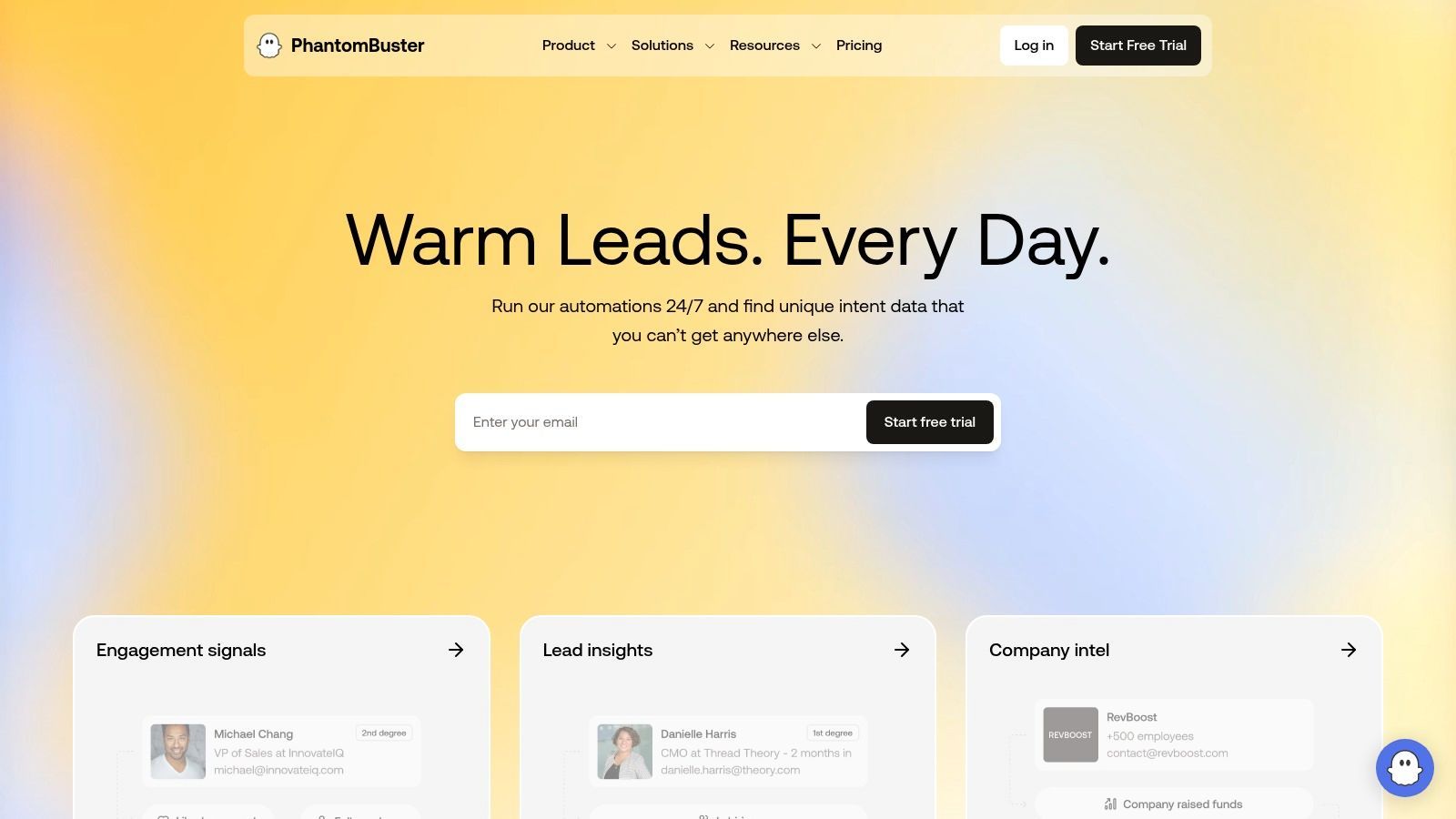
Unlike all-in-one solutions, PhantomBuster requires you to think like a developer, connecting different blocks to achieve your goal. For instance, you could create a flow that extracts leads from a search, finds their professional email addresses using an enrichment Phantom, and then exports the clean list to a Google Sheet. The platform provides extensive documentation and clear guidance on rate limits to help users automate safely. This modularity gives you immense power but comes with a steeper learning curve than more guided tools.
Key Features & Pricing
- Pricing: Starts with a limited Free plan. Paid plans begin at $69/month for the Starter tier, scaling up to $499/month for the Team tier, based on execution time and the number of Phantoms you can use.
- Best For: Tech-savvy sales teams, RevOps, and marketers who need to build custom, multi-platform automation workflows.
- Unique Offering: Its composable, "building block" approach to automation allows for unparalleled flexibility, enabling workflows that combine actions on professional networks with data scraping and enrichment from over 130 other websites and platforms.
| Pros | Cons |
|---|---|
| Extremely flexible with composable automations | Steeper learning curve than out-of-the-box tools |
| Supports cross-platform workflows beyond one network | Higher-tier plans are needed for heavy execution hours |
| Clear documentation on safety and rate limits | Requires more hands-on setup and workflow design |
| Offers a free tier to get started |
Website: https://phantombuster.com
5. Dux-Soup
Dux-Soup is one of the most established names in professional network automation, operating primarily as a Chrome extension. This browser-based approach makes it highly accessible and easy to set up for solopreneurs and small teams looking to automate repetitive tasks like profile visits, skill endorsements, and sending personalized connection requests. Its longevity in the market means it has a mature feature set and extensive documentation, providing a solid foundation for users new to automation.
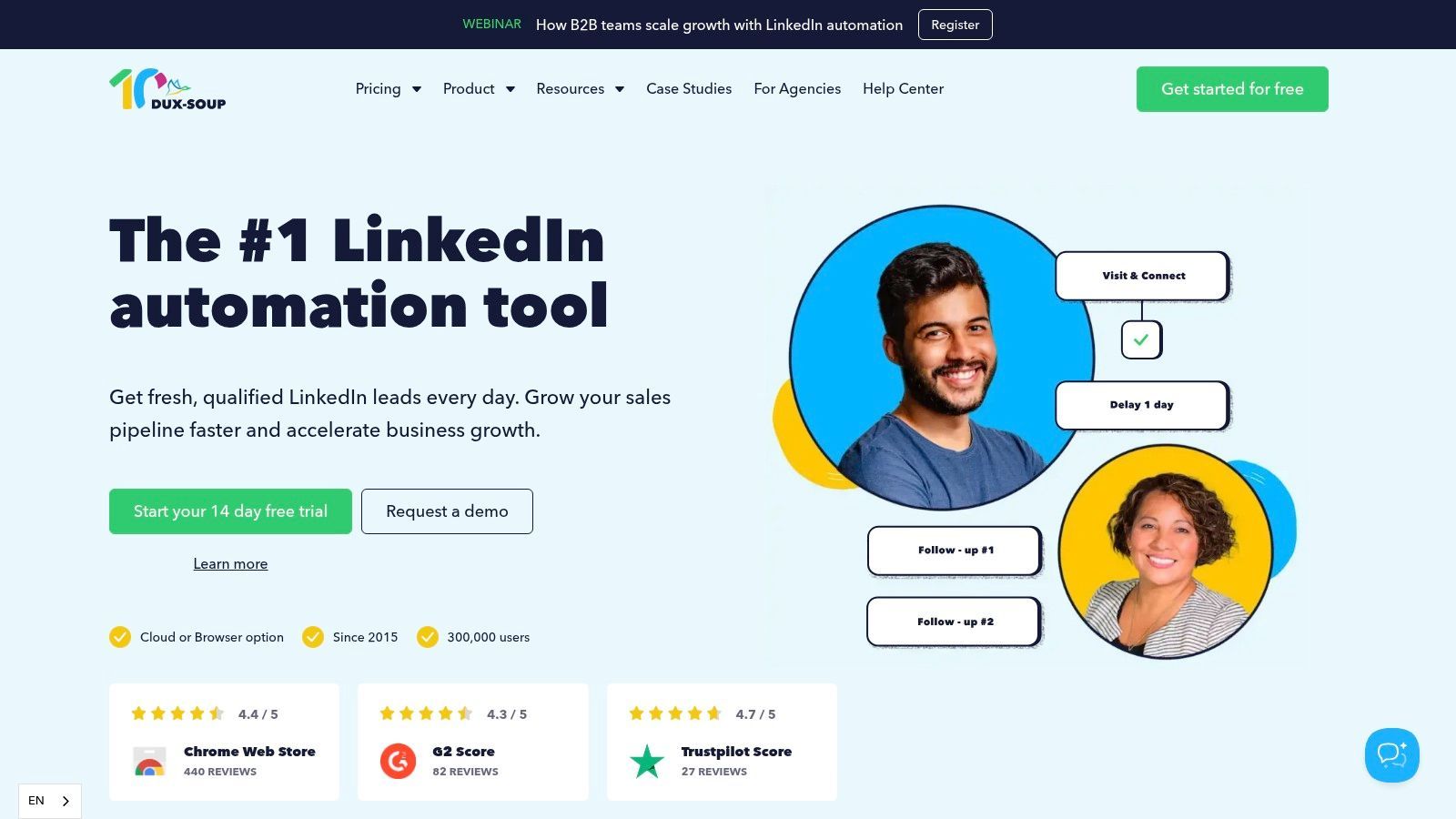
The tool allows users to build simple yet effective drip campaigns that send follow-up messages automatically. You can tag prospects, take notes, and export data to a CSV or directly to CRMs like HubSpot and Pipedrive, streamlining your lead management process. For teams needing 24/7 operation without keeping a computer on, Dux-Soup offers a "Turbo" plan with a cloud-based option. If you are comfortable with browser-based tools, you can explore more options in our guide to the best Chrome extensions for sales reps.
Key Features & Pricing
- Pricing: Dux-Soup offers a free plan for basic profile visiting. Paid plans are Pro Dux at $14.99/month (for individuals) and Turbo Dux at $55/month (for teams, including cloud features).
- Best For: Solopreneurs, freelancers, and small sales teams looking for an affordable, feature-rich entry point into professional network automation.
- Unique Offering: Its hybrid model is a key differentiator. Users can start with the affordable browser extension and later upgrade to a cloud-based version for more advanced, hands-off automation without switching platforms.
| Pros | Cons |
|---|---|
| Very affordable entry-level pricing | Browser-based plan requires the social network to be open |
| Mature and well-documented feature set | The cloud plan is significantly more expensive |
| Flexible choice between local extension or cloud | Interface can feel less modern than newer tools |
| Strong integration with popular CRMs |
Website: https://www.dux-soup.com
6. Meet Alfred
Meet Alfred positions itself as more than just a single-network tool; it's a multi-channel campaign manager designed for comprehensive outreach. It stands out by integrating professional networks, email, and X (formerly Twitter) into a single, unified sequence. This allows sales teams and marketers to create sophisticated, multi-touchpoint campaigns that engage prospects across their preferred platforms, all managed from one central dashboard. For those looking to consolidate their tech stack, Alfred's built-in lightweight CRM is a significant value-add.
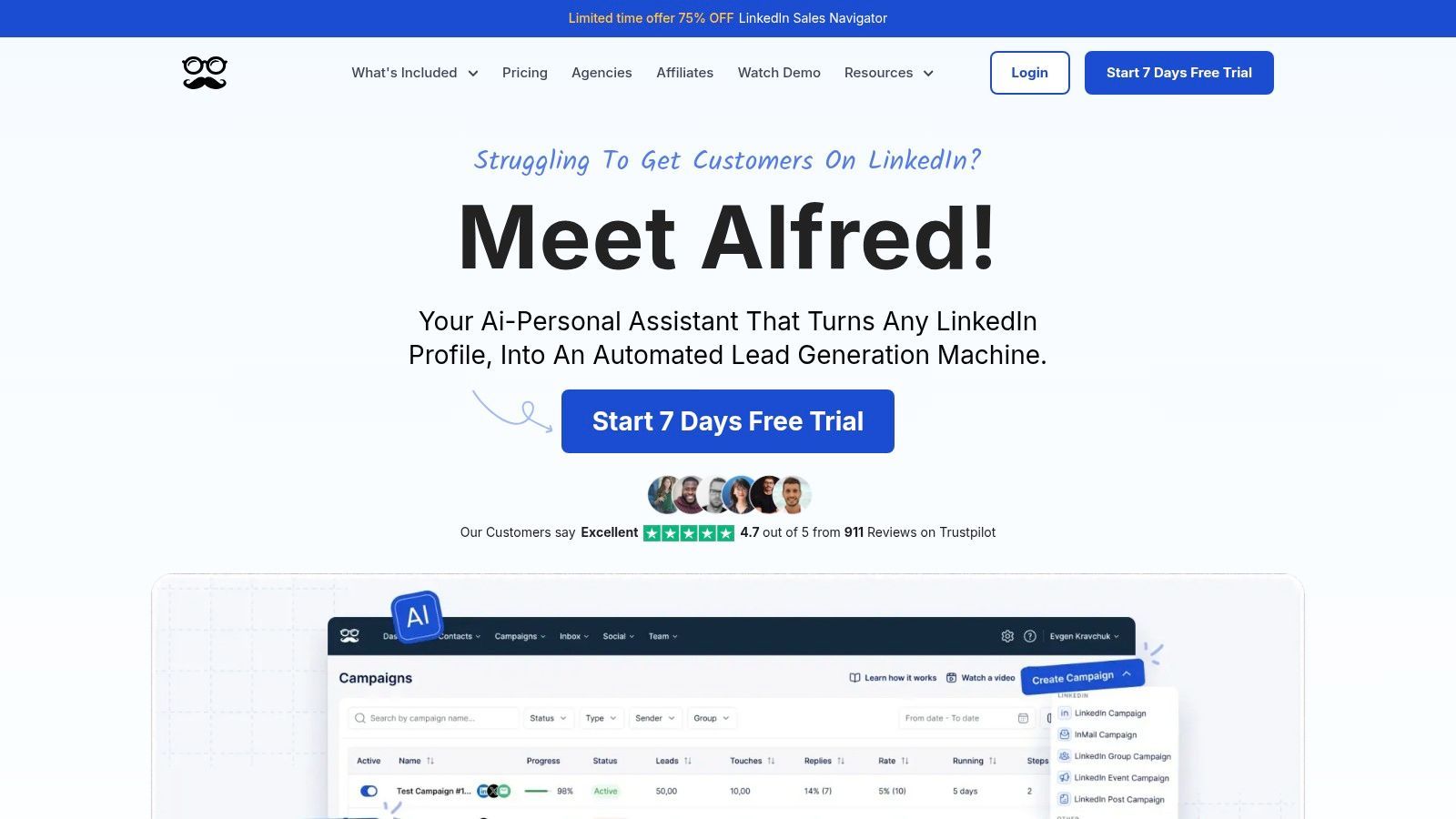
The platform is built to streamline workflow with features like a Smart Inbox for managing all conversations, ready-to-use campaign templates, and AI-powered personalization to enhance message relevance. This makes it one of the best automation tools for users who want an all-in-one solution without piecing together multiple apps. While its extensive feature set can be overwhelming for those needing simple automation, its power lies in its ability to orchestrate complex, cross-channel prospecting efforts seamlessly.
Key Features & Pricing
- Pricing: Starts with the Personal plan at $59/month, moving to the Business plan at $99/month, which adds more advanced features. The Agency plan is $349/month for managing multiple accounts. Significant discounts are available on annual plans.
- Best For: Individuals and small teams who want to manage multi-channel outreach (professional network, email, X) from a single platform and appreciate a built-in CRM.
- Unique Offering: Its core strength is the native integration of a professional network, email, and X into cohesive campaign sequences, providing a true all-in-one outreach hub that simplifies a complex sales process.
| Pros | Cons |
|---|---|
| Broad channel coverage beyond just one network | Feature set can feel heavy for simple needs |
| Good value, especially with annual plans | Some advanced features are restricted to higher tiers |
| Quick to get started with built-in templates | The built-in CRM is basic compared to dedicated platforms |
| Includes team collaboration & white-label options |
Website: https://meetalfred.com
7. Zopto
Zopto is an advanced, cloud-based outreach platform designed for agencies and large sales teams that need to run multi-channel campaigns at scale. It combines professional network automation with email outreach, allowing users to build comprehensive sequences that engage prospects across different touchpoints. Its robust feature set is geared toward managing multiple user accounts efficiently, making it a strong contender for organizations prioritizing centralized control and scalability.
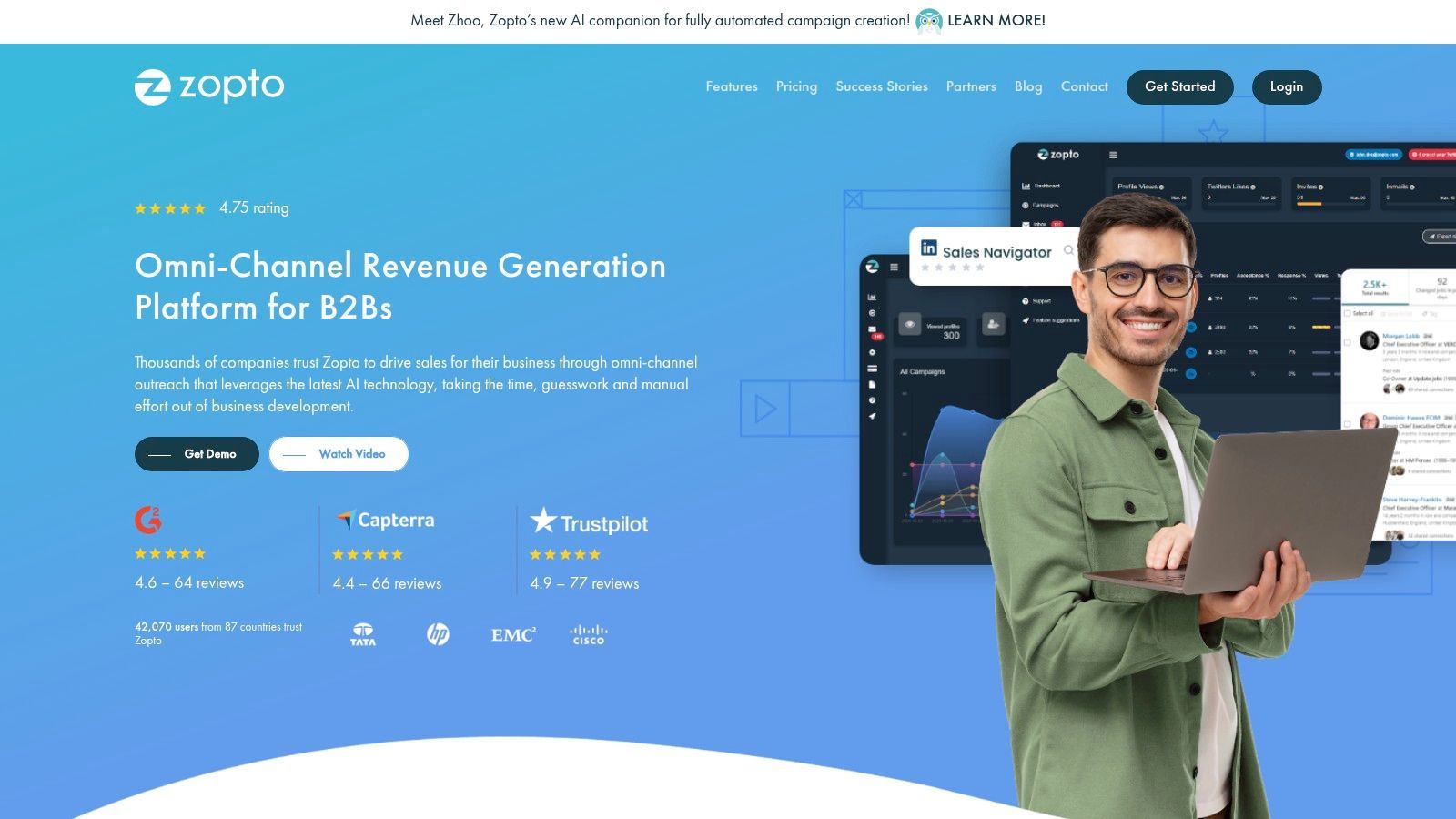
What sets Zopto apart are its agency-specific features and integrated AI capabilities. Agencies can leverage a white-label option to offer the platform under their own brand, while a centralized dashboard simplifies managing multiple client campaigns. The platform also includes AI tools for creating posts and analyzing message sentiment, helping teams optimize their communication. With direct integrations to HubSpot, Salesforce, and Zapier, Zopto fits seamlessly into established sales and marketing tech stacks, making it one of the best automation tools for integrated, high-volume outreach.
Key Features & Pricing
- Pricing: Custom pricing is provided based on the number of seats and required features. Volume discounts are available, making it more cost-effective for larger teams.
- Best For: Marketing agencies, enterprise sales teams, and B2B companies needing a scalable, multi-user solution for both professional network and email automation.
- Unique Offering: Its powerful agency dashboard provides global templates, universal blacklists, and white-labeling capabilities, offering a level of control and customization that is rare in the market.
| Pros | Cons |
|---|---|
| Robust agency and multi-user management features | Higher base price compared to SMB-focused tools |
| Omni-channel sequences cover professional network and email | Best value is unlocked with multi-seat deployments |
| Native integrations with major CRMs and Zapier | Can be overly complex for individual users |
| Includes AI-powered content and response tools |
Website: https://zopto.com
8. Linked Helper
Linked Helper takes a different approach from most modern SaaS tools by offering a downloadable desktop application for Windows and Mac. This local-first model gives users complete control over their automation activities, running directly from their own machine rather than the cloud. It is particularly favored by power users and those who prefer a one-time or long-term license over a recurring monthly subscription, making it a cost-effective solution for sustained outreach efforts.
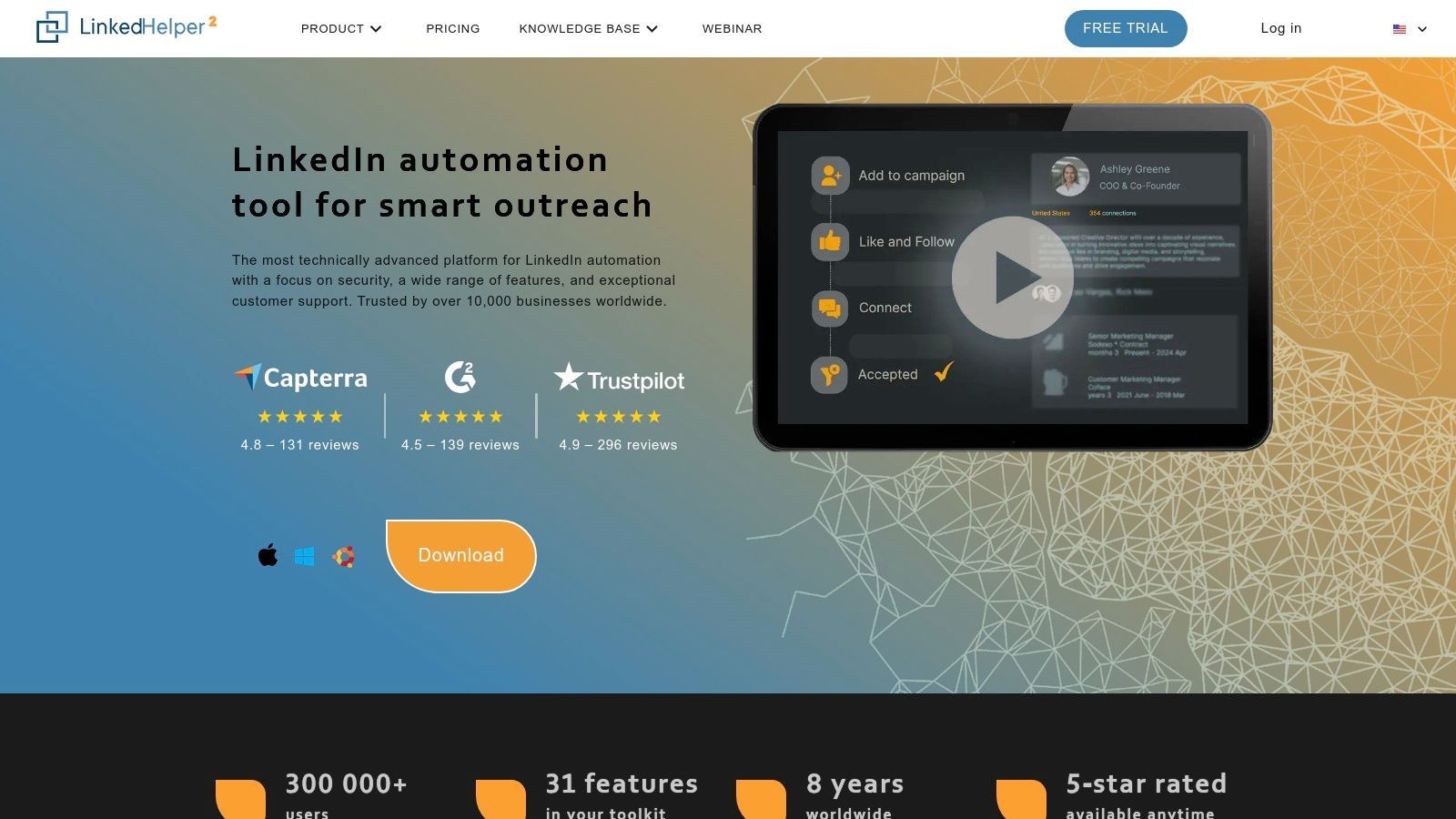
The platform is built around a powerful workflow builder that allows you to create detailed sequences for almost any action on the professional network. You can message group members, auto-endorse skills, invite connections to events, and build complex "if-then" logic into your campaigns. While this offers incredible flexibility, it also comes with a steeper learning curve compared to more streamlined, cloud-based competitors. For users willing to invest the time, Linked Helper provides granular control over every aspect of their outreach, from delays between actions to managing daily activity limits.
Key Features & Pricing
- Pricing: Linked Helper offers a Standard plan at $15/month and a Pro plan at $45/month, with significant discounts for 3, 6, and 12-month licenses. The Pro plan includes advanced features like an email finder and CRM sync.
- Best For: Solo entrepreneurs, power users, and small teams looking for a highly customizable, low-cost solution and who are comfortable with a desktop-based application.
- Unique Offering: Its local application model and lifetime-style licensing provide a unique value proposition. Users gain deep control over the automation process without being tied to a cloud platform, making it one of the best automation tools for those prioritizing affordability and control.
| Pros | Cons |
|---|---|
| Very affordable, especially with annual plans | Requires local installation and your PC to be running |
| Granular control over campaigns and settings | Steeper learning curve than simpler SaaS tools |
| No per-seat cost; one license covers one user | Interface can feel dated compared to cloud tools |
| Bulk licensing available for teams | Less convenient for managing multiple accounts |
Website: https://www.linkedhelper.com
9. Octopus CRM
Octopus CRM is a highly accessible and budget-friendly automation tool that operates as a Chrome extension. It's designed for individuals and small teams who need a straightforward way to automate basic outreach tasks without a steep learning curve or high cost. The tool allows you to build simple campaigns to auto-connect with prospects, send bulk personalized messages, and automatically endorse skills or view profiles to attract attention. It’s an ideal entry point for those new to automation.
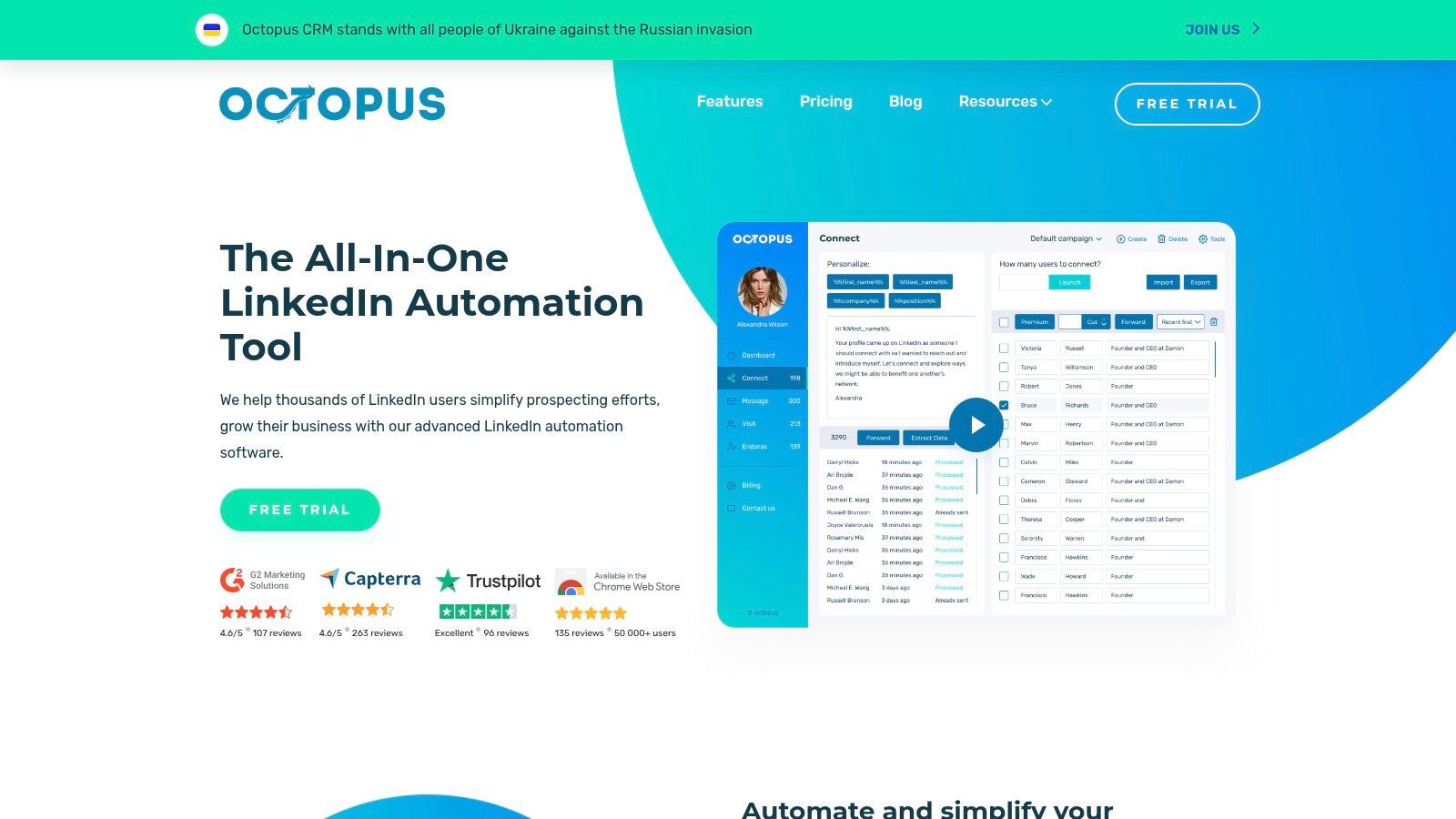
Unlike more advanced cloud-based platforms, Octopus CRM runs directly in your browser, meaning your computer must be on for campaigns to execute. However, it compensates with an incredibly user-friendly interface and a built-in personal CRM. This lightweight CRM lets you create custom funnels to track your prospects' journeys from initial connection to reply. For solopreneurs and SDRs, this provides a visual way to manage your pipeline directly within the tool, making it one of the best automation tools for simplifying workflows. Integrations with Zapier and HubSpot also allow for basic data transfer to your primary systems.
Key Features & Pricing
- Pricing: Octopus CRM offers several affordable tiers, starting from $9.99/month for basic automation. The Unlimited plan at $39.99/month provides access to all features, including campaign funnels and integrations. A 7-day free trial is available.
- Best For: Solopreneurs, freelancers, and small sales teams looking for a low-cost, easy-to-use solution for basic professional network outreach.
- Unique Offering: Its main advantage is its unbeatable price point combined with a simple, built-in CRM funnel system, which makes it easy to visualize and manage lead flow without external tools.
| Pros | Cons |
|---|---|
| Very low entry cost makes it highly accessible | Extension-based, so your browser must be open |
| Simple feature set is perfect for basic outreach | Fewer advanced safety and team features |
| Free trial available to test functionality | Lacks sophisticated multi-channel sequencing |
| Includes a lightweight, built-in CRM for funnel management |
Website: https://octopuscrm.io
10. Waalaxy
Waalaxy positions itself as an accessible yet powerful prospecting tool that combines professional network automation with email outreach. It’s particularly appealing for its team-oriented features and transparent, user-friendly interface. Waalaxy is a browser extension but manages its actions through a cloud-based dashboard, offering a hybrid approach that simplifies setup while still providing robust campaign management for growth-focused users.
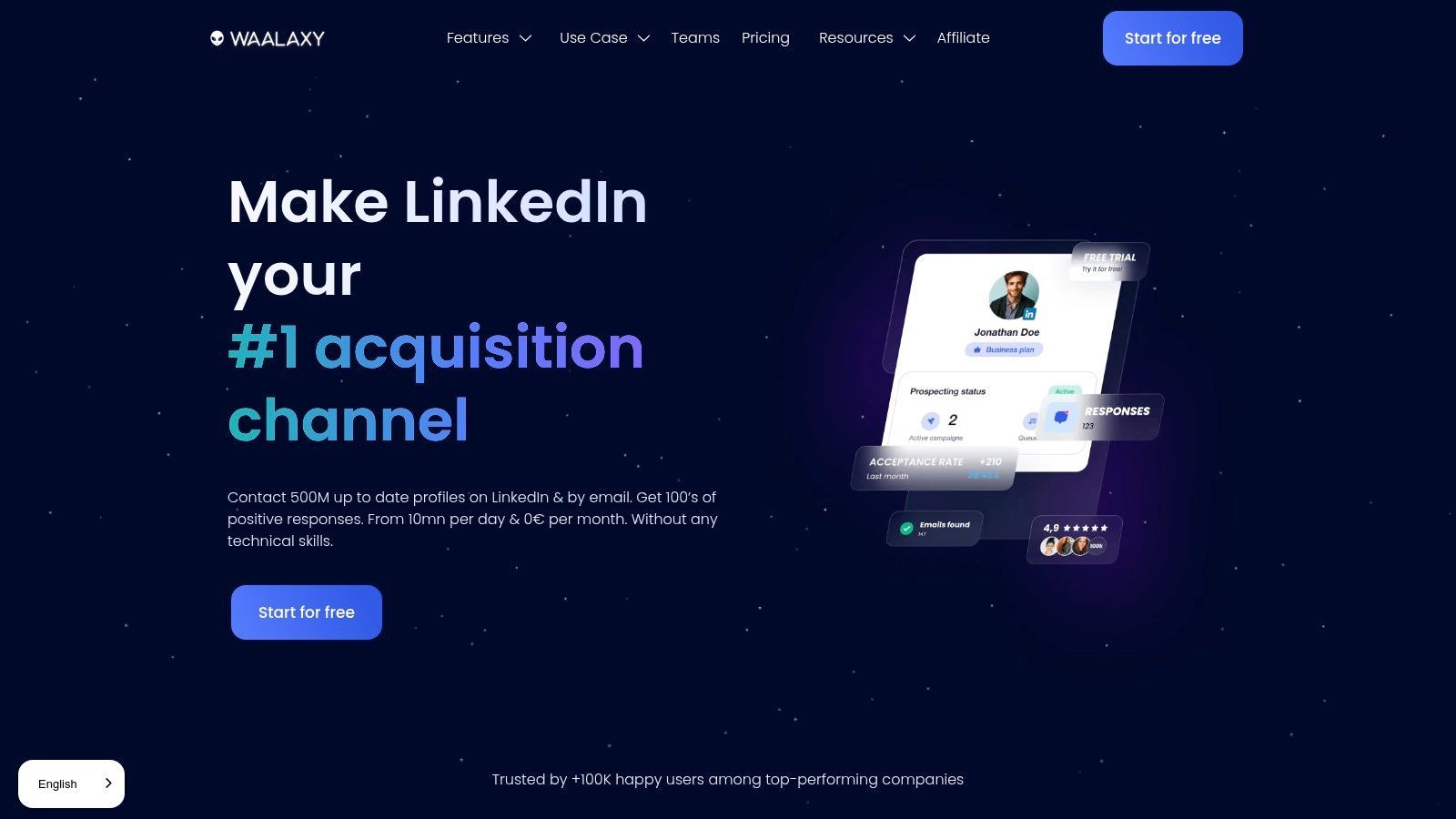
The platform enables users to build multi-channel sequences that automatically find and verify professional email addresses, creating a more resilient outreach strategy than relying on a single network alone. For small to medium-sized teams, its shared workspace prevents sending duplicate messages to the same prospect, a critical feature for maintaining brand professionalism. This combination of email integration and team safety makes it a strong contender among the best automation tools for collaborative sales efforts.
Key Features & Pricing
- Pricing: Waalaxy offers a freemium plan for basic use. Paid plans are tiered, starting from around $56/month for the Advanced plan up to $112/month for the Business plan, with significant annual discounts. The optional inbox add-on is an extra cost.
- Best For: Individuals and sales teams looking for an affordable, easy-to-use tool that combines professional network and email prospecting with built-in team collaboration features.
- Unique Offering: Its generous freemium tier and competitive pricing structure make multi-channel prospecting accessible to a wider audience, including freelancers and early-stage startups.
| Pros | Cons |
|---|---|
| Competitive pricing with a functional free plan | Euro-based pricing requires currency conversion |
| Team-friendly features prevent duplicate outreach | Unified Inbox is a separate, paid add-on |
| Includes email finder and multi-channel sequences | Browser extension-based, unlike pure cloud tools |
| Clear invitation caps and limits by plan |
Website: https://www.waalaxy.com
11. Salesflow
Salesflow is a cloud-based automation platform designed specifically for sales teams and agencies looking for a scalable and supported outreach solution. It combines multichannel outreach capabilities with an AI-powered inbox to manage responses, making it one of the best automation tools for teams focused on efficiency. The platform operates from the cloud with dedicated IP addresses, ensuring stable and secure campaign execution 24/7 without relying on your local machine. Its clear activity allowances and team-centric admin panel simplify campaign management and performance tracking.
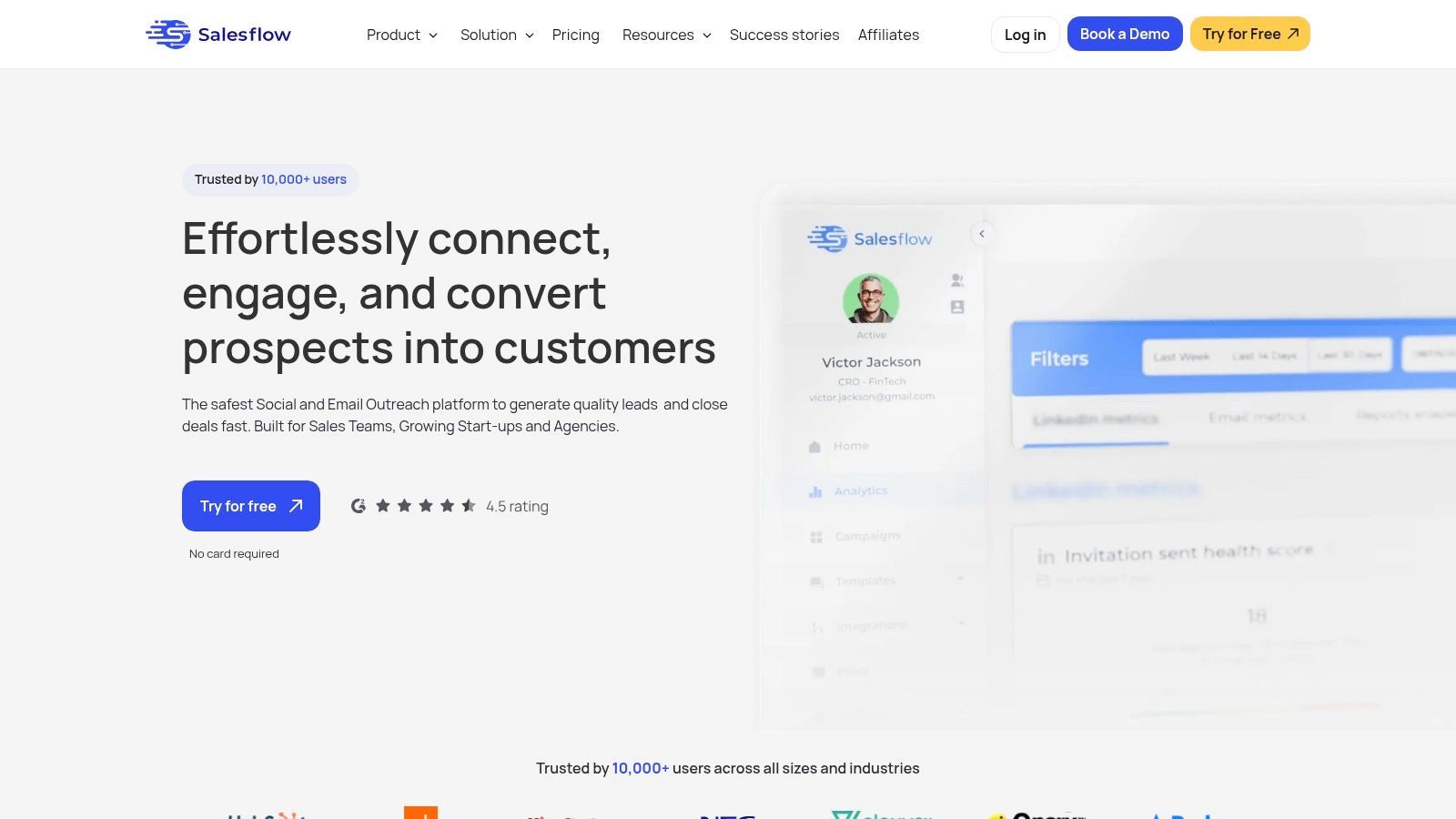
A key differentiator for Salesflow is its emphasis on support and onboarding. For teams that need more guidance, an optional 'done-with-you' service helps set up initial campaigns, ensuring you get value from the tool right away. This hands-on approach is ideal for SMBs that may not have a dedicated RevOps team to manage new software implementation. The platform’s features are built to support a complete workflow, from identifying leads to managing conversations, making it a robust choice among various sales prospecting tools. The AI inbox assists in categorizing replies, allowing sales reps to focus on warm leads.
Key Features & Pricing
- Pricing: Plans start from $99 per user/month, offering a comprehensive feature set for individuals and teams. Pricing is transparent but excludes VAT.
- Best For: SMB sales teams and agencies that require a scalable, cloud-based solution with strong support and agency-specific features like white-labeling.
- Unique Offering: The combination of an AI-driven inbox, generous allowances (up to 400 invites and 2,000 follow-ups per month), and an optional onboarding service makes it a practical, results-oriented platform for busy teams.
| Pros | Cons |
|---|---|
| Purpose-built for professional networks at team scale | Core plan may exclude some enterprise features |
| Agency features and white-label options | Pricing excludes VAT; total cost may be higher |
| Transparent and high activity allowances | Onboarding support comes at an additional cost |
| AI-assisted inbox for efficient lead management |
Website: https://salesflow.io
12. Skylead
Skylead is a powerful cloud-based outreach platform that excels at combining professional network automation with cold email campaigns, making it a comprehensive tool for multichannel prospecting. Its standout feature is the "Smart Sequence" builder, which allows users to create conditional, multi-step workflows. This means you can automatically send a follow-up email if a connection request is ignored, or an InMail if a message isn't opened, all from a single campaign.
This integrated approach simplifies outreach for SDRs and founders who want to engage prospects across different platforms without juggling multiple tools. Skylead also includes a native email finder and verifier, saving costs and streamlining the data enrichment process. Its unique ability to add personalized images and GIFs directly into messages helps campaigns stand out in a crowded inbox, boosting engagement rates for B2B marketers. The platform's unified Smart Inbox centralizes all conversations, making it easier to manage replies and close deals.
Key Features & Pricing
- Pricing: Skylead offers an all-in-one plan at $100 per seat/month. This includes both professional network and email automation, the email finder, and image personalization.
- Best For: Sales teams, marketers, and founders looking for an all-in-one solution for multichannel outreach that includes powerful personalization features.
- Unique Offering: The combination of conditional Smart Sequences with native email finding and hyper-personalized image/GIF capabilities in a single subscription provides exceptional value and makes it one of the best automation tools for integrated campaigns.
| Pros | Cons |
|---|---|
| True multichannel outreach (Social Network & Email) | Single-plan pricing may be too high for basic users |
| Built-in email finder and verifier | Email outreach requires proper warm-up practices |
| Dynamic image and GIF personalization | The interface can feel busy with so many features |
| Conditional logic in outreach sequences |
Website: https://skylead.io
Top 12 Professional Network Automation Tools Comparison
| Product | Core capability | Integrations & CRM sync | Data & verification | Best for / Scale | Pricing highlight |
|---|---|---|---|---|---|
| Add to CRM | One-click CRM record creation from social profiles/Gmail/Outlook; dedupe & enrichment | Connects to 27–30+ CRMs; custom field mapping & team sharing | Verified data on 220M profiles; real-time email verification (96%); 31 data points | Founders, SDRs, AEs, RevOps aiming to save data-entry time | Free (10 credits/mo); Standard $17/mo (100); Pro $59/mo (500) — credit model |
| Expandi | Cloud outreach, campaign sequencing & safe limits | Multi-account agency management; integrations (not CRM-first) | Focus on safe automation limits; not enrichment-centric | Agencies and teams needing hosted automation | Single-tier full-access pricing; 7-day trial |
| Dripify | Social network + email sequences with drag-and-drop and AI personalization | Team roles, dashboards and common CRM exports | AI personalization & team analytics; email credits may apply | Individuals and teams wanting multichannel sequences | Free trial; email credits/add-ons can increase cost |
| PhantomBuster | Composable automation "Phantoms" for social networks + 130+ sites | Cross-platform connectors, leads DB and workflow library | Flexible scraping & enrichment options; safety docs provided | Custom workflows, scraping, cross-platform automation | Tiered by execution hours; higher tiers for heavy use |
| Dux-Soup | Chrome extension for drip campaigns, messaging and CRM exports | Integrates with HubSpot, Pipedrive, Freshsales; CSV/CRM exports | Tags, notes and funnel stats; cloud plan adds hosted execution | Solopreneurs and small teams on a budget | Affordable entry pricing; cloud plan is pricier |
| Meet Alfred | Multi-channel outreach with built-in CRM & Smart Inbox | Social networks, email and X; built-in CRM and scheduling | Templates, AI personalization and posting scheduler | Teams wanting an integrated outreach hub | Good value on annual plans; higher tiers unlock advanced features |
| Zopto | Cloud social + email outreach with agency & enterprise features | Direct HubSpot, Salesforce, Zapier integrations and API; white-label | AI content helpers and response/sentiment features | Agencies and enterprises managing many seats | Higher base price; volume discounts for multi-seat deployments |
| Linked Helper | Downloadable desktop app for granular local automation | Optional email finder, exports and bulk licensing | Local execution with granular controls; optional data credits | Power users preferring local control and license models | License tiers (1–12 months); very affordable long-term |
| Octopus CRM | Budget extension with basic CRM and bulk messaging | Zapier / HubSpot integrations; CSV import/export | Basic CRM dashboard and activity safety alerts | Solopreneurs and small teams needing simple outreach | Very low entry cost; free trial available |
| Waalaxy | Social network + email prospecting with team workspace and anti-duplicate | Email finder, team analytics; optional Inbox add-on | Anti-duplicate safety; freemium tier with paid features | Teams and growth users seeking competitive pricing | Competitive Euro-based pricing; add-ons cost extra |
| Salesflow | Cloud automation with AI inbox, high allowances & admin panel | Agency admin, white-label, dedicated IPs and integrations | Transparent allowances (invites/follow-ups); AI reporting | SMB teams and agencies at scale | Tiered plans; optional 'done-with-you' onboarding; VAT excluded |
| Skylead | Social + email outreach with visual (image/GIF) personalization | Built-in email finder/verifier; API/webhooks and inbox | Visual personalization at scale; large email allowances | Single-seat users wanting multichannel + visuals | Single-plan pricing; onboarding and community support |
Building Your Perfect Sales Stack: Beyond Automation
We've explored a comprehensive landscape of the best professional network automation tools available today, from established players like Dux-Soup and Linked Helper to sophisticated, cloud-based platforms like Expandi and Skylead. The sheer variety demonstrates a clear market need: sales professionals require more efficient, scalable ways to prospect and engage on the world's largest professional network. Yet, as we've seen, automation is not a magic wand. It's a powerful component of a much larger sales and revenue operations strategy.
The core takeaway is that the "best" tool is entirely dependent on your specific context. A solo founder's needs are vastly different from those of a 50-person sales development team managed by a RevOps professional. Your ideal solution hinges on your team size, technical comfort level, budget, and, most importantly, your tolerance for risk. While some tools push the boundaries for maximum outreach, others prioritize safety and a more human-like operational cadence to protect your valuable personal account.
Key Considerations Before You Choose
Before pulling the trigger on a subscription, step back and evaluate your needs against the options we've discussed. Your final decision should be a strategic one, not just a reaction to a flashy feature list.
Here are the crucial factors to weigh:
- Your Primary Goal: Are you looking to build a targeted list for a hyper-personalized campaign? Or is your objective to run high-volume connection request sequences? Tools like PhantomBuster excel at data scraping, while Dripify is built for complex, multi-step campaigns. Define your primary use case first.
- Safety and Account Health: How much risk are you willing to accept? Cloud-based tools like Expandi or Zopto offer dedicated IPs to minimize detection, while browser extensions like Dux-Soup or Octopus CRM can be more easily flagged if used irresponsibly. Always start slow, warm up your account, and stay well below the platform's daily and weekly limits.
- Integration and Data Flow: Automation creates data, but that data is useless if it's trapped in a silo. How will your chosen tool connect with your CRM? Does it offer native integrations, or will you rely on Zapier? A seamless flow of information from the professional network to your central system of record is non-negotiable for a scalable process. This prevents data decay and ensures your entire team has a unified view of the customer.
- Team Collaboration and Scalability: Consider your future needs. If you're a single user, a simple tool might suffice. However, if you plan to expand your team, you'll need a platform like Salesflow or Skylead that offers team management features, shared asset libraries, and centralized analytics to maintain consistency and track performance across all users.
The Human Element in an Automated World
Ultimately, the most successful prospecting strategies blend technological efficiency with genuine human connection. Automation should handle the repetitive, top-of-funnel tasks like profile visits and connection requests, freeing up your time for what truly matters: building relationships. Use these tools to start conversations, not to replace them.
Your goal is to leverage technology to personalize at scale, not to become a robotic spammer. The best practitioners use automation to identify triggers, gather intelligence, and initiate contact, then step in to add the critical layer of human insight, empathy, and value that actually closes deals. Think of these platforms as your tireless assistant, setting the stage for you to have more meaningful, high-impact conversations with qualified prospects. The future of sales isn't just automated; it's intelligently augmented.
Tired of manually copying and pasting prospect data from professional networks into your CRM? Add to CRM streamlines the most critical part of your workflow: clean data entry. While the automation tools in this list help you find and engage leads, our tool ensures that valuable prospect data lands perfectly in your CRM with a single click, saving you time and eliminating costly data errors. Start building a cleaner, more effective sales pipeline today by trying Add to CRM for free.
Start saving time and closing more deals.
Find contact info for your prospects on the #1 business social network and add them to your CRM with 1-click.

 Loading...



Trusted by 1000s of founders, SDRs & more
