Top 12 Findymail Alternatives for Superior Prospecting in 2026
Searching for effective Findymail alternatives? Explore our 2026 list of 12 top tools for email finding, verification, and seamless CRM integration.
Published on January 28, 2026
Findymail has carved out its space in the B2B prospecting toolkit, but today's fast-paced sales environments demand more than just email finding. Teams need speed, deep CRM integration, and high-fidelity data without juggling multiple tabs or platforms. The ideal solution saves hours, not just minutes, by embedding powerful enrichment and capture workflows directly where prospecting happens. If your team is hitting limitations with manual data entry, fragmented toolsets, or data quality concerns, it's time to explore the landscape of Findymail alternatives.
This comprehensive guide is designed to help you navigate this crowded market efficiently. We will dive deep into 12 powerful options, analyzing their unique strengths, weaknesses, and ideal use cases to help you find the perfect fit for your revenue engine. Whether you're a startup founder, an SDR prospecting on professional networking sites, or a RevOps manager focused on data integrity, the right tool can dramatically accelerate your outbound efforts.
We've done the heavy lifting to provide a detailed, side-by-side comparison, complete with screenshots and direct links. You'll gain practical insights into:
- Core Features: Beyond email finding, we'll look at verification, enrichment, and list-building capabilities.
- CRM Integration: How seamlessly each tool connects with platforms like Salesforce, HubSpot, and Pipedrive.
- Pricing & Value: An honest look at credit systems, subscription tiers, and overall return on investment.
- Best-for Scenarios: Pinpointing which tool excels for specific roles, industries, or sales motions.
Our goal is to equip you with the information needed to make a strategic decision, moving beyond a simple email finder to a comprehensive prospecting solution that drives real results.
1. Add to CRM
Add to CRM stands out as a powerful, workflow-centric Findymail alternative designed to eliminate the friction between prospecting and CRM data entry. It operates as a smart Chrome extension that transforms professional profiles, Gmail/Outlook contacts, and company websites into enriched, ready-to-sync CRM records with a single click. This approach prioritizes speed and data integrity, making it an exceptional tool for sales teams who live in their browser and CRM.

The platform’s core strength lies in its deep integration and real-time data enrichment. Instead of just finding an email, Add to CRM pulls from a database of over 220 million professionals to provide 31 distinct data points, including seniority, company revenue, and direct phone numbers. Its real-time email verification boasts a ~96% accuracy rate, minimizing bounce-backs and ensuring your outreach efforts are effective from the start.
Key Features and Use Cases
- One-Click Contact Capture: Instantly create a complete CRM record from a social profile or email signature. This is ideal for SDRs and AEs who need to move quickly without toggling between tabs to copy and paste information.
- Deep CRM Integration: With native connections to over 27 CRMs (including Salesforce, HubSpot, and Pipedrive), it supports custom field mapping, which is critical for RevOps managers maintaining data hygiene. The system also performs automatic duplicate checks before syncing.
- High-Quality Data Enrichment: Access verified emails, mobile numbers, and comprehensive company details. B2B marketers can use this enriched data to segment audiences and personalize outbound campaigns effectively.
- Team Collaboration: Shared credit pools and centralized billing simplify management for sales leaders overseeing multiple users, ensuring the entire team operates efficiently.
Pricing and Onboarding
Add to CRM offers a transparent, credit-based model that is accessible to teams of all sizes.
- Free: $0/month for 10 email-only lookups.
- Standard: $17/month for 100 credits (email + phone), unlimited adds, and team features.
- Pro: $59/month for 500 credits, a dedicated account manager, and priority support.
The onboarding process is straightforward. After installing the Chrome extension, the tool immediately begins working on supported sites. For teams looking to enrich existing data, Add to CRM provides clear guidance on how to import a contact list for bulk processing.
Pros and Cons
| Strengths | Weaknesses |
|---|---|
| Exceptional Workflow Efficiency: Saves users an estimated 4+ hours per week by eliminating manual data entry. | Browser Dependent: Exclusively a Chrome extension, limiting users on Safari, Firefox, or other browsers. |
| Superior Data Quality: Real-time verification and 31 data points ensure accurate and actionable contact information. | Credit-Based System: High-volume prospecting may require purchasing additional credits or higher tiers. |
| Broad CRM Compatibility: Integrates with 27+ CRMs and supports advanced features like custom field mapping. | |
| Cost-Effective Tiers: A free plan for testing and affordable paid plans make it accessible for startups and SMBs. | |
| Compliance and Trust: GDPR compliant and highly rated (4.8/5) by over 2,500 users for its reliability and support. |
Website: https://addtocrm.com
2. Hunter.io
Hunter.io is a widely recognized name in the email-finding space, offering a comprehensive suite of tools that make it a robust Findymail alternative. Its core strength lies in its simplicity and all-in-one approach, bundling email discovery, verification, and light-duty outreach into a single platform. The platform is particularly effective for users who want to find emails associated with a specific company domain.
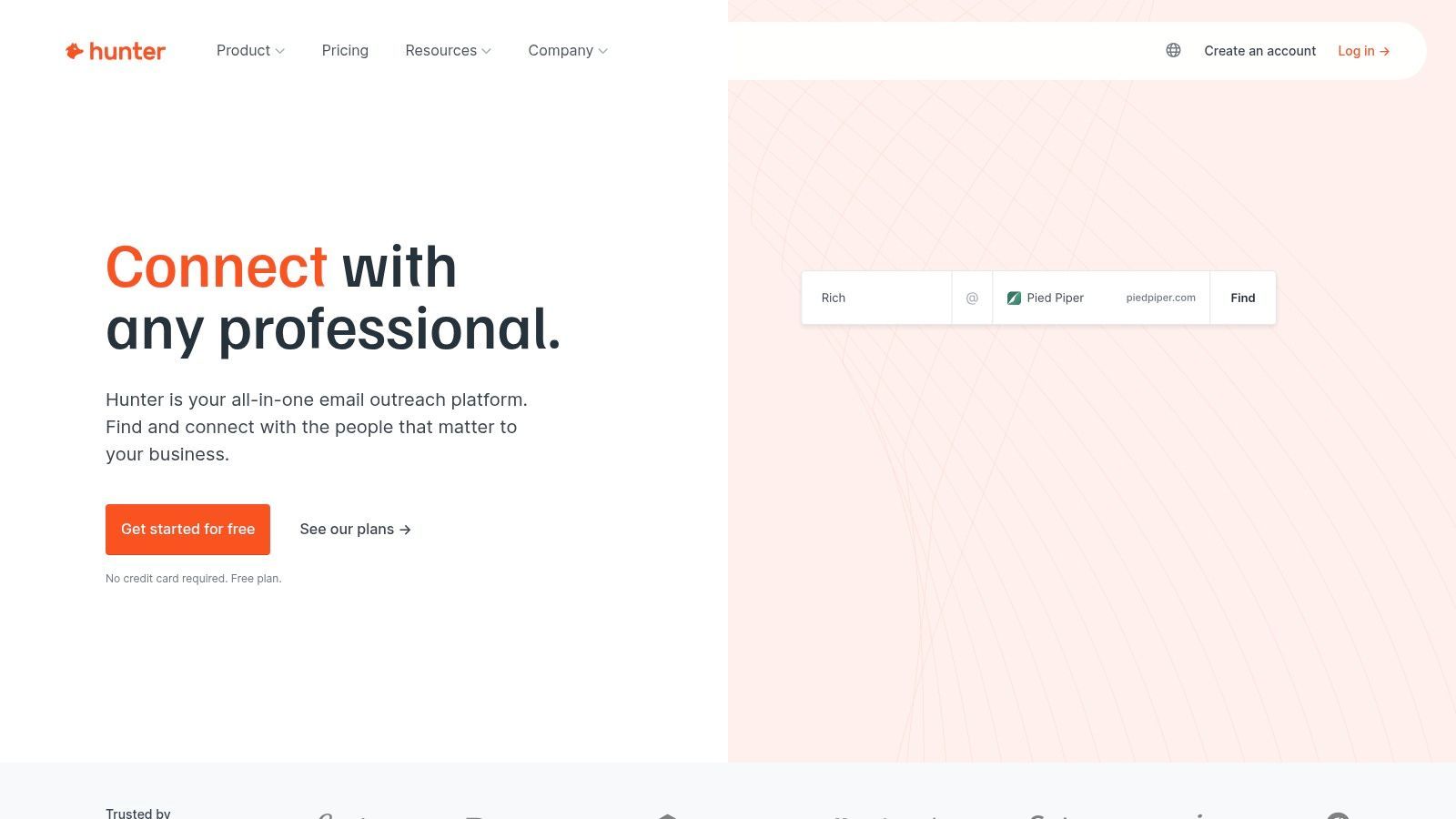
The user experience is straightforward, with a clean interface and predictable credit system. One credit equals one "request," which can be an email search or verification. This clarity is a major advantage for teams managing a budget. Hunter's browser extension is also a standout feature, allowing for quick on-page prospecting directly from a company's website.
Use Cases and Core Features
- Domain Search: Find all discoverable email addresses associated with a specific domain.
- Email Finder & Verifier: Search for a specific professional's email and verify its deliverability.
- Outreach Campaigns: A built-in tool for sending simple, automated cold email sequences.
- Browser Extension: A powerful add-on for Chrome and Firefox to find emails while browsing.
Hunter.io Pricing
Hunter’s pricing starts with a Free plan offering 25 searches per month. Paid tiers range from Starter (€34/month for 500 searches) to Business (€279/month for 30,000 searches), with discounts on annual plans.
Best for: Sales teams and marketers who need a reliable, all-in-one tool for domain-based email discovery and basic outreach without complex features.
Website: https://hunter.io
3. Snov.io
Snov.io positions itself as a comprehensive, all-in-one cold outreach automation platform, making it a powerful Findymail alternative for users who need more than just an email finder. Its core value is bundling a wide range of prospecting, verification, and campaign management tools under a single subscription. The platform’s credit-based system is flexible, allowing credits to be used across its email finder, verifier, and other tools.
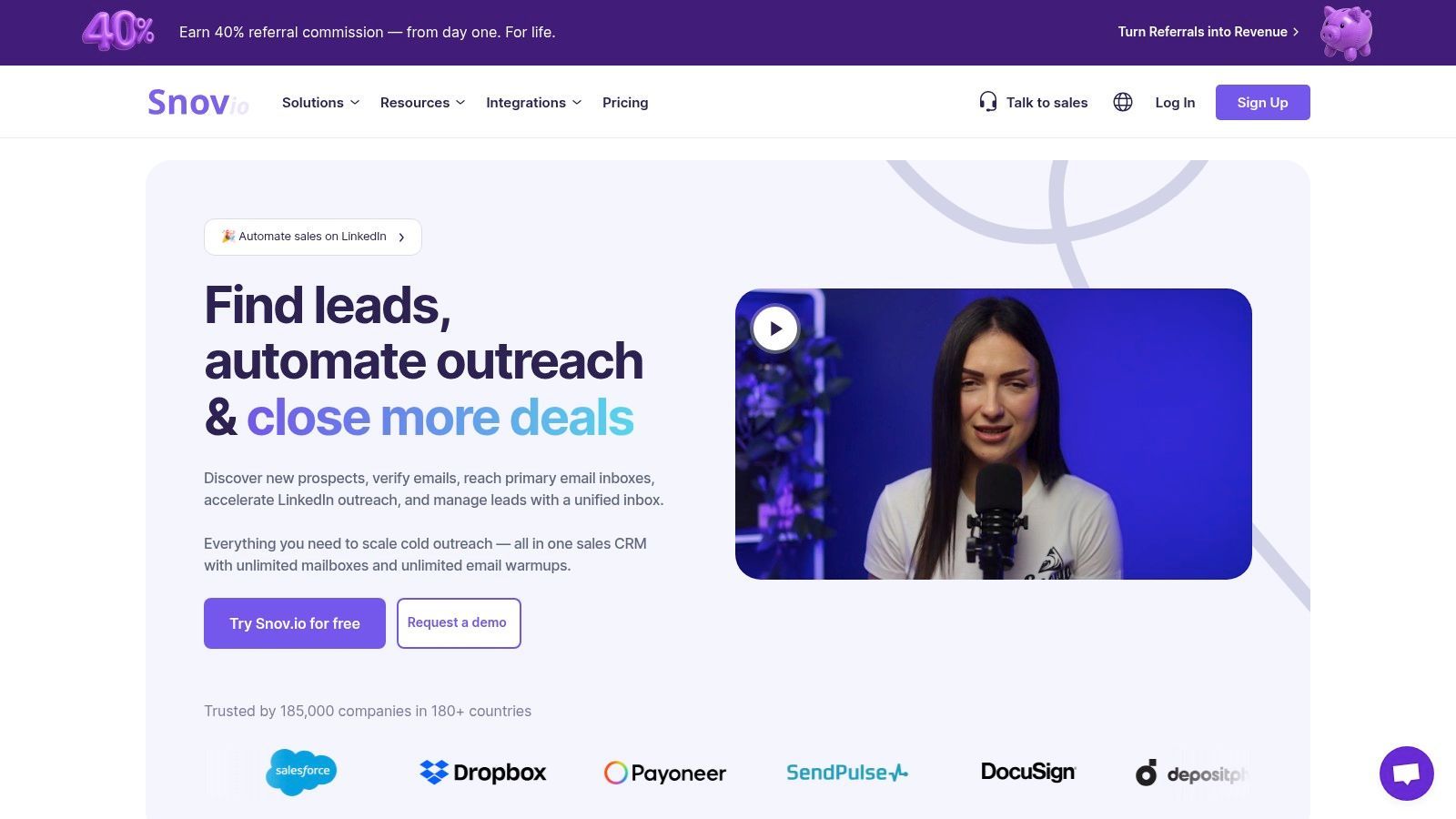
The user experience is geared towards managing the entire prospecting workflow, from finding leads to warming up mailboxes and launching multichannel sequences. This integrated approach is ideal for teams looking to consolidate their tech stack. While the sheer number of features can feel overwhelming initially, it provides significant long-term value for scaling various outbound lead generation strategies.
Use Cases and Core Features
- Email Finder & Verifier: Find and verify individual or bulk email addresses using a flexible credit system.
- Drip Campaigns: Build and automate multichannel outreach sequences with email and optional social media steps.
- Deliverability Tools: Includes an email warm-up feature to improve sender reputation and inbox placement.
- Technology Checker: Identify the technology stack used by a prospect's website.
- Chrome Extension: A multifaceted extension for finding emails on company websites and professional networks.
Snov.io Pricing
Snov.io offers a Free Trial plan with 50 credits and 100 campaign recipients. Paid plans start at Starter ($30/month for 1,000 credits) and go up to Pro ($75/month for 5,000 credits), which includes 5 email warm-up slots. Unused credits roll over on paid plans.
Best for: Sales and marketing teams that want a unified platform for lead generation, email verification, and multichannel outreach automation with built-in deliverability tools.
Website: https://snov.io
4. Apollo.io
Apollo.io transcends being just an email finder, positioning itself as an all-in-one sales intelligence and engagement platform. It offers a massive B2B database of contacts and companies, combined with tools for sequencing, enrichment, and even dialing, making it a powerful Findymail alternative for teams wanting an integrated outbound system. Its core value is bundling data acquisition with sales execution, streamlining the entire top-of-funnel workflow.
The platform operates on a flexible credit model where credits are used to reveal emails, phone numbers, or enrich records. While the interface is feature-rich and can have a steeper learning curve than simpler tools, its integration capabilities with major CRMs are a significant advantage. This allows sales teams to build prospecting lists, launch outreach campaigns, and sync data without leaving the Apollo ecosystem.
Use Cases and Core Features
- B2B Database: Access a vast database of contacts and companies with advanced filtering.
- Email & Phone Credits: Reveal verified contact data and enrich existing records.
- Outreach Sequences: Build and automate multi-step email and call campaigns.
- Built-in Dialer: Make calls directly from the platform to streamline workflows.
- CRM Integrations: Deeply syncs with platforms like Salesforce and HubSpot.
Apollo.io Pricing
Apollo provides a generous Free plan with 60 email credits per year. Paid plans start at Basic ($49/user/month) and scale up to Professional ($79/user/month) and Organization ($99/user/month) with more credits and advanced features. Custom enterprise plans are also available.
Best for: Sales teams and startups looking for a unified platform that combines a large B2B contact database with integrated outbound tools like sequencing and a dialer.
Website: https://www.apollo.io
5. Lusha
Lusha is a popular contact data platform that serves as a powerful Findymail alternative, especially for sales teams who prioritize direct dials alongside email addresses. Its core strength is its expansive B2B database of verified contact information, accessible primarily through a highly-rated browser extension that integrates directly into social professional networks and company websites. This makes on-the-fly prospecting seamless for SDRs and account executives.
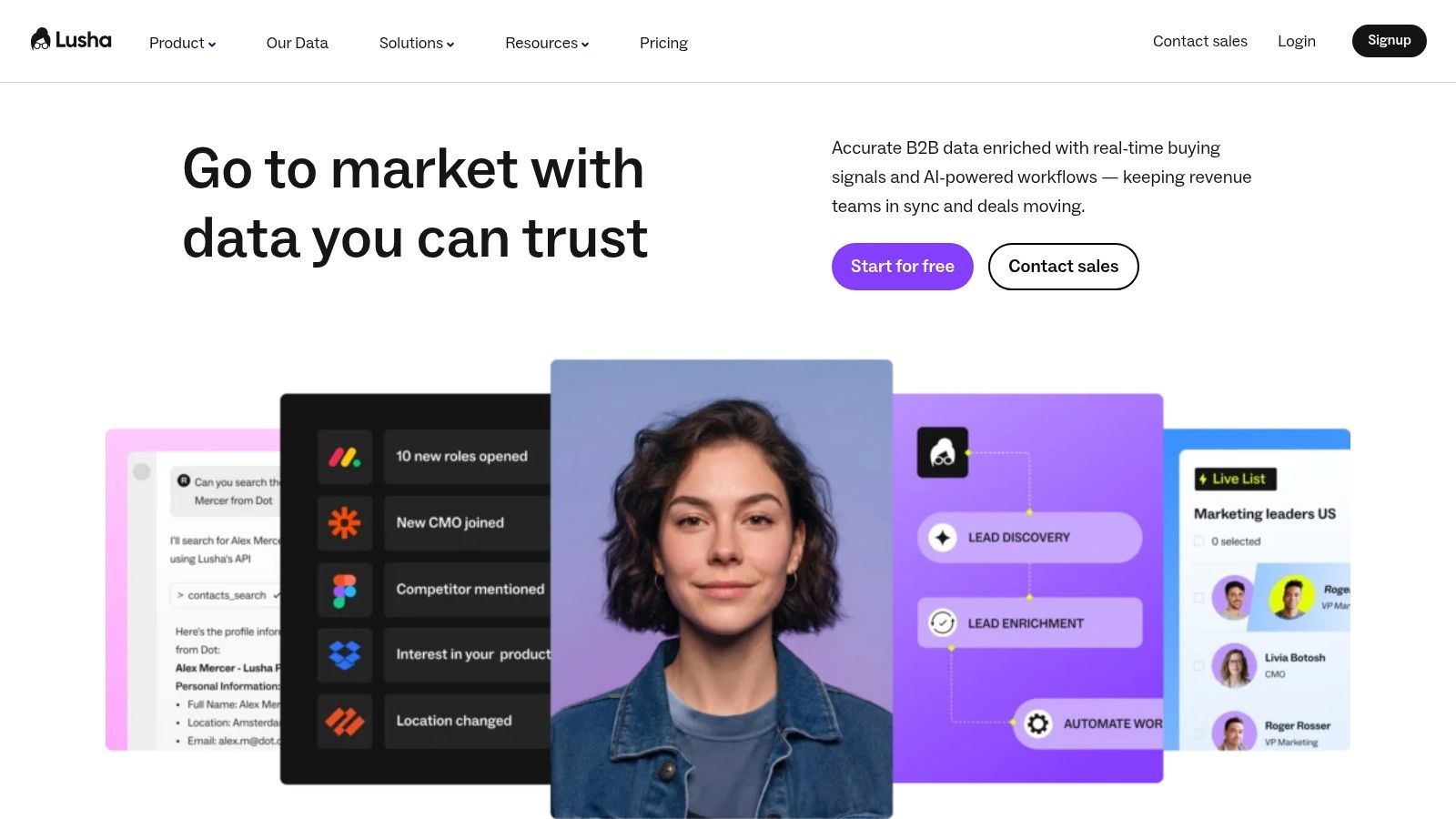
The platform operates on a simple and transparent credit system, where one credit unlocks an email address and multiple credits (typically 10) are used for a phone number. This clear distinction helps teams manage their budget effectively. A key benefit for monthly subscribers is the rollover of unused credits, which prevents waste and adds flexibility to prospecting efforts. The platform’s ease of use and quick-start capability via its extension make it a strong contender for teams needing rapid access to high-quality contact data.
Use Cases and Core Features
- Browser Extension: Find emails and direct phone numbers directly from professional network profiles and company websites.
- Direct Dials: A key differentiator, offering access to verified mobile and direct office phone numbers.
- CRM Integrations: Natively syncs contact data with popular CRMs like Salesforce, HubSpot, and Pipedrive to streamline workflows.
- API Access: For teams wanting to build custom integrations or enrich data in their own systems.
Lusha Pricing
Lusha offers a Free plan with 5 credits per month. Paid plans start with the Pro tier at $29/user/month (billed annually) for 480 credits. The Premium tier ($51/user/month) and custom Scale plans offer more credits and advanced features like bulk enrichment.
Best for: Sales professionals and recruiters who need a quick and reliable way to source both verified emails and direct phone numbers while prospecting on professional networking sites.
Website: https://www.lusha.com
6. UpLead
UpLead positions itself as a high-accuracy B2B data provider, making it a compelling Findymail alternative for users who prioritize data quality above all else. Its core value proposition is a 95% data accuracy guarantee, ensuring that the contacts and company information you purchase are reliable and up-to-date. This focus on verified data reduces bounce rates and improves the efficiency of outreach campaigns.
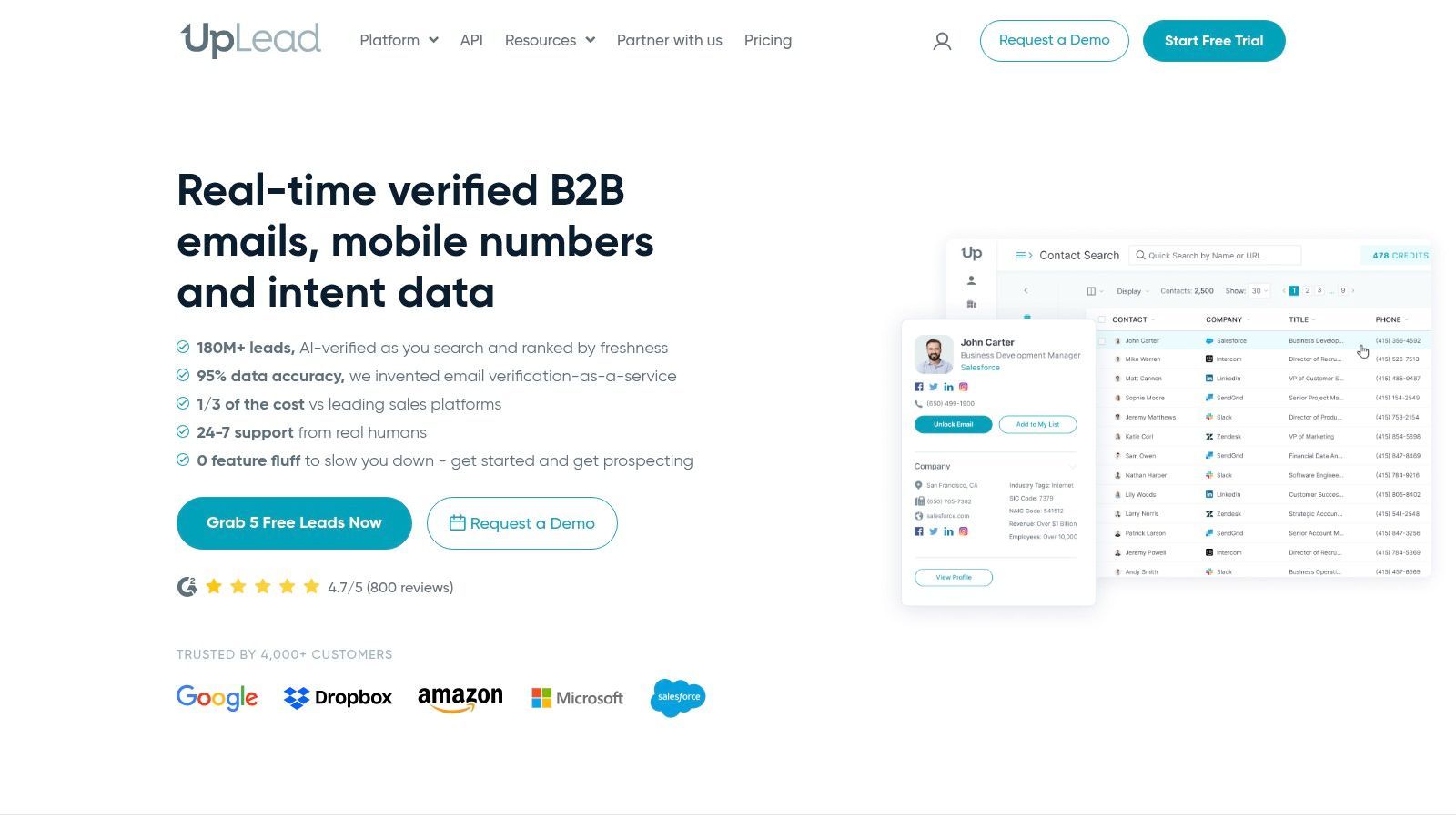
The platform offers more than just emails; it provides in-depth profiles that include technographics, direct dial phone numbers, and detailed firmographic data. The user experience is built around a powerful search filter system, allowing for granular targeting. Its credit system is straightforward, where one credit unlocks one full contact profile, including their verified email and other data points.
Use Cases and Core Features
- High-Accuracy Contact Data: Access a database with a 95% accuracy guarantee on emails.
- Advanced Search & Filtering: Use over 50 search criteria, including technographics, to build targeted lists.
- Data Enrichment: Upload a list of contacts or companies to enrich it with up-to-date information.
- Chrome Extension: Find contact information directly from company websites and professional profiles.
UpLead Pricing
UpLead offers a limited Free Trial with 5 credits. Paid plans start with the Essentials plan at $74/month for 170 credits and one user. The Plus plan is $149/month for 400 credits and includes CRM integrations.
Best for: B2B sales and marketing teams that require highly accurate, enriched data with advanced filtering capabilities for precise audience targeting.
Website: https://www.uplead.com
7. RocketReach
RocketReach is a major player in the contact data and prospecting space, positioning itself as a comprehensive Findymail alternative for users needing both professional and personal contact information. Its core strength lies in the sheer breadth of its database, which claims access to millions of profiles, making it a go-to for sales and recruiting professionals who require extensive coverage and multiple contact points for their outreach.
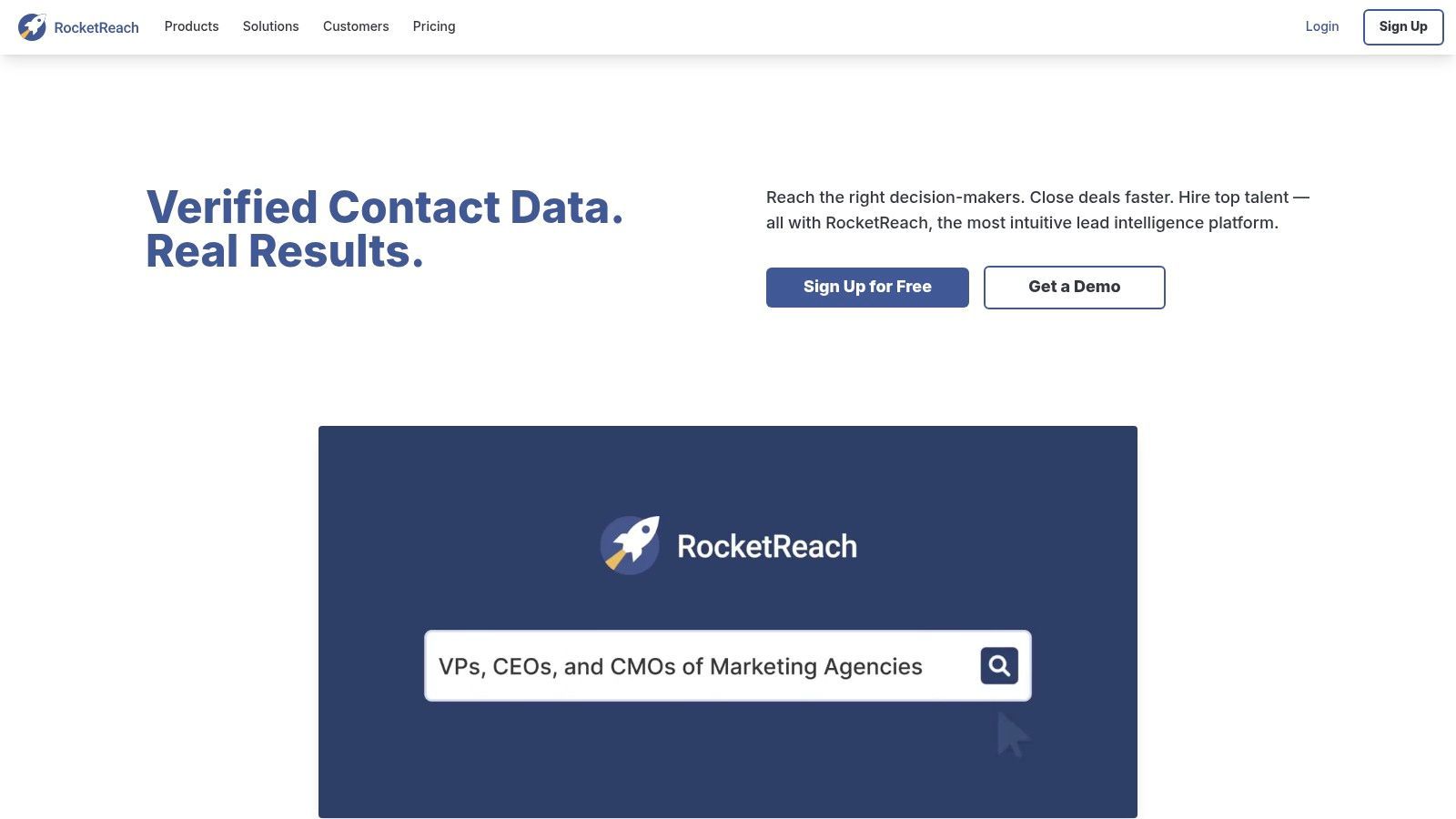
The platform is designed to scale from individual users to large enterprise teams, with features like bulk lookups and API access available on higher-tier plans. RocketReach’s browser extension is a key part of its workflow, allowing users to find contact details directly from social profiles and company websites. This makes it efficient for high-volume prospecting activities.
Use Cases and Core Features
- Individual & Bulk Lookups: Find contact info for single prospects or upload entire CSV files for enrichment.
- API Access: Integrate RocketReach’s data directly into your own applications and workflows (available on higher tiers).
- Browser Extension: A powerful tool for Chrome that simplifies finding contact information while browsing online.
- CRM Integrations: Connect with popular CRM platforms to streamline data transfer and management.
RocketReach Pricing
RocketReach’s pricing is tiered to support different user needs. Individual plans typically start around $53/month for 125 lookups. Team and Enterprise plans offer more lookups, advanced features, and are often custom-quoted. Export limits and feature access are dependent on the specific plan chosen.
Best for: Recruiters, sales teams, and businesses that need a high-volume contact lookup tool with a massive database and the ability to perform bulk exports.
Website: https://rocketreach.co
8. Dropcontact
Dropcontact offers a unique, algorithm-driven approach to email discovery, positioning itself as a powerful Findymail alternative for users prioritizing data accuracy and compliance. Instead of relying on a pre-existing database, it generates and verifies professional email addresses in real-time. This methodology significantly reduces the risk of using outdated contact information and aligns with stricter data privacy regulations.
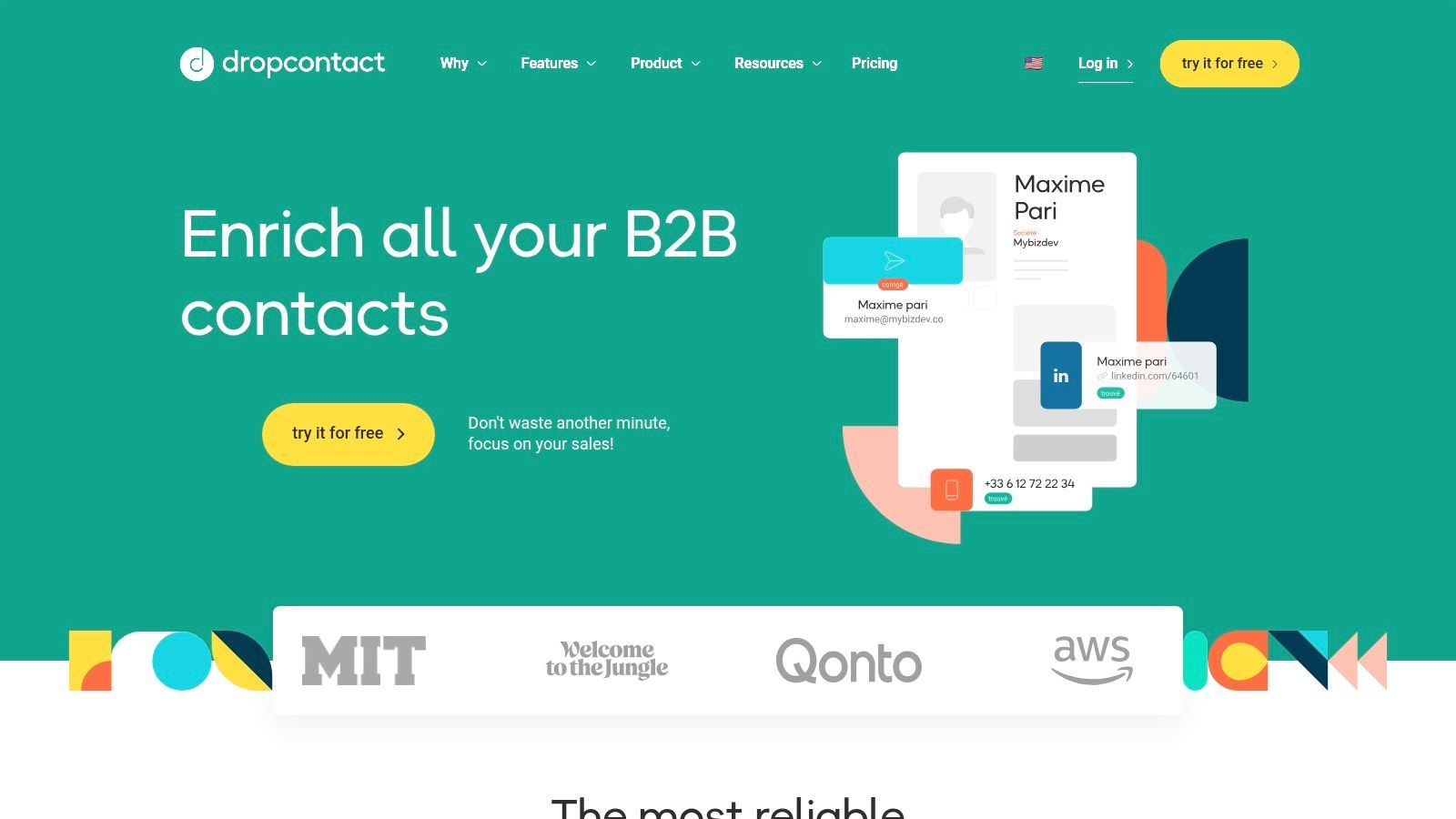
The platform is particularly well-suited for enriching existing data, whether through its API, file uploads, or direct CRM integrations with HubSpot, Pipedrive, and Salesforce. Its credit system is straightforward: one credit is used for each email found and verified. If an email cannot be found, the credit is returned, providing a transparent and fair usage model for teams managing their budget.
Use Cases and Core Features
- Algorithmic Email Finding: Generates and validates emails on the fly without using stored databases.
- In-CRM Enrichment: Native connectors for HubSpot, Pipedrive, Salesforce, and Zoho to enrich contact data automatically.
- API & File Enrichment: Offers flexible options to enrich contact lists by uploading files or integrating via its API.
- Data Cleaning: Corrects typos, normalizes data, and merges duplicate contacts within your CRM.
Dropcontact Pricing
Dropcontact offers a Free trial with 100 credits. Paid plans start at €24/month for 1,000 credits, with larger packages available up to €800/month for 100,000 credits. CRM enrichment is priced separately, starting at €39/month. Unused credits can be rolled over.
Best for: RevOps teams and CRM administrators who need to enrich and clean large datasets directly within their existing workflows, with a strong focus on verification and compliance.
Website: https://www.dropcontact.com
9. Anymail Finder
Anymail Finder stands out as a Findymail alternative with its unique, user-centric pricing model. The platform is built on a simple promise: you only pay for verified, deliverable email addresses. This approach removes the risk of spending credits on bounced or unverified contacts, making it an excellent choice for teams that need to maximize their budget and ensure high data quality.
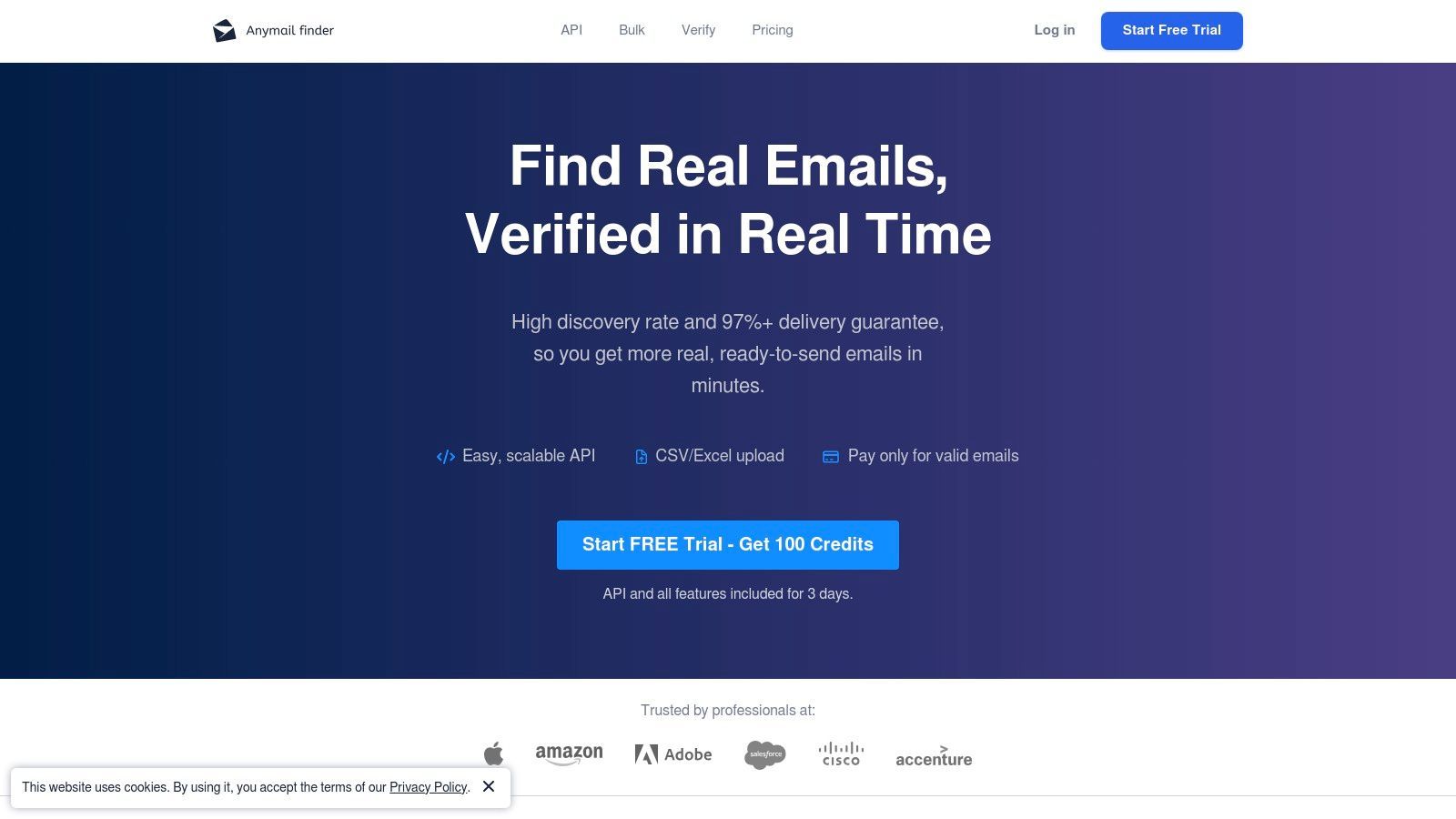
The platform is designed for efficiency, offering bulk finding and verification tools alongside a useful browser extension. Its API allows for deeper integration into custom workflows. One of the most appreciated features is that credits roll over, giving users more flexibility compared to strict monthly use-it-or-lose-it policies common with other tools.
Use Cases and Core Features
- Pay-Only-for-Valid Model: Credits are only deducted for successfully verified emails, while risky or not-found emails are free.
- Bulk Finder & Verifier: Upload CSV files with names and domains to find and verify email addresses at scale.
- API Access: Integrate Anymail Finder's capabilities directly into your applications or existing sales stack.
- Rollover Credits: Unused credits can be carried over, offering better value and less pressure to use them up each month.
Anymail Finder Pricing
Anymail Finder offers a generous free trial with 100 verification credits. Paid plans start at $49/month for 1,000 verified emails and scale up to $149/month for 5,000 verified emails, with custom plans available for larger needs.
Best for: Budget-conscious freelancers, startups, and small businesses who prioritize cost-effectiveness and want to avoid paying for low-quality or undeliverable email data.
Website: https://anymailfinder.com
10. Voila Norbert
Voila Norbert positions itself as a friendly yet powerful email discovery platform, making it a noteworthy Findymail alternative for users who value a blend of subscription and pay-as-you-go flexibility. Its core offering revolves around finding and verifying professional emails, but it extends its functionality with built-in enrichment and a lightweight email outreach tool, making it a multi-purpose solution for smaller teams. The platform is known for its high accuracy rates and a simple, approachable user interface.
What sets Voila Norbert apart is its hybrid pricing model. While email finding is subscription-based, services like verification and enrichment are offered on a pay-as-you-go basis, allowing users to control costs for data enhancement tasks. This flexibility is a significant advantage for businesses with fluctuating prospecting needs, who can avoid paying for unused credits. The platform's built-in "Sequences" tool also offers basic cold email automation, which can be sufficient for teams not wanting to invest in a separate, more complex sending platform.
Use Cases and Core Features
- Email Finder: Search for individual emails by name and company domain with tiered monthly subscription plans.
- Pay-As-You-Go Verification & Enrichment: Purchase credits separately to verify email deliverability or enrich contacts with additional data points like job title and location.
- Sequences Module: A built-in tool for sending automated cold email campaigns, complete with features like A/B testing and email warm-up.
- CRM & API Integrations: Connects with popular CRMs and offers an API for building custom workflows.
Voila Norbert Pricing
Voila Norbert offers a free trial with 50 free credits. Paid plans for email finding start at Valet ($49/month for 1,000 credits) and go up to Counselor ($499/month for 50,000 credits). Verification and enrichment are priced separately on a pay-as-you-go basis, starting from $0.003 per email.
Best for: Small businesses and solo entrepreneurs who need a flexible, multi-functional tool for email finding, verification, and light-duty outreach without committing to a high-cost, all-inclusive platform.
Website: https://www.voilanorbert.com
11. Wiza
Wiza is a specialized Findymail alternative designed almost exclusively for one purpose: extracting verified B2B contact data from professional network searches. Its core strength is its ability to convert entire search result pages into clean, actionable lead lists with verified emails and, optionally, phone numbers. This makes it a powerful tool for sales teams who use these networks for prospecting and need to build lists at scale.
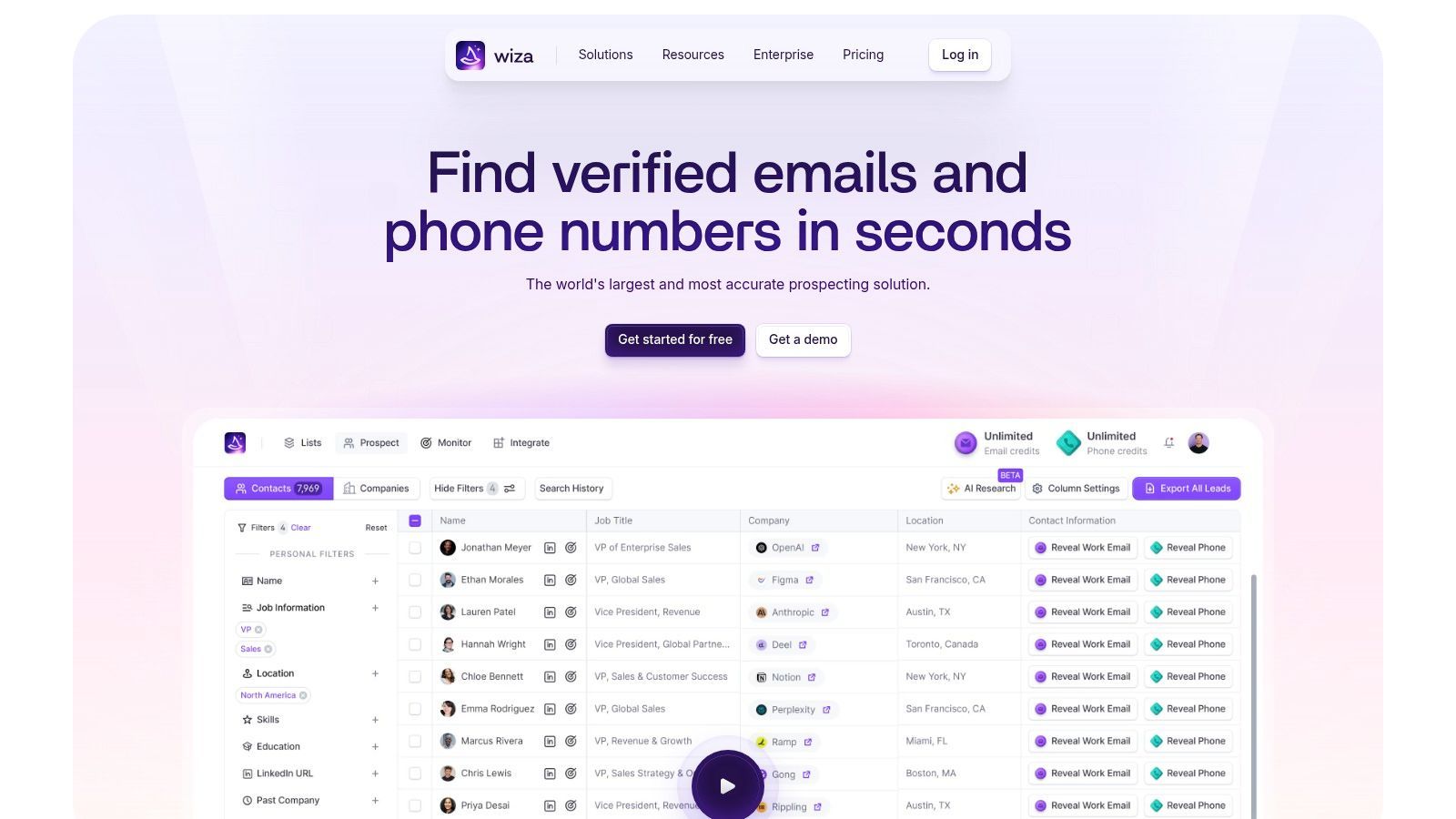
The platform focuses on speed and efficiency, turning a manual, time-consuming process into a few clicks. While its scope is narrower than all-in-one tools, its depth in data extraction from professional networks is hard to match. The user experience is built around its browser extension, which integrates directly into the platform interface, making the workflow seamless for dedicated prospectors.
Use Cases and Core Features
- Professional Network Export: Convert entire search results into downloadable CSVs with verified contact data.
- Real-time Verification: Emails are verified as they are extracted, ensuring high deliverability rates.
- Email & Phone Number Scraping: Offers plans to find both professional emails and direct-dial phone numbers.
- CRM Integrations: Sync extracted contact lists directly with popular CRMs like Salesforce and HubSpot.
Wiza Pricing
Wiza offers a Free trial with 25 credits. Paid plans include Email ($99/user/month for 325 email credits) and Email + Phone ($199/user/month for 275 email and 275 phone credits). A key disadvantage is that unused monthly credits do not roll over.
Best for: Sales teams and SDRs who heavily rely on professional networking sites for lead generation and need a fast, scalable way to export verified contact lists.
Website: https://wiza.co
12. ContactOut
ContactOut is a powerful email and phone data provider that positions itself as a strong Findymail alternative, especially for users who prioritize finding personal email addresses alongside professional ones. The platform is widely used by recruiters and sales professionals for its extensive database, which it claims covers over one billion professionals with high accuracy rates. Its primary interface is a browser extension that integrates directly into social profiles.
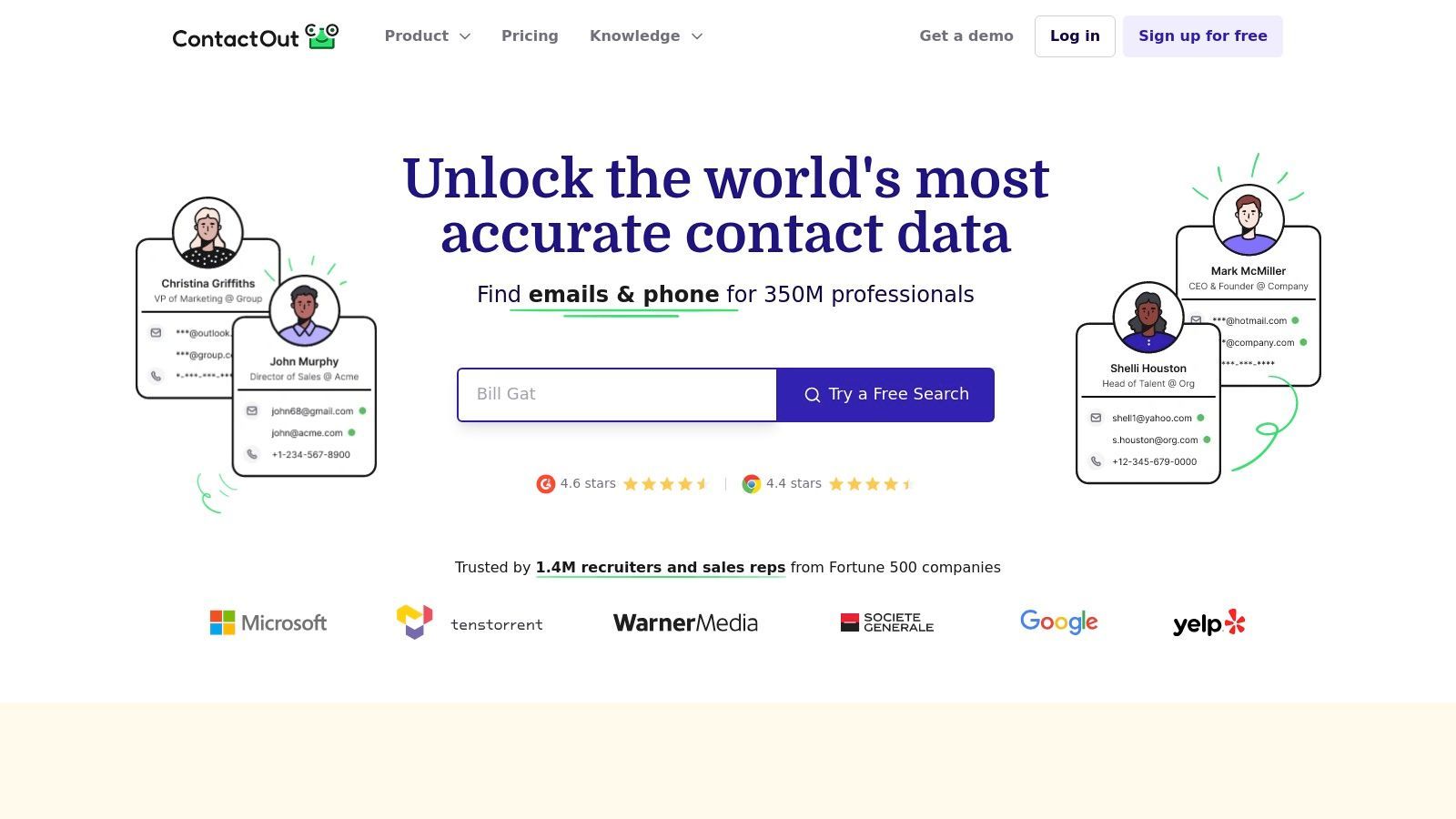
The platform is designed with distinct user roles in mind, offering tailored plans and features for individual sales reps, recruiters, and larger teams. This approach allows users to select a package that aligns closely with their specific workflow, whether that involves sourcing candidates or prospecting for sales leads. The inclusion of both professional and personal contact details gives it a unique edge for certain outreach strategies.
Use Cases and Core Features
- Browser Extension: Finds email addresses and phone numbers on popular professional networking sites.
- Data Enrichment: Upload a list of names and companies to enrich it with contact information.
- Salesforce & ATS Integrations: Directly export contact data to leading CRMs and Applicant Tracking Systems.
- Bulk Search: Search for and reveal contact details for multiple profiles at once.
ContactOut Pricing
ContactOut offers a Free plan with a limited number of credits per month. Paid plans are segmented for different users: Sales plans start at $79/month, while Recruiter plans begin at $159/month. Enterprise and team plans with API access are available upon request.
Best for: Recruiters and sales professionals who need access to both personal and professional contact information and require direct integration with an ATS or Salesforce.
Website: https://contactout.com
Findymail Alternatives: 12-Tool Comparison
| Tool | Core features | Data quality & coverage | Integrations & workflow | Pricing & value | Best for |
|---|---|---|---|---|---|
| Add to CRM | Chrome extension: 1‑click capture & enrichment (31 data points) | 220M+ profiles; real‑time email verification ~96% | Connects to 27–31+ CRMs; custom field mapping; duplicate checks; team features | Free (10 credits/mo); Standard $17/mo (100); Pro $59/mo (500) — transparent credit model | Founders, SDRs, AEs, RevOps needing fast browser→CRM capture |
| Hunter.io | Domain & email finder, verifier, outreach sequences | Strong email verification; generous annual credits | Chrome extension, API, Sheets add‑on, outreach module | Clear credit plans; predictable consumption | Teams needing on‑page discovery + integrated outreach |
| Snov.io | Email find/verify, multichannel outreach, warm‑up | Credits usable across finder/verifier; decent deliverability tools | Chrome ext, bulk tools; optional automation add‑on | Credit‑based; rollovers on larger tiers; separate billing for some features | Teams wanting prospecting + deliverability in one tool |
| Apollo.io | Large B2B DB, enrichment, sequences, dialer | Deep B2B coverage; credits to reveal emails/phones | Built‑in dialer; CRM integrations; sales workflow focus | Credit model; tiered/contract pricing varies | Sales teams using a combined sales OS (prospecting→outreach) |
| Lusha | Browser lookup for emails & direct dials | Simple credit logic (1 email =1, phone =10); verified dials | Extension + CRM integrations; quick lookups | Transparent credit rules; phone lookups cost more | Reps needing rapid phone + email lookups |
| UpLead | Verified emails, technographics, enrichment | Claims 95% email accuracy; technographic data | Chrome ext; integrations with major CRMs | Public transparent pricing; 7‑day trial | Buyers prioritizing high data accuracy |
| RocketReach | Email/phone lookups, bulk CSV, API & exports | Broad coverage; established dataset | Extension, CRM integrations, bulk export | Team & individual tiers; pricing sometimes sales‑led | Users needing wide coverage & export capabilities |
| Dropcontact | Algorithmic email discovery & verification (no static DB) | Verification‑focused; re‑credit if not found | File/API & native in‑CRM connectors (HubSpot, Pipedrive, Salesforce) | Flexible subscriptions; EUR‑centric pricing; CRM enrichment priced separately | CRM teams needing in‑place verification & enrichment |
| Anymail Finder | Email finder & verifier; pay‑only‑for‑valid model | Charges only for confirmed emails; protective pricing | Bulk, API, browser extension | Pay‑for‑valid model; credits roll over up to 2× | Budget‑conscious teams avoiding pay for invalid results |
| Voila Norbert | Email finder + pay‑as‑you‑go verification; sequences | Good verifier; limited company lookup depth | Sequences, warm‑up, CRM integrations | Tiered finder plans + pay‑as‑you‑go verification | Small teams needing finder plus basic outreach/sequences |
| Wiza | Pro network list extraction to verified contacts | Fast list building from networks; verification included | CRM sync, team analytics; SalesNav support | Monthly credit plans or annual unlimited tiers | Teams building lists at scale from professional networks |
| ContactOut | Personal email & phone coverage via extension & export | Strong personal email coverage (good for recruiting) | Works on social networks; Salesforce/ATS integrations; API | Tiers for personal/sales/recruiter; enterprise via sales | Recruiters and reps needing personal contact details |
Making the Right Choice: Which Findymail Alternative Is Best for You?
Navigating the crowded landscape of email finders and prospecting tools can feel overwhelming. We've explored twelve distinct Findymail alternatives, each with its own strengths, from the bulk scraping power of Wiza to the all-in-one sales intelligence platform of Apollo.io. The key takeaway is that the "best" tool is not a one-size-fits-all solution; it’s the one that aligns perfectly with your team’s most critical workflows, biggest time sinks, and strategic goals.
Your decision hinges on a simple question: What is the primary bottleneck in your prospecting process? Is it simply finding a valid email address? Or is it the time-consuming, error-prone process of manually transferring that lead’s information from a social profile or inbox into your CRM?
Key Takeaways and Decision Framework
If your primary need is raw data acquisition for large-scale, automated campaigns, tools like Hunter.io, Snov.io, and RocketReach offer robust databases and bulk-finding capabilities. They excel at building massive lists quickly. Similarly, platforms like Apollo.io and Lusha provide comprehensive sales intelligence, layering in firmographics and intent data for a broader, top-of-funnel strategy. These are powerful solutions for teams focused on volume and initial discovery.
However, for sales teams where speed, accuracy, and CRM hygiene are paramount, the focus shifts from just finding data to operationalizing it. This is where a workflow-centric tool demonstrates its true value. The friction isn't just in locating an email; it's in the cumbersome steps that follow: copy-pasting names, titles, companies, and then manually creating a new contact or lead record in your CRM. This manual process is not only a drain on productivity but also a primary source of data decay and duplication.
Why Workflow Integration Is the Deciding Factor
For startup founders, SDRs, and account executives whose performance is measured by meetings booked and deals closed, every minute saved is critical. This is the core problem that a tool like Add to CRM is built to solve. It addresses the gap that many other Findymail alternatives overlook: the chasm between discovery and action.
Consider these critical factors when making your final choice:
- CRM Integration Depth: Does the tool offer a native, one-click integration with your specific CRM? With support for over 27 platforms, Add to CRM ensures a seamless fit for most tech stacks, unlike tools with limited or generic integration options.
- Real-Time Verification: Is the data verified at the moment of capture? Stale data from a pre-built database can lead to high bounce rates. Real-time verification, a key feature of Add to CRM, ensures you are adding clean, actionable data directly to your system of record.
- Contextual Capture: Can your team capture leads from where they work most? The ability to add a prospect to your CRM directly from their professional profile, Gmail, or Outlook inbox without switching tabs is a massive efficiency gain.
- Data Enrichment vs. Data Entry: Does the tool simply find an email, or does it enrich the entire contact record and eliminate manual data entry? The latter saves significant time and ensures your CRM remains a reliable source of truth.
Ultimately, choosing the right Findymail alternative comes down to prioritizing efficiency and data quality within your core sales process. While many tools can find an email, only a select few are designed to streamline the entire prospecting workflow, turning a multi-step, manual task into a single, effortless click. By evaluating your team's biggest pain points, you can select a solution that not only provides data but also delivers a tangible return on investment through saved time and improved productivity.
Ready to eliminate manual data entry and supercharge your CRM-centric workflow? Add to CRM is the definitive choice among Findymail alternatives for teams that want to turn prospecting into a seamless, one-click action. Try Add to CRM today and see how much time your team can save by adding enriched, verified leads directly to your CRM from anywhere on the web.
Start saving time and closing more deals.
Find contact info for your prospects on the #1 business social network and add them to your CRM with 1-click.

 Loading...



Trusted by 1000s of founders, SDRs & more
