The 12 Best Data Entry Automation Software Solutions for 2026
Discover the top 12 data entry automation software tools for 2026. Compare features, pricing, and use cases to eliminate manual work and boost efficiency.
Manual data entry is a significant drain on productivity. For sales teams, founders, and revenue operations professionals, every minute spent copying and pasting contact details, updating CRM records, or transcribing information from documents is a minute not spent on revenue-generating activities. This tedious work not only slows down prospecting and follow-ups but also introduces a high risk of human error, leading to dirty data that undermines your entire sales and marketing strategy. Inaccurate or incomplete CRM records can cause embarrassing outreach mistakes, flawed reporting, and missed opportunities.
This guide is built to solve that problem by providing a detailed evaluation of the best data entry automation software available today. We move beyond generic marketing claims to give you a practical, in-depth look at what each tool actually does. You will find a curated list of solutions designed for specific needs, from simple browser-based text expanders to powerful, enterprise-grade robotic process automation (RPA) platforms. Whether you are an SDR trying to quickly add prospects from social media profiles to your CRM, a founder building an efficient outbound process, or a RevOps admin tasked with maintaining data integrity, there is a tool here for you.
Inside, each platform is broken down with a clear summary, screenshots, and direct links. We analyze key features like CRM integration, data verification, and deduplication capabilities. You will also find:
- Ideal Use-Cases: Who the software is really for.
- Pricing Tiers: A straightforward look at costs.
- Honest Limitations: What the tools don't do well.
- Implementation Tips: How to get started effectively.
Our goal is to help you quickly identify the right solution to eliminate manual data entry, improve data quality, and give your team more time to focus on what matters most.
1. Add to CRM
Add to CRM stands out as a powerful and direct solution for sales and operations teams aiming to eliminate the friction of manual data entry. It operates as a Chrome extension, integrating directly into the prospecting workflow on professional networking sites, Gmail, Outlook, or any company website. This tool transforms static profiles into clean, enriched CRM records with a single click, effectively ending the tedious cycle of copy-paste and tab-switching that slows down productivity.
The platform’s strength lies in its combination of speed and data quality. It connects to 29+ popular CRMs, including HubSpot, Pipedrive, and Zoho, ensuring wide compatibility. Upon adding a contact, it automatically enriches the record with 20+ data points and sources verified contact information from a database of over 220 million professionals. The real-time email verification, reporting a 95%+ accuracy rate, is a significant advantage for outbound teams needing reliable data.
Standout Features & Use Cases
- One-Click Data Capture: Instantly create or update contacts in your CRM from any web profile. SDRs can build prospecting lists from search results in minutes rather than hours.
- Built-in Data Enrichment & Verification: Access a massive contact database for verified emails and phones. This helps sales teams bypass gatekeepers and improves email campaign deliverability.
- Intelligent CRM Hygiene: The tool automatically detects duplicates, preventing dirty data from entering your system. If a duplicate is found, the action is skipped and the credit is refunded, which protects both data integrity and your budget. For a deeper understanding of maintaining a clean database, you can learn more about how to use CRMs for optimal performance.
- Bulk Prospecting: Sales teams can add entire lists of prospects from search results at once, dramatically accelerating the list-building process for targeted campaigns.
Pricing and Onboarding
Add to CRM offers a transparent, credit-based pricing model suitable for individuals and growing teams. New accounts can start with a 7-day free trial. Paid plans, like Standard (250 credits/month) and Pro (1,000 credits/month), offer higher volumes, with the Pro tier including dedicated onboarding and priority support for a smoother team rollout.
Website: https://addtocrm.com
2. Microsoft Power Automate
Microsoft Power Automate stands out by combining cloud-based API automation with powerful desktop-based Robotic Process Automation (RPA). This dual capability makes it an exceptional piece of data entry automation software for businesses that need to connect modern cloud apps (like Salesforce or SharePoint) and also automate tasks in legacy desktop applications that lack APIs. Its tight integration within the Microsoft 365 and Dynamics 365 ecosystems makes it a natural choice for organizations already invested in those platforms.
The platform includes AI-powered features like Copilot, which helps users build automation flows using natural language, and process mining tools that analyze user activities to identify repetitive data entry tasks ripe for automation. This significantly lowers the technical barrier to creating effective workflows. For instance, a sales team could build a flow that automatically scrapes new lead data from an Excel sheet attached to an Outlook email, validates the information, and then creates a new record in Dynamics 365, all without manual intervention. You can explore a variety of methods for how to automate data entry to see where tools like this fit.
Key Information:
- Best For: Companies deeply embedded in the Microsoft ecosystem (Office 365, Dynamics 365, Azure) seeking a versatile tool that handles both API and UI-based automation.
- Pricing: Starts with a limited free version within Microsoft 365 licenses. Premium plans are priced per user per month, with separate per-bot pricing for unattended RPA processes.
- Pros: Excellent native integration with Microsoft products, strong combination of cloud and desktop automation, and competitive per-user pricing.
- Cons: Unattended bot licensing adds significant cost, and advanced governance features are locked behind higher-tier plans.
Website: https://www.microsoft.com/power-automate
3. UiPath
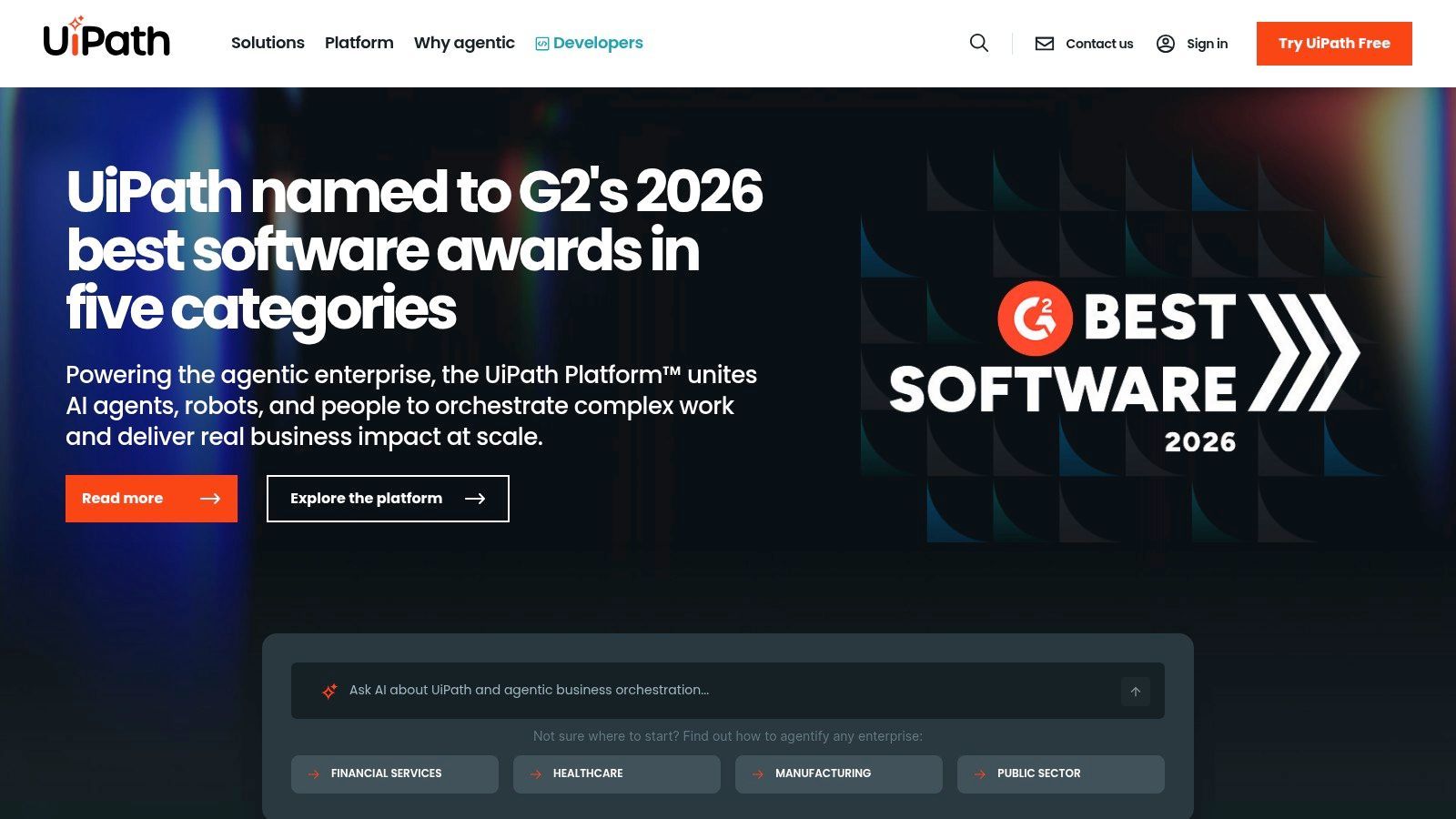
UiPath is a heavyweight in the Robotic Process Automation (RPA) space, offering an enterprise-grade platform designed to automate complex, UI-driven data entry tasks across a multitude of applications. Its core strength lies in its ability to mimic human actions on a computer’s graphical user interface, making it an ideal piece of data entry automation software for companies reliant on legacy systems, virtual desktops, and web applications that lack modern APIs. The platform's powerful robots can be trained to handle intricate data entry processes from start to finish.
A key differentiator for UiPath is its advanced Document Understanding feature, which uses AI to extract and structure information from unstructured sources like PDFs, scanned invoices, and emails. For example, an accounts payable team could deploy a UiPath robot to monitor an inbox for new invoices, open each PDF attachment, extract fields like invoice number, date, and line items, and then input this structured data directly into their accounting software. The platform provides a low-code environment (StudioX) for business users and a more advanced one (Studio) for developers, supported by a robust marketplace of pre-built components.
Key Information:
- Best For: Large enterprises and mid-market companies needing to automate high-volume data entry across a mix of modern and legacy desktop applications, especially those with document-heavy workflows.
- Pricing: Offers a free community edition for small-scale automation. Commercial pricing is quote-based and typically involves licensing for robots, developer studios, and the Orchestrator platform.
- Pros: Highly scalable and powerful for complex UI automation, mature governance and administration features, and strong capabilities for processing unstructured documents.
- Cons: Can be complex and costly to implement and maintain at scale, and the overall investment is higher compared to API-first automation tools.
Website: https://www.uipath.com
4. Automation Anywhere
Automation Anywhere provides a cloud-native Robotic Process Automation (RPA) platform designed to automate complex data entry and business processes across an entire organization. Its Automation Success Platform is particularly strong at managing the full lifecycle of automation, from discovering processes to building, deploying, and governing bots. This makes it a serious piece of data entry automation software for companies looking to scale their automation efforts beyond simple, individual tasks and establish a more formal Center of Excellence (CoE).
The platform features an in-application Co-Pilot that assists users in building and managing automations, lowering the barrier for citizen developers. Its Document Automation tool is also a key feature, capable of extracting data from structured and unstructured documents using either its built-in AI or by integrating with third-party models like Google DocAI. For a sales team, this could mean automatically processing incoming purchase orders in various formats, extracting the key data, and entering it directly into an ERP system and CRM without human intervention.

Key Information:
- Best For: Medium to large enterprises that require a robust, cloud-first RPA platform with strong governance, process discovery, and document processing capabilities.
- Pricing: Custom pricing based on specific packages and usage. Public pricing information is limited, requiring direct contact for a quote.
- Pros: Strong citizen-developer experience with helpful assistants, powerful document processing, and excellent governance tools for managing automation at scale.
- Cons: Enterprise focus can make it feel overly complex for very small teams, and the lack of transparent public pricing makes initial cost evaluation difficult.
Website: https://www.automationanywhere.com
5. Zapier
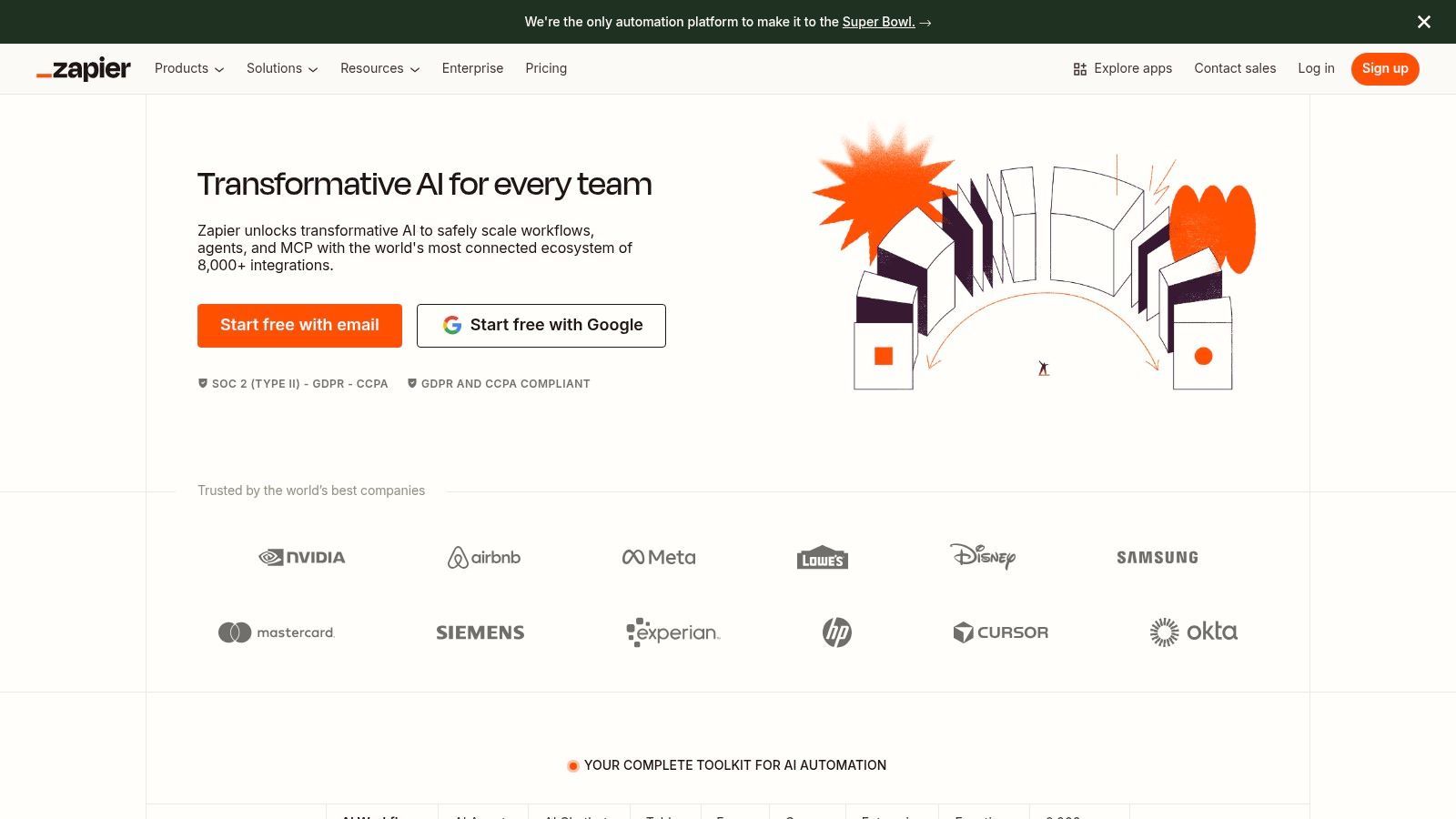
Zapier is arguably the most recognizable name in no-code automation, connecting thousands of cloud-based applications through simple, trigger-action workflows called "Zaps." As a piece of data entry automation software, it excels at eliminating the manual copy-paste work between web apps. For businesses that rely on a diverse set of SaaS tools, Zapier acts as the essential glue, allowing data to flow freely from one platform to another without user intervention.
Its core strength lies in its simplicity and vast library of integrations. A user can easily create a Zap that triggers when a new entry is added to a Google Sheet, automatically formats the data, and then creates a new contact record in HubSpot and a corresponding task in Asana. The platform's built-in tools like Zapier Tables and Forms also allow for lightweight data capture and storage, making it a self-contained solution for simple data collection and distribution tasks. To understand how this fits into a broader strategy, it's useful to learn what is sales automation and where no-code tools shine.
Key Information:
- Best For: Small to mid-sized businesses and teams that need to quickly connect various SaaS applications without writing any code.
- Pricing: Offers a free forever plan with limited tasks. Paid plans start at a monthly fee based on the number of tasks and the update time.
- Pros: Massive library of over 5,000 app integrations, extremely user-friendly interface for non-technical users, and a huge community with pre-built templates.
- Cons: Task-based pricing can become expensive for high-volume automation, and it lacks the complex logic and error-handling capabilities of more advanced iPaaS or RPA platforms.
Website: https://zapier.com
6. Make (formerly Integromat)
Make, previously known as Integromat, is a visually powerful platform that excels at routing and transforming data between different online services. Its strength lies in its modular, drag-and-drop interface that allows users to build complex, multi-step workflows. This makes it a standout piece of data entry automation software for scenarios requiring more than a simple A-to-B data transfer. You can construct scenarios with branching logic, error handlers, and data iterators, giving you granular control over the automation process.
For instance, a marketing team could create a Make scenario that watches a specific email inbox for new form submissions. The scenario could then extract the attached CSV file, parse each row of data, reformat date fields, look up company information using a third-party API like Clearbit, and finally create or update contact records in both a CRM and a separate marketing automation platform. This ability to manipulate data mid-flight before it reaches its final destination is where Make truly shines, preventing dirty data from ever entering key business systems.
Key Information:
- Best For: Technically-inclined users and RevOps teams who need to build complex workflows with advanced data transformation and conditional logic between multiple apps.
- Pricing: Offers a free tier for basic needs. Paid plans are based on the number of operations (actions) executed per month, which can be cost-effective for high-volume tasks.
- Pros: Highly visual and powerful for complex data transformations, operation-based pricing offers great value for high-volume scenarios, and supports thousands of apps.
- Cons: Has a steeper learning curve than simpler tools, and poorly designed scenarios can quickly consume monthly operation credits, leading to unexpected costs.
Website: https://www.make.com

One Chrome extension for all your CRM enrichment
Find verified emails, phone numbers, and job titles on LinkedIn®. Add contacts to any of 29+ supported CRMs in one click.
Start Free Trial


 Trusted by 2,500+ users4.7
7. Bardeen
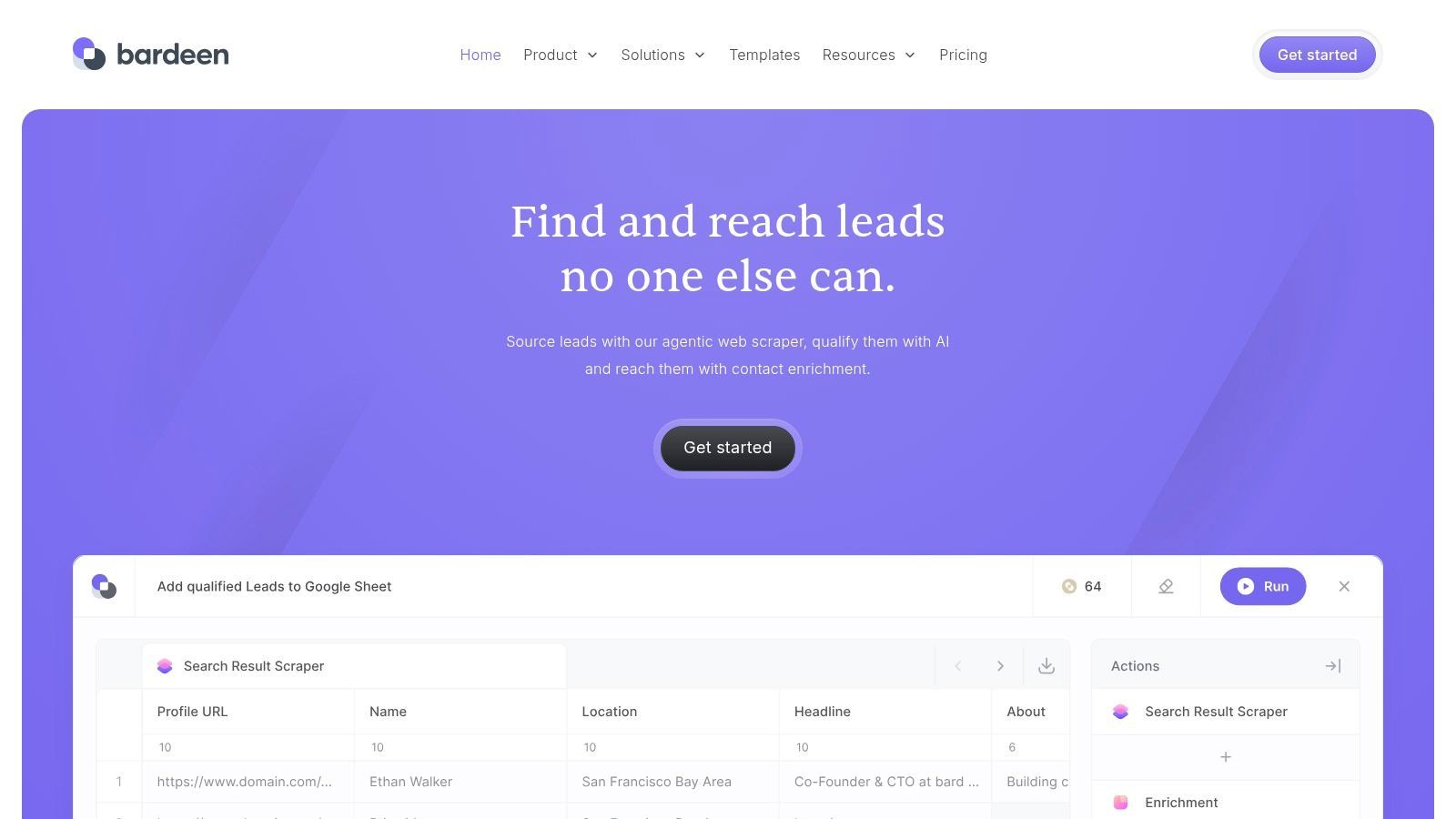
Bardeen operates directly within your browser, making it a powerful agent for automating data entry tasks that originate from the web. It specializes in scraping data from websites like social profiles or company pages, enriching it with additional information, and then pushing it into tools like Google Sheets, Airtable, or your CRM. This focus on in-browser automation makes it an ideal piece of data entry automation software for sales and marketing teams who need to eliminate the tedious copy-and-paste work associated with prospecting and lead generation.
The platform uses a system of "Playbooks" and "Autobooks." Playbooks are user-triggered automations, perfect for tasks like capturing all contacts from a company's team page in one click. Autobooks run in the background, automatically performing actions when certain triggers are met, such as enriching a new contact in your CRM the moment it's added. This dual approach allows users to automate both on-demand and recurring data entry workflows, directly where they work, without switching tabs or applications.
Key Information:
- Best For: Sales development reps, recruiters, and marketers who spend significant time gathering data from websites and social profiles for prospecting.
- Pricing: Offers a free plan with limited credits. Paid plans are based on a per-user, per-month model with increasing credit allowances for scraping and enrichment actions.
- Pros: Extremely fast to set up and use directly in Chrome, excellent for prospecting and lead-sourcing tasks, and offers a flexible no-code builder.
- Cons: Automation is browser-dependent, credit consumption for enrichment actions requires careful planning at scale, and some premium CRM integrations are on higher-tier plans.
Website: https://www.bardeen.ai
8. Magical
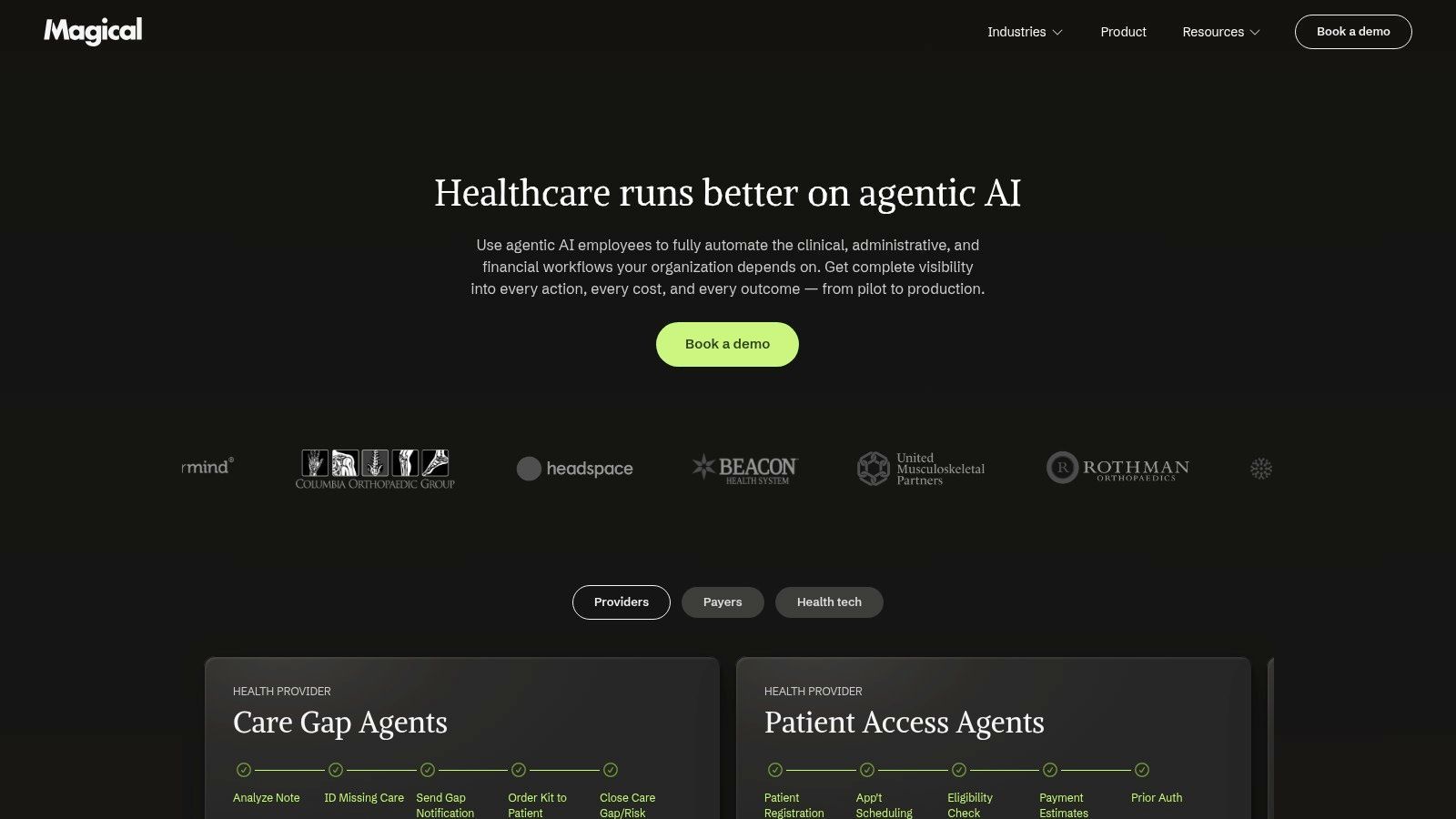
Magical operates as a lightweight, browser-based text expander and data transfer tool, making it a powerful piece of data entry automation software for professionals living in their web browser. Its core strength lies in its simplicity. Instead of building complex API-based workflows, Magical lets users grab information from one open tab (like a social profile or a web-based email) and instantly populate it into forms, sheets, or CRMs in another tab with a single click or keyboard shortcut. This eliminates the tedious copy-paste routine that plagues many sales, recruiting, and customer support roles.
For instance, a sales development representative can pull a prospect's name, title, and company from their social profile and instantly fill out a new contact form in their CRM, saving minutes on every single entry. The text expansion feature also allows for creating personalized message templates with variables, which automatically pull from the source tab to speed up outreach without sacrificing a personal touch. Its "no-code, no-integrations" approach makes it incredibly fast to adopt for immediate productivity gains.
Key Information:
- Best For: Individuals and teams (like SDRs, recruiters, and support agents) who perform high-volume, repetitive data entry and messaging within a web browser.
- Pricing: Offers a generous free plan for individuals. Paid plans for teams add features like shared templates and team analytics, billed per user per month.
- Pros: Extremely easy to set up and use with no technical knowledge required, works across virtually any website without needing direct integrations, and offers a significant time-saving benefit for browser-based tasks.
- Cons: Limited to web browser automation and does not work with desktop applications, and some advanced team management features are reserved for enterprise plans.
Website: https://www.getmagical.com
9. Rossum
Rossum is a cloud-native intelligent document processing (IDP) platform designed to eliminate the manual labor associated with transactional documents. It excels at reading and understanding complex files like invoices, purchase orders, and bills of lading, which are often the source of tedious data entry. The platform uses AI to automatically extract key information, validate it against master data from your ERP or accounting system, and then export it as structured data, significantly reducing manual keying and reconciliation efforts for finance and logistics teams.
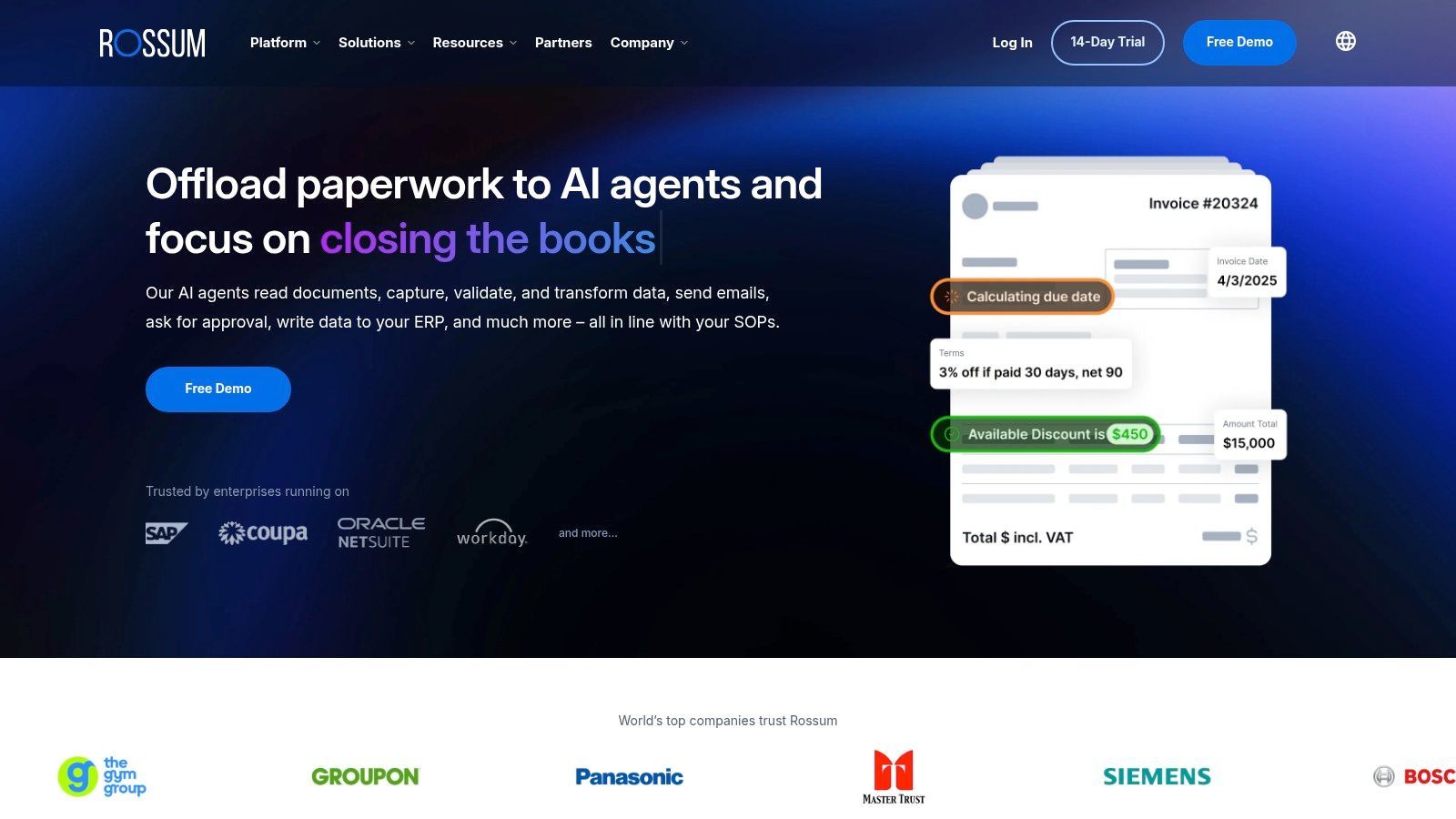
Unlike generic OCR tools, Rossum’s strength lies in its pre-trained models for specific document types, which can even handle multiple languages and handwriting. Its human-in-the-loop validation interface is a critical feature, presenting users with extracted data and confidence scores, allowing them to quickly review and correct any exceptions. An accounts payable team, for example, could set up a workflow where invoices are emailed directly to Rossum, automatically processed, checked for duplicates, and then pushed into NetSuite for payment approval with minimal human touch. This makes it a specialized piece of data entry automation software for document-centric workflows.
Key Information:
- Best For: Accounts payable, finance, and logistics departments that process high volumes of transactional documents like invoices and purchase orders.
- Pricing: Custom pricing based on document volume and features. Typically involves an annual subscription commitment.
- Pros: Provides an end-to-end workflow from ingestion to export, excellent user interface for human validation, and strong performance on complex transactional documents.
- Cons: Primarily focused on transactional documents, so it's less suitable for general-purpose OCR needs. The annual pricing structure can be a significant investment for businesses with low document volumes.
Website: https://rossum.ai
10. ABBYY Vantage
ABBYY Vantage is an enterprise-grade intelligent document processing (IDP) platform designed to extract information from complex structured and unstructured documents at scale. It distinguishes itself with a marketplace of pre-trained "Skills" that can understand and process over 150 document types, from invoices to contracts, right out of the box. This makes it a powerful piece of data entry automation software for organizations that need to digitize high volumes of paperwork without building machine learning models from scratch.
The platform combines generative AI and proprietary Document AI approaches to achieve high accuracy, even with challenging content like handwriting and checkbox extraction. Its low-code design environment allows users to customize these Skills or build new ones to fit specific needs. For example, a logistics company could use a pre-built Skill to extract data from bills of lading and then connect it to their ERP system via native connectors for RPA platforms like UiPath or Power Automate, eliminating manual entry and reducing processing time.
Key Information:
- Best For: Large enterprises in document-heavy industries (e.g., finance, logistics, healthcare) needing to automate data extraction from diverse and complex document types.
- Pricing: Available by quote only. Implementations are often led by partners, which adds to the total cost.
- Pros: High accuracy with a deep ecosystem of pre-trained Skills, flexible cloud or on-premises deployment options, and strong connectors for major RPA and BPM systems.
- Cons: Pricing is not transparent and can be substantial, making it overkill for small businesses or simple data extraction tasks.
11. Nanonets
Nanonets targets the challenge of unstructured data entry, specializing in AI-driven document processing. It's designed to replace the manual work of keying in information from invoices, receipts, purchase orders, and identification documents. The platform uses pre-built and custom AI models to extract specific data fields, then routes that structured information into other business systems like accounting software, ERPs, or a CRM. This makes it a powerful piece of data entry automation software for finance, logistics, and operations teams buried in paperwork.
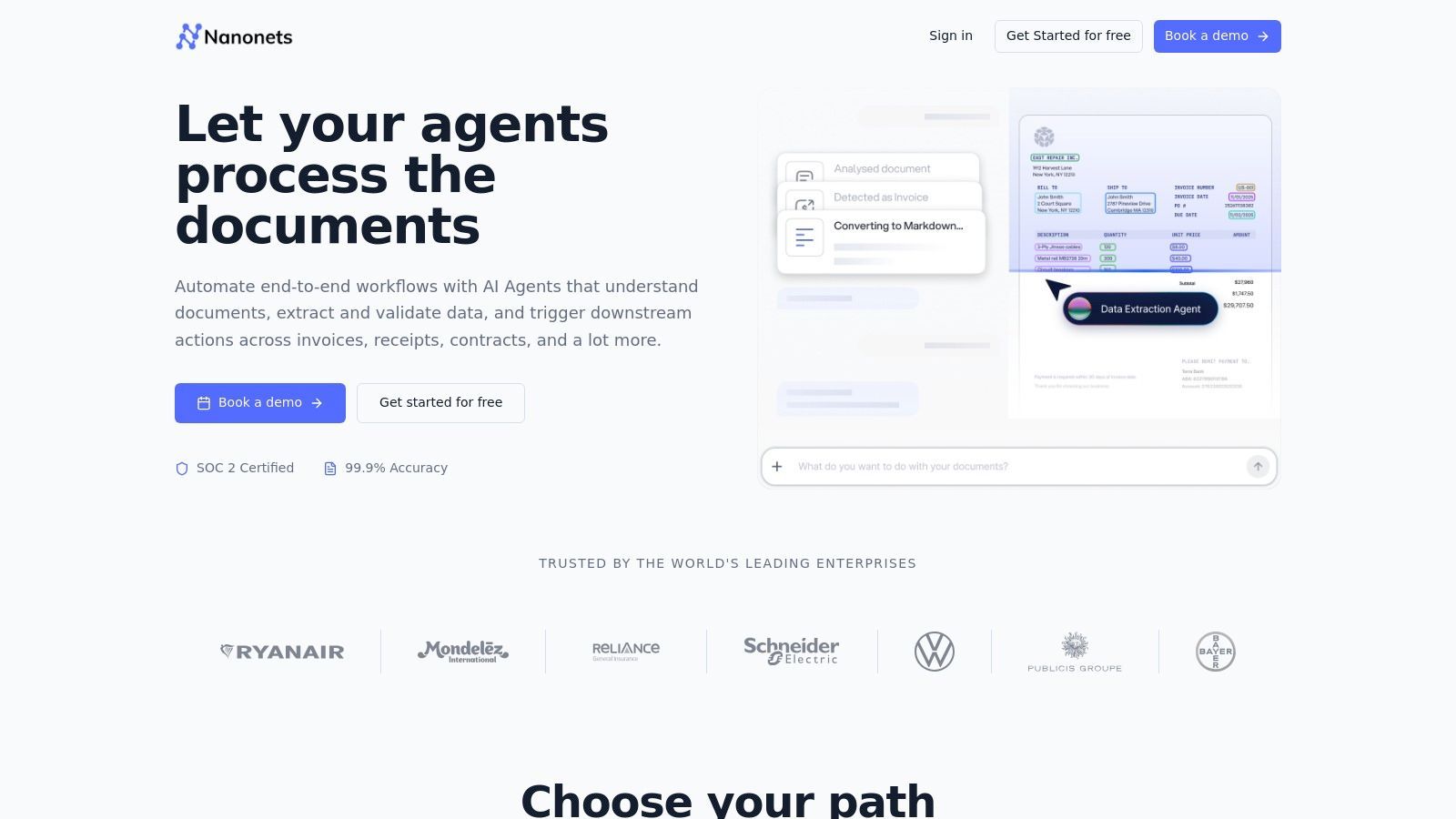
The system’s strength lies in its low-code workflow builder. Users can create custom rules and validation logic to ensure data quality without needing to write code. For example, you can set up a workflow that automatically extracts the total amount from an invoice, verifies it matches the purchase order number by cross-referencing another system, and then exports the validated data directly into QuickBooks. This combination of intelligent document processing (IDP) and light automation capabilities fills a critical gap for many businesses.
Key Information:
- Best For: Businesses that process a high volume of standardized documents like invoices, receipts, or forms and need to eliminate manual data extraction and validation.
- Pricing: Offers a free plan for low volumes. Paid plans are usage-based, billed by the number of documents processed or "workflow blocks" used.
- Pros: Flexible pay-as-you-go model makes it accessible for smaller projects, offers a good balance of IDP with workflow automation, and is quick to pilot with pre-built models.
- Cons: Block-based pricing can become complex and requires careful monitoring to avoid unexpected costs. Very high volumes may necessitate a custom enterprise quote.
Website: https://nanonets.com
Start your 7-day free trial of Standard
Find verified emails, phone numbers, and job titles on LinkedIn®. Add contacts to any of 29+ supported CRMs in one click.
Start Free TrialTrusted by 2,500+ users4.712. Tungsten Capture (formerly Kofax Capture)
Tungsten Capture is an enterprise-grade platform built for high-volume document processing and data extraction, making it a powerful form of data entry automation software for organizations that handle significant amounts of paperwork. It excels at ingesting documents from a wide array of sources, including scanners, faxes, and emails, then applying advanced image cleanup to ensure accuracy. The platform then intelligently classifies these documents and extracts critical data, which can be validated and exported directly into core business systems like ERP or ECM platforms.
Its core strength lies in its ability to handle complex, unstructured, and semi-structured documents at scale. For instance, a logistics company can use Tungsten Capture to automate the processing of thousands of daily invoices and bills of lading. The system learns to identify document types, extracts key fields like invoice numbers and line items using its Transformation module, and then pushes the structured data into the accounting system, dramatically reducing manual indexing and the risk of human error.
Key Information:
- Best For: Large enterprises, especially in regulated industries like finance, insurance, and healthcare, that need to automate high-volume document capture and data extraction from paper and electronic sources.
- Pricing: Pricing is not publicly available and typically requires direct engagement with Tungsten Automation or a certified reseller. It is structured for enterprise-level deployments.
- Pros: Proven to handle massive document volumes with high accuracy, extensive support for hardware scanners and business systems, and strong capabilities for regulated environments.
- Cons: A complex and heavy platform to deploy and manage, and the opaque pricing model is not suited for small businesses or those seeking a simple, off-the-shelf solution.
Website: https://www.tungstenautomation.com/products/capture
Top 12 Data Entry Automation Tools Comparison
| Solution | Core features | Target audience | Unique selling points / Quality metrics | Pricing & value |
|---|---|---|---|---|
| Add to CRM (Recommended) | One‑click CRM sync from social media/Gmail/Outlook; enrichment (20+ fields); duplicate checks; bulk add | SDRs, founders, sales & ops teams working in browser | 220M+ verified contacts; real‑time email verification (95%+); 29+ CRM integrations; GDPR compliant | 7-day free trial; Standard (250 credits/mo); Pro (1,000 credits/mo) — credit‑based, team onboarding & priority support |
| Microsoft Power Automate | Cloud flows + desktop RPA; connectors; Copilot-assisted flow building; process mining | Microsoft 365 / Dynamics 365 customers; IT & automation teams | Deep MS stack integration; Copilot + mining to surface automations | Per-user licensing; separate per-bot pricing for unattended bots |
| UiPath | Attended/unattended robots; orchestration; Document Understanding; marketplace | Large enterprises automating UI + document workflows | Mature governance, broad ecosystem, strong document capture | Enterprise pricing (quote); can be complex / tiered |
| Automation Anywhere | Cloud-native RPA; in-app Co‑Pilots; document automation; process discovery | Cloud-first enterprises, citizen developers | Good citizen‑dev UX; strong document processing & CoE tools | Enterprise packages; public pricing limited, varies by package |
| Zapier | No-code multi-step workflows, webhooks, templates, Tables & Forms | SMBs, non-technical users, fast SaaS integrations | Fastest path to eliminate copy/paste between SaaS apps; huge app library | Task-based tiers; can become expensive at scale |
| Make (formerly Integromat) | Visual builder, routers/iterators, HTTP modules, data transforms | Technical ops, developers, growth teams | Powerful data transformation; operation-based pricing for volume | Operation/credit pricing — good value at higher volumes |
| Bardeen | Browser web scraping & enrichment; Playbooks & Autobooks; pushes to Sheets/CRMs | SDRs and reps who prospect in browser | In-browser scraping + enrichment; quick setup where reps work | Credit model for scrapes/enrichment; plan limits apply |
| Magical | One-click autofill, text expansion, variables across tabs | SDRs, recruiters, customer ops using browser workflows | Extremely fast in-browser form fill & personalization | Freemium → paid/enterprise tiers for advanced features |
| Rossum | IDP for invoices/POs; human-in-loop validation; master data matching | AP teams, logistics, transactional document processing | End-to-end ingestion→validation→export; multi-lang & handwriting support | Annual pricing; can be costly for small volumes |
| ABBYY Vantage | Pretrained "Skills", low-code design, analytics, RPA connectors | Enterprises with large, varied document workloads | High accuracy, hybrid cloud/on-prem options, Skill marketplace | Quote-based enterprise pricing; partner-led implementations |
| Nanonets | AI extraction blocks, classification, low-code workflows, APIs | Accounting/ERP teams, developers needing IDP | Pay-as-you-go blocks; fast pilots; flexible integrations | Usage/block-based billing; monitor block usage to control cost |
| Tungsten Capture (Kofax) | High-volume capture, image cleanup, 140+ connectors | Regulated industries, high-volume scanning & indexing | Proven enterprise throughput, broad hardware/software support | Enterprise/reseller pricing; typically requires SI engagement |
Final Thoughts
We've explored a wide spectrum of data entry automation software, from tools that capture contact information on social platforms to enterprise-grade platforms designed for complex document processing. The journey through solutions like Add to CRM, Zapier, UiPath, and Rossum reveals a clear truth: manual data entry is no longer a necessary cost of doing business. The right tool can return hundreds of hours to your team, dramatically improve data accuracy, and accelerate your entire sales and operations cycle.
Your core challenge is no longer if you should automate, but how and with what. The tools we've detailed serve vastly different needs. A startup founder or a small sales team will find immense value in lightweight, browser-based tools like Bardeen, Magical, or Add to CRM, which offer immediate relief from the repetitive task of moving prospect data into a CRM. These solutions provide a quick return on investment with minimal setup.
Conversely, a larger organization grappling with thousands of invoices, forms, or legacy system integrations will need to look toward more robust platforms. RPA giants like UiPath and Automation Anywhere, or IDP specialists such as Nanonets and ABBYY Vantage, provide the power and customization required for high-volume, complex workflows. Their implementation is a significant project, but the operational gains are equally substantial.
Choosing Your Automation Path
Selecting the ideal data entry automation software requires a clear-eyed assessment of your specific pain points, existing tech stack, and team capabilities. Before making a decision, consider these critical factors:
- Primary Use Case: Are you primarily capturing unstructured web data, like sales leads, or processing structured documents, like invoices? A tool excelling at one may be poorly suited for the other.
- Integration Needs: Your automation tool is only as good as its ability to connect with your core systems. Deep, native CRM integration is non-negotiable for sales teams, while API access and pre-built connectors are vital for broader operational workflows.
- Scalability: Consider your future needs. Will a simple browser extension suffice in a year, or will you require a platform that can manage bots across multiple departments? Choose a solution that can grow with you.
- User Experience: Who will be using this software daily? Your SDRs need something intuitive and fast, while a RevOps team might be comfortable with a more complex, powerful interface. A difficult-to-use tool, no matter how capable, will be abandoned.
Implementation and Adoption: The Final Hurdle
Once you've chosen a tool, successful implementation hinges on more than just installation. It requires a strategic rollout. Start with a pilot group of users who can provide feedback and champion the software to their peers. Document a clear, simple workflow and provide hands-on training to ensure everyone understands how the tool fits into their daily tasks and benefits them directly.
Focus on demonstrating the immediate value. Show your sales team how they can add ten qualified leads to the CRM in the time it used to take to add one. Show your finance team an invoice processed and paid without a single keystroke. These tangible wins are what drive adoption and turn a software purchase into a fundamental business improvement.
The shift away from manual data entry is a defining feature of modern, efficient organizations. By carefully selecting and implementing the right data entry automation software, you empower your team to focus on what truly matters: building relationships, solving customer problems, and driving growth.
If your primary bottleneck is the slow, error-prone process of getting prospect data from professional networks and websites into your CRM, Add to CRM is built specifically to solve that problem. It provides a direct, one-click pathway for your sales team to capture and enrich contact information, eliminating manual work and ensuring high-quality data from the start. See how you can accelerate your prospecting by trying Add to CRM today.
Start saving time and closing more deals.
Find verified contact info for your prospects on LinkedIn®, Gmail and Outlook — and add them to your CRM with 1-click.

 Loading...Trusted by 2,500+ founders, SDRs & more