Top 12 Chrome Extensions for LinkedIn to Boost Your Productivity in 2026
Discover the 12 best chrome extensions for linkedin in 2026. Streamline lead capture, find emails, and sync data to your CRM with our detailed guide.
In its native form, LinkedIn is a powerful networking and prospecting tool. However, its interface can feel restrictive for high-volume sales, marketing, and recruiting activities. Repetitive tasks like manually copying contact information, switching between LinkedIn and your CRM, and enriching profiles with contact data can consume hours that could be spent building relationships and closing deals. This is where the right chrome extensions for linkedin become indispensable, transforming the platform from a simple social network into a streamlined, data-rich command center for your entire go-to-market strategy.
Looking specifically for extensions that reveal verified email addresses? We compare those head-to-head — pricing, credits, and what each does on the page — in our dedicated roundup of the best email finder Chrome extensions. This guide covers the broader LinkedIn productivity stack: prospecting, enrichment, automation, and CRM sync.
This comprehensive guide is designed to help you navigate the vast ecosystem of available tools and select the perfect extension stack for your specific needs. We move beyond generic feature lists to provide a detailed breakdown of the best solutions for sales development representatives (SDRs), account executives, startup founders, and RevOps administrators. You will find a curated selection organized by core function, from lead capture and CRM integration to data enrichment and outreach automation.
Each entry includes a concise analysis of its core features, practical pros and cons based on real-world use, and clear pricing information to help you make an informed decision. We’ve also included direct links and screenshots to give you a clear view of each tool's interface and workflow. The goal is to equip you with the knowledge to build a more efficient, data-driven prospecting process directly within LinkedIn, saving you time and dramatically improving data quality. Let's explore the extensions that will enhance your productivity.
1. Add to CRM
Add to CRM stands out as a powerful, well-rounded Chrome extension for LinkedIn, engineered to solve the most persistent challenges in B2B prospecting: manual data entry and poor CRM hygiene. It excels by transforming a multi-step, copy-paste process into a single click. The tool allows users to capture complete prospect profiles from LinkedIn, company websites, or even email signatures and sync them directly into their CRM as clean, enriched records. This seamless integration saves sales and marketing teams an estimated four-plus hours per week, freeing them to focus on revenue-generating activities instead of administrative tasks.
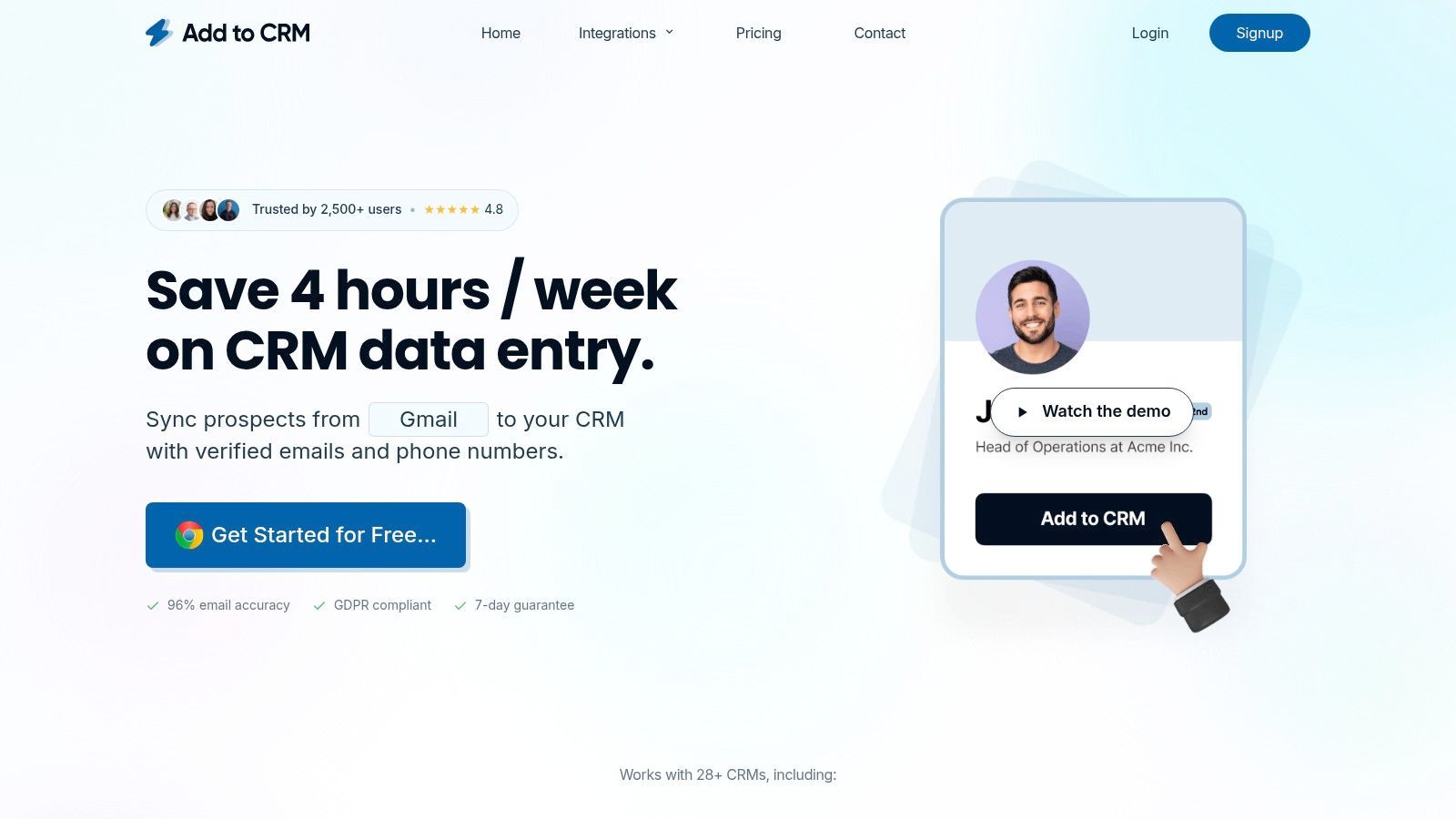
What truly distinguishes Add to CRM is its dual focus on workflow automation and high-fidelity data enrichment. It doesn't just transfer a name and title; it enriches each contact with up to 31 distinct data points, including verified emails and mobile numbers from its database of over 220 million professionals. Its real-time email verification boasts an impressive ~96% accuracy rate, significantly improving deliverability for outbound campaigns. This commitment to data quality makes it an indispensable tool for teams that rely on accurate contact information for outreach.
Key Features & Use Cases
- One-Click Lead Capture: Instantly create a new CRM contact from a LinkedIn profile. This is ideal for SDRs and AEs who need to quickly build pipelines without leaving their research workflow.
- Deep CRM Integration: Connects with over 27 popular CRMs like Pipedrive, Zoho, and ActiveCampaign. It includes custom field mapping and duplicate checks, ensuring new leads conform to your existing data structure and preventing cluttered records. For a deeper dive, you can explore their guide on best practices for a CRM and LinkedIn integration.
- Data Enrichment & Verification: Automatically appends verified contact details, including work emails, direct dials, and company firmographics. This is crucial for B2B marketers and founders who need to build targeted prospect lists with reliable data.
- Team Collaboration Features: Designed for teams, it standardizes how leads are added to the CRM, maintaining data consistency across all users. This supports RevOps and sales managers in maintaining a single source of truth.
Pricing & Plan Recommendations
| Plan Tier | Price (Monthly) | Credits/Month | Key Features | Best For |
|---|---|---|---|---|
| Free | $0 | 10 | Email-only data, rate-limited adds | Individuals testing the platform |
| Standard | $17 | 100 | Email + Phone data, unlimited adds | SDRs & small teams with moderate volume |
| Pro | $59 | 500 | All features, priority support & onboarding | High-volume teams & power users |
Annual billing offers savings up to 40% and a 7-day money-back guarantee.
Pros:
- Excellent data coverage and accuracy with a 96% email verification rate.
- Eliminates manual data entry with a one-click workflow.
- Extensive CRM integrations with robust features like duplicate checks.
Cons:
- Only available for Chrome and Chromium-based browsers.
- The free plan is quite limited, making a paid plan necessary for active use.
2. Chrome Web Store (Google)
The Chrome Web Store is the official, centralized marketplace for discovering and installing nearly all legitimate chrome extensions for linkedin. Think of it not as a single tool, but as the essential starting point for your entire toolkit. It's the primary distribution channel where developers publish their extensions, and it provides crucial information to help you evaluate each one before installation.
This platform provides critical social proof and safety checks. You can view user reviews, see star ratings, and check the total number of active users for any given extension, which helps gauge popularity and reliability. Crucially, it clearly discloses the permissions each extension requires, so you know exactly what data it can access.
Why It's Essential
The Chrome Web Store stands out because it provides the most comprehensive selection and ensures you get the latest, most secure versions directly from developers. While third-party sites might list extensions, the official store is the only place to get verified, up-to-date downloads with transparent developer information. Automatic updates mean you're always running the latest version with the newest features and security patches.
Best Practices for Use
- Verify Developer Identity: Always check the "Offered by" field to ensure the extension is from a reputable company.
- Read Recent Reviews: Sort reviews by "Most recent" to understand current user experiences, as performance can change after updates.
- Check Permissions: Before installing, click "Permissions" to understand what data the extension will access. Be wary of tools that request more access than necessary for their function.
| Feature Analysis | Description |
|---|---|
| Selection | The most comprehensive library of LinkedIn extensions available. |
| Safety | Google’s review process and transparent permission requests. |
| User Feedback | Reviews, ratings, and user counts provide valuable social proof. |
| Updates | Extensions are updated automatically, ensuring you have the latest version. |
Website: https://chromewebstore.google.com
3. Surfe (formerly Leadjet)
Surfe is a powerful chrome extension for linkedin designed to bridge the gap between LinkedIn and your CRM, eliminating the need to constantly switch tabs. It overlays your CRM fields directly onto LinkedIn profiles, allowing you to see which contacts already exist in your system and add new ones with a single click. This focus on seamless CRM integration makes it a top choice for sales teams dedicated to maintaining pristine data hygiene.
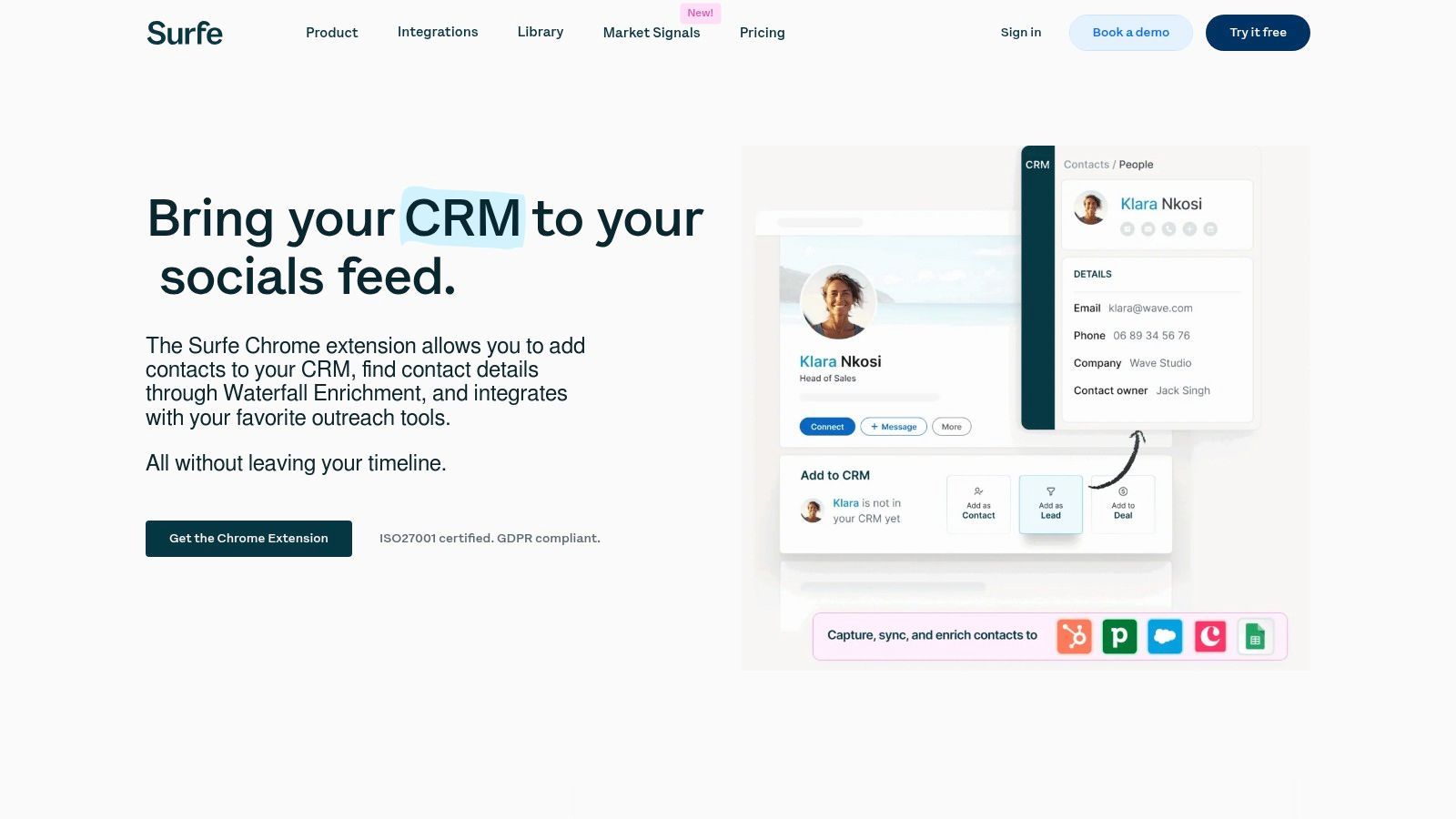
The platform’s standout feature is its ability to not just capture but also enrich contact information. Surfe uses a waterfall enrichment process, sourcing data from multiple providers to find verified email addresses and phone numbers. This turns LinkedIn into a dynamic extension of your CRM, keeping your prospecting workflow efficient and centralized.
Why It's Essential
Surfe excels by embedding CRM functionality directly into the LinkedIn user interface, drastically reducing manual data entry and context switching. For sales development representatives (SDRs) and account executives, this means more time selling and less time on administrative tasks. Its enterprise-ready compliance (ISO/GDPR) and deep integration with major CRMs like HubSpot, Salesforce, and Pipedrive make it a reliable and scalable solution for teams of all sizes.
Best Practices for Use
- Customize Field Mapping: Before deploying to your team, invest time in mapping your CRM properties within Surfe to ensure all critical data is captured correctly.
- Leverage Enrichment: Use the waterfall enrichment to find missing contact details for key prospects directly from their LinkedIn profile, saving time on external research.
- Integrate with Outreach Tools: Connect Surfe to your sales engagement platform (e.g., Salesloft, Outreach) to push enriched contacts directly into sequences.
| Feature Analysis | Description |
|---|---|
| CRM Integration | Overlays CRM fields on LinkedIn profiles for one-click contact creation. |
| Data Enrichment | Waterfall enrichment process finds verified emails and phone numbers. |
| Workflow Efficiency | Eliminates tab-switching and manual data entry between platforms. |
| Enterprise Ready | Offers robust security, compliance (ISO/GDPR), and team management features. |
Website: https://www.surfe.com/linkedin-chrome-extension/
4. Lusha
Lusha is a popular B2B prospecting tool designed to instantly reveal verified contact information, like email addresses and direct phone numbers, directly on LinkedIn profiles and Sales Navigator. This chrome extension for linkedin simplifies the process of finding decision-maker details, reducing the time spent on manual research and allowing sales teams to connect with prospects more efficiently. It integrates into the LinkedIn interface, adding a clear call-to-action to reveal data.
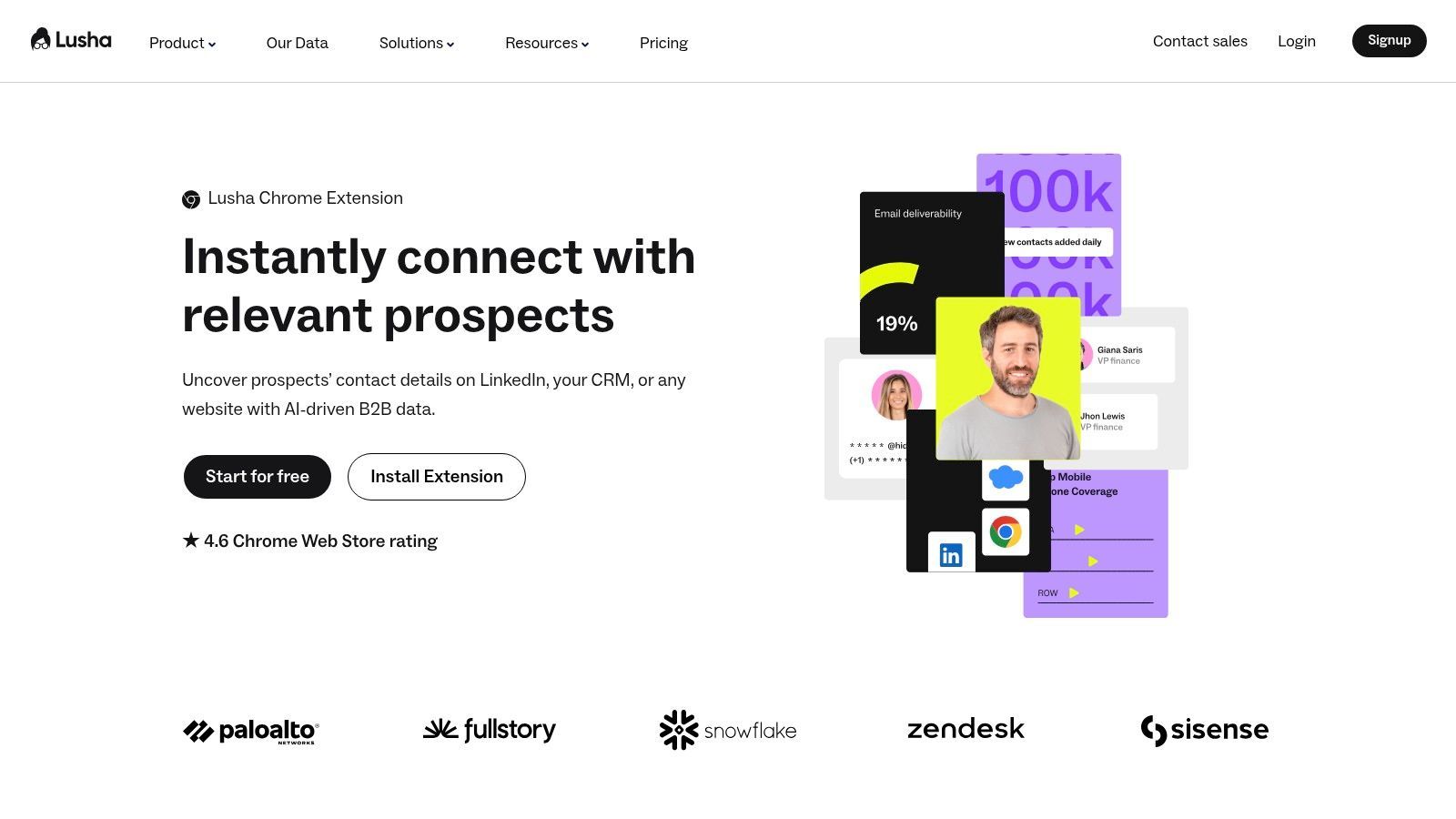
The platform operates on a credit-based system where users spend credits to unlock contact details. This model provides flexibility for different usage levels, from individual prospectors to large-scale sales teams. Lusha also supports bulk reveals on saved lead lists within Sales Navigator, further accelerating the data-gathering process for outbound campaigns.
Why It's Essential
Lusha stands out for its straightforward workflow and focus on providing high-quality, verified direct dials and B2B emails. While many tools offer email finding, Lusha's emphasis on accurate phone numbers gives sales teams a crucial multi-channel advantage. Its clean integration with LinkedIn and major CRMs like Salesforce and HubSpot makes it easy to not only find data but also sync it directly into your system of record, maintaining data hygiene.
Best Practices for Use
- Prioritize Direct Dials: Use Lusha when a direct phone call is a key part of your sales cadence, as its phone data is a primary strength.
- Use Bulk Reveal Strategically: On Sales Navigator, build highly targeted lead lists first, then use the bulk reveal feature to efficiently gather data for a specific campaign.
- Manage Credits: Be mindful that phone numbers often consume more credits than emails. Plan your credit usage according to your outreach priorities to maximize your subscription.
| Feature Analysis | Description |
|---|---|
| Contact Reveal | Unlocks verified B2B emails and direct-dial phone numbers on profiles. |
| Bulk Enrichment | Reveals contact data for entire lists of prospects in Sales Navigator. |
| CRM Integration | Pushes contact information directly to popular CRMs to streamline workflows. |
| Credit System | A clear, credit-based model allows users to pay for the data they need. |
Website: https://www.lusha.com/chrome-extension/
5. Apollo.io (Chrome Extension)
Apollo.io is a powerful sales intelligence platform whose chrome extensions for linkedin offering integrates B2B contact data and engagement workflows directly into your browser. It overlays LinkedIn profiles with verified emails and direct-dial phone numbers, allowing you to instantly reveal contact information and add prospects to your pipeline without switching tabs. This transforms LinkedIn into a dynamic lead-sourcing machine.
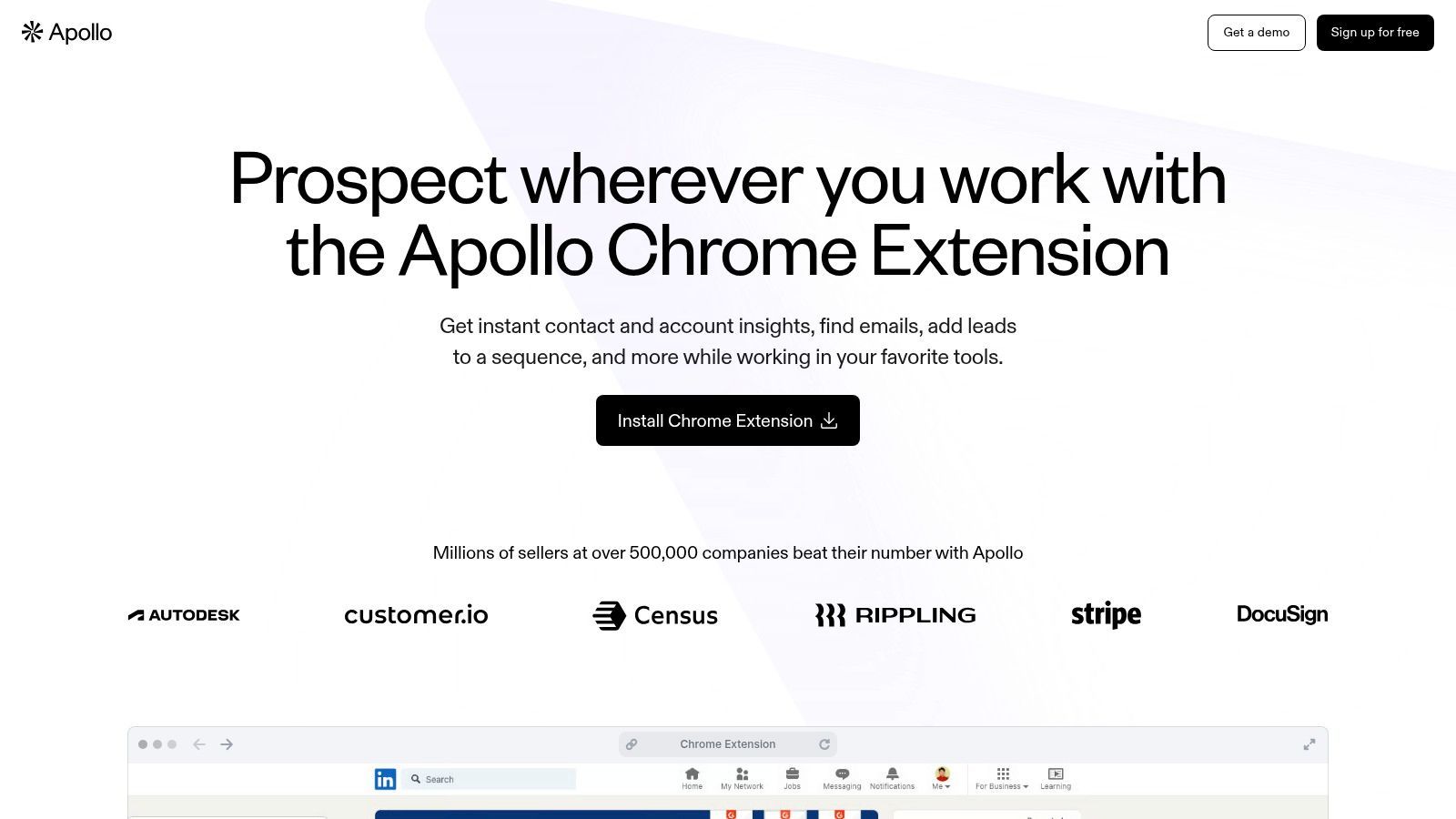
The extension enables you to add leads directly to outreach sequences or save them to organized lists within the Apollo platform. It also functions inside Gmail and your CRM, providing contextual data wherever you work and ensuring a seamless, bi-directional sync that keeps all systems updated. This all-in-one approach significantly reduces tool-switching and manual data entry.
Why It's Essential
Apollo.io stands out by combining a massive contact database with sales engagement features in a single extension. While other tools focus solely on data enrichment or outreach, Apollo lets you find a prospect, uncover their contact details, and enroll them in an automated email sequence in just a few clicks. Its generous free plan makes it one of the most accessible yet comprehensive tools for individuals and small teams starting with outbound prospecting.
Best Practices for Use
- Use Credits Wisely: Monitor your email and mobile credit usage in the extension. Prioritize high-value prospects to maximize the value of your monthly allowance.
- Integrate Your CRM: Connect Apollo to your CRM to enable bi-directional sync, which prevents duplicate entries and keeps contact records consistently updated.
- Leverage Lists and Sequences: Don't just save contacts. Push them directly into specific lists for organization or into automated outreach sequences to initiate engagement immediately.
| Feature Analysis | Description |
|---|---|
| Data Enrichment | Finds verified B2B emails and direct-dial phone numbers directly on LinkedIn and Sales Navigator profiles. |
| Engagement | Allows users to add prospects directly to automated email sequences from the extension. |
| CRM Integration | Pushes contact data to CRMs like Salesforce and HubSpot with bi-directional syncing. |
| Freemium Model | Offers a robust free plan with monthly credits, making it accessible for getting started. |
| Unified Platform | Combines data discovery, lead management, and sales outreach tools into one ecosystem. |
Website: https://www.apollo.io/product/chrome-extension
6. ContactOut
ContactOut is a well-established email and phone number finder designed for recruiters and sales development representatives. This chrome extension for linkedin integrates directly into profile pages, allowing users to find contact information with a single click and add prospects directly into targeted outreach campaigns. It simplifies the initial stages of prospecting by combining data enrichment with list-building functionalities.
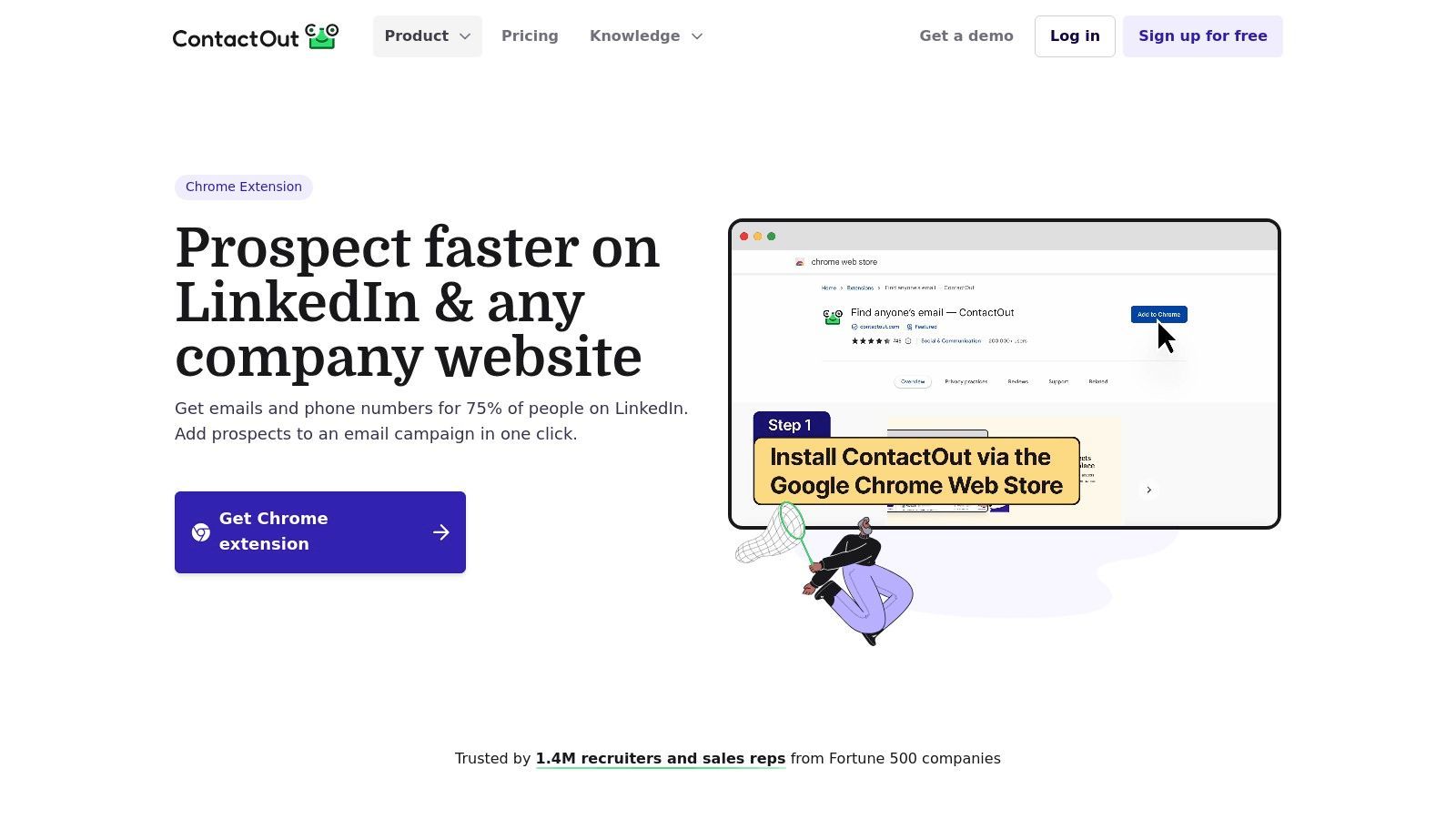
The platform provides a centralized dashboard where you can manage saved profiles, organize them into lists, and export data for bulk actions. It also supports integrations with major CRMs and Applicant Tracking Systems (ATS), helping to bridge the gap between initial discovery on LinkedIn and your system of record.
Why It's Essential
ContactOut stands out for its straightforward workflow, making it a popular choice for teams focused on high-volume sourcing. Its primary value is streamlining the process of finding direct contact details from LinkedIn and organizing those leads for immediate follow-up. While many enrichment tools exist, ContactOut's tenure in the recruiting space gives it a strong foundation, and it's one of the best email finder tools available for this purpose. The ability to manage simple email campaigns directly within its platform offers a convenient, all-in-one solution for smaller teams.
Best Practices for Use
- Verify Before Exporting: Always use the built-in verification indicators to check the quality of an email before adding it to your CRM.
- Segment Lists: Use the campaign/list feature to segment prospects by role, industry, or persona for more targeted outreach.
- Integrate Your ATS/CRM: Connect ContactOut to your primary system to avoid manual data entry and keep your records synchronized.
| Feature Analysis | Description |
|---|---|
| Data Enrichment | Finds work and personal emails plus mobile phone numbers on profiles. |
| Workflow | One-click capture adds contacts to lists or campaigns from LinkedIn. |
| Management | Central dashboard for organizing saved profiles and exporting data. |
| Integrations | Connects with popular platforms like Salesforce, HubSpot, and Bullhorn. |

One Chrome extension for all your CRM enrichment
Find verified emails, phone numbers, and job titles on LinkedIn®. Add contacts to any of 29+ supported CRMs in one click.
Start Free Trial


 Trusted by 2,500+ users4.5
7. Snov.io (LI Prospect Finder + Email Finder)
Snov.io offers a suite of chrome extensions for linkedin designed for comprehensive prospecting and email outreach. Its main extension, the LinkedIn Prospect Finder, allows users to capture individual profiles or bulk-extract leads directly from LinkedIn and Sales Navigator search results. It works in tandem with their Email Finder tool, creating a unified platform for identifying, verifying, and engaging with potential customers.
This platform integrates lead capture with a broader set of sales tools, including email verification and automated outreach campaigns. Users can build prospect lists directly from LinkedIn, find and verify professional email addresses, and then add them to multi-step email sequences, all within the Snov.io ecosystem. This consolidation makes it a powerful all-in-one solution for sales teams.
Why It's Essential
Snov.io stands out by bundling a wide range of prospecting and outreach tools under a single, credit-based system. Instead of paying for separate services for lead finding, email verification, and campaign sending, users get a comprehensive toolkit. This bundled approach provides significant value, especially for smaller teams or individuals looking to manage the entire top-of-funnel sales process without juggling multiple subscriptions.
Best Practices for Use
- Segment Your Lists: When saving prospects from LinkedIn, create separate lists in Snov.io for different campaigns (e.g., by industry, job title) to personalize your outreach.
- Verify Emails Before Sending: Always use the built-in email verifier on your lists before launching a campaign to protect your sender reputation and improve deliverability.
- Understand Credit Usage: Be mindful of how credits are used across different functions (prospect finding vs. email verification) to manage your monthly allowance effectively.
| Feature Analysis | Description |
|---|---|
| All-in-One Platform | Combines lead capture, email finding, verification, and outreach. |
| Bulk Extraction | Save entire pages of search results from LinkedIn and Sales Navigator. |
| Credit-Based System | Flexible credits can be used for various tools within the platform. |
| CRM Integration | Connects with popular CRMs like HubSpot, Salesforce, and Pipedrive. |
Website: https://snov.io/extension
8. ZoomInfo (Chrome Extension for SalesOS/TalentOS)
ZoomInfo's extension is an enterprise-grade B2B data powerhouse that integrates directly with LinkedIn profiles and company pages. For existing ZoomInfo SalesOS or TalentOS subscribers, this tool is an essential bridge, overlaying verified contact information like direct-dial phone numbers and email addresses onto your prospecting workflow. It eliminates the need to switch tabs, providing actionable data right where you need it.
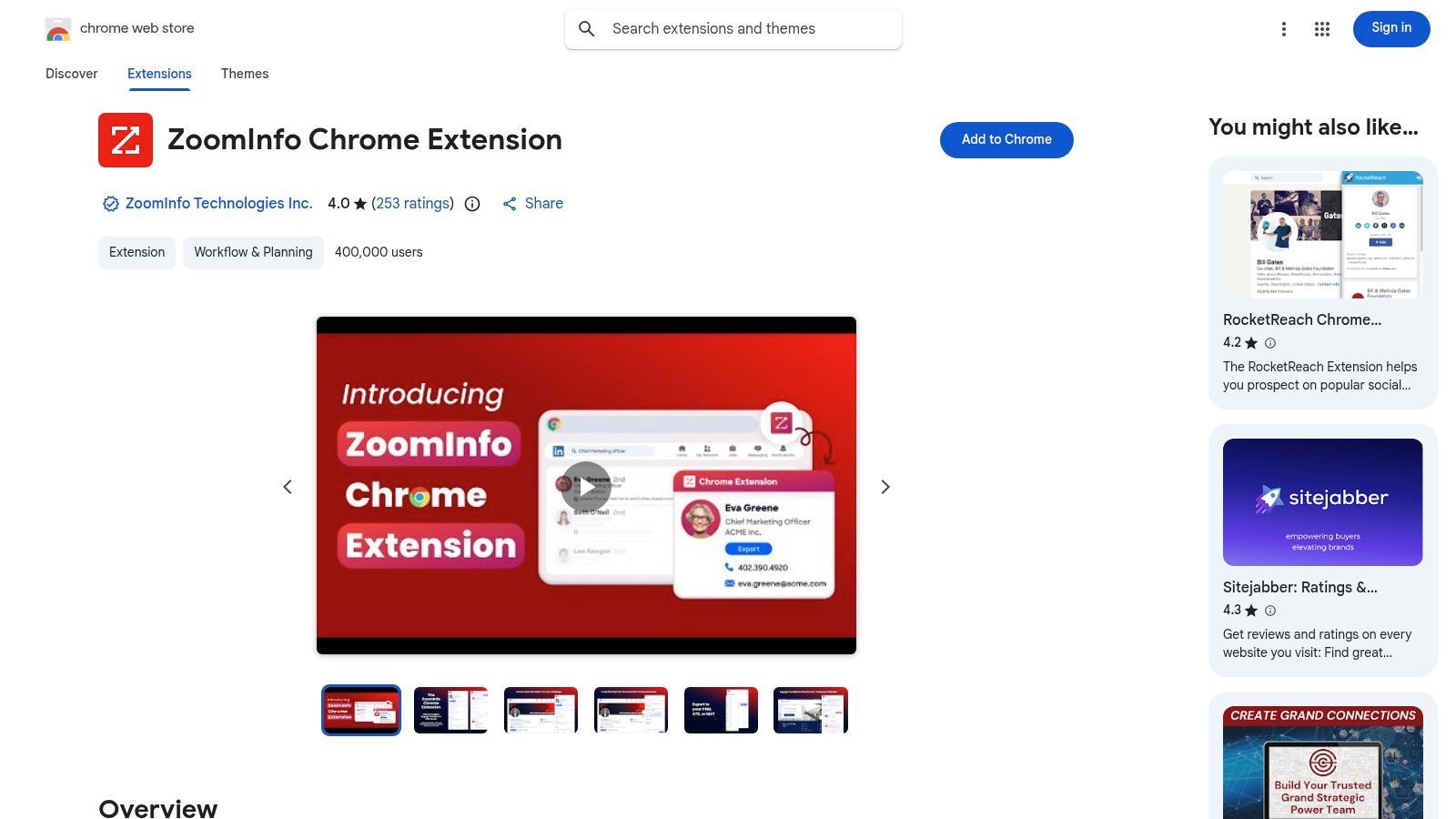
This extension is more than a contact finder; it's a window into ZoomInfo's extensive database, revealing buying signals, tech stacks, and organizational charts. The ability to export this enriched data directly into CRMs like Salesforce or sales engagement platforms like Outreach makes it a cornerstone of many high-velocity sales and recruiting teams' tech stacks.
Why It's Essential
ZoomInfo stands out for the sheer depth and accuracy of its enterprise data, which is now accessible directly within LinkedIn. While other tools scrape data, ZoomInfo leverages a massive, actively verified database, making it one of the more reliable chrome extensions for linkedin for B2B intelligence. Its primary value is for teams already invested in the ZoomInfo ecosystem, as it provides seamless access at no extra cost to their subscription.
Best Practices for Use
- Leverage Company Insights: Don't just pull contact data. Use the extension on company pages to understand departmental structures and identify key decision-makers.
- Set Up CRM Sync: Configure the one-click export to your CRM or ATS to ensure all enriched leads are captured and tracked in your system of record.
- Check for "Scoops": Pay attention to the buying signals or "Scoops" feature, which can alert you to funding events or new projects, providing timely reasons to reach out.
| Feature Analysis | Description |
|---|---|
| Data Access | Provides verified emails, direct-dial phones, and company data on profiles. |
| Platform Integration | Requires a paid ZoomInfo SalesOS or TalentOS subscription to function. |
| CRM/ATS Export | One-click sync to major platforms like Salesforce, HubSpot, and Outreach. |
| Data Quality | Backed by ZoomInfo's extensive, actively maintained B2B contact database. |
Website: https://chromewebstore.google.com/detail/zoominfo-chrome-extension/fofjcndophjadilglgimelemjkjblgpf
9. RocketReach
RocketReach is an established contact data provider that offers a powerful Chrome extension for finding emails and phone numbers directly from LinkedIn profiles and company pages. It’s designed to quickly enrich prospect lists, allowing users to uncover verified contact information with a single click, which is crucial for effective multi-channel outreach.
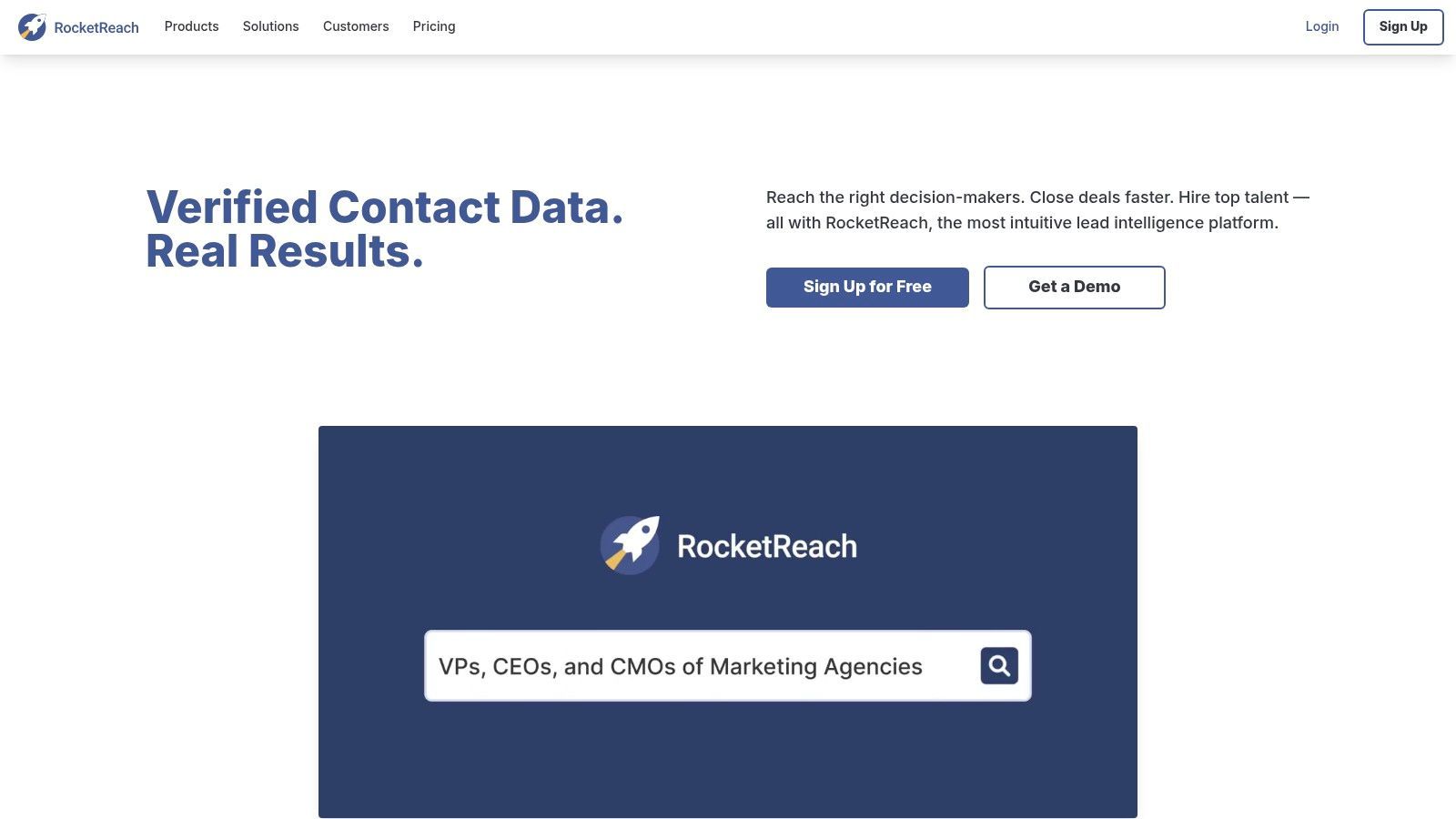
The platform claims a massive, real-time verified database, making it a reliable choice for sales and marketing professionals who need accurate data to fuel their campaigns. Its extension integrates seamlessly into the LinkedIn interface, providing a non-intrusive way to look up contacts individually or in bulk, streamlining the research phase of your prospecting workflow.
Why It's Essential
RocketReach stands out due to its combination of a large user base, extensive database, and a straightforward free trial that lets you test its data accuracy before committing. While many chrome extensions for linkedin offer similar services, RocketReach’s established reputation and robust integrations with major CRMs like Salesforce and automation tools via Zapier make it a scalable solution for growing teams. This functionality is a key part of modern LinkedIn lead generation strategies where data must flow seamlessly between tools.
Best Practices for Use
- Test with the Free Plan: Use your free monthly lookups to verify the data quality for your specific industry and target roles before purchasing a paid plan.
- Combine with Other Tools: Use RocketReach for contact enrichment, then push that data into your CRM or an outreach tool to create a complete prospecting stack.
- Check Company Pages: In addition to individual profiles, use the extension on LinkedIn company pages to find relevant contacts within a target organization.
| Feature Analysis | Description |
|---|---|
| Contact Discovery | Finds verified professional and personal emails, plus direct dial and mobile phone numbers. |
| Bulk Lookups | Ability to enrich contact information for multiple profiles at once from a saved list or search result. |
| Data Accuracy | Utilizes real-time verification algorithms to ensure high-quality, up-to-date contact information. |
| Integrations | Connects with popular CRMs and sales tools like Salesforce, HubSpot, and Zapier to automate data transfer. |
Website: https://rocketreach.co/
10. Seamless.AI (Chrome Extension)
Seamless.AI is an AI-driven prospecting tool that excels at finding verified emails and direct-dial phone numbers directly from LinkedIn profiles. It functions as a powerful side-panel overlay, allowing you to research and find contact information for prospects without ever leaving their LinkedIn page, Sales Navigator, or even company websites. This makes it one of the most versatile chrome extensions for linkedin for sales and recruiting teams.
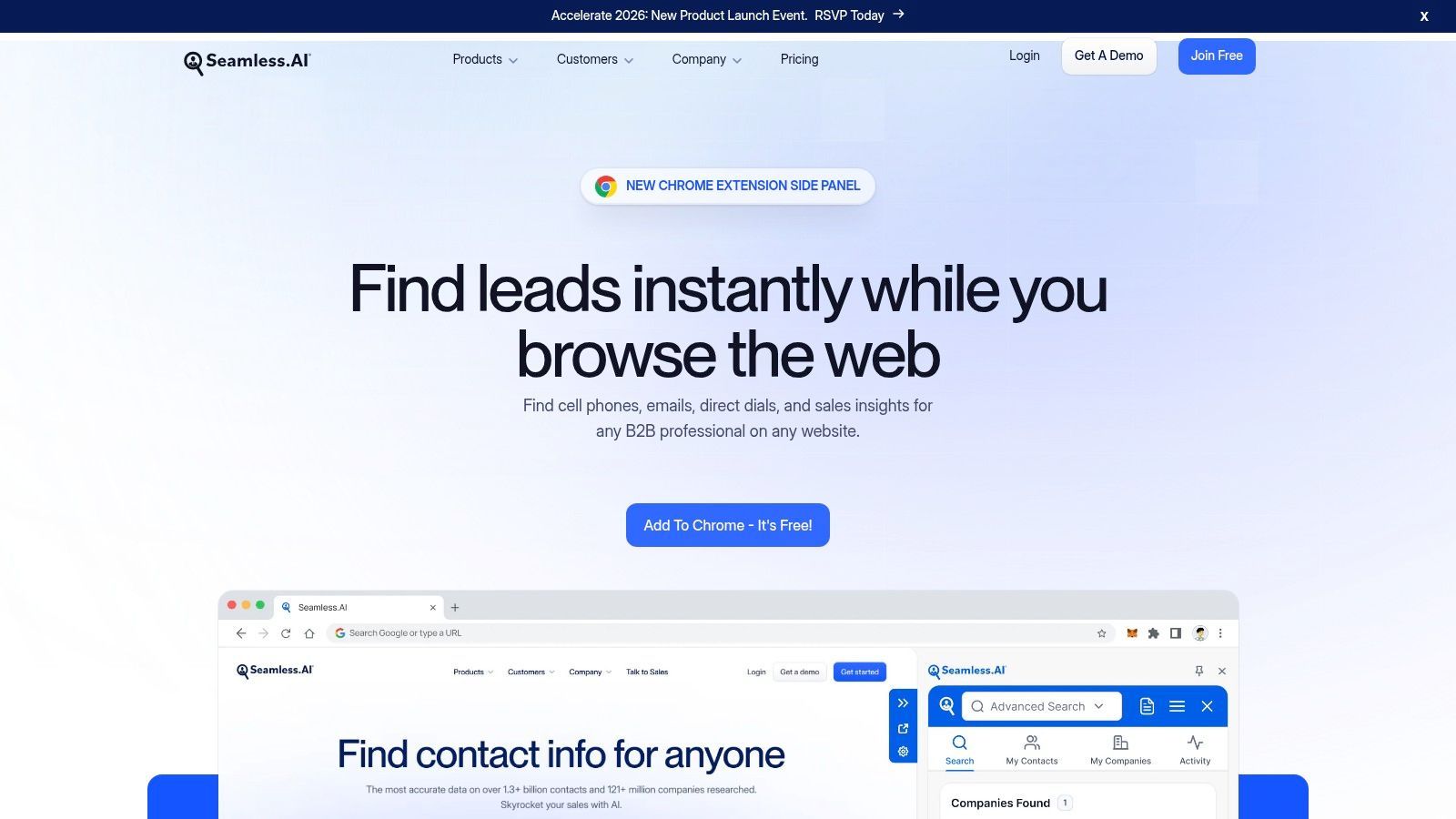
The extension's real-time search engine verifies contact data on the fly, reducing bounce rates and increasing connection success. With 'Find' and 'Find All' buttons, you can capture individual contacts or scrape entire lists of prospects from a LinkedIn search result page, dramatically speeding up the list-building process. Its integration capabilities allow you to push this data directly into your CRM or sales engagement platforms like Salesforce and Outreach.
Why It's Essential
Seamless.AI stands out due to its real-time verification engine and broad functionality across multiple websites, not just LinkedIn. While many tools scrape existing databases, Seamless.AI's engine actively confirms data accuracy at the moment of search. The extensive knowledge base, complete with LinkedIn-specific guides, provides users with clear workflows to maximize their prospecting efficiency, making the tool accessible even for beginners.
Best Practices for Use
- Use 'Find All' on Search Pages: On a LinkedIn or Sales Navigator search results page, use the 'Find All' feature to quickly build a prospect list and export it to your CRM.
- Cross-Reference on Company Websites: If you can't find a contact on LinkedIn, navigate to their company's website and activate the Seamless.AI extension there to continue your search.
- Integrate Your CRM: Connect Seamless.AI to your CRM to prevent duplicate entries and ensure all prospect data is centralized and actionable for your team.
| Feature Analysis | Description |
|---|---|
| Contact Discovery | AI-powered engine finds B2B emails, cell phones, and direct dials in real-time. |
| LinkedIn Integration | Side-panel overlay on profiles and search results with 'Find' and 'Find All' functions. |
| CRM Sync | Direct integrations with popular platforms like Salesforce, HubSpot, and Outreach. |
| Coverage | Works on LinkedIn, Sales Navigator, company websites, Gmail, and Salesforce. |
Website: https://seamless.ai/products/chrome-extension
11. Wiza
Wiza is a LinkedIn-centric data enrichment platform designed to find verified contact information like emails and phone numbers directly from LinkedIn profiles and search pages. As one of the more specialized chrome extensions for linkedin, its core strength lies in its deep integration with Sales Navigator, allowing sales teams to build prospect lists with accurate contact data efficiently. It automates the tedious process of manual data scraping and verification.

The platform streamlines the workflow of exporting enriched contact lists from LinkedIn searches and syncing them directly to popular CRMs like Salesforce, HubSpot, and Outreach. This direct integration helps maintain data hygiene and saves significant time by eliminating manual data entry, making it a powerful tool for building high-quality outbound campaign lists.
Why It's Essential
Wiza stands out for its transparent, credit-based pricing model and its focus on data accuracy. While many tools offer contact finding, Wiza emphasizes real-time verification to reduce bounce rates. Its ability to process entire Sales Navigator search result pages in bulk is a significant time-saver for sales development representatives (SDRs) and anyone building targeted prospect lists at scale.
Best Practices for Use
- Leverage Sales Navigator: For best results, use Wiza with a well-defined LinkedIn Sales Navigator search to ensure you’re enriching a highly targeted list.
- Utilize CRM Sync: Connect your CRM to Wiza to automatically push verified contacts, which avoids manual data entry and potential errors.
- Review Pricing Tiers: Evaluate the monthly versus annual plans. The annual plans often provide significantly better value and higher credit limits for teams with consistent outreach needs.
| Feature Analysis | Description |
|---|---|
| Data Enrichment | Finds verified B2B emails and phone numbers from LinkedIn profiles. |
| Bulk Exporting | Processes entire LinkedIn search result pages to build lists quickly. |
| CRM Integration | Native sync with major CRMs like Salesforce, HubSpot, and Outreach. |
| Pricing | Transparent, credit-based system with clear monthly and annual options. |
Website: https://wiza.co/pricing
Start your 7-day free trial of Standard
Find verified emails, phone numbers, and job titles on LinkedIn®. Add contacts to any of 29+ supported CRMs in one click.
Start Free TrialTrusted by 2,500+ users4.512. Skrapp.io
Skrapp.io is a specialized email finder designed to extract verified B2B email addresses directly from LinkedIn profiles, search results, and groups. This extension is one of the most focused chrome extensions for linkedin, concentrating solely on building accurate email lists for outreach campaigns. It integrates with LinkedIn, Sales Navigator, and Recruiter, allowing you to capture prospect data in bulk.
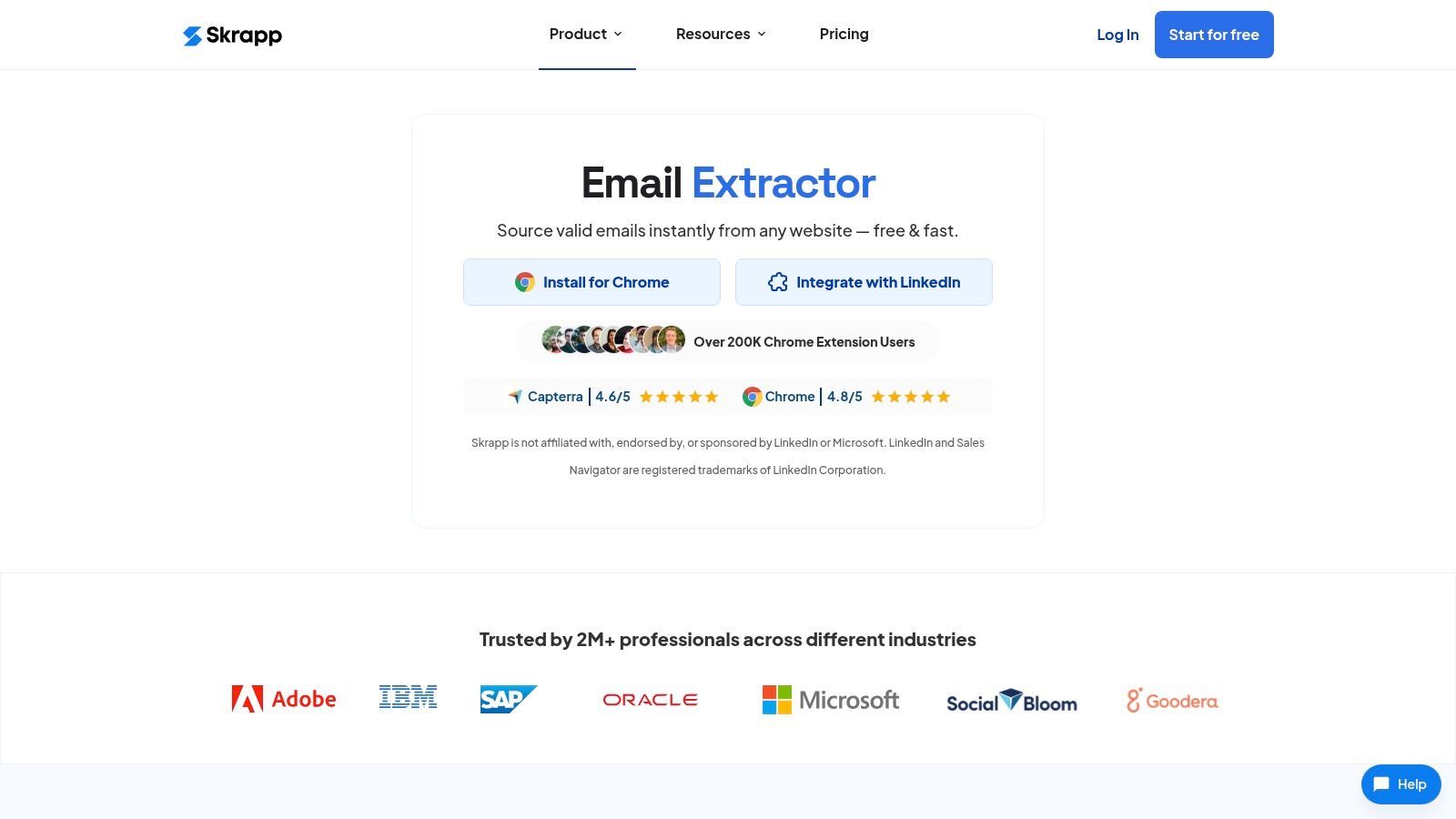
The platform streamlines the process of building lead lists by finding professional email addresses and enriching them with relevant company data. Its auto-pagination feature is particularly useful for scraping entire search result pages on Sales Navigator, saving significant manual effort while maintaining data organization within your Skrapp.io account for easy export.
Why It's Essential
Skrapp.io stands out for its simplicity and direct focus on email acquisition. While other tools bundle email finding with broader outreach automation features, Skrapp.io excels at its core task without unnecessary complexity. Its generous free plan, offering 100 credits per month, provides a valuable starting point for freelancers or small teams just beginning their outbound prospecting efforts. The clear documentation and straightforward workflow make it easy to adopt.
Best Practices for Use
- Target Sales Navigator Searches: For the best results, use Skrapp.io on highly filtered Sales Navigator search result pages to build targeted and relevant prospect lists.
- Verify Emails: Although Skrapp.io has a verification system, always run critical email lists through a separate, dedicated email verification tool before launching a large campaign.
- Respect LinkedIn's Policies: Use the bulk extraction features responsibly to avoid any potential restrictions on your LinkedIn account.
| Feature Analysis | Description |
|---|---|
| Email Extraction | Finds verified B2B email addresses from LinkedIn and Sales Navigator. |
| Bulk Capture | Auto-pagination allows for extracting entire search result pages. |
| Data Enrichment | Pulls company information along with contact details to build rich profiles. |
| CRM Integration | Native integrations allow for direct export of lead lists to popular CRMs. |
Website: https://skrapp.io/extension
12 LinkedIn Chrome Extensions: CRM Integration & Key Features
| Tool | Key features | Data & accuracy | Integrations & workflow | Target users | Pricing & value |
|---|---|---|---|---|---|
| Add to CRM | One‑click capture from LinkedIn/Gmail/Outlook; 31 enrichment fields; duplicate checks; custom field mapping | Verified data for ~220M professionals; real‑time email verification ~96% | Connects to 27–30+ CRMs; instant lead creation; team collaboration & mapping | Founders, SDRs/BDRs, AEs, RevOps, B2B marketers | Free (10 credits/mo); Standard $17/mo (100); Pro $59/mo (500); annual ~40% off; recommended |
| Chrome Web Store (Google) | Official extension marketplace; reviews, permissions & version history | N/A (distribution platform) | Installs/auto‑updates extensions; shows developer identity & permissions | Anyone evaluating/installing extensions | Free platform; tool quality varies — do due diligence |
| Surfe (Leadjet) | LinkedIn overlay; 1‑click "Add to CRM"; waterfall enrichment | Multi‑source enrichment; enterprise compliance notes | Major CRM integrations; in‑LinkedIn workflow | Teams focused on CRM hygiene | Credits/limits by plan; enterprise pricing available |
| Lusha | Reveal emails & direct dials on LinkedIn/SalesNav; bulk reveals | Verified contact reveals; phone reveals may cost more credits | CRM integrations and bulk export support | Recruiters, SDRs, sales reps | Credit model; full functionality requires paid tiers |
| Apollo.io (Chrome Extension) | Email/phone discovery; push leads to lists/sequences; Gmail overlay | Verified data; documented credit system | Bi‑directional sync on supported CRMs; engagement tools built‑in | Sales teams combining data + outreach | Free plan; credits for advanced exports/sequences |
| ContactOut | Email & phone finder; one‑click campaign adds; profile dashboard | Established coverage in recruiting; accuracy varies by persona | CRM/ATS sync; bulk saves and campaign exports | Recruiters, sourcers, SDRs | Limited public pricing; many enterprise tiers via sales |
| Snov.io | LinkedIn prospect & email finders; bulk extraction; verification | Built‑in email verification; credits‑based | Outreach, verification and CRM integrations | Small teams wanting bundled prospecting tools | Credit bundles; good value for smaller teams |
| ZoomInfo (Ext) | Enterprise B2B data overlay; buying signals on profiles | Deep enterprise coverage and signal data | Export/sync to Salesforce, HubSpot, Outreach; included in ZoomInfo subs | Enterprise sales, talent & RevOps teams | Requires ZoomInfo subscription; enterprise pricing (costly for small teams) |
| RocketReach | Reveal emails/phones; bulk lookup across networks | Large coverage claims with validation processes | Integrations with Salesforce, Bullhorn, Zapier; bulk exports | Sales, recruiting, research teams | Free testing account; pricing/credits vary by plan |
| Seamless.AI | AI‑driven finder; side‑panel overlay; "Find All" features | Broad coverage; credit‑based access | Integrates with CRMs, sequences, Gmail, Salesforce | Sales teams preferring sidebar UX | Free limited credits; paid plans and add‑ons for scale |
| Wiza | LinkedIn/SalesNav contact finder; export/sync to CRMs | Transparent coverage claims; focused on reliability | Exports/syncs to CRMs; supports multiple browsers | Teams needing transparent pricing & exports | Transparent pricing pages; monthly & discounted annual/unlimited team options |
| Skrapp.io | LinkedIn & SalesNav capture; auto‑pagination; verified emails | Verified business emails; 100 free monthly credits on publisher page | Native CRM integrations; bulk exports and lists | Users focused on email capture and lists | Free credits; paid tiers required for bulk/advanced features |
Choosing the Right Extension for Your LinkedIn Workflow
Navigating the vast ecosystem of Chrome extensions for LinkedIn can feel overwhelming, but the right tool can fundamentally transform your sales and prospecting efforts. We've explored a powerful array of extensions, from seamless CRM integrators like Add to CRM and Surfe to robust data enrichment powerhouses like Lusha, Apollo.io, and ZoomInfo. Each tool offers a unique approach to solving the core challenges of modern B2B prospecting: efficiency, data accuracy, and workflow integration.
The key takeaway is that there is no single "best" extension for everyone. The ideal choice depends entirely on your specific role, your team's existing technology stack, and your primary objectives on the platform. A startup founder might prioritize a lean, cost-effective solution for initial lead capture, while a large sales team will need an enterprise-grade tool with advanced data enrichment and deep CRM synchronization capabilities.
How to Build Your Ideal LinkedIn Toolkit
Instead of searching for one perfect tool, think about building a complementary stack. Your selection process should be strategic, focusing on how different extensions can work together to create a seamless and powerful workflow.
Consider these guiding questions as you make your decision:
- What is my primary bottleneck? Are you spending too much time on manual data entry? Is finding accurate contact information your biggest hurdle? Or is automating initial outreach the main goal? Pinpoint your most significant pain point to identify the category of tool you need most.
- Which CRM do I use? This is a critical factor. Your chosen extensions, especially for lead capture and syncing, must offer native and reliable integration with your CRM (like HubSpot, Salesforce, or Pipedrive). A tool that doesn't sync flawlessly will create more problems than it solves.
- What is my budget? Be realistic about your budget, but also consider the return on investment. A slightly more expensive tool that saves your team hours of manual work each week can pay for itself very quickly through increased productivity and higher quality lead data.
- How important is data accuracy? For teams that rely heavily on cold email and calls, the accuracy of phone numbers and email addresses is paramount. Tools like Lusha, ZoomInfo, and RocketReach invest heavily in data verification and should be at the top of your list if this is a priority.
- What are the platform's terms of service? Always remember that you are operating within a third-party ecosystem. Prioritize extensions that respect the platform's rules and focus on enhancing your workflow rather than engaging in aggressive, high-volume automation that could put your account at risk.
Implementing Your New Extensions for Maximum Impact
Once you’ve chosen your tools, successful implementation is key. Don't just install the extension and hope for the best. Take the time to integrate it properly into your daily routine and your team’s established processes.
Start by defining a clear workflow. For example, a BDR's process might look like this:
- Identify a prospect on the professional networking platform.
- Use a data enrichment tool (like Apollo.io or Lusha) to find their verified email and direct dial number.
- Click the "Add to CRM" button to instantly create a new contact and deal in your CRM, pulling in all profile data without leaving the page.
- Enroll the new contact into an outreach sequence directly from the CRM.
By standardizing this process, you ensure data consistency, improve CRM hygiene, and empower your team to focus on what they do best: building relationships and closing deals. The most effective Chrome extensions for LinkedIn are those that disappear into the background, becoming an intuitive and indispensable part of your revenue-generating machine. The goal is to augment your human intelligence, not replace it, enabling you to build more meaningful connections at scale.
Ready to eliminate manual data entry and streamline your prospecting workflow? Add to CRM provides the most seamless, one-click way to add leads from LinkedIn directly to your CRM, ensuring your data is always accurate and up-to-date. See how much time you can save by visiting Add to CRM and starting your free trial today.
Start saving time and closing more deals.
Find verified contact info for your prospects on LinkedIn®, Gmail and Outlook — and add them to your CRM with 1-click.

 Loading...Trusted by 2,500+ founders, SDRs & more