12 Best Gmail Extensions for Sales Prospecting in 2026
Compare the top Gmail extensions for prospecting, CRM sync, and email tracking. Boost sales productivity with these proven tools.
Published on February 17, 2026
- 1. Add to CRM
- 2. Chrome Web Store – “Works with Gmail” collection
- 3. Google Workspace Marketplace – “Works with Gmail”
- 4. Microsoft Edge Add-ons
- 5. Mozilla Add-ons (AMO) – Gmail extensions for Firefox
- 6. Boomerang for Gmail
- 7. Right Inbox
- 8. Streak CRM for Gmail
- 9. Mixmax
- 10. Yesware (Gmail)
- 11. Mailtrack by Mailsuite – Email Tracker for Gmail
- 12. GMass
- 12 Gmail Extensions — Feature Comparison
- Choosing the Right Extension for Your Sales Workflow
Sales professionals spend too much time on manual tasks: logging activities, switching between their inbox and CRM, and crafting repetitive follow-ups. This isn't selling; it's administration that drains productivity and slows down deal cycles. The solution is integrating your sales tools directly into your primary workspace. A powerful extension for gmail transforms your inbox from a simple communication tool into a streamlined command center for your entire sales process.
This guide moves beyond surface-level lists to provide a detailed, actionable breakdown of the top 12 Gmail extensions for sales, prospecting, and CRM management. We'll analyze each tool's core function, key features, and ideal user profile. You will find specific use cases, pricing information, and practical setup notes to help you make an informed decision. Each entry includes screenshots and direct links for easy evaluation.
Our goal is straightforward: to help you identify the right extension to automate your workflows, maintain pristine CRM data, and ultimately, close more deals without ever leaving your Gmail interface. This curated list is designed for sales teams, founders, and RevOps professionals who want to reclaim valuable selling time and enhance their operational efficiency.
1. Add to CRM
Add to CRM is a powerful and efficient extension for Gmail designed to eliminate the tedious, manual data entry that slows down sales and prospecting workflows. It acts as a seamless bridge between your inbox and your Customer Relationship Management (CRM) system, allowing you to capture and enrich contact data with a single click. Instead of copying and pasting names, emails, and company details, you can instantly turn a conversation in Gmail into a clean, actionable CRM record.
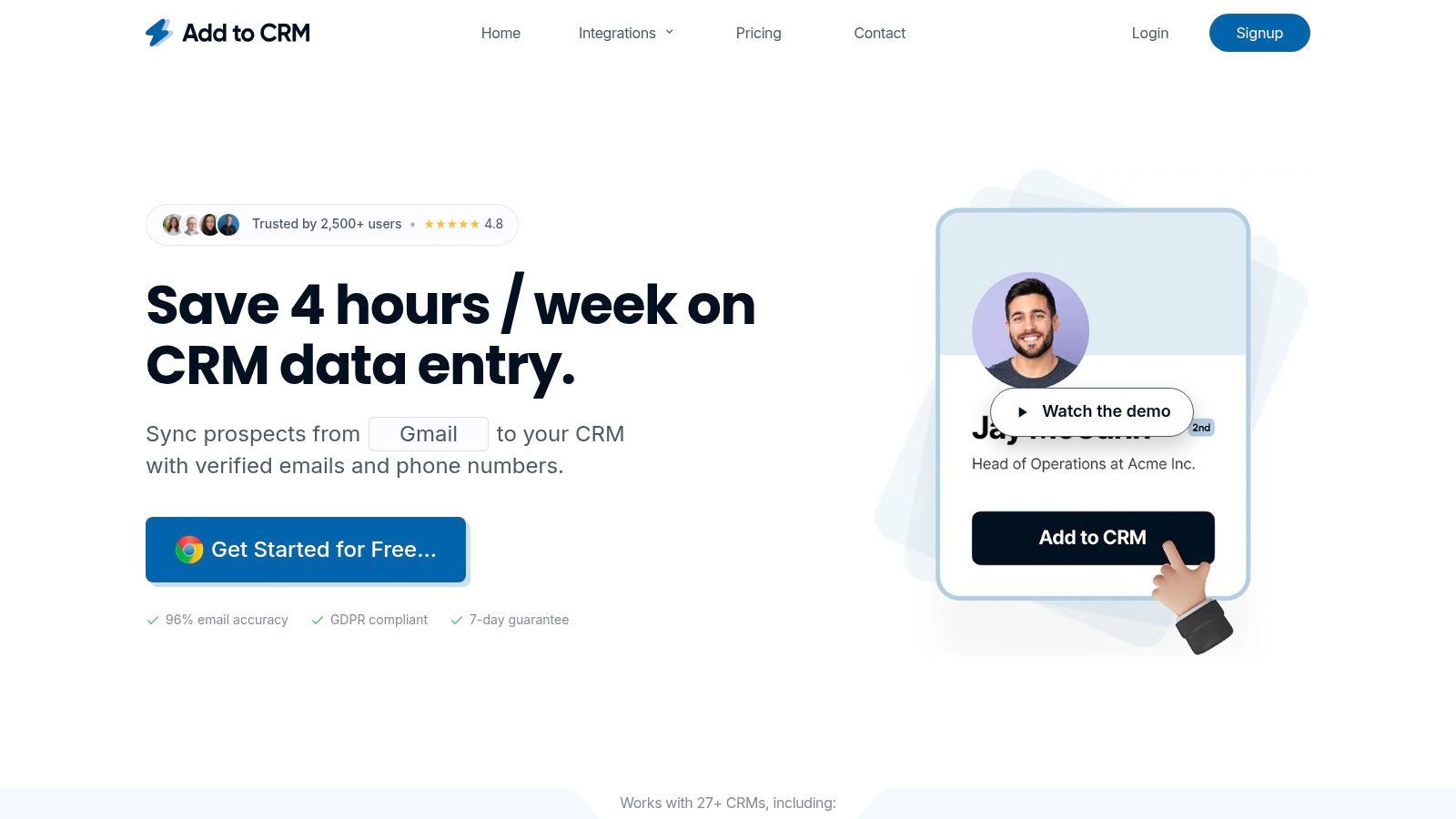
This extension stands out by transforming a simple task into a strategic advantage. It not only captures existing information but also enriches it with verified contact data from its database of over 220 million professionals. This process includes real-time email verification, which boasts an impressive ~96% accuracy rate, significantly reducing bounce rates and improving the deliverability of your outreach campaigns. For sales teams, this means less time spent on administrative tasks and more time focused on building relationships and closing deals.
Key Features & Analysis
- One-Click Data Capture: Instantly create new leads or contacts in your CRM directly from a Gmail message. The extension intelligently parses the available information, minimizing manual input.
- Automated Data Enrichment: Each new contact is automatically enhanced with up to 31 data points, providing a comprehensive profile that includes job titles, company information, and verified contact details.
- Duplicate Detection: Before syncing a new contact, Add to CRM checks your existing CRM records to prevent duplicates, ensuring your database remains clean and reliable.
- Broad CRM Compatibility: It integrates with over 27 popular CRMs, including HubSpot, Pipedrive, and ActiveCampaign, preserving your team's existing tech stack and workflows.
Ideal User & Practical Use Cases
This tool is exceptionally well-suited for founders, Sales Development Representatives (SDRs), and RevOps professionals who rely on their CRM as a single source of truth. A common use case involves an SDR receiving an inquiry via Gmail. Instead of manually creating a new record, they can use the extension to instantly add the person as a lead, enrich their profile with verified data, and assign them to the correct pipeline stage without ever leaving their inbox.
Pricing & Setup
- Free: Includes 10 credits per month for basic use.
- Standard: $17 per user/month for 100 credits.
- Pro: $59 per user/month for 500 credits and advanced features like priority support.
Installation is straightforward through the Chrome Web Store. Once added, you connect your CRM account and configure custom field mapping to align with your team's data standards.
| Pros | Cons |
|---|---|
| Saves teams 4+ hours per week by eliminating manual data entry. | Exclusively available as a Chrome (or Chromium) browser extension. |
| Enriches contacts with verified, accurate data to improve outreach. | High-volume prospecting will require a paid plan due to credit limitations. |
| Integrates with a wide range of popular CRM platforms. | |
| Proactive duplicate checks help maintain excellent data hygiene. |
Website: https://addtocrm.com
2. Chrome Web Store – “Works with Gmail” collection
Before diving into specific third-party tools, the best starting point is Google's own official marketplace. The Chrome Web Store features a curated “Works with Gmail” collection, which is an excellent, trustworthy resource for discovering a powerful new extension for Gmail. This collection specifically highlights add-ons that are verified to integrate directly into your inbox, covering functions from email tracking and scheduling to full-featured CRM sidebars. The one-click installation and automatic updates make managing your extensions seamless.
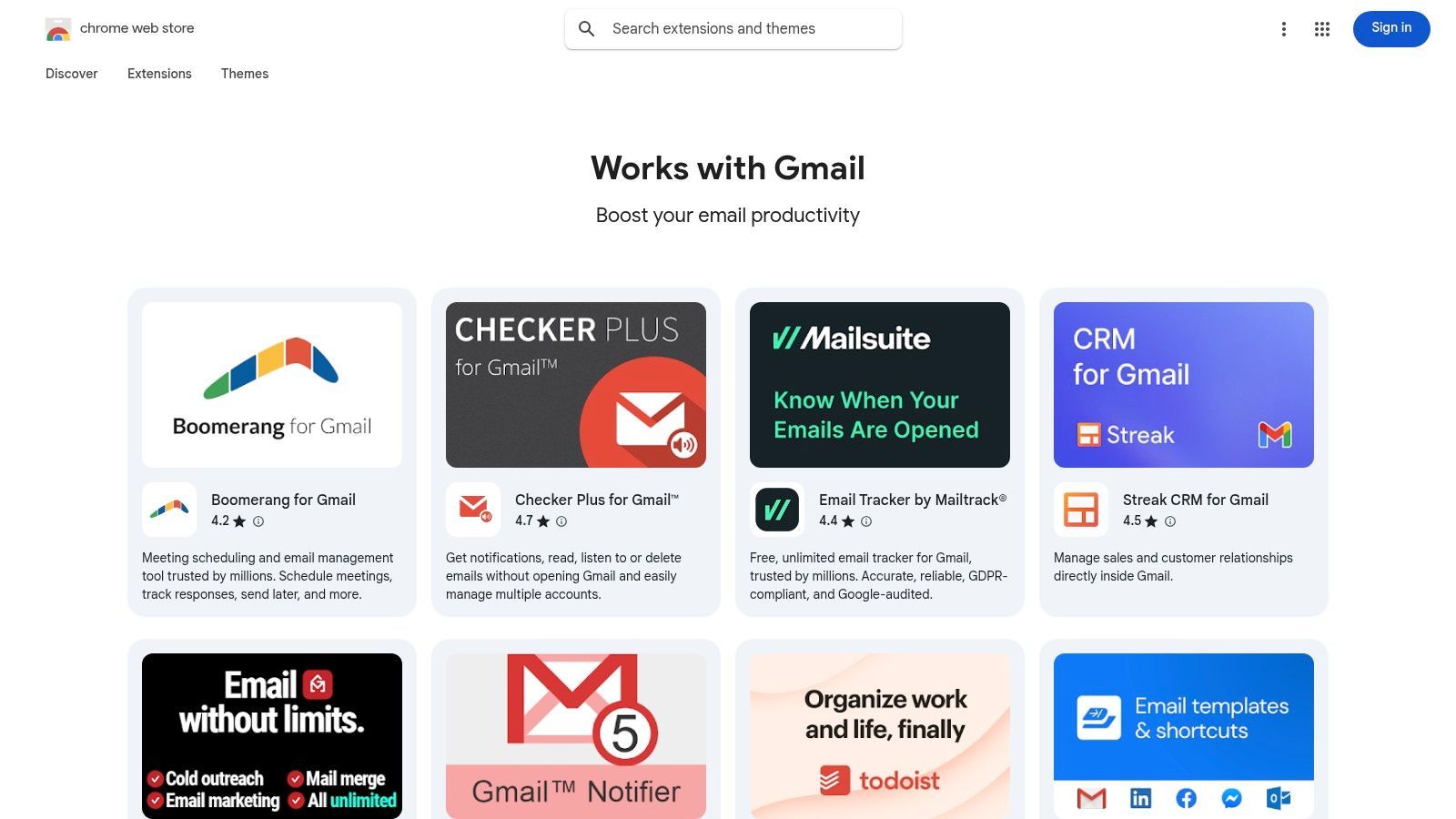
This platform stands out because it's the official, secure source. Each listing provides user ratings, reviews, last-updated dates, and a clear breakdown of the permissions an extension requires, promoting transparency. While the quality of niche extensions can vary, starting your search here ensures you are getting tools that have passed Google’s review process. For sales teams, this is the definitive library for finding a new extension for Gmail.
Key Details & How to Use
- Ideal User: Anyone looking for a secure, centralized place to discover and manage verified Gmail extensions.
- Pricing: The platform is free; individual extension pricing varies from free to subscription-based.
- Implementation: Simply find an extension and click “Add to Chrome.” Extensions are managed through your Google account.
- Pro Tip: Always check the “Updated” date on a listing to ensure the developer actively maintains the extension for security and compatibility.
Website: https://chromewebstore.google.com/collection/gmail_extensions
3. Google Workspace Marketplace – “Works with Gmail”
Distinct from the Chrome Web Store, the Google Workspace Marketplace offers add-ons that integrate directly into the Gmail user interface, often appearing in the right-hand sidebar. This marketplace is the official hub for tools designed for deep workflow integration across Google's suite, including Calendar, Drive, and Docs. For sales professionals, this is a prime resource for finding a powerful extension for Gmail that connects directly to CRMs, project management tools, or e-signature platforms.
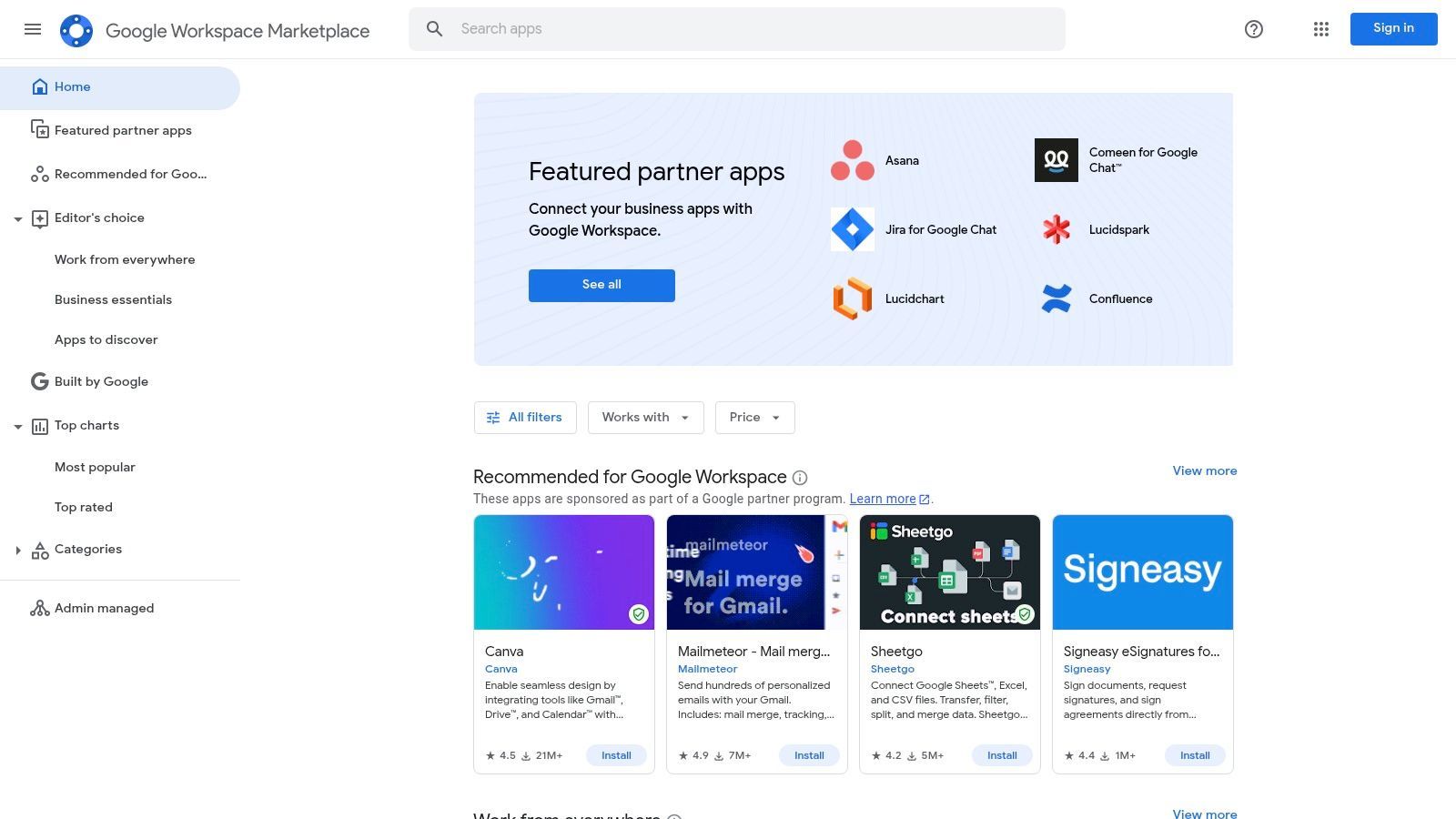
This platform stands out for its cross-app and mobile compatibility. An add-on installed from here can surface contextual actions not just in your desktop inbox but also within the Gmail mobile app. Because these tools are built on Google's specific framework, they are often more secure and stable, making them ideal for organizations that need to deploy tools at scale. However, workspace administrators can restrict installations, and the card-based UI can be less flexible than a full Chrome extension.
Key Details & How to Use
- Ideal User: Sales teams and businesses looking for multi-platform (desktop and mobile) add-ons with deep, secure integration into the G Suite ecosystem.
- Pricing: The marketplace is free to browse; individual add-on pricing models vary from free to enterprise-level subscriptions.
- Implementation: Find an add-on and click "Install." Admins can deploy add-ons to the entire organization from the Admin console.
- Pro Tip: Prioritize add-ons that are part of the “Recommended for Google Workspace” program, as they have undergone additional security and reliability testing.
Website: https://workspace.google.com/marketplace
4. Microsoft Edge Add-ons
For teams operating within the Microsoft ecosystem, the official Microsoft Edge Add-ons store is the go-to destination. While many top-tier Gmail extensions originate on Chrome, a significant number are also published here, providing a native and secure installation path for Edge users. This platform offers a seamless experience for those who prefer Microsoft's browser, ensuring compatibility and access to powerful sales and productivity tools directly within their primary work environment.
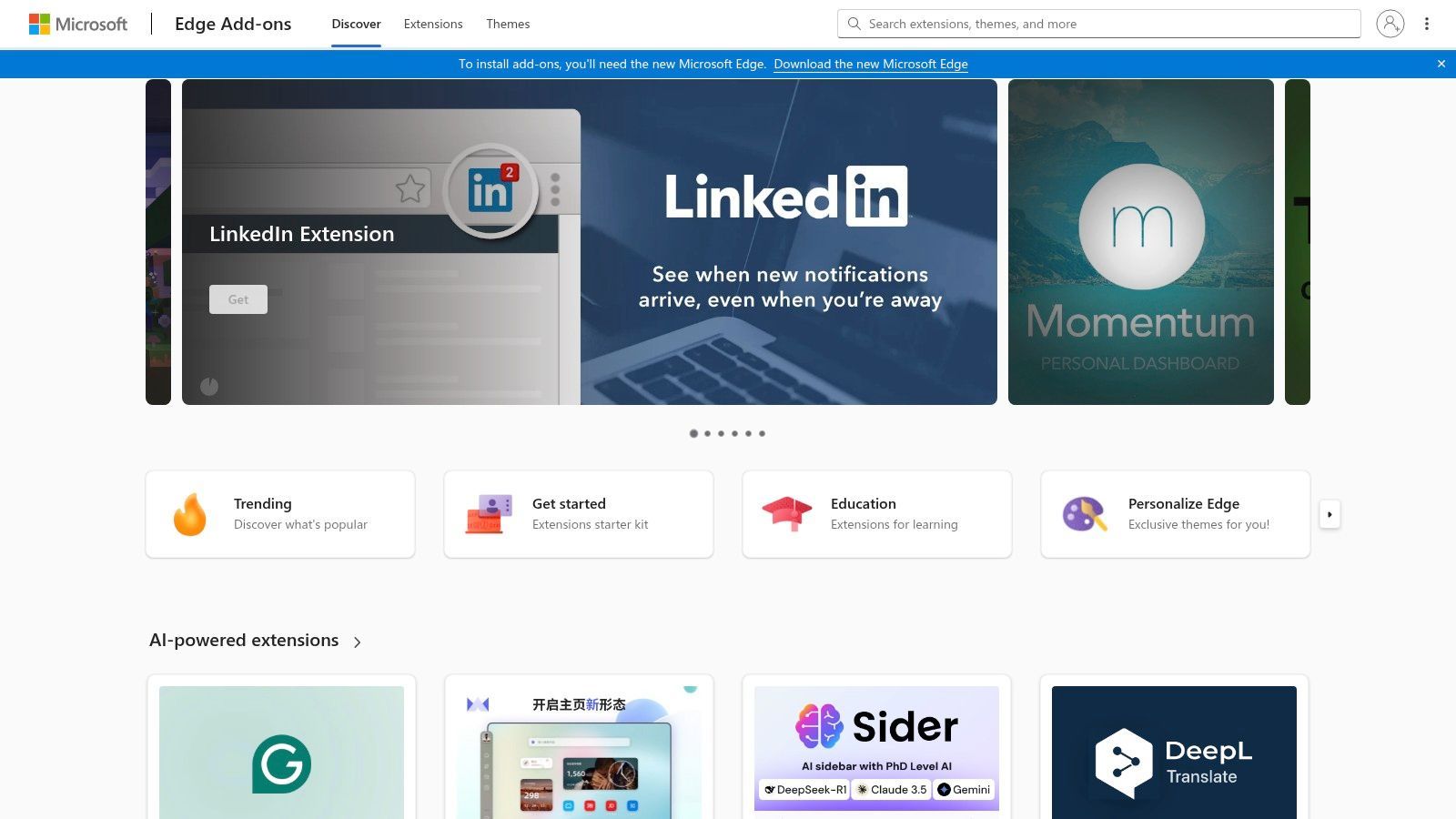
This platform's primary advantage is its official status and deep integration with Microsoft's administrative tools. Each add-on undergoes a review process, and listings clearly detail permissions. For businesses that manage their IT infrastructure through Microsoft Endpoint Manager, extensions can be deployed and managed via enterprise policies, offering a level of control and security that third-party marketplaces cannot match. Finding a great extension for Gmail is straightforward for any sales professional using Edge.
Key Details & How to Use
- Ideal User: Sales teams and professionals who use Microsoft Edge as their primary browser, especially in corporate environments.
- Pricing: The platform is free to use; individual add-on pricing is set by the developer and can range from free to subscription-based.
- Implementation: Navigate to the store, find the desired extension, and click “Get.” The browser handles the installation and permissions prompts.
- Pro Tip: While many Chrome extensions are available, not all are. If you can’t find a specific tool, check the developer’s website for an official Edge version.
Website: https://microsoftedge.microsoft.com/addons/Microsoft-Edge-Extensions-Home
5. Mozilla Add-ons (AMO) – Gmail extensions for Firefox
For teams that operate within the Firefox ecosystem, Mozilla’s official Add-ons marketplace is the go-to resource. While a smaller library than Chrome’s, AMO offers a solid collection of tools designed to enhance your inbox experience. You can find everything from simple notifiers and UI tweaks to more complex side panels like Sidebar for Gmail, making it a valuable hub for anyone seeking a new extension for Gmail specifically for Firefox.
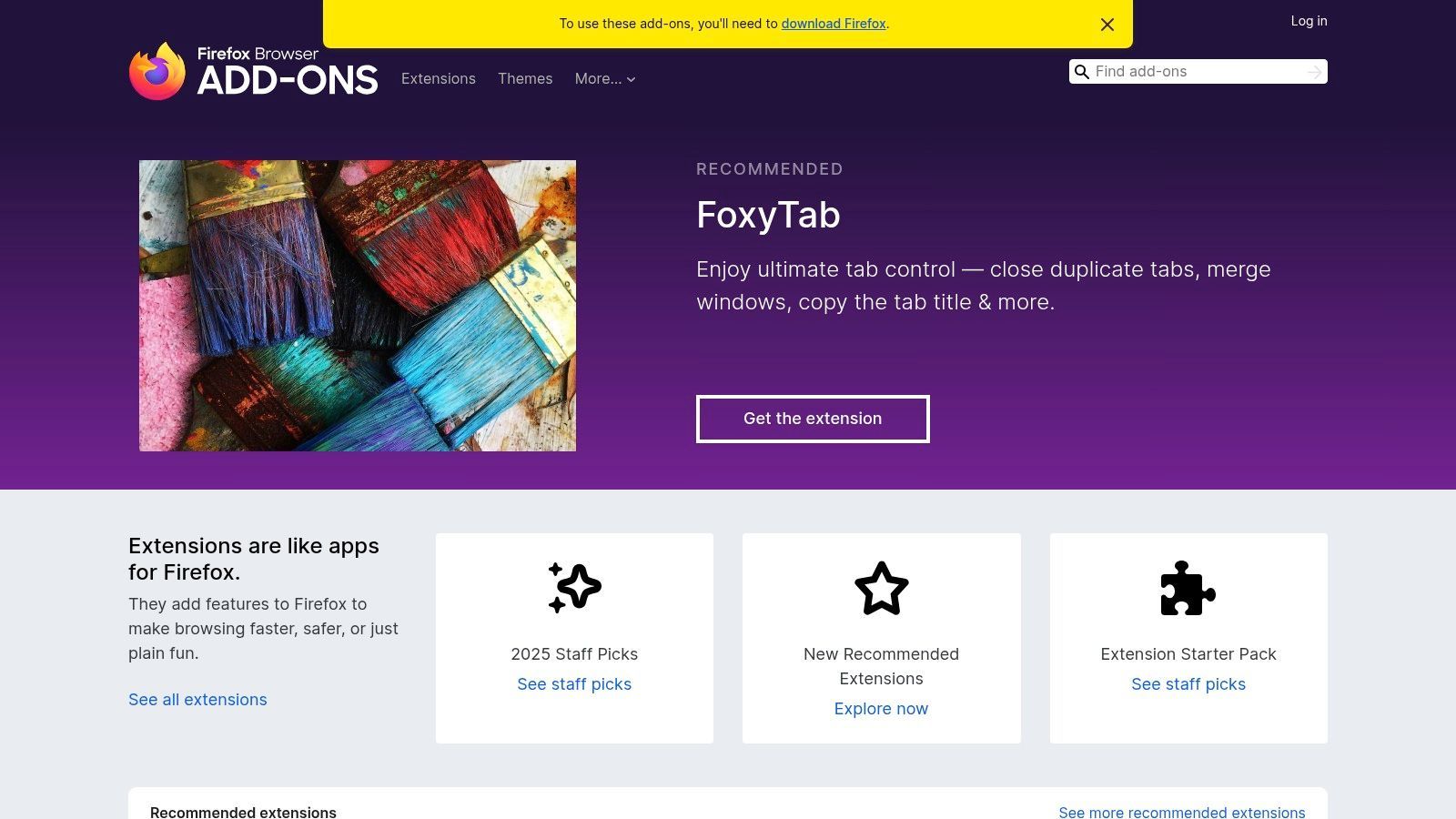
This platform stands out for its strong emphasis on user privacy and transparency. Each listing includes verified publisher badges, a complete version history, and detailed, fine-grained permission disclosures, so you know exactly what data the add-on can access. While some popular Chrome-only Gmail extensions may not have Firefox versions, AMO provides a secure and reliable environment for discovering and managing Firefox-specific tools that complement your sales workflow.
Key Details & How to Use
- Ideal User: Sales professionals and teams who use Firefox as their primary browser and need secure, vetted Gmail enhancements.
- Pricing: The platform is free to use; individual add-on pricing models vary from free to paid subscriptions.
- Implementation: Find a desired add-on, review its permissions, and click “Add to Firefox” to install and manage it.
- Pro Tip: Pay close attention to the version history and user reviews to gauge an add-on’s stability and developer support before installing.
Website: https://addons.mozilla.org
6. Boomerang for Gmail
Boomerang is one of the original and most well-known productivity tools that operates as an extension for Gmail. It gives users powerful control over their inbox by enabling features like email scheduling, follow-up reminders, and recurring messages. This allows sales professionals to send outreach at optimal times without being online and ensures no lead falls through the cracks. It also includes an integrated meeting scheduler to streamline booking demos directly from an email thread.
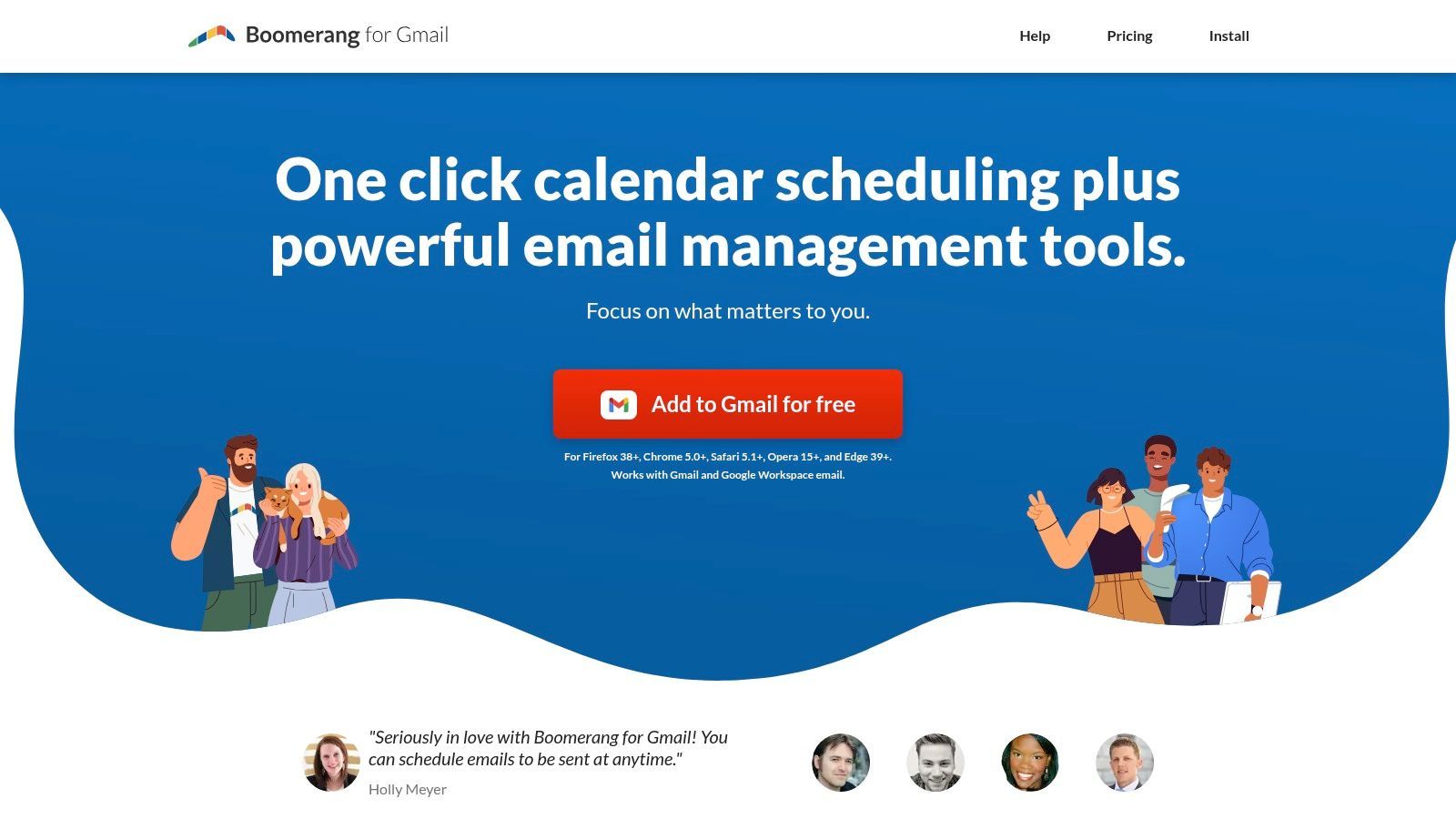
What makes Boomerang stand out is its mature feature set and cross-browser compatibility, working seamlessly on Chrome, Firefox, Edge, and Safari. While many newer tools focus on a single function, Boomerang offers a comprehensive suite for inbox management. The only potential downside is that running multiple complex Gmail extensions can sometimes lead to conflicts, and its most advanced features are reserved for paid tiers. For sales teams needing a reliable, all-in-one scheduling and reminder system, this extension for Gmail is a proven choice.
Key Details & How to Use
- Ideal User: Sales professionals and account managers who need to automate follow-ups and schedule emails across different time zones.
- Pricing: Offers a free Basic plan with limited message credits; paid plans start at $4.98/month.
- Implementation: Install the browser extension or Google Workspace add-on and grant it permission to access your Gmail account.
- Pro Tip: Use the "Send Later" feature to schedule prospecting emails to arrive in a lead's inbox first thing in their morning, increasing the likelihood of it being read.
Website: https://www.boomeranggmail.com
7. Right Inbox
Right Inbox is a comprehensive extension for Gmail that bundles many of the most-needed productivity features into a single tool. It enhances your native inbox with capabilities like email tracking, automated sequences, send-later functionality, and template management. This all-in-one approach streamlines workflows for sales professionals who need to manage outreach, follow-ups, and scheduling without leaving their inbox. The tool also supports multiple browsers and offers a Google Workspace Marketplace listing for easier team-wide deployment.
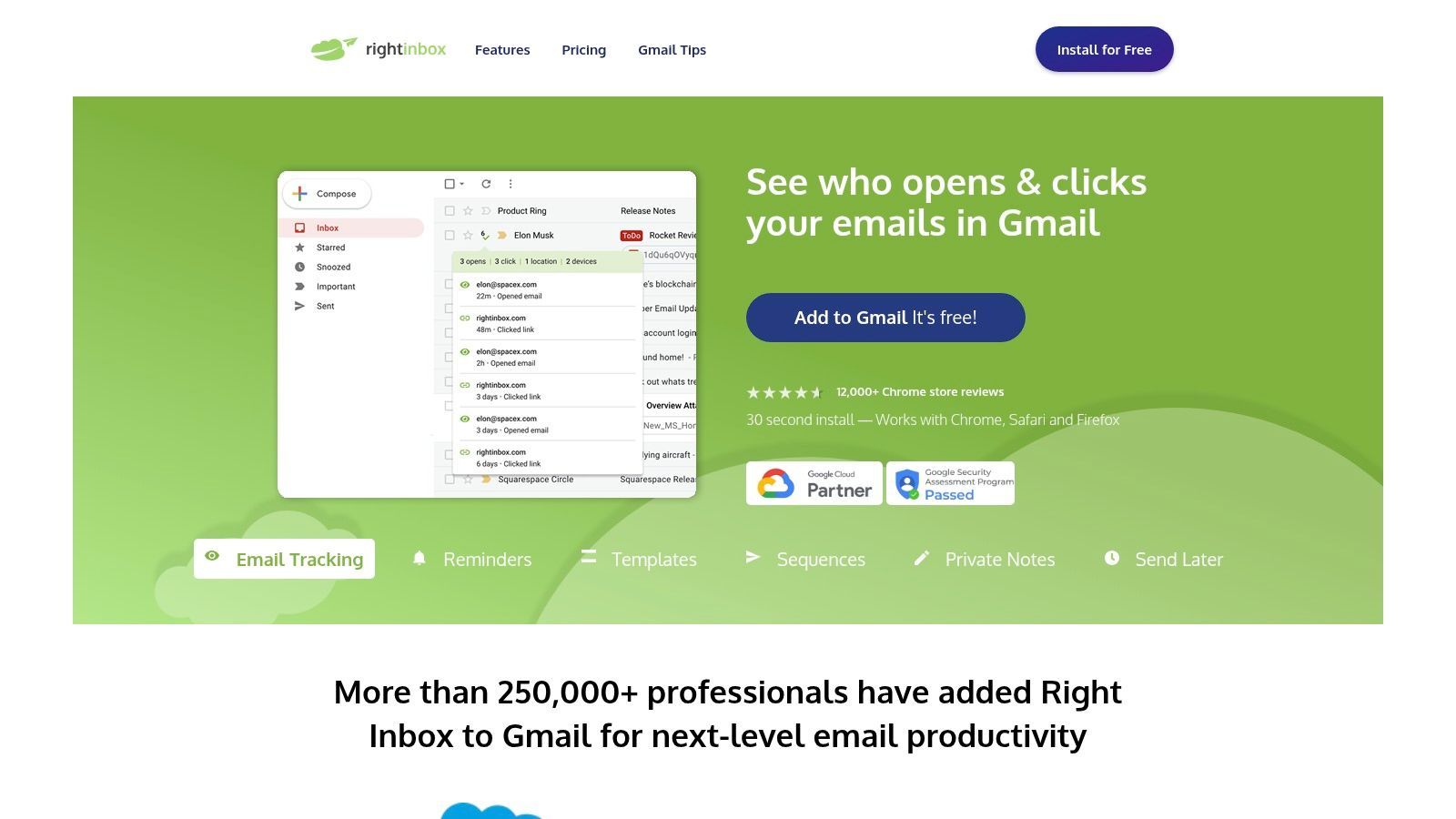
This platform stands out by combining core sales features into one cohesive package, reducing the need for multiple single-purpose extensions. Its email sequences are particularly useful for automating multi-touch outreach campaigns directly from Gmail, saving significant time. With a strong reputation and a broad feature set that includes recurring emails, reminders, and team signatures, it's a powerful extension for Gmail users looking to boost their productivity and campaign effectiveness. While the free plan is limited, the paid tiers offer robust functionality for serious sales teams.
Key Details & How to Use
- Ideal User: Sales professionals and teams needing an all-in-one tool for tracking, scheduling, and automating email outreach.
- Pricing: Offers a limited free plan; paid plans with advanced features start at $7.95 per month (billed annually).
- Implementation: Install the browser extension for Chrome, Safari, or Firefox. Team deployment can be managed via the Google Workspace Marketplace.
- Pro Tip: Use the sequences feature to create and test simple, automated follow-up cadences for prospecting without needing a separate, complex sales automation platform.
Website: https://www.rightinbox.com
8. Streak CRM for Gmail
Streak transforms your inbox into a flexible, fully-featured CRM, eliminating the need to switch between your email and a separate sales platform. It's a powerful extension for Gmail designed for users who want to manage pipelines, track leads, and collaborate on deals directly within their existing workflow. By embedding sales and project management tools into the Gmail interface, Streak centralizes communication and data, making it a favorite for teams that live in their inbox.
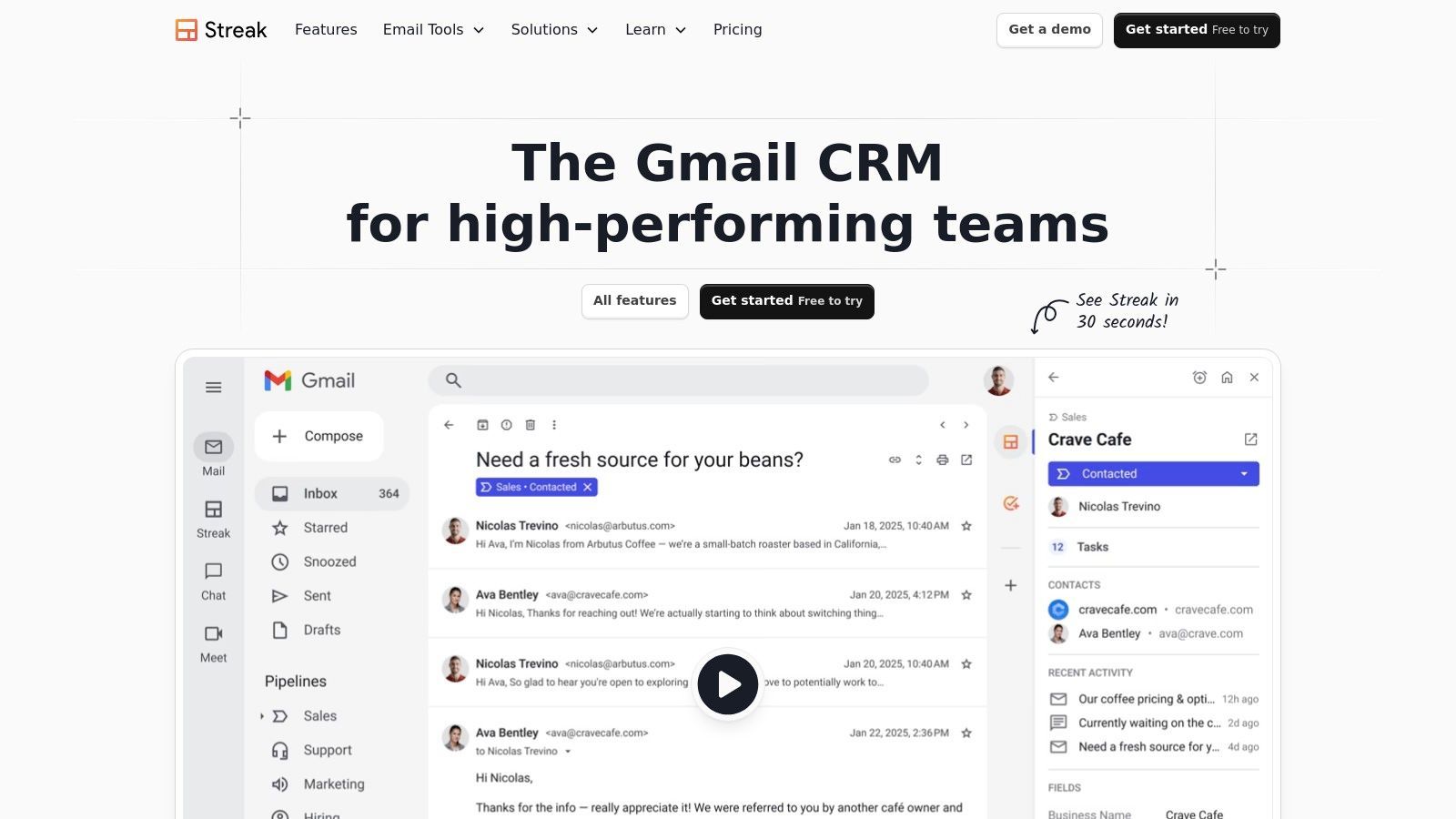
This platform stands out because it is one of the most comprehensive Gmail-native CRMs available. Beyond basic contact management, it provides visual pipelines, mail merge with tracking, snippets for quick replies, and shared contacts for team collaboration. The free tier offers a generous entry point with core email power tools, while paid plans unlock automation and advanced reporting. For sales teams looking for a CRM that feels like a natural part of Gmail, Streak is a top-tier choice.
Key Details & How to Use
- Ideal User: Sales teams, freelancers, and business owners who want a CRM that operates entirely inside their Gmail inbox.
- Pricing: A free plan is available for personal use; paid plans start at $49/user/month for advanced CRM features.
- Implementation: Install the Chrome extension and/or Google Workspace add-on, then grant permissions. Pipelines and settings are configured directly within Gmail.
- Pro Tip: Use Streak's customizable pipelines not just for sales, but for other processes like hiring, bug tracking, or content creation to maximize its utility.
Website: https://www.streak.com
9. Mixmax
Mixmax is a powerful sales engagement platform that lives directly inside your Gmail inbox, transforming it into a complete command center for prospect outreach. This extension for Gmail is built for sales professionals, providing robust features like one-click email tracking, multi-stage automated sequences, and one-click meeting scheduling. It streamlines the entire sales communication workflow, eliminating the need to switch between different applications for prospecting and follow-ups.

This platform stands out by bringing advanced sales engagement tools into a familiar, native Gmail environment. Its shared templates and real-time activity feed make it ideal for collaborative sales teams. Unlike simpler extensions, Mixmax offers detailed analytics on email, sequence, and template performance, giving managers clear visibility into what strategies are working. The inclusion of AI-assisted composing and smart send times further enhances its value for data-driven sales reps.
Key Details & How to Use
- Ideal User: SDRs, AEs, and sales teams needing an all-in-one sales engagement tool within their Gmail interface.
- Pricing: Offers a free limited plan. Paid plans start at $29/user/month (billed annually) for more features, with advanced team plans available.
- Implementation: Install the Chrome extension and connect your Google account. CRM integration requires authorization on specific paid plans.
- Pro Tip: Use the "Rules" feature on paid plans to automate tedious tasks, such as automatically adding a prospect to a CRM or sending a follow-up task when they open an email.
Website: https://www.mixmax.com/pricing
10. Yesware (Gmail)
Yesware is an all-in-one sales toolkit that operates directly within your Gmail inbox, designed to make sales reps more productive. It offers a comprehensive suite of features, including reliable email tracking, automated campaign sequences, shareable templates, and a meeting scheduler. This established extension for Gmail helps sales teams streamline their outreach and follow-up processes without ever leaving their primary workspace.
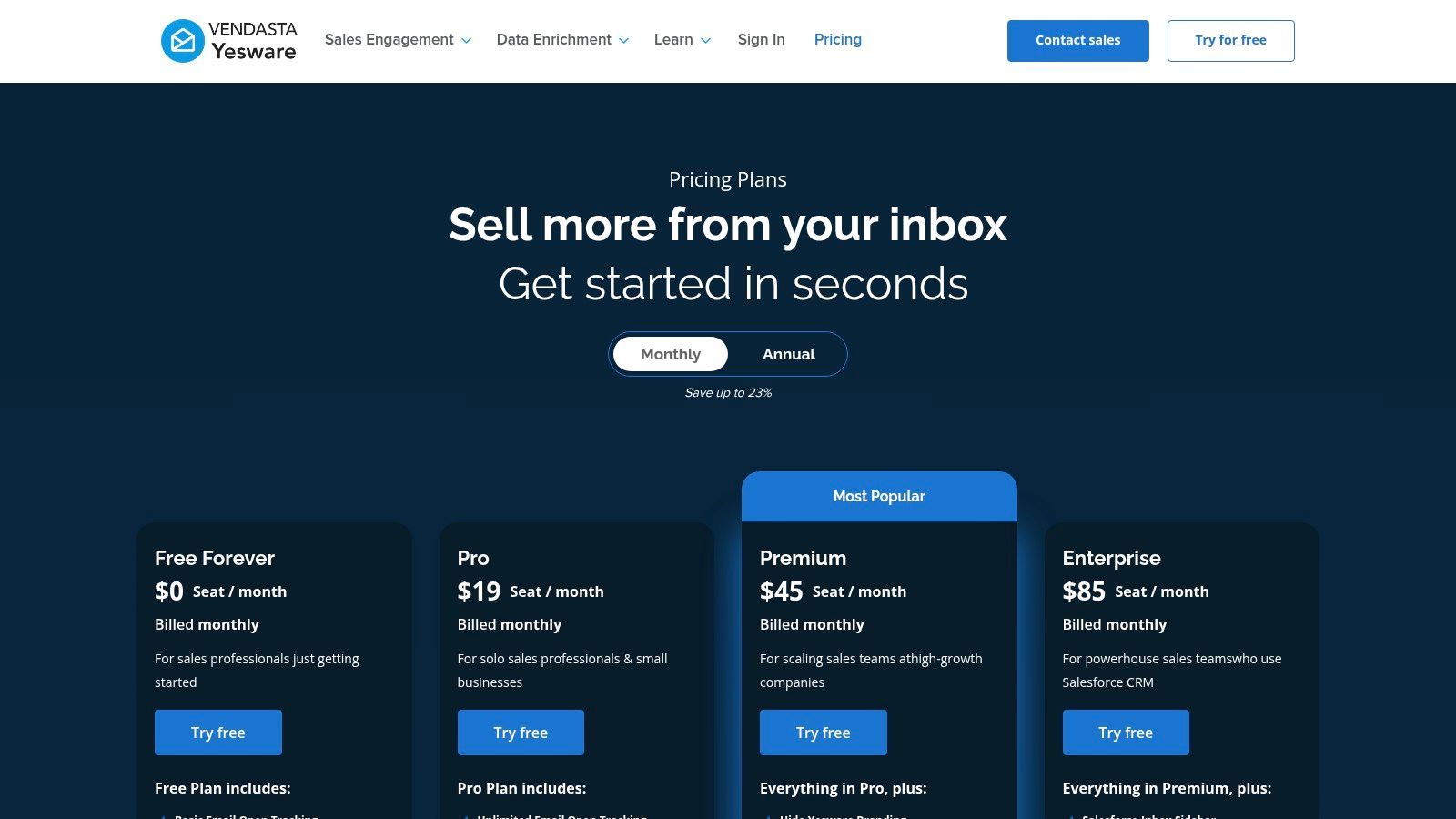
What sets Yesware apart is its focus on team functionality and detailed reporting. While individual reps benefit from the core tools, managers gain valuable insights into team activity, template effectiveness, and campaign performance. This makes it a powerful choice for organizations looking to standardize their sales process and analyze what works at scale, all from a single, integrated platform.
Key Details & How to Use
- Ideal User: Sales teams and account executives who need a full suite of outreach tools with team analytics inside Gmail.
- Pricing: Offers a limited free tier and a 14-day free trial. Paid plans start at $15/user/month (billed annually) for core features, with more advanced plans required for full functionality.
- Implementation: Install the Chrome extension, connect your Gmail account, and the Yesware toolbar will appear in your compose window.
- Pro Tip: Use the team template library to ensure consistent messaging across your entire sales organization and track which templates get the best engagement.
Website: https://www.yesware.com/plans-and-pricing
11. Mailtrack by Mailsuite – Email Tracker for Gmail
Mailtrack is a widely recognized and straightforward extension for Gmail focused purely on email tracking. It adds simple, intuitive double-check marks next to your sent emails, similar to messaging apps, to show when an email has been opened. Its primary appeal is its simplicity and generous free plan, which offers unlimited tracking, making it an excellent entry point for sales professionals new to tracking.
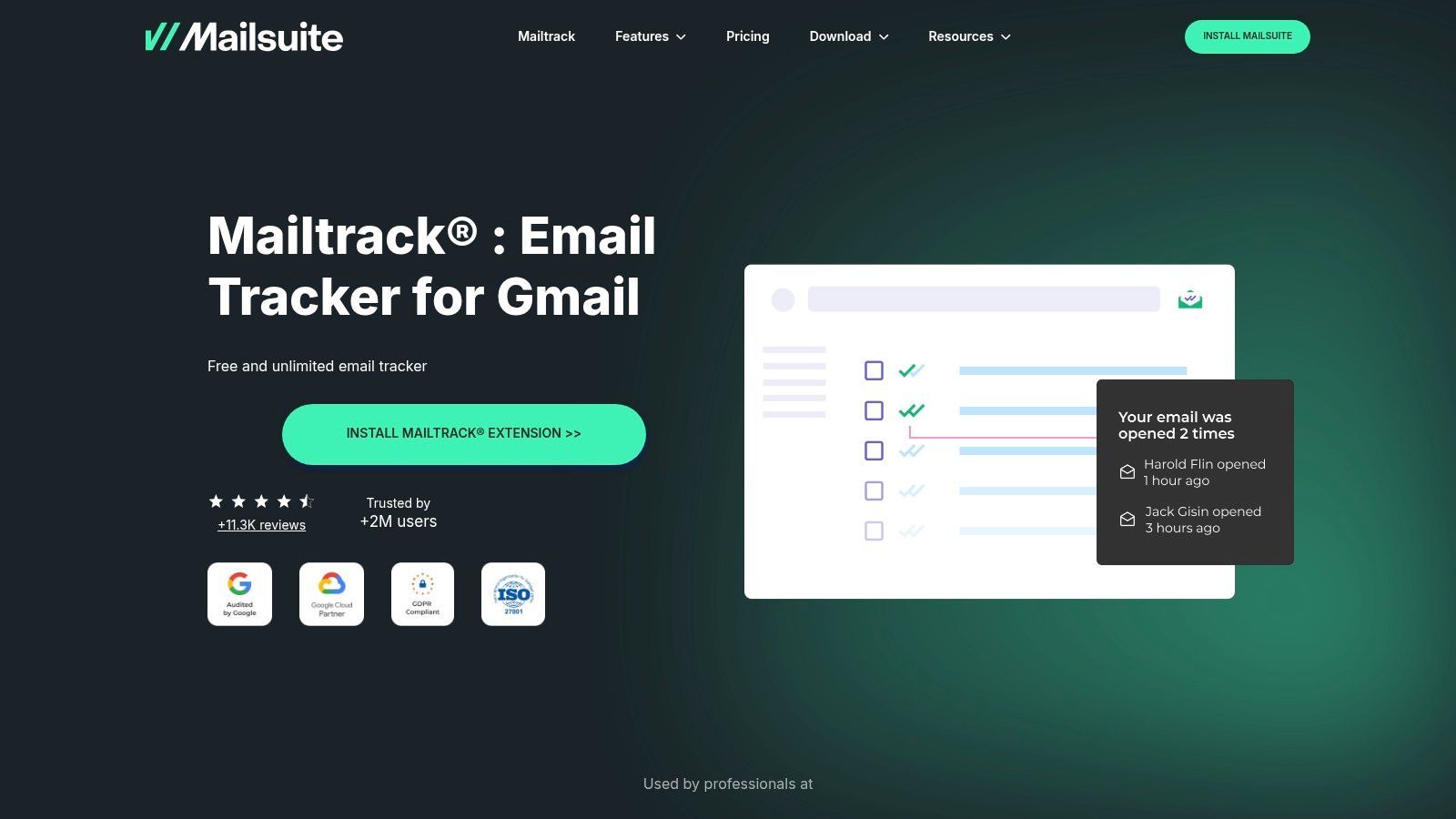
This tool stands out due to its singular focus and ease of use. Unlike complex sales engagement platforms, Mailtrack does one thing and does it well without cluttering your inbox. While the free version includes a “Sent with Mailtrack” signature, its paid tiers remove this and add valuable features like link tracking and real-time open alerts. For anyone needing a simple, reliable extension for Gmail to confirm message delivery and engagement, Mailtrack is a top-tier choice.
Key Details & How to Use
- Ideal User: Sales reps, freelancers, and small business owners who need basic, reliable email open tracking without a complex system.
- Pricing: Offers a free plan with unlimited tracking (includes branding). Paid plans start at around €4.99/month to remove branding and add features.
- Implementation: Install the Chrome extension, grant it permission to access your Gmail account, and start tracking emails immediately.
- Pro Tip: Be aware that security scanners used by some recipients can trigger false-open notifications. Use open data as a directional guide rather than an absolute certainty.
Website: https://mailsuite.com/en/features/mailtrack
12. GMass
GMass is a powerful mail-merge and cold email system that operates directly inside your Gmail interface, making it a favorite for sales teams and marketers. It transforms your standard inbox into a robust outreach machine, allowing you to send personalized campaigns by pulling data directly from Google Sheets. This integration eliminates the need to constantly switch between your spreadsheet and email, streamlining the entire prospecting workflow.
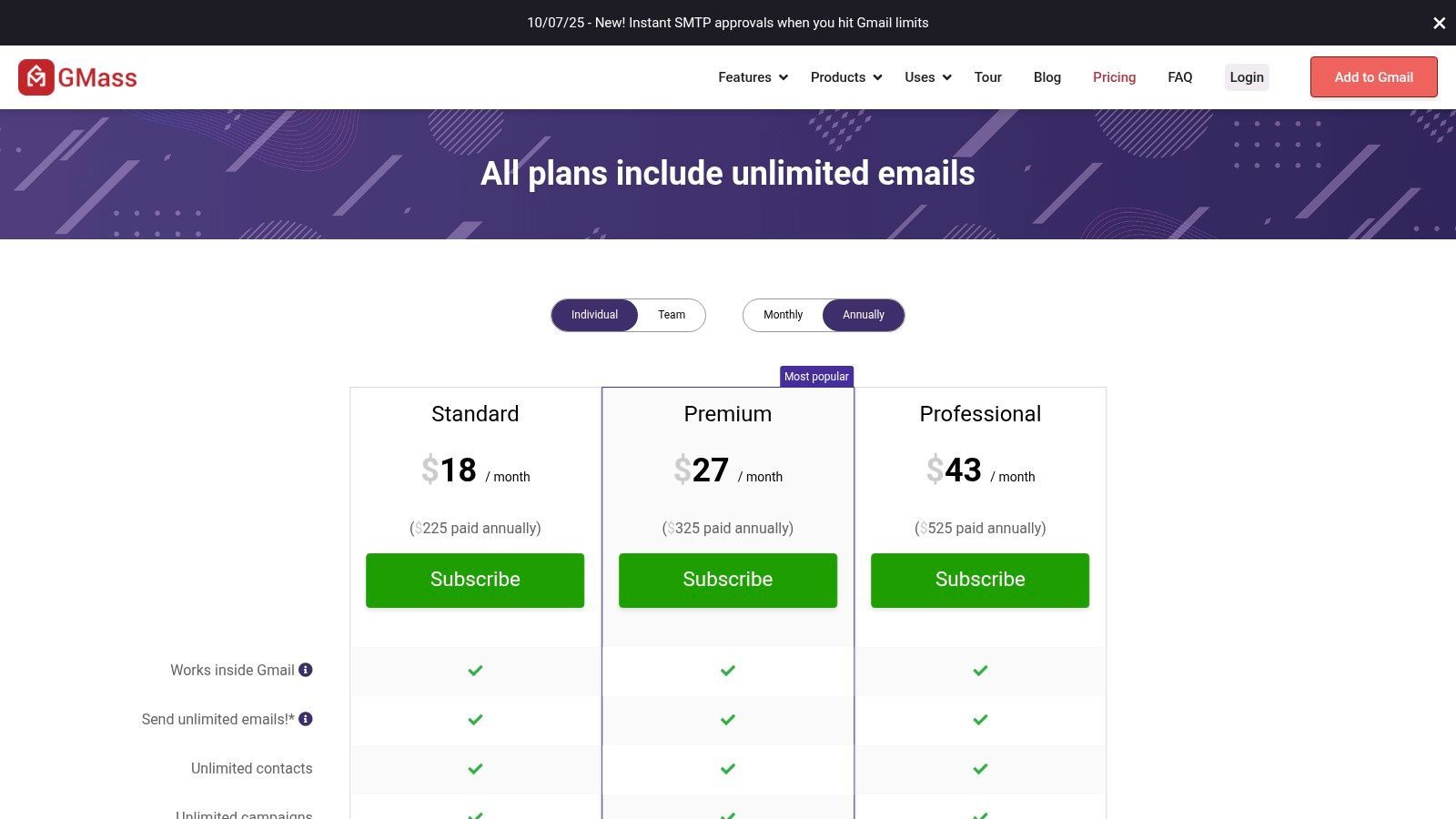
What makes GMass a standout extension for Gmail is its focus on deliverability and automation at a scale suitable for small to mid-sized businesses. Features like automated follow-up sequences, open and click tracking, and inbox rotation help maximize your chances of landing in the primary inbox. While you are still subject to Gmail's sending limits on standard plans, its advanced SMTP configuration options provide a path for scaling your outreach. The platform offers deep analytics to refine your campaigns over time.
Key Details & How to Use
- Ideal User: Sales teams, marketers, and founders who need a scalable cold email outreach tool that lives inside Gmail.
- Pricing: Offers tiered subscription plans for individuals and teams, starting from around $19.95/month.
- Implementation: Install the Chrome extension, connect your Google account, and compose a new message to access GMass features.
- Pro Tip: Use the Gmass deliverability tester before launching a major campaign to check if your emails are likely to be marked as spam.
Website: https://www.gmass.co/pricing
12 Gmail Extensions — Feature Comparison
| Item | Core features | Target audience | Unique selling point | Browser & integrations | Pricing |
|---|---|---|---|---|---|
| Add to CRM | One‑click lead capture, enrichment (31 data points), real‑time email verification (~96%), duplicate checks | Founders, SDRs/BDRs, sales managers, RevOps, growth teams | Turns online profiles into clean CRM records; 220M+ verified contacts; custom field mapping | Chrome extension; syncs to 27–30+ CRMs; GDPR compliant | Free (10 credits/mo), Standard $17/mo (100), Pro $59/mo (500); trial & 7‑day money‑back |
| Chrome Web Store – “Works with Gmail” collection | Curated Gmail extensions, ratings, permissions, one‑click install | End users & admins looking for vetted Gmail tools | Official Google storefront, auto‑updates, centralized management | Chrome only; Google account install & enterprise controls | Free to browse; extensions may be free or paid |
| Google Workspace Marketplace – “Works with Gmail” | Gmail add‑ons, cross‑app actions (Drive/Calendar), mobile side panel | Workspace admins & users needing multi‑app workflows | Deep Gmail UI integration; mobile add‑ons; org deployment tools | Workspace add‑ons across apps; admin controls; mobile compatible | Listings vary; apps can be free, freemium or paid |
| Microsoft Edge Add‑ons | Official Edge store, permissions prompts, enterprise policy support | Windows/Edge users and IT admins | Native Edge distribution and policy management for enterprises | Edge (some Chrome ports available); enterprise policies supported | Free to browse; developer‑set pricing per extension |
| Mozilla Add‑ons (AMO) – Gmail extensions | Firefox add‑ons, verified publisher badges, detailed permission info | Firefox users wanting Gmail helpers | Transparent permissions and publisher verification | Firefox only; Firefox‑specific Gmail tools | Free to browse; extensions free/paid per developer |
| Boomerang for Gmail | Send‑later, follow‑ups, recurring emails, scheduling, respondability scoring | Professionals needing email productivity & scheduling | Mature feature set with cross‑browser and enterprise support | Chrome/Firefox/Edge/Safari; Gmail & Workspace add‑on | Free tier; paid plans for advanced features |
| Right Inbox | Email tracking, sequences, templates, signatures, team features | Sales reps, outreach teams | Combines tracking, sequences and team workflows; Workspace listing available | Chrome/Firefox/Safari; Workspace Marketplace listing | Free basic plan; paid team plans |
| Streak CRM for Gmail | CRM pipelines inside Gmail, mail merge, tracking, automation, AI Co‑Pilot | Teams wanting CRM inside Gmail (SMBs, sales teams) | CRM embedded in Gmail to avoid context switching | Chrome extension + Workspace add‑on; mobile context via add‑on | Free tier; paid plans for full CRM features |
| Mixmax | Email tracking, sequences, scheduling, templates, AI compose, analytics | SDR/AE teams and sales engagement users | Robust engagement + analytics; team and automation focus | Gmail‑native; some Outlook limits; CRM integrations on select plans | Tiered pricing; advanced features on higher tiers |
| Yesware (Gmail) | Tracking, campaigns/sequences, templates, calendaring, reporting | Sales reps, managers, enterprise teams | Established sales toolkit for Gmail & Outlook with team analytics | Gmail & Outlook; Workspace add‑on; enterprise controls | 14‑day trial; core features in paid tiers |
| Mailtrack by Mailsuite | Email open tracking, history, alerts, link tracking | Users needing simple, fast email tracking | Unlimited basic tracking free (with branding); very low setup time | Desktop extension + mobile add‑on; Gmail | Free (branding); paid plans remove branding/add features |
| GMass | Mail merge from Sheets, sequences, deliverability tools, tracking | SMBs and cold‑email/outreach users | Strong mail‑merge personalization and deliverability tools | Gmail extension; integrates with Google Sheets, SMTP, Zapier/API | SMB‑friendly paid plans; limited free options |
Choosing the Right Extension for Your Sales Workflow
Navigating the ecosystem of Gmail extensions can feel overwhelming, but the journey to a more efficient sales process is well worth the effort. As we've explored, the "best" extension for Gmail is not a one-size-fits-all solution. Instead, it's a strategic choice that hinges on your unique sales workflow, existing technology stack, and the specific challenges your team faces daily. The right tool can transform your inbox from a chaotic communication hub into a powerful, revenue-generating machine.
This guide has covered a wide spectrum of tools, from comprehensive all-in-one platforms like Streak and Mixmax to specialized solutions for email tracking and scheduling like Mailtrack and Right Inbox. We've seen how these extensions can automate tedious tasks, provide crucial engagement insights, and ultimately give your sales team more time to focus on what truly matters: building relationships and closing deals. The key takeaway is to approach this decision with a clear understanding of your primary bottleneck.
How to Select Your Ideal Gmail Extension
Before you install the first promising tool you see, take a moment to audit your current process. A thoughtful selection process ensures you choose an extension for Gmail that solves a real problem rather than just adding another layer of complexity.
Consider these guiding questions to pinpoint your needs:
- What is your biggest time sink? Is it manually entering contact data into your CRM? If so, a dedicated sync tool like Add to CRM is a critical first step. Are you spending hours crafting follow-up sequences? An email automation tool like GMass or Yesware could be the answer.
- What data are you missing? Do you lack visibility into whether prospects are opening your emails or clicking your links? An email tracking extension is essential. Are you struggling to manage your entire sales pipeline within your inbox? A full-fledged CRM like Streak might be the best fit.
- How will this tool fit into your existing stack? Check for native integrations. The most powerful extension for Gmail is one that seamlessly connects with your CRM, calendar, and other essential business software, creating a unified and efficient workflow.
- What is your team’s capacity for adoption? Some tools, like all-in-one platforms, have a steeper learning curve. Others offer a simple, one-click function that requires minimal training. Choose a solution that your team can realistically adopt and use consistently for maximum ROI.
By starting with a clear diagnosis of your pain points, you can confidently select the right extension for Gmail that not only enhances productivity but also directly contributes to your sales goals. The goal isn't to use every tool available; it's to build a lean, powerful, and integrated system that empowers your team to sell smarter, not just work harder.
Ready to eliminate the number one time-waster for sales teams? Add to CRM is the essential extension for Gmail that saves you from manual data entry, letting you add prospects from social platforms to your CRM with a single click. Start your free trial of Add to CRM today and see how effortless prospecting can be.
Start saving time and closing more deals.
Find contact info for your prospects on the #1 business social network and add them to your CRM with 1-click.

 Loading...



Trusted by 1000s of founders, SDRs & more
