The 7 Best Sales Navigator Alternatives (2026)
Compare the 7 best Sales Navigator alternatives of 2026 by job: databases, exporters, and one-click tools that push leads into your CRM.
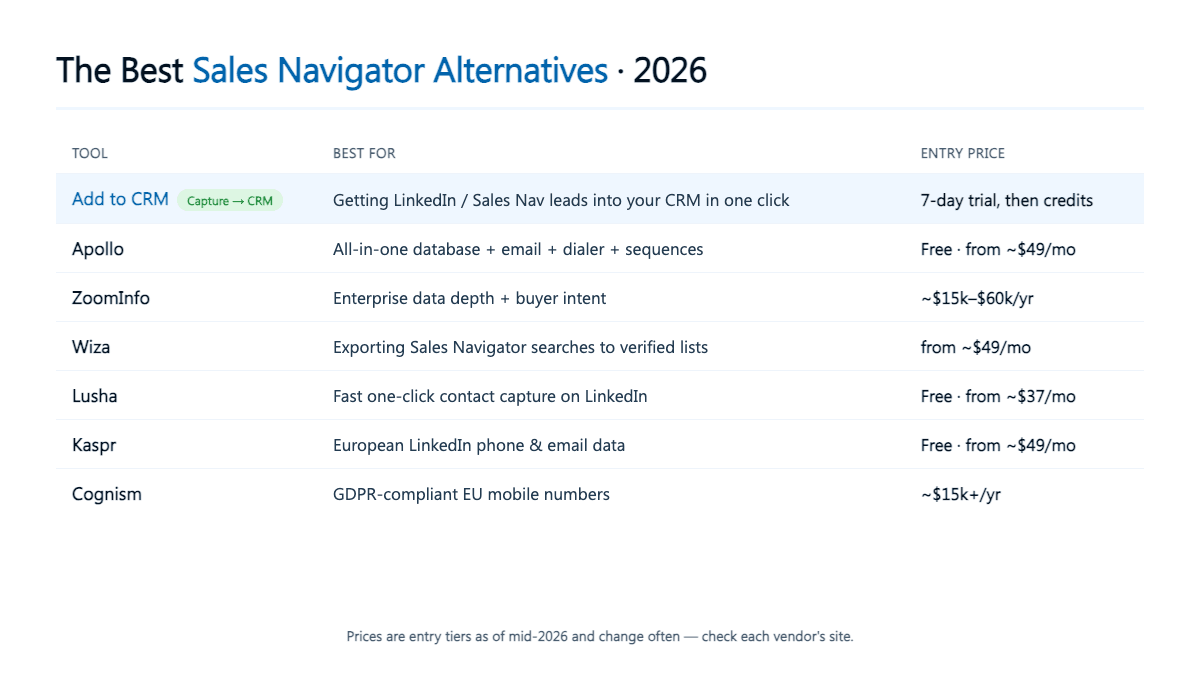
The best Sales Navigator alternatives depend on the job you are hiring the tool for. For moving leads into a CRM, use Add to CRM. For an all-in-one prospecting database, Apollo. For enterprise data depth, ZoomInfo or Cognism. For exporting search results, Wiza. For fast contact capture, Lusha or Kaspr.
TL;DR: There is no single best Sales Navigator alternative — the right pick depends on the job. If your real bottleneck is getting LinkedIn and Sales Navigator leads into your CRM with a verified email and phone, a capture-to-CRM tool will serve you better than yet another database.
LinkedIn Sales Navigator is a genuinely good tool for one thing: finding the right people on the world's largest professional network. Where it frustrates people is everything that happens next — it does not hand you a verified email or direct phone number, it will not export your search results, and it does nothing to get those leads into your CRM. That is why so many teams keep Sales Navigator for search and bolt on a second tool for the rest, or replace it entirely. Below are seven alternatives worth considering in 2026, grouped by the job you are actually trying to get done.
Why do people look for a Sales Navigator alternative?
Almost every search for a Sales Navigator alternative traces back to one of three jobs:
- It is pricey per seat. Sales Navigator is billed per user, and the cost climbs fast once a whole team needs licences. For a solo founder or small SDR team, one tool that both finds contacts and files them can be better value. (Check LinkedIn's site for current per-seat pricing.)
- It gives you no exportable emails or phones. You can see a perfect-fit prospect, but Sales Navigator will not show their work email or mobile number, and there is no "export this list" button. You are looking at a lead you cannot yet contact.
- You want data plus a CRM workflow. Finding people is only step one. Most teams actually want enriched contacts sitting in their CRM, deduplicated and ready to sequence — not a browser tab full of profiles to type up.
Match the alternative to the job and the choice gets simple. Pick the wrong category — an enterprise database when you needed a capture tool, or a lightweight extension when you needed intent data — and you either overpay or come up short.
The 7 best Sales Navigator alternatives in 2026
1. Add to CRM — best for getting Sales Navigator leads into your CRM
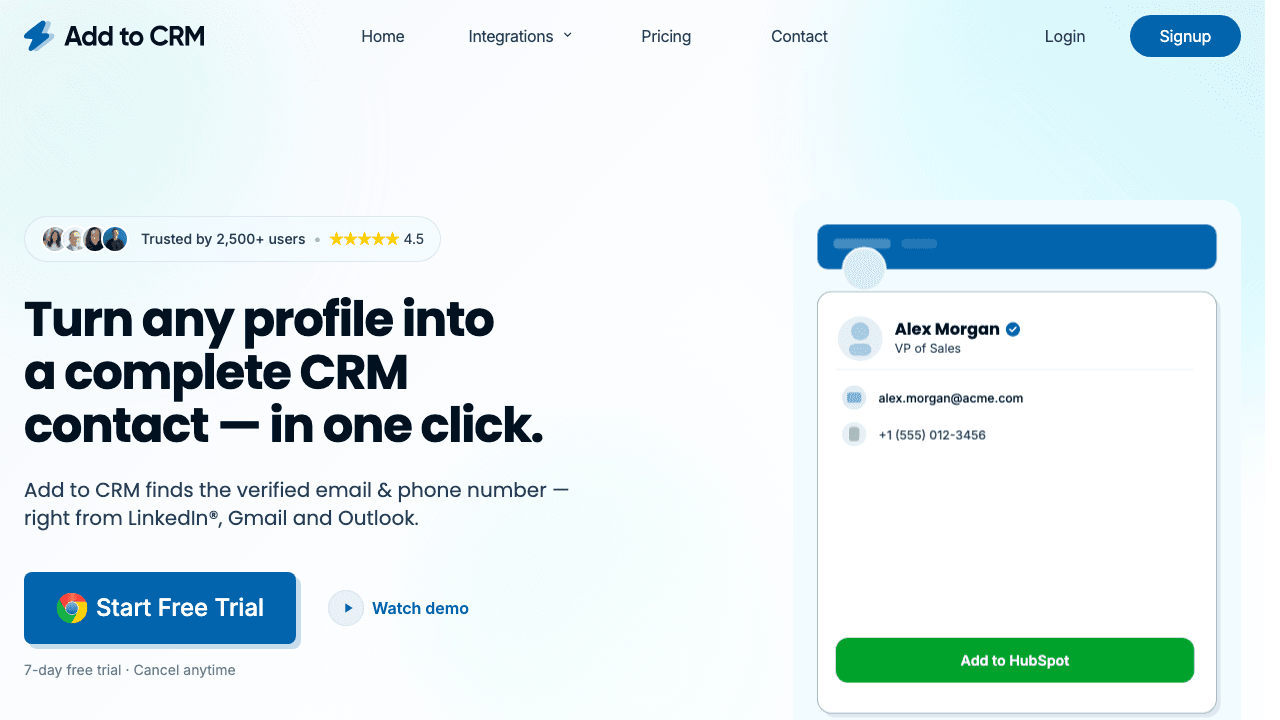
If the honest reason you want to leave Sales Navigator is "I can find people but I cannot get them into my CRM," this is the category you want. Add to CRM is a Chrome extension that captures the contact you are viewing — on a professional network, Sales Navigator, Gmail, Outlook, or a company website — finds a verified email and phone number plus 20+ data points, and adds the enriched record to your CRM in one click. It works across 29+ CRMs, from HubSpot and Pipedrive to the long-tail systems most tools ignore.
For Sales Navigator specifically, its Pro tier connects your own account so you can resolve Sales Navigator profiles and searches and push them into a CRM the compliant way — using your own connected account rather than a third-party extractor.
Be honest about what it is not: Add to CRM is a capture-to-CRM tool, not a searchable database. You cannot type "VP of Sales, fintech, 50–200 employees" and get back 5,000 rows. You bring the person — from a Sales Navigator search, a profile, or your inbox — and it handles the enrichment, deduplication, and filing. If your bottleneck is data entry and CRM hygiene rather than sourcing lists from scratch, that trade is the entire point.
Pricing: a 7-day free trial, then credit-based plans (there is no free-forever tier). Reviewers and internal tests put email verification accuracy at 96%. Check the vendor's site for current pricing.
2. Apollo — best all-in-one prospecting database
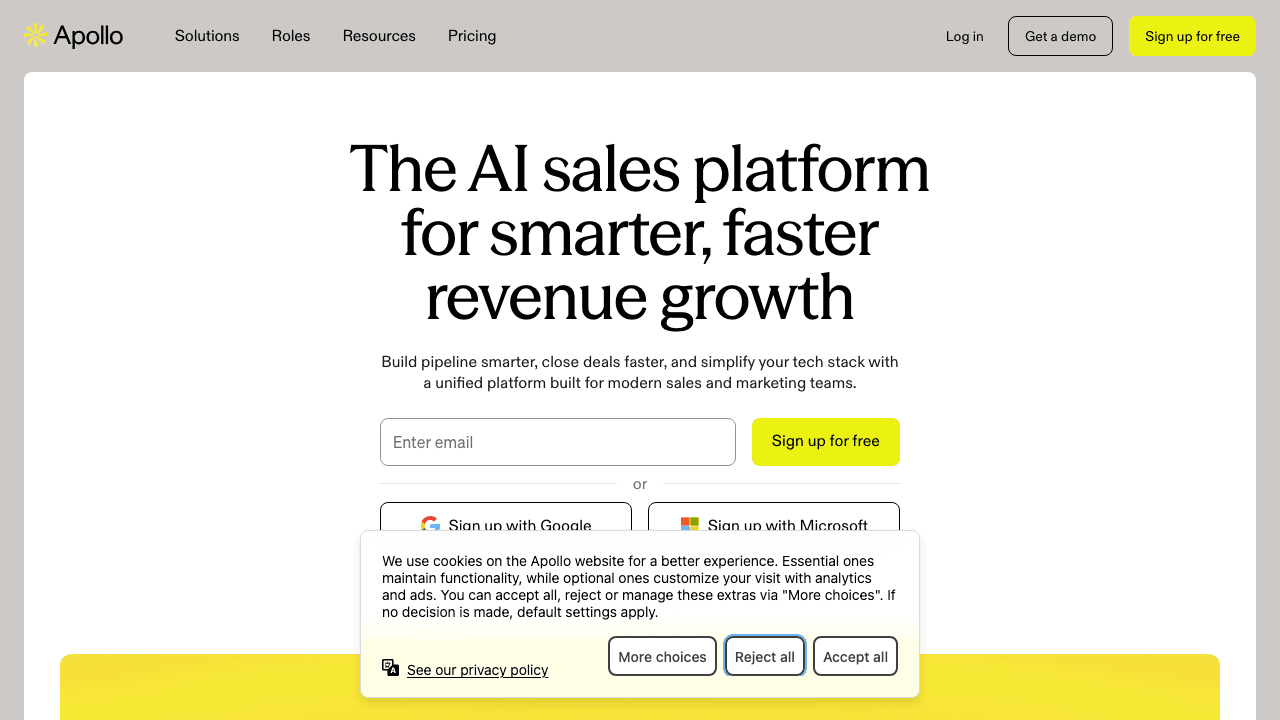
Apollo is the closest thing to "Sales Navigator plus outreach in one tab." It pairs a large B2B contact database with an email finder, dialer, and sequencing, so you can search by title, industry, and company size, pull contacts, and start emailing without leaving the tool. There is a free plan (recently reduced) and paid tiers from around $49 per user per month as of mid-2026 — check Apollo's site for current pricing.
The trade-off is accuracy and noise: data quality varies by region and seniority, so you will still want to verify before a big send, and it is a lot of product to learn if all you needed was contacts in your CRM. If you want a genuine database with outreach built in, it is the obvious first stop. We go deeper in our Apollo alternative comparison.
3. ZoomInfo — best for enterprise data depth and intent
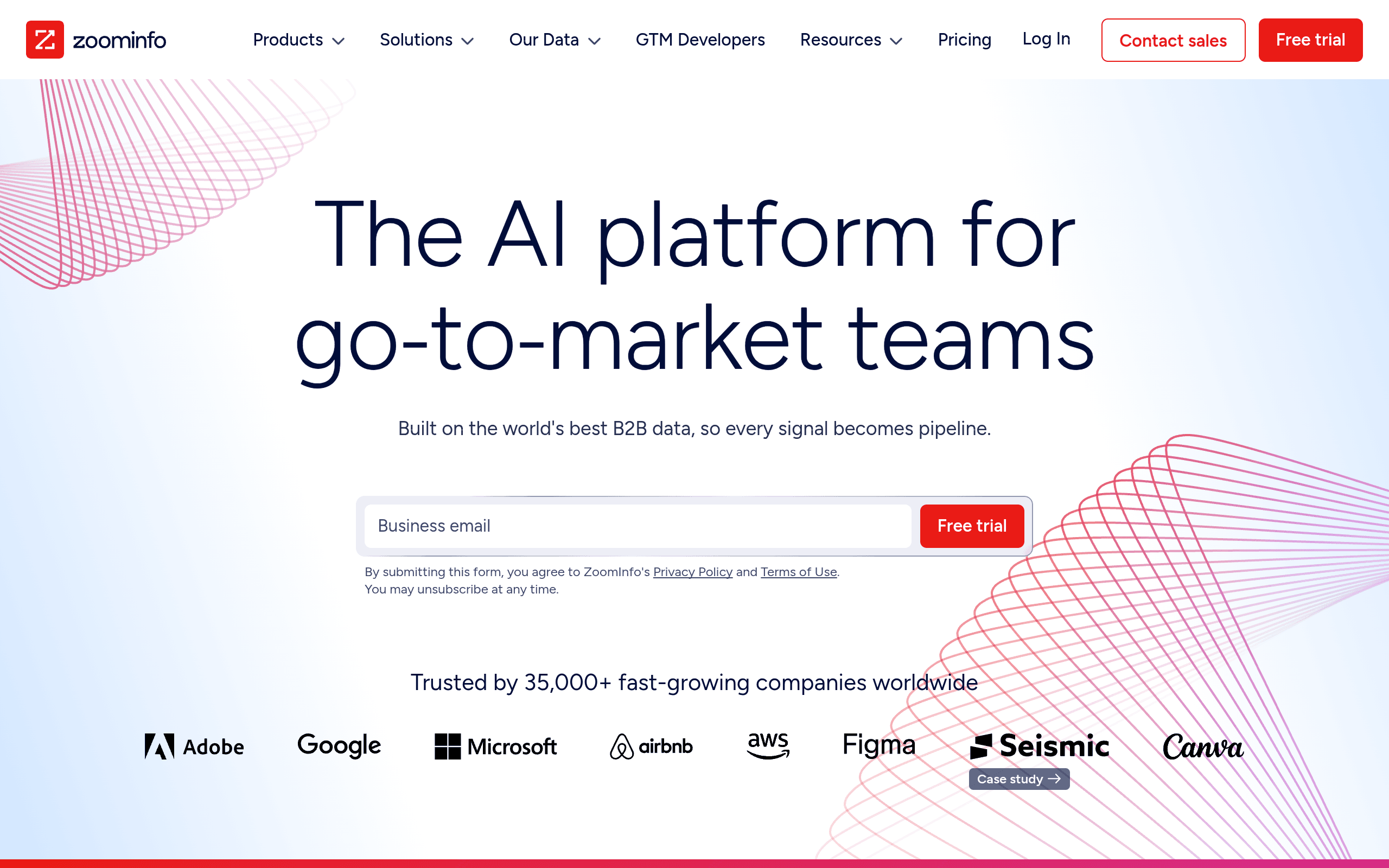
ZoomInfo is the enterprise standard for B2B data depth, org charts, and buying-intent signals. If you have the budget and need broad coverage plus intent data on which accounts are in-market, little else competes. The catch is price and fit: it is sold on annual contracts in the roughly $15,000–$60,000 per year range as of mid-2026, aimed at sales organisations rather than individuals. For a solo founder it is overkill; for a 30-rep team it can be the backbone. See our ZoomInfo alternative breakdown and the Sales Navigator vs ZoomInfo head-to-head before signing a contract.
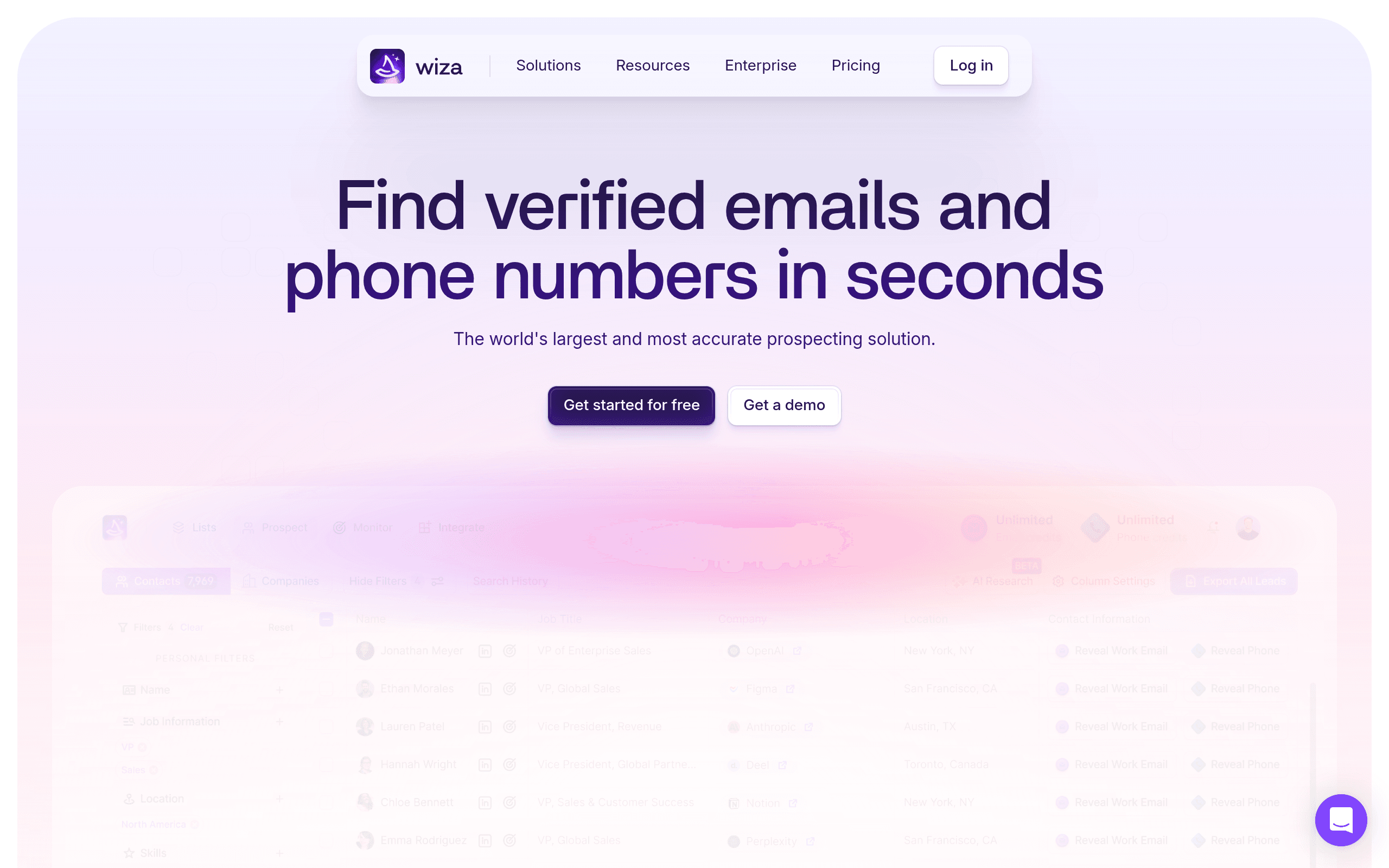
4. Wiza — best for turning Sales Navigator searches into lists
Wiza is built for one specific complaint: Sales Navigator will not let you export. It markets itself as a way to turn a Sales Navigator search into a verified, exportable list of contacts with emails and phones, from around $49 per month as of mid-2026 (check Wiza's site). If your whole problem is "I have the perfect search and no way to get it out," Wiza speaks to that directly.
One honest caveat: any tool that bulk-extracts data from Sales Navigator sits in tension with LinkedIn's Terms of Service, and that risk lands on your account, not the tool's. Read the compliance section below before you lean on bulk extraction as a strategy.
5. Lusha — best for fast, one-click contact capture
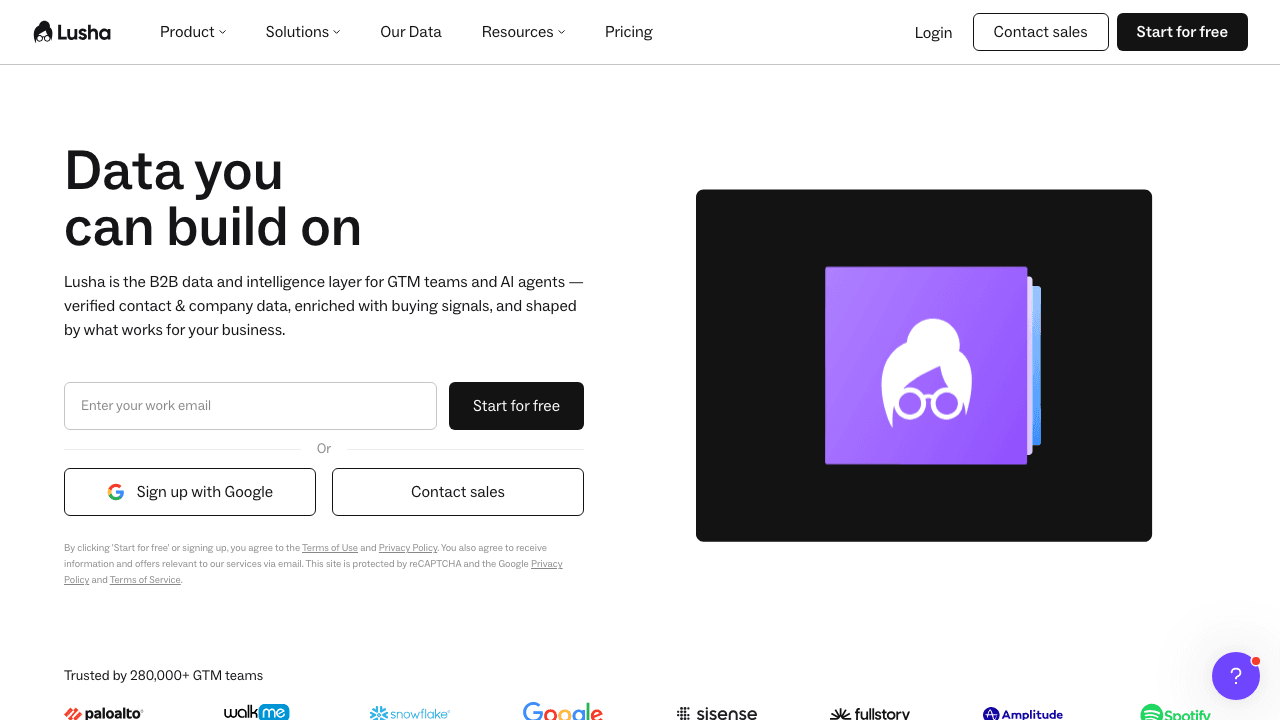
Lusha is a browser extension that reveals a contact's details on a professional-network profile in one click. It is fast, simple, and popular with SDRs who just want a number to dial now. There is a free tier and paid plans from roughly $37 per month as of mid-2026 (check Lusha's site). Its strengths are US coverage and speed; it is lighter on multi-CRM breadth than a dedicated capture-to-CRM tool, so if you file to a less common CRM, confirm support first.
6. Kaspr — best for European contact data
Kaspr is a contact-capture tool with particularly strong European phone and email coverage — exactly where many US-centric databases thin out. It offers a free tier and paid plans from around $49 per month as of mid-2026 (check Kaspr's site). Now part of the Cognism group, it suits teams selling into Europe that want per-profile capture rather than an enterprise contract.

7. Cognism — best for GDPR-compliant EU mobile numbers
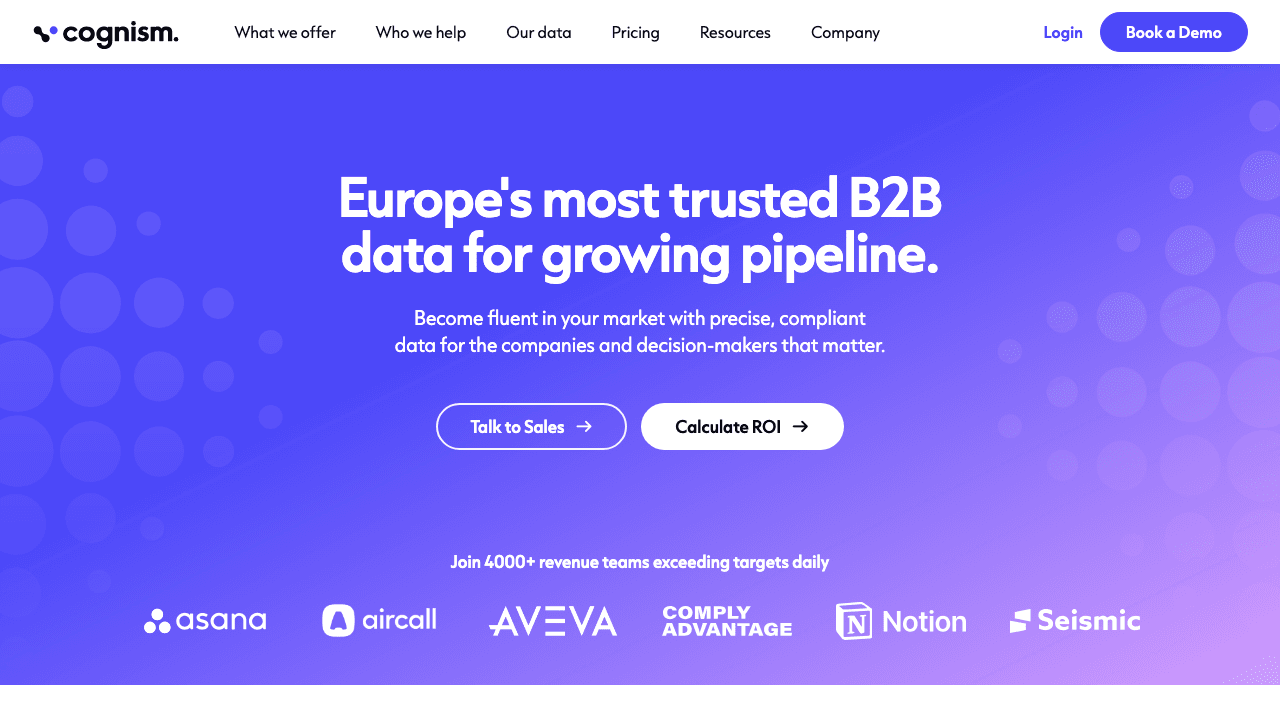
Cognism is known for phone-verified mobile numbers and GDPR-compliant coverage across Europe, with a US dataset too. Teams choose it when connect rates and compliance in EU markets matter more than headline price. Like ZoomInfo, it is enterprise-priced — roughly $15,000+ per year on annual contracts as of mid-2026 (check Cognism's site) — so it fits funded sales teams, not individuals.
Sales Navigator alternatives compared at a glance
| Tool | Best for the job of… | Type | Verified email + phone | Adds to your CRM | Entry price (as of mid-2026)* |
|---|---|---|---|---|---|
| Add to CRM | Getting leads into a CRM | Capture-to-CRM extension | Yes (96% email verification accuracy) | Yes — 29+ CRMs, one click | 7-day free trial, then credits |
| Apollo | An all-in-one database + outreach | Database + sequencer | Yes | Via integrations | Free plan / from ~$49/mo |
| ZoomInfo | Enterprise data depth + intent | Enterprise database | Yes | Via integrations | ~$15k–$60k/yr |
| Wiza | Exporting Sales Navigator searches | List exporter | Yes | Via export / integrations | From ~$49/mo |
| Lusha | Fast one-click capture (US) | Capture extension | Yes | Via integrations | Free tier / from ~$37/mo |
| Kaspr | European contact data | Capture extension | Yes | Via integrations | Free tier / from ~$49/mo |
| Cognism | GDPR-compliant EU mobiles | Enterprise database | Yes | Via integrations | ~$15k+/yr |
*Pricing changes often — check each vendor's site for current pricing before you buy.

Turn LinkedIn® profiles into CRM contacts
Add to CRM finds verified emails, phone numbers, and job titles on LinkedIn® — then adds them to your CRM in one click.
Start Free Trial


 Trusted by 2,500+ users4.7
Can you export contacts from Sales Navigator?
Not natively. Sales Navigator deliberately has no "export this list" button and does not display verified emails or direct-dial numbers, so there is no built-in way to pull a clean, contactable list out of it. That single gap is what drives most of the search for alternatives in the first place.
There are two compliant ways to close it:
- Use a tool connected to your own account. Add to CRM's Pro tier connects your own LinkedIn account (through Unipile) to resolve a Sales Navigator profile or search, enrich it with a verified email and phone, and push it to your CRM. Because the work happens through your own authenticated account rather than an anonymous extractor, it stays on the right side of the line.
- Do it manually. You can always open a profile, copy the details, and paste them into your CRM by hand. It is slow, but it is unambiguously allowed.
What to avoid: bulk-scraping Sales Navigator with third-party extractors. Automated bulk extraction violates LinkedIn's Terms of Service, and the consequences — account restrictions or a permanent ban — fall on you, not the vendor. That is precisely why Add to CRM works through your own connected account instead: the compliant route protects the asset you cannot easily replace, your professional network.
Who should stay on Sales Navigator?
An alternative is not always the answer. Stay on Sales Navigator if:
- You mainly engage on the platform itself. If your motion is InMail, warm intros, and social selling — building relationships inside the network rather than pulling people out of it — Sales Navigator's search, alerts, and messaging are the whole point, and no database replaces them.
- You value warm paths over raw data. TeamLink and shared-connection insights surface who on your team can make an introduction — intelligence that is native to the platform and hard to reproduce elsewhere.
- Advanced search is your strength, not your bottleneck. If you are already finding the right people and just want to work them inside the platform, you may not need a second tool at all.
The most common setup in practice is not "replace" but "and": keep Sales Navigator for finding and engaging, and add a capture-to-CRM tool for the part it refuses to do — getting those leads into your CRM with contact data attached.
29+ CRMs supported. Try free for 7 days
Add to CRM finds verified emails, phone numbers, and job titles on LinkedIn® — then adds them to your CRM in one click.
Start Free TrialTrusted by 2,500+ users4.7Frequently asked questions
What is the best Sales Navigator alternative? There is no single winner — it depends on the job. For getting leads into a CRM, use Add to CRM. For an all-in-one database with outreach, Apollo. For enterprise depth and intent, ZoomInfo or Cognism. For exporting search results, Wiza. For quick per-profile capture, Lusha or Kaspr.
Is there a free Sales Navigator alternative? Several tools offer free tiers: Apollo, Lusha, and Kaspr all have limited free plans as of mid-2026. Add to CRM does not have a free-forever plan, but it offers a 7-day free trial. Free tiers are usually capped on credits, so check each vendor's current limits.
Can I export leads from Sales Navigator into my CRM? Not with a native button. The compliant way is a tool connected to your own account — such as Add to CRM's Pro tier — to resolve a profile or search, enrich it with a verified email and phone, and add it to your CRM. Avoid bulk extractors that violate LinkedIn's terms and put your account at risk.
Which Sales Navigator alternative is cheapest? For individuals and small teams, per-seat extensions like Lusha (from ~$37/mo as of mid-2026) or credit-based tools are far cheaper than enterprise databases like ZoomInfo or Cognism, which run into five figures per year. Match the spend to the job.
Do I still need Sales Navigator if I use one of these tools? Often you keep both. Most alternatives handle contact data and CRM workflow, not deep search and in-network engagement. A common setup is Sales Navigator for finding and messaging people, plus a capture-to-CRM tool for turning those finds into enriched CRM contacts.
Is it against LinkedIn's rules to use these tools? Using a tool through your own connected account, or capturing a single contact you are viewing for legitimate B2B outreach, is fine. What crosses the line is automated bulk-scraping of Sales Navigator, which violates LinkedIn's Terms of Service and can get your account banned. Choose tools that work with your account, not against the platform.
The bottom line
If your reason for leaving Sales Navigator is that you need a bigger database, Apollo, ZoomInfo, or Cognism will scratch that itch. But for a large share of teams the real frustration is narrower and more fixable: you can already find the right people, you just cannot get them into your CRM with a usable email and phone. That is a capture problem, not a database problem — and it is exactly what Add to CRM is built for.
Instead of exporting a spreadsheet and cleaning it up later, you enrich the contact you are already looking at and add it to any of 29+ CRMs in one click, with a verified email, phone, and 20+ data points attached. For Sales Navigator, the Pro tier does the same job through your own connected account — the compliant way. Start a 7-day free trial and add your first contact in under two minutes.
Start saving time and closing more deals.
Find verified contact info for your prospects on LinkedIn®, Gmail and Outlook — and add them to your CRM with 1-click.

 Loading...Trusted by 2,500+ founders, SDRs & more