Hunter Email Finder: Accuracy, Limits, and Alternatives
A 2026 review of Hunter's email finder — how domain search and verification work, real accuracy, pricing and credits, and the one big limit: it's email-only.
TL;DR: Hunter is the email-discovery specialist, and it's very good at that one job — finding and verifying business email addresses by domain, with a clean interface and a genuinely useful free tier. The trade-off is focus: no phone numbers, thinner data for small companies, and no built-in path from "found email" to "contact in your CRM." If email discovery is your whole job, Hunter is a fine pick. If you want verified contacts landing in your pipeline, you'll want to pair it with — or replace it by — a capture tool.
Hunter.io has been the go-to email finder for founders, marketers, and outbound teams for years, largely because it does one thing and does it cleanly. This review covers how Hunter's email finder actually works, how accurate it is, what it costs in 2026, and where its focus becomes a limitation.
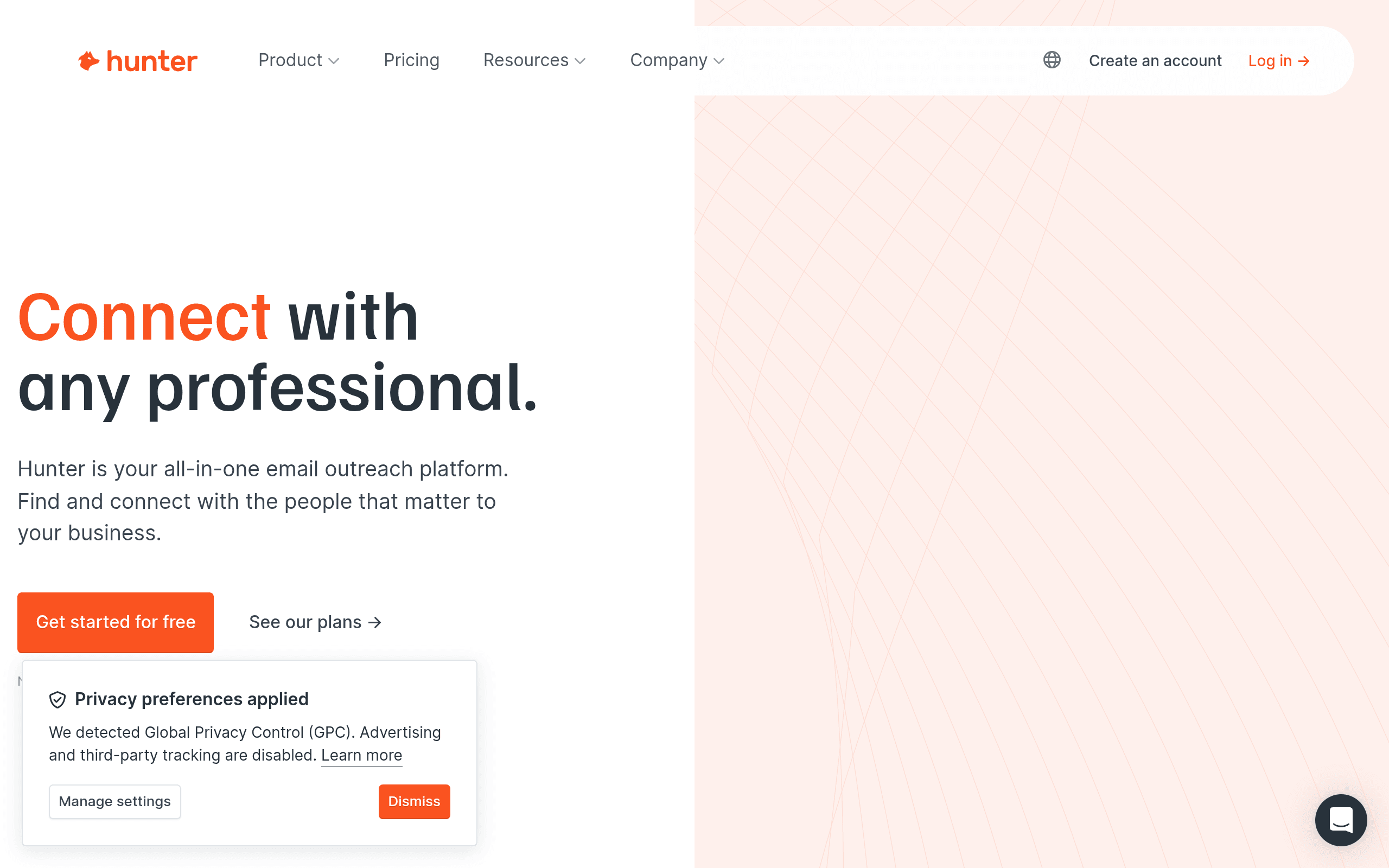
What is the Hunter email finder?
Hunter is built entirely around business email. Three tools do the work:
- Domain Search — enter a company domain and Hunter returns the email addresses it has on file there, plus the company's dominant email pattern (for example,
{first}.{last}@). This is Hunter's signature feature and the reason a lot of people know the brand. - Email Finder — give it a person's name and company, and it returns their most likely address, with a confidence score.
- Email Verifier — check whether an address is deliverable before you send.
That focus is deliberate. Hunter doesn't do phone numbers, intent data, or firmographic enrichment. Its whole value is being excellent at finding and verifying emails.
How to use Hunter's tools in practice
A typical Hunter workflow combines its three tools:
- Start with Domain Search. Enter a target company's domain and Hunter returns the addresses it has on file plus the company's dominant pattern — say,
{first}.{last}@company.com. That tells you the format even for people Hunter doesn't list. - Fill gaps with Email Finder. For a specific person Hunter doesn't already have, enter their name and company; it constructs and scores the most likely address using that pattern.
- Confirm with the Email Verifier. Before you send, run the address through verification — Hunter checks the mail server, flags catch-all domains, and tells you whether it's safe to send.
Used together, these turn "I know the company but not the person's email" into a verified address in a couple of clicks. It's a genuinely clean workflow for email — the only limitation is that email is all it does.
How accurate is Hunter's email finder?
Hunter's reputation rests on verification, and it mostly earns it. In real-world testing, Hunter's results are around 91% valid on standard corporate domains, and the company reports a sub-1% bounce rate on addresses it marks "Valid" (that's a self-reported figure, so treat it as a claim — but it aligns with what most users experience when they send only to verified results).
Two honest caveats:
- Small companies are weaker. Accuracy drops for tiny businesses and domains with little public footprint — there's simply less for Hunter to triangulate from.
- Watch the credit-on-miss reports. Some users report being charged for queries that return no usable email, despite Hunter's marketing suggesting otherwise. Keep an eye on your credit burn versus results.
The practical takeaway is the same as with any finder: trust the verified result, not the raw one, and re-check older addresses before a campaign. Our guide to finding a professional email address walks through why verification matters so much for deliverability.
Hunter email finder pricing and credits (2026)
Hunter has a real free tier and a clear credit model:
| Plan | Price (monthly / annual) | Credits/mo |
|---|---|---|
| Free | $0 (25 searches, no card) | 50 |
| Starter | $49 / $34 | 2,000 |
| Growth | $149 / $104 | 10,000 |
| Scale | $299 / $209 | 25,000 |
How credits work: one credit finds an email (via Domain Search or Email Finder), and half a credit verifies one. The same search or verification is only counted once per billing period, which is fair. Annual billing applies roughly a 30% discount.
For the money, Hunter is reasonably priced for pure email discovery — the question is whether pure email discovery is all you need.

Turn LinkedIn® profiles into CRM contacts
Add to CRM finds verified emails, phone numbers, and job titles on LinkedIn® — then adds them to your CRM in one click.
Start Free Trial


 Trusted by 2,500+ users4.5
When Hunter is the right choice
Hunter is a strong pick when:
- Your job is email, full stop. You're building or verifying email lists at scale and don't need phones or CRM workflow.
- You work by company domain. Domain Search is genuinely one of the best implementations of that pattern.
- You value verification. If low bounce rates matter more than breadth of data, Hunter's focus is a feature.
For a broader set of options at different price points, see our Hunter alternatives comparison.
When to use something else
Hunter's focus is also its ceiling. You'll outgrow it — or need to supplement it — when:
- You need phone numbers too. Hunter doesn't do them; you'll be running a second tool.
- You want the contact in your CRM, not a CSV. Hunter finds the email; getting the person into your CRM as a complete record is a separate, manual step.
- You prospect from profiles and your inbox, not just by typing in domains.
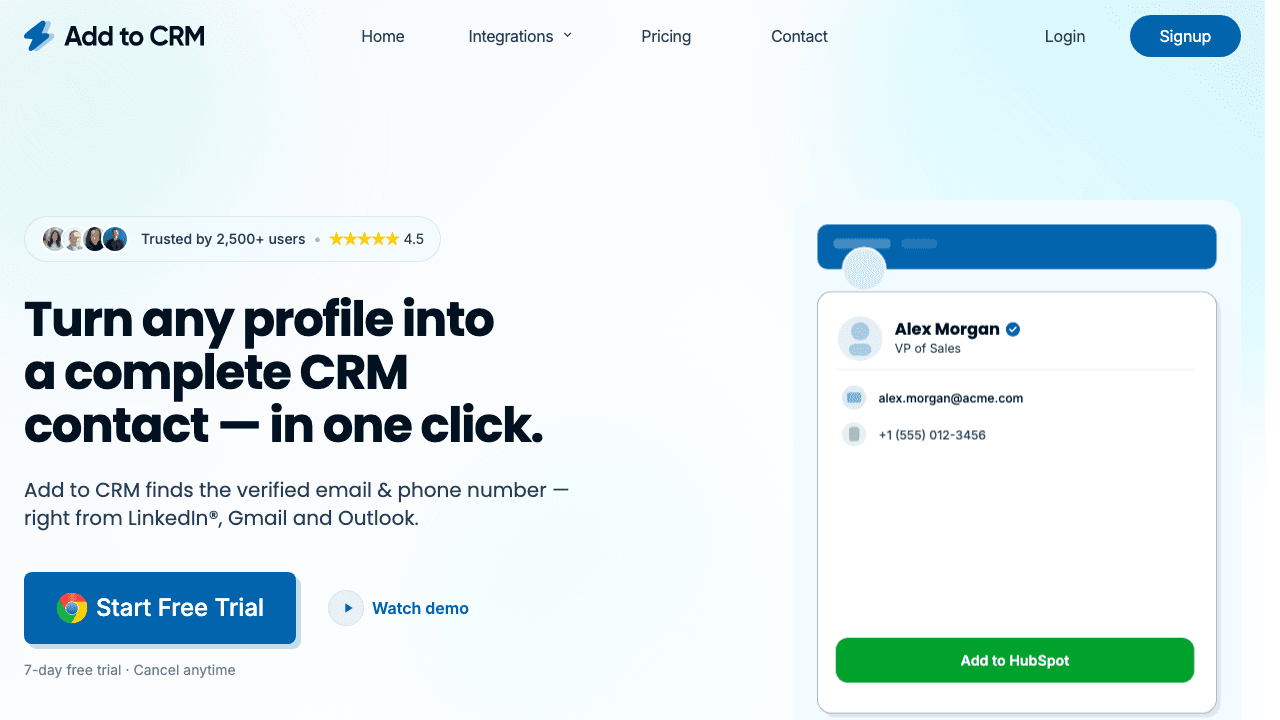
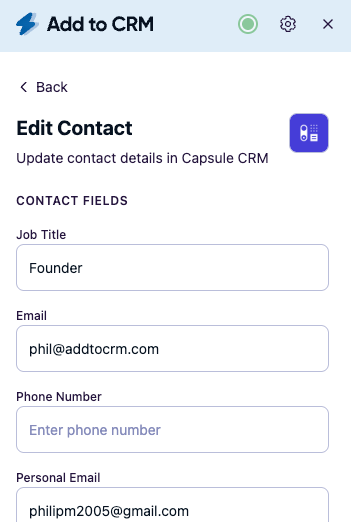
That last gap is where Add to CRM fits. It's a Chrome extension that enriches the person you're viewing — on a professional network, Gmail, or Outlook — with a verified email (a 96% email verification accuracy rate), a phone number, and 20+ data points, then adds them to your CRM in one click with duplicates caught and fields mapped. Where Hunter hands you an address, Add to CRM hands you a complete contact, already in your pipeline. Plenty of teams use both: Hunter for domain-level list building, a capture tool for turning individual prospects into CRM contacts.
Hunter and cold-email deliverability
Because Hunter leads with verification, it's popular with teams who guard their sending reputation. The logic is sound: send only to addresses marked "Valid" and your bounce rate stays low, which keeps you out of spam folders. If your outbound depends on cold email, that discipline matters more than raw database size — a single bad list can damage the deliverability of every email you send afterwards.
The caveat is that verification isn't a guarantee. Catch-all domains accept everything, so a "valid" result there can still fail, and even accurate addresses go stale as people change roles. Treat Hunter's verification as a strong signal, not a promise, and re-check important lists before a big send.
29+ CRMs supported. Try free for 7 days
Add to CRM finds verified emails, phone numbers, and job titles on LinkedIn® — then adds them to your CRM in one click.
Start Free TrialTrusted by 2,500+ users4.5Hunter email finder vs a one-click capture tool
| Hunter | Add to CRM | |
|---|---|---|
| Core job | Find + verify emails by domain/name | Enrich a contact and add it to your CRM |
| Phone numbers | No | Yes (verified where available) |
| Where you work | Domain/name search, web app | Profiles + Gmail + Outlook |
| Into your CRM | Manual (export/import) | One click, 27+ CRMs |
| Free option | 25 searches + 50 credits/mo | 7-day free trial |
| Best for | Email discovery at scale | Verified contacts in the CRM, fast |
Competitor details are as of mid-2026 and change often — check Hunter's site for current pricing.
Frequently asked questions
Is Hunter's email finder accurate? For standard corporate domains it's strong — around 91% valid in testing, and Hunter reports a sub-1% bounce rate on addresses it marks "Valid." Accuracy is weaker for very small companies, so verify before sending.
Does Hunter have a free plan? Yes — Hunter's free tier gives 25 searches and 50 credits a month with no credit card required, which is enough to test it on your own domains.
Does Hunter find phone numbers? No. Hunter is email-only. If you need phone numbers, you'll need a second tool — or a contact-enrichment extension like Add to CRM that returns email and phone together.
Is Hunter good for cold email? Yes, within its lane. Hunter's verification helps keep bounce rates low, which protects your sender reputation — but it finds and checks emails only. You'll still need a separate tool to send sequences and another to get contacts into your CRM.
What's the best Hunter alternative? For getting verified contacts into your CRM in one click, Add to CRM is a focused, purpose-built switch; for a wider comparison see our Hunter alternatives page.
Turn found emails into pipeline. Add to CRM finds verified emails and phone numbers on professional profiles, Gmail, and Outlook — and adds each contact to any of 27+ CRMs in one click. Start a 7-day free trial and add your first contact in under two minutes.
Start saving time and closing more deals.
Find verified contact info for your prospects on LinkedIn®, Gmail and Outlook — and add them to your CRM with 1-click.

 Loading...Trusted by 2,500+ founders, SDRs & more