How to Find Anyone's Professional Email Address (2026 Guide)
How to find someone's professional email from a profile, a name, or a company domain — the methods that actually work, the free tools, and how to verify.
TL;DR: There are three reliable ways to find someone's professional email address: pull it straight from their professional profile with an enrichment tool, work it out from their name and company domain, or grab it from an email they've already sent you. Whichever you use, verify the address before you send to avoid bounces — and if the goal is to actually reach out, get the contact into your CRM the moment you find it instead of leaving it in a spreadsheet.
Finding a professional email address used to mean guessing firstname@company.com and hoping. In 2026 you have far better options — but also far more tools competing for your attention, most of which want to sell you a database you don't need. This guide cuts through it. We'll walk through the three methods that genuinely work, when to use each, how to verify a result so it doesn't bounce, and how to turn a found email into a real contact in your CRM without the copy-paste.
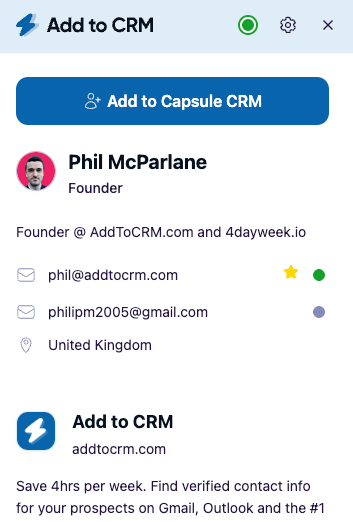
The three reliable ways to find a professional email
Before the detail, here's the short answer you came for:
- From a professional profile — use a browser extension that enriches the profile you're viewing and returns a verified email. Quickest when you already know who you want.
- From a name + company domain — apply the common email-format patterns (or a domain-search tool) when you know the person and where they work but not their address.
- From your inbox — pull the address of someone who has already emailed you in Gmail or Outlook, and enrich the rest of their details.
Most people need all three at different times. Let's take them in order.
Method 1: Find the email from a LinkedIn or business-network profile
This is the quickest route when you're prospecting, because you're usually already looking at the person. You're on a professional network, you've found the right decision-maker, and you want their email without leaving the page.
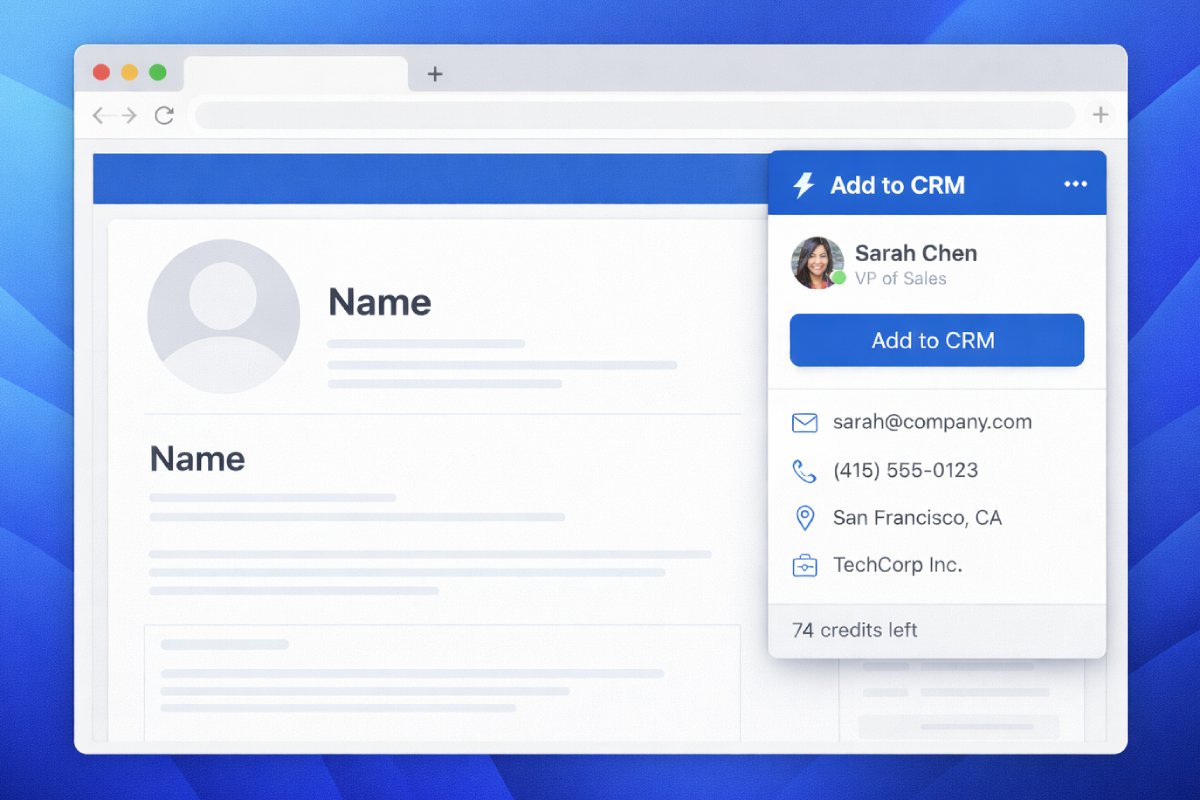
A contact-enrichment browser extension does this in place. It reads the profile you're viewing, matches it against professional-data providers, and returns a verified work email (plus phone, job title, company, and other firmographic fields) — no separate search, no exporting a list.
A few things to look for so you pick a good one:
- It returns a verified email, not a guess. The difference between "found" and "verified" is the difference between a reply and a bounce (more on that below).
- It works on more than one surface. The strongest workflows cover business networks and Gmail and Outlook, so you can capture a contact from an email thread as easily as from a profile.
- It respects the platform. Enriching a profile you're already viewing is very different from bulk-harvesting data at scale. Stay on the right side of that line — it protects your accounts.
Add to CRM is built for exactly this: it enriches the person or company you're looking at and returns a verified email plus 20+ data points, then lets you push the whole contact into your CRM in one click. We'll come back to that last part, because it's the step most tools skip.
Method 2: Work out the email from a name and company domain
When you know someone's name and employer but can't pull their profile, you can usually deduce the address, because most companies use one of a small number of predictable formats.
Here are the patterns that cover the large majority of business email addresses:
| Pattern | Example for "Jane Smith" at acme.com |
|---|---|
firstname.lastname@ | jane.smith@acme.com |
firstname@ | jane@acme.com |
firstinitiallastname@ | jsmith@acme.com |
firstnamelastname@ | janesmith@acme.com |
lastname.firstname@ | smith.jane@acme.com |
firstinitial.lastname@ | j.smith@acme.com |
The trick is knowing which pattern a given company uses. Two shortcuts:
- Find one known address at the company (a public "contact" page, a press release, a team member's published email) and copy its format for everyone else.
- Use a domain-search tool that already knows the company's dominant pattern and lists the addresses it has on file. Specialist email-finders like Hunter are built around this — we cover how Hunter's email finder performs in a dedicated review.
Working from the company domain is a slightly different job from finding a specific person's address, and it deserves its own playbook — our guide to finding company email addresses goes deep on domain patterns and catch-all detection. Whatever pattern you land on, don't send to it yet — verify it first.
Method 3: Find the email of someone who's already contacted you
Some of your best prospects are hiding in your own inbox — a demo request from a personal Gmail address, a reply from someone whose full details you never captured, a forwarded thread with three new stakeholders on it.
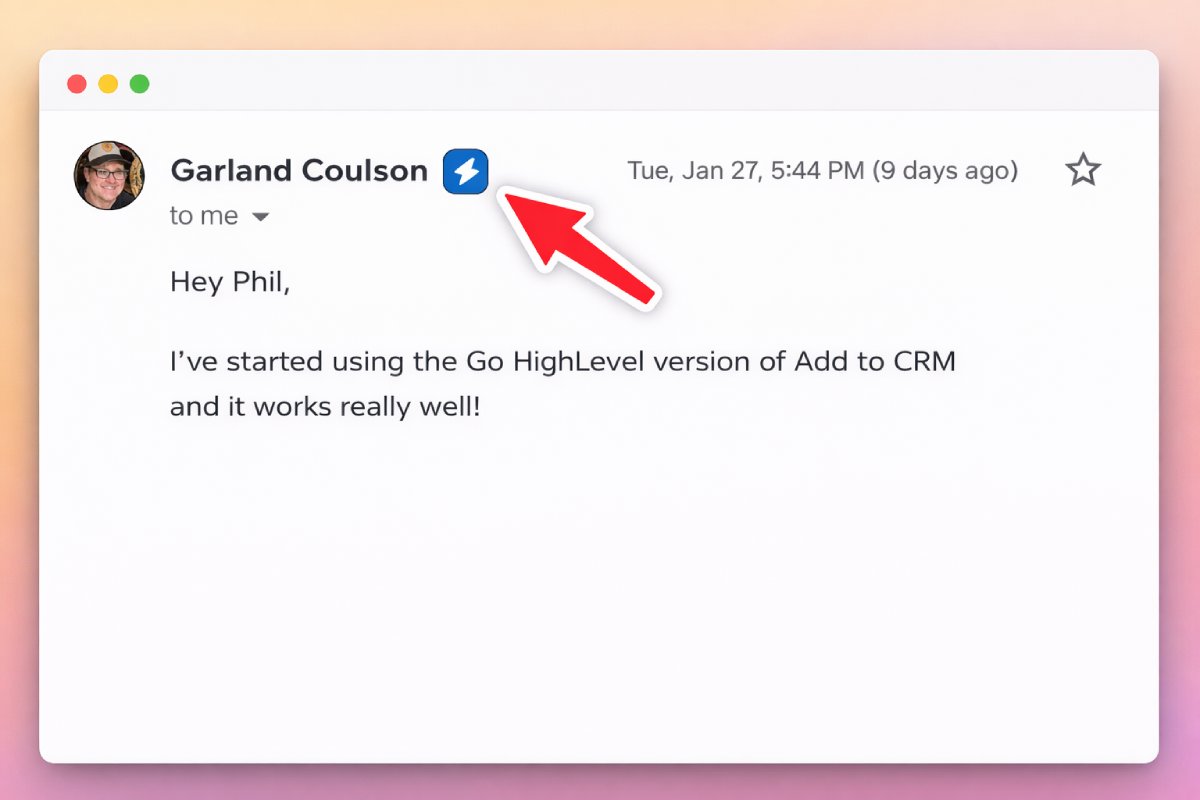
If you use Gmail or Outlook, you can enrich a sender in place: identify the person behind the address, fill in their job title and company, and confirm the best email to use going forward. This turns a one-line signature into a complete contact record — and it's the moment most teams lose data, because they read the email, mean to "add them later," and never do.

Turn LinkedIn® profiles into CRM contacts
Add to CRM finds verified emails, phone numbers, and job titles on LinkedIn® — then adds them to your CRM in one click.
Start Free Trial


 Trusted by 2,500+ users4.7
Always verify before you send
Here's the part that separates people who get replies from people who get blocked: verification.
A found email is a hypothesis. A verified email is one that has been checked — the domain accepts mail, the mailbox exists, it isn't a catch-all or a known spam trap. Sending to unverified addresses is how you rack up bounces, and bounces are how mailbox providers decide you're a spammer and start sending your good emails to junk.
The maths is unforgiving. Deliverability specialists generally advise keeping your hard-bounce rate under roughly 2%. A list where one address in five is wrong will blow straight past that and damage the sender reputation of your whole domain.
So:
- Prefer tools that verify at the point of discovery rather than handing you a raw guess. When Add to CRM returns an email, it's checked in real time — our data carries a 96% email verification accuracy rate, meaning the address has been validated, not merely pattern-matched.
- Re-verify older lists before a campaign — business email decays fast as people change jobs.
- Watch the "catch-all" trap. Some domains accept everything, so a "valid" result there can still bounce. Good verifiers flag these.
Free vs paid email finders: which do you actually need?
You do not always need a paid tool. Here's an honest way to decide:
| If you... | Use |
|---|---|
| Need a handful of addresses a month | A free tier (most finders include a small monthly allowance) or manual pattern-matching + a free verifier |
| Prospect regularly and value speed | A paid enrichment extension that finds and verifies in your workflow |
| Send high-volume campaigns | A finder with bulk verification and clear catch-all handling |
| Sell into the EU/UK | A provider with GDPR-compliant B2B data and documented sourcing |
The big-database tools — Apollo, RocketReach, and similar — bundle email finding into a wider platform. They're powerful, but you pay for a lot you may not use, and their credit models can get expensive. We compare the popular ones honestly in our reviews of the Apollo email finder and the RocketReach email finder.
Is it legal to find someone's professional email?
Finding and using a work email address for legitimate B2B outreach is generally lawful, but the rules depend on where your prospect is:
- United States (CAN-SPAM): B2B cold email is permitted, provided you identify yourself, don't use deceptive subject lines, and honour opt-outs.
- EU/UK (GDPR / PECR): you need a lawful basis (legitimate interest is the usual one for B2B), you should be able to show where the data came from, and you must offer an easy opt-out.
- Everywhere: target genuinely relevant people, keep volumes sane, and make unsubscribing painless. Compliance and good deliverability point in the same direction.
Use verified, properly sourced business data — not addresses harvested in bulk from places that prohibit it. It's both the compliant choice and the one that keeps your accounts healthy.
29+ CRMs supported. Try free for 7 days
Add to CRM finds verified emails, phone numbers, and job titles on LinkedIn® — then adds them to your CRM in one click.
Start Free TrialTrusted by 2,500+ users4.7From "found" to "in your CRM" in one click
Finding the email is only half the job. If the address ends up in a spreadsheet, or in a notes app, or in your head, it isn't working for you — and the follow-up that actually books the meeting never happens.
The fix is to capture the contact into your CRM at the moment you find it. That's the job Add to CRM is built for: find a verified email on a profile or in your inbox, then add the person — with their email, phone, job title, and company all mapped to the right fields — into any of 29+ CRMs in one click. It checks for duplicates (a green tick tells you they're already there), logs the activity, and never makes you switch tabs.
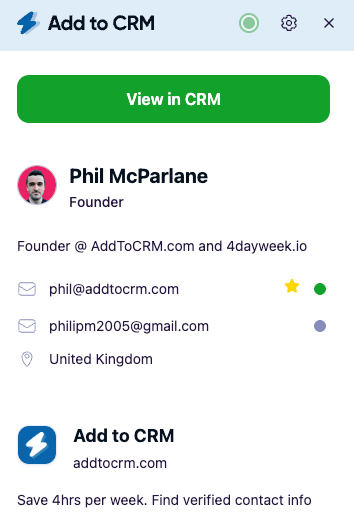
That means the email you just found becomes a real, actionable contact in Capsule, Pipedrive, HubSpot, Zoho, Close, or whatever CRM your pipeline lives in — instead of a line in a file you'll forget to import. If you're starting from your existing network, our guide to exporting your business-network connections to a CRM shows how to do it at scale.
Frequently asked questions
What's the fastest way to find someone's email address? If you're already viewing their professional profile, a contact-enrichment browser extension is usually quickest — it returns a verified email in a click without a separate search. If you only know their name and employer, use the company's email-format pattern or a domain-search tool.
How do I find an email from a LinkedIn profile? Use an enrichment extension that reads the profile you're viewing and returns a verified work email. Add to CRM does this and, in the same click, adds the person to your CRM with their full details.
Are free email finders accurate? Free tiers are fine for low volume, but accuracy varies and the allowances are small. The bigger risk is skipping verification — always confirm an address is valid before you send, whether you found it free or paid.
How do I stop my emails from bouncing? Only send to verified addresses, re-verify older lists before a campaign, and watch out for catch-all domains that accept anything. Keeping your bounce rate low protects your sender reputation.
Can I find an email address for free? For a small number, yes — most finders include a limited free tier, and you can often deduce an address from the company's format and confirm it with a free verifier. For regular prospecting, a paid tool that finds and verifies in your workflow saves far more time than it costs.
Ready to turn found emails into booked meetings? Add to CRM finds verified emails on professional profiles, Gmail, and Outlook — and adds each contact to your CRM in one click. Start a 7-day free trial and add your first contact in under two minutes.
Start saving time and closing more deals.
Find verified contact info for your prospects on LinkedIn®, Gmail and Outlook — and add them to your CRM with 1-click.

 Loading...Trusted by 2,500+ founders, SDRs & more