Apollo Email Finder: How Accurate Is It, and When to Use Something Else
An honest 2026 look at Apollo's email finder — how it works, its real-world accuracy, what it costs, and when a focused capture-to-CRM tool is the better fit.
TL;DR: Apollo's email finder is genuinely capable — it sits on one of the largest B2B databases around and is bundled into an all-in-one sales platform. But its headline accuracy claim is higher than what many teams see in real campaigns, its once-generous free plan has been cut hard, and the credit model can get expensive. If you want a whole prospecting platform, Apollo is a reasonable home. If you just need verified contacts in your CRM, a focused capture tool will get you there with less overhead.
Apollo.io is one of the best-known names in sales intelligence, and its email finder is the feature most people meet first. This review covers what it actually does, how accurate it is in practice (not just on the marketing page), what it costs in 2026, and — honestly — when you'd be better served by something simpler.
What is the Apollo email finder?
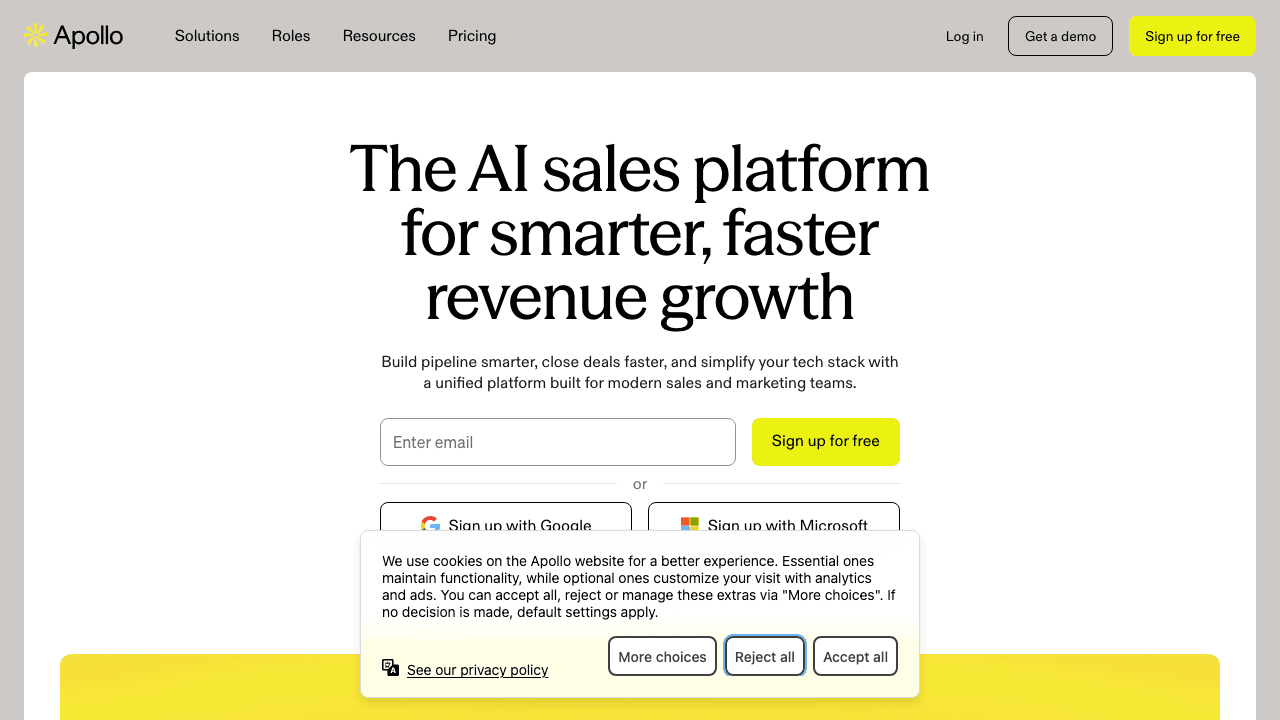
Apollo's email finder is one tool inside a much larger platform. At its core, it matches a person — from a professional profile, a name-and-company, or a search filter — against Apollo's database and returns a business email address. Around that, Apollo layers a huge searchable contact database, a Chrome extension, a dialer, and email sequences.
That bundling is the whole Apollo pitch: find the contact, then work them, all in one tool. For teams that genuinely want an all-in-one, it's a strong offer. The email finder itself is fast, integrates with the search filters, and pulls from a database Apollo puts at 270 million-plus contacts (Apollo's own figure; independent sources cite anywhere from 230M to 275M+).
How Apollo's email finder works, step by step
In practice, using Apollo's email finder looks like this:
- Search or land on a person — either from Apollo's database search (filter by title, industry, company size, and dozens of other criteria) or from the Chrome extension while you're viewing a profile.
- Apollo matches the person against its database and returns the most likely business email, usually with a confidence indicator.
- A credit is spent when you reveal or export the contact.
- You verify and export — Apollo can check the address, and you push it into a sequence, a list, or your CRM.
The strength of this flow is that it's all in one place: you can go from a filtered search to a running email sequence without leaving Apollo. The weakness is that each step — reveal, verify, export — carries a credit and a workflow cost, and the "export to CRM" step is where a lot of teams find the data doesn't land as cleanly as they'd like.
How accurate is Apollo's email finder?
This is where you need to separate the claim from the experience.
Apollo advertises around 97% email accuracy. That's the number on the marketing page. In real-world use, reviewers and cold-email practitioners consistently report something lower: deliverability in the region of 65–73% on exported lists, with a clear geographic split — stronger for US contacts (roughly 73%) and weaker internationally (closer to 58%). One widely-shared practitioner test of several hundred leads, verified through a third-party checker and then sent, reported bounce rates in the 32–38% range.
None of that makes Apollo's data bad — it's a large, actively-maintained database, and for US B2B it's competitive. But two lessons follow:
- Verify before you send, always. Whatever tool you use, don't trust a headline accuracy figure — run addresses through verification and watch for catch-all domains. (Our guide to finding a professional email address covers the verification maths.)
- Test on your own ICP and regions. If you sell outside North America, benchmark Apollo on your segment before you commit — coverage quality varies a lot by geography.

Turn LinkedIn® profiles into CRM contacts
Add to CRM finds verified emails, phone numbers, and job titles on LinkedIn® — then adds them to your CRM in one click.
Start Free Trial


 Trusted by 2,500+ users4.7
Apollo email finder pricing and credits (2026)
Apollo runs four plans in 2026, all cheaper billed annually:
| Plan | Price (≈, per user/mo) | Who it's for |
|---|---|---|
| Free | $0 | Light, occasional prospecting |
| Basic | ~$49 | Individuals and small teams |
| Professional | ~$79 | Active sales teams |
| Organization | ~$119 | Larger orgs needing admin/controls |
Two things to know about the money:
- The free plan was cut hard. Apollo's free tier used to include around 10,000 credits a month; it's now a small fraction of that — a few hundred credits a year — which caught a lot of long-time users off guard. It's fine for trying the product, not for ongoing work.
- Credits add up. Email finds, phone numbers, and exports draw on credits, and the effective monthly cost often lands above the advertised per-seat price once you factor in overages. Budget for the real number, not the sticker.
For a full field of options at different price points, see our roundup of the best Apollo alternatives.
When Apollo is the right choice
Be fair to Apollo — it's the right tool when:
- You want the all-in-one. Database search, email finding, a dialer, and sequences in one place, and you'll actually use all of it.
- You prospect US-heavy B2B where its coverage is strongest.
- You're comfortable managing a credit model and will set up verification in your workflow.
If that's you, Apollo earns its place — and swapping to a narrower tool would mean giving up capabilities you value.
When to use something else
The most common reason teams move on isn't that Apollo is bad — it's that they were paying for a database-and-outreach platform when what they actually needed was verified contacts landing in their CRM. Signs you're in that camp:
- You rarely touch the dialer or sequences; you just want good contacts in your pipeline.
- You keep hitting bounce rates on exported lists and cleaning up afterwards.
- Your CRM isn't one of the two or three every big tool prioritises.
- The credit math has made the "cheap" plan not-cheap.
If that sounds familiar, a focused capture-to-CRM tool removes the parts you're fighting and keeps the part you wanted.
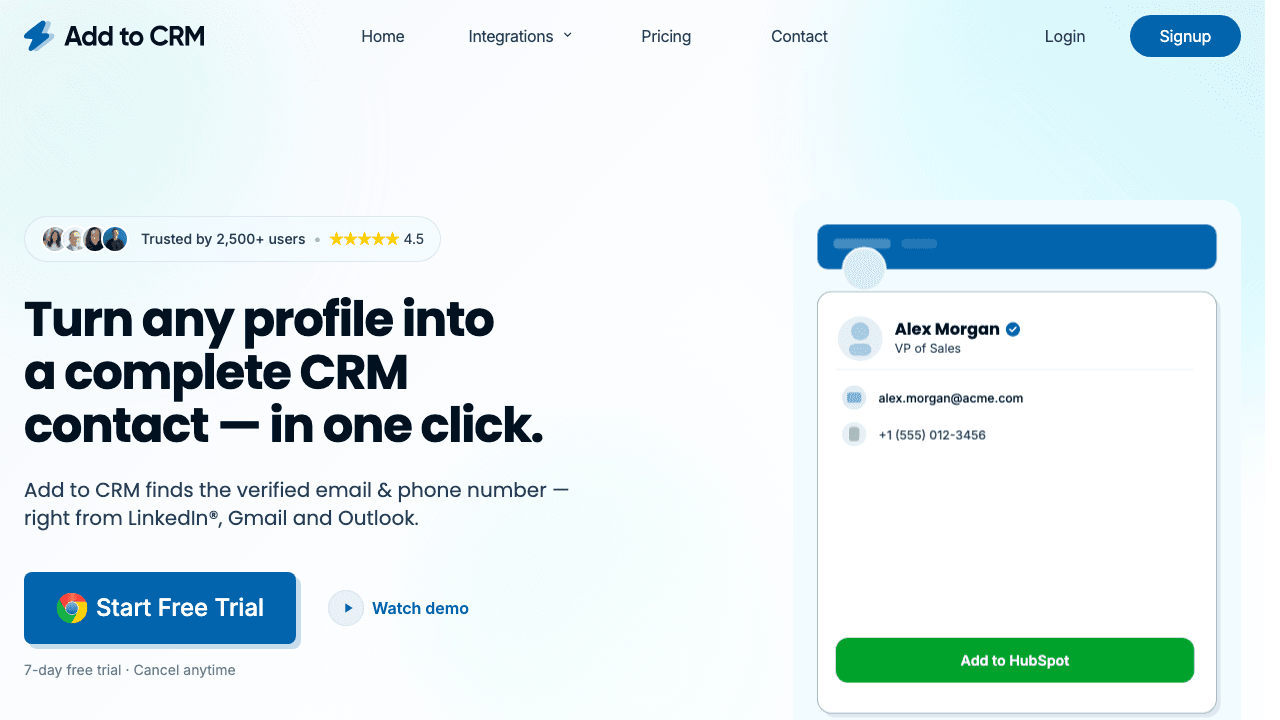
Add to CRM is a Chrome extension that does one job well: it enriches the person or company you're viewing on a professional network, Gmail, or Outlook — returning a verified email (a 96% email verification accuracy rate) plus 20+ data points — and adds them to your CRM in one click, fields mapped and duplicates caught. It isn't a 270-million-record standalone database or a sequencer, and it doesn't try to be. It's for the team whose bottleneck was never finding data but getting clean data into the CRM.
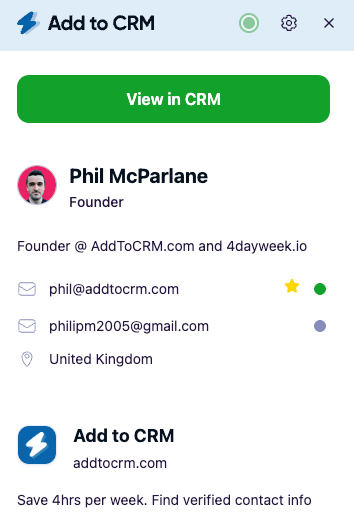
29+ CRMs supported. Try free for 7 days
Add to CRM finds verified emails, phone numbers, and job titles on LinkedIn® — then adds them to your CRM in one click.
Start Free TrialTrusted by 2,500+ users4.7Apollo email finder vs a one-click capture tool
| Apollo | Add to CRM | |
|---|---|---|
| Core job | All-in-one database + finder + dialer + sequences | Enrich a contact and add it to your CRM |
| Where you capture | Profiles + database search | Profiles + Gmail + Outlook |
| CRM coverage | Popular CRMs | 29+ CRMs, incl. long-tail |
| Email verification | Provided; verify before sending | Verified at the point of discovery |
| Pricing model | Credits (free tier cut in 2026) | 7-day free trial, then credit plans |
| Best for | Teams wanting the whole platform | Teams wanting verified contacts in the CRM, fast |
Competitor details are as of mid-2026 and change often — check Apollo's site for current pricing.
Frequently asked questions
Is Apollo's email finder accurate? Apollo advertises around 97% accuracy, but reviewers report real-world deliverability closer to 65–73%, stronger for US contacts than international ones. Always verify addresses before sending, regardless of the source.
Does Apollo have a free email finder? Apollo has a free tier, but it was cut sharply in 2026 — from around 10,000 credits a month to a few hundred a year. It's enough to try the tool, not to prospect regularly.
What's a good Apollo email finder alternative? It depends on the job. For getting verified contacts into your CRM in one click, Add to CRM is a focused, purpose-built switch; for a wider field see our Apollo alternatives roundup.
How much does Apollo cost? In 2026, plans run from Free through Basic ($49), Professional ($79), and Organization (~$119) per user per month, cheaper billed annually — plus credit usage on top.
Does Apollo work with my CRM? Apollo integrates with the popular CRMs, but coverage narrows for smaller or niche systems, and getting exported data to map cleanly is a common friction point. If your CRM isn't one of the majors, a tool like Add to CRM that supports 29+ CRMs may fit your stack better.
Want the contacts without the platform overhead? Add to CRM finds verified emails on professional profiles, Gmail, and Outlook and adds each one to any of 29+ CRMs in one click. Start a 7-day free trial and add your first contact in under two minutes.
Start saving time and closing more deals.
Find verified contact info for your prospects on LinkedIn®, Gmail and Outlook — and add them to your CRM with 1-click.

 Loading...Trusted by 2,500+ founders, SDRs & more